
Téléchargement immédiat · Licences claires · Avis vérifiés

Dettagli del prodotto

Tutto ciò che serve prima di creare

Controlla contenuto, compatibilità, licenza e assistenza prima dell’acquisto.

Cosa è incluso

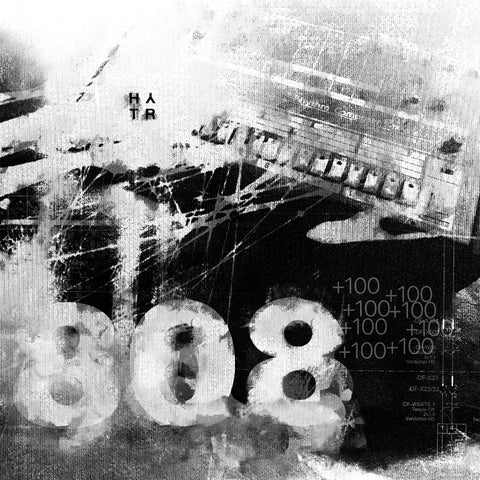
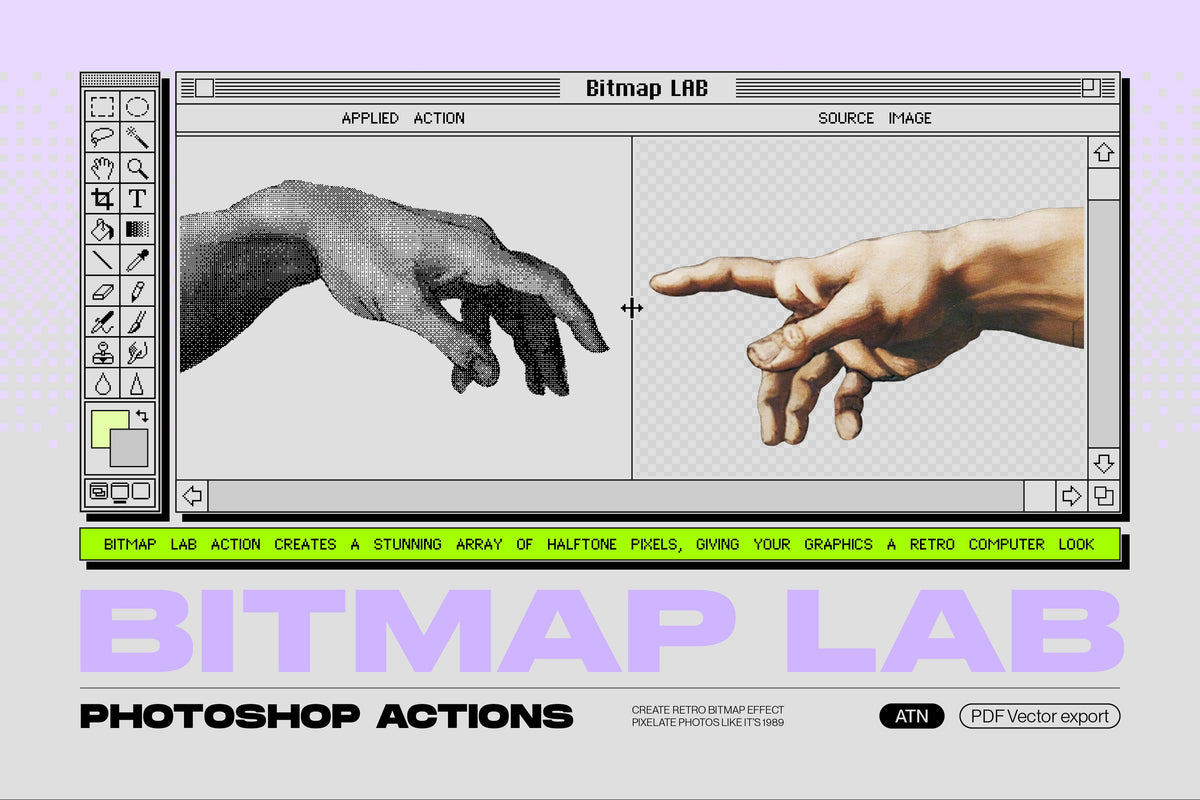
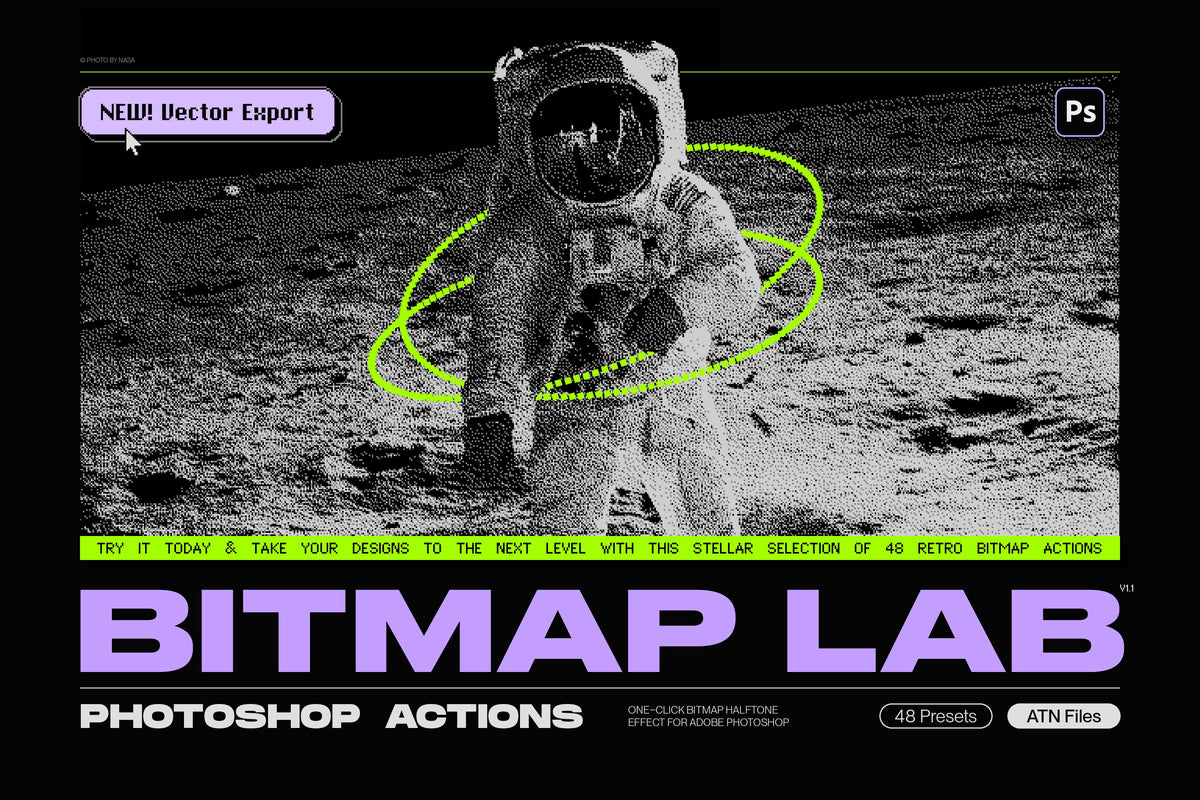
Introducing the Bitmap LAB - Adobe Photoshop action that produces an instant halftone pixel effect!

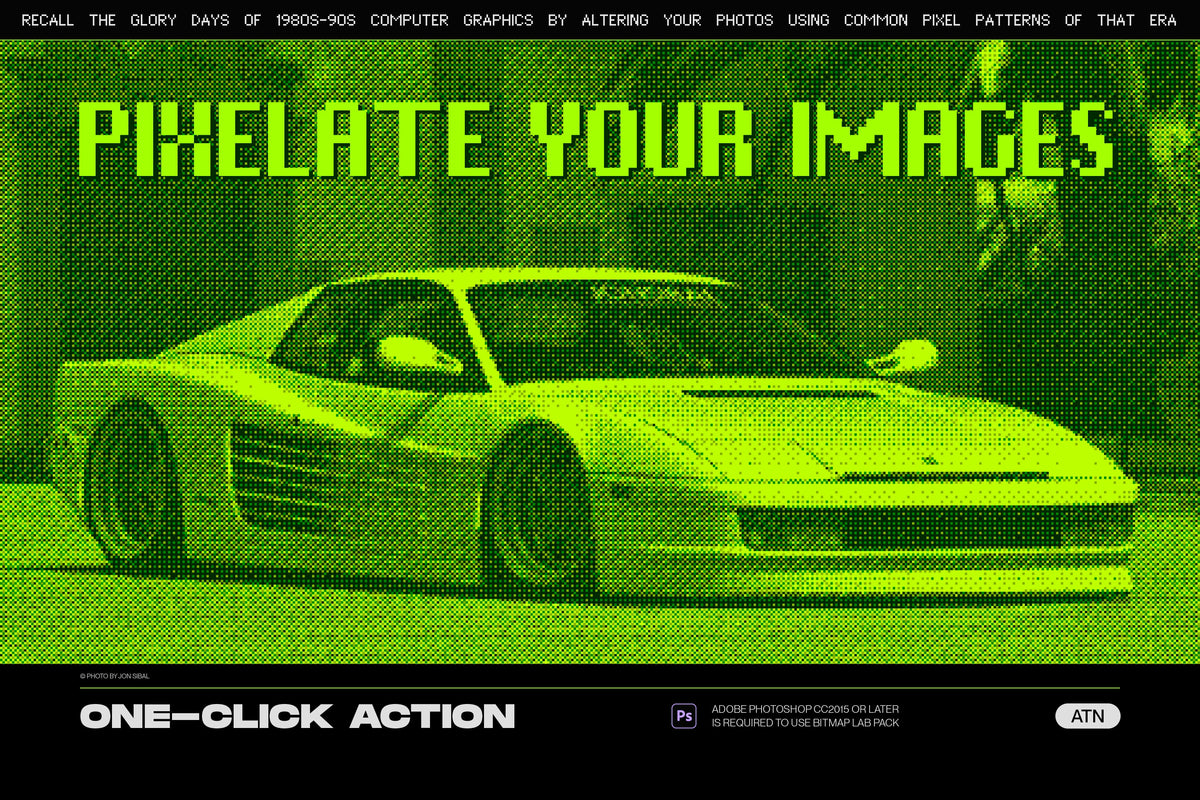
This powerful tool allows you to easily transform any graphics into a unique and eye-catching retro halftone design with just one click.
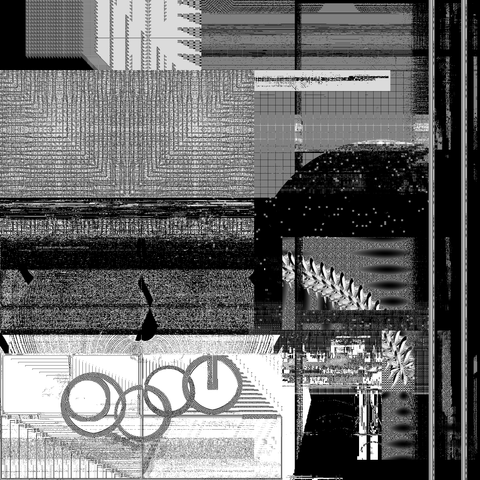
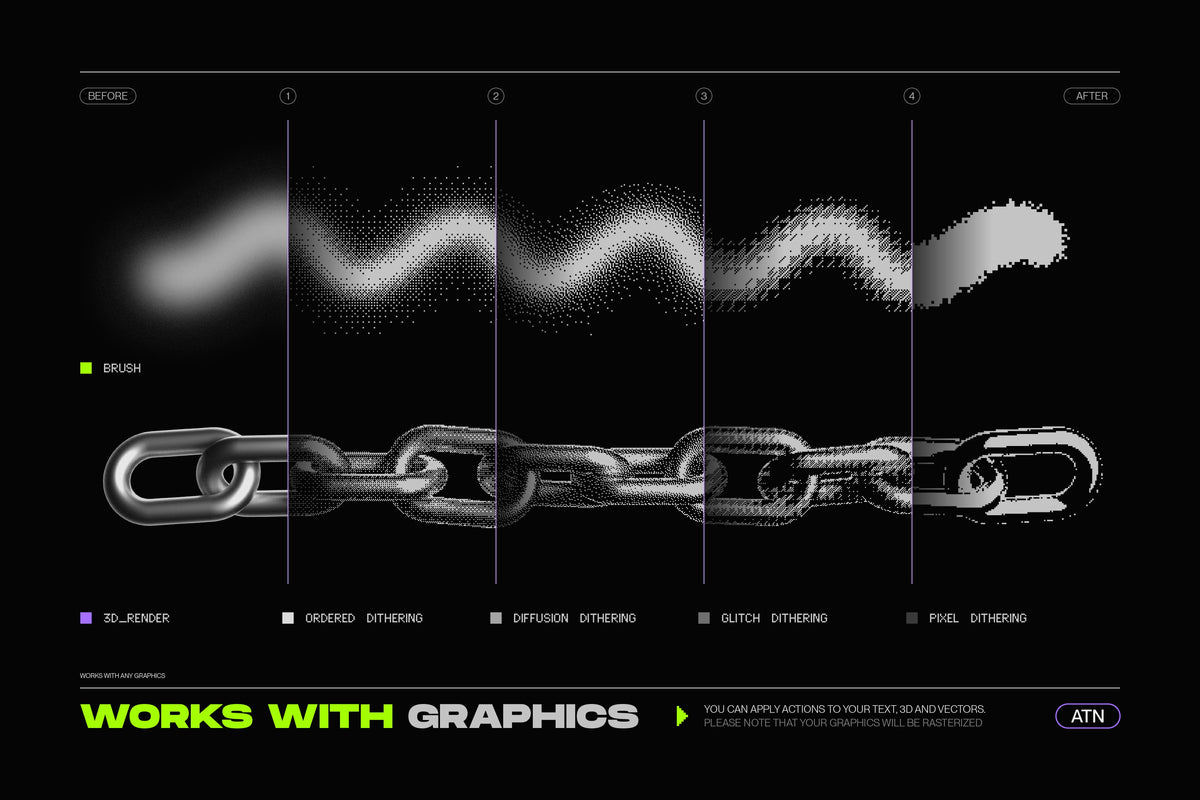
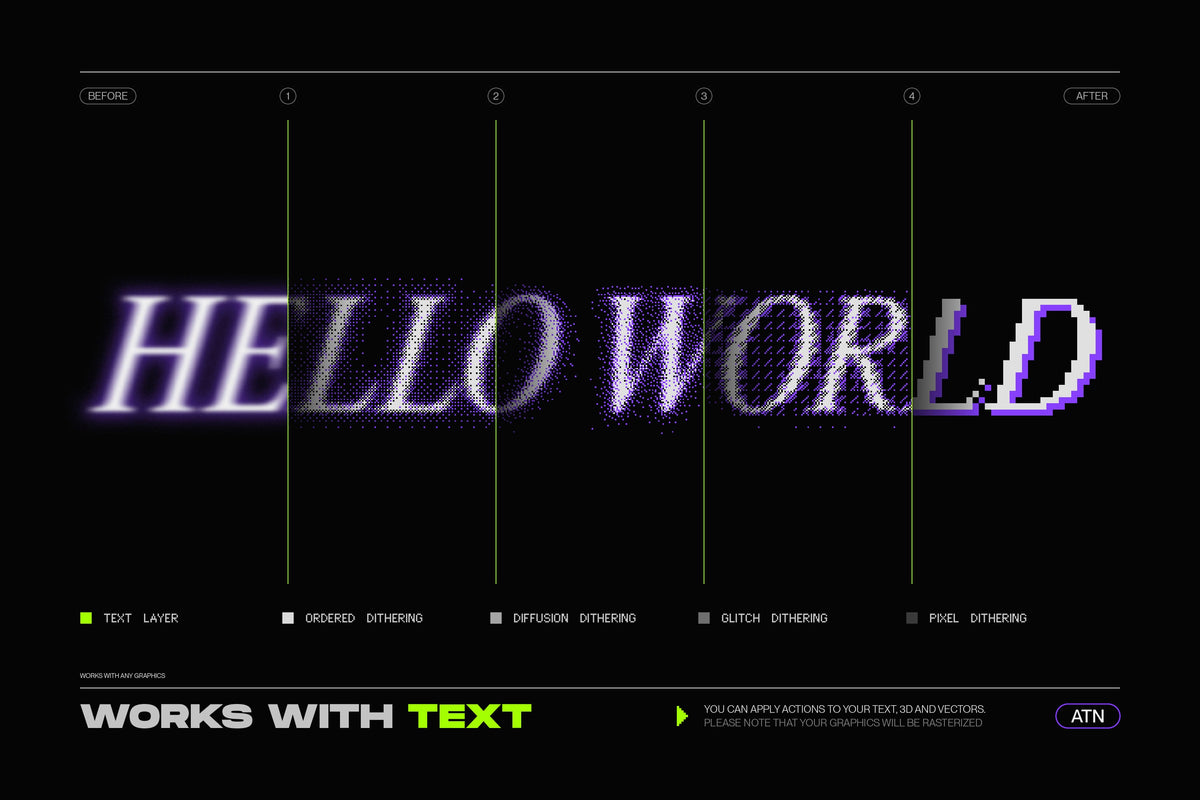
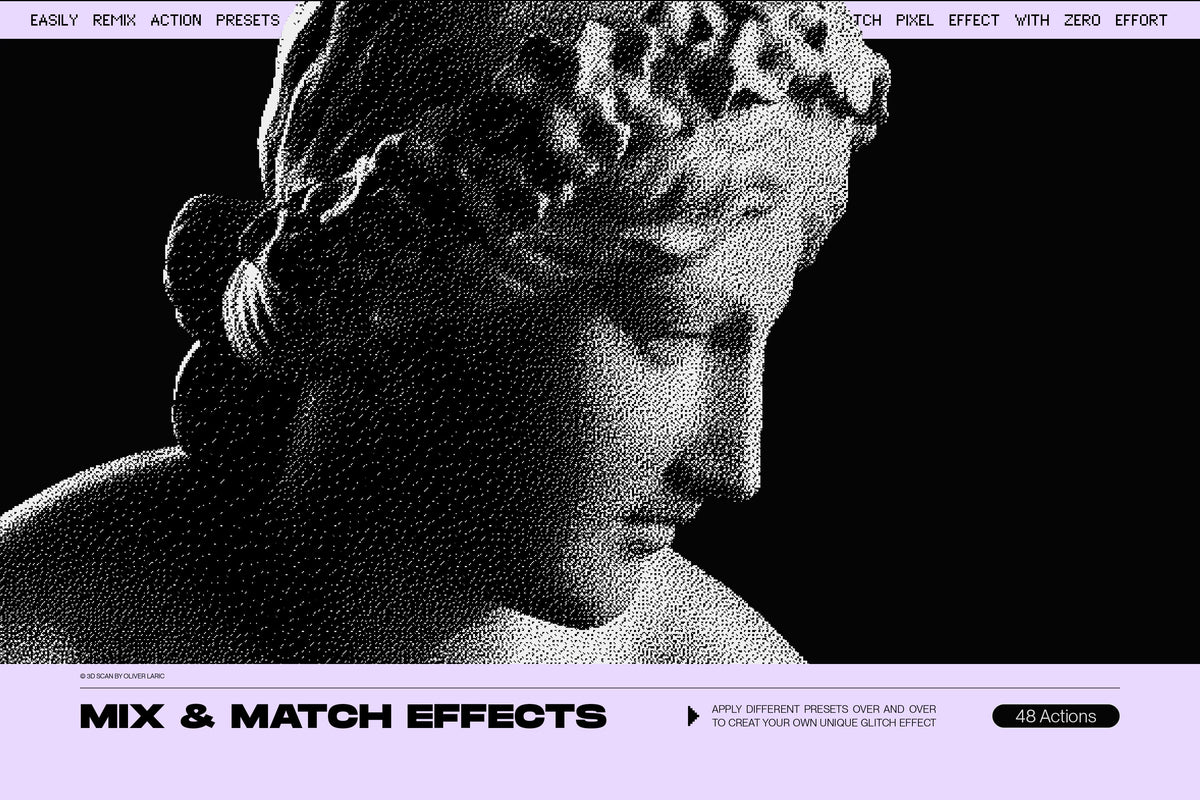
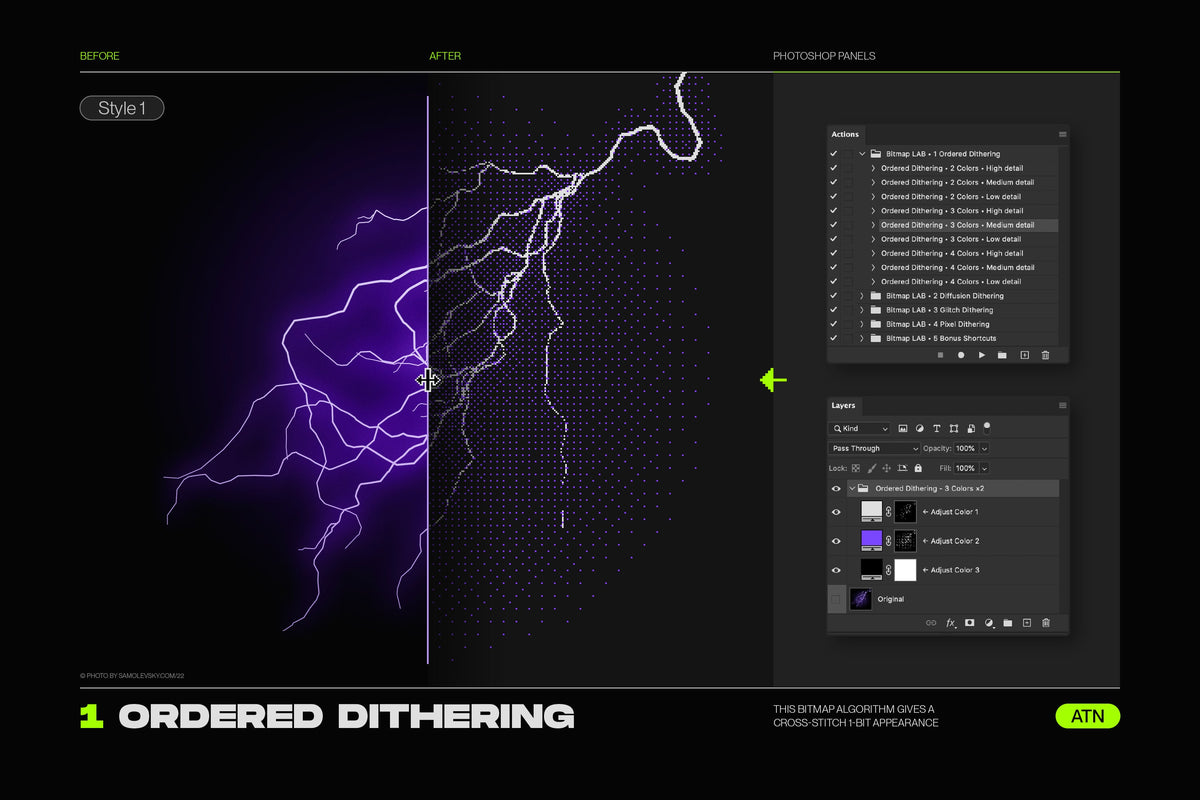
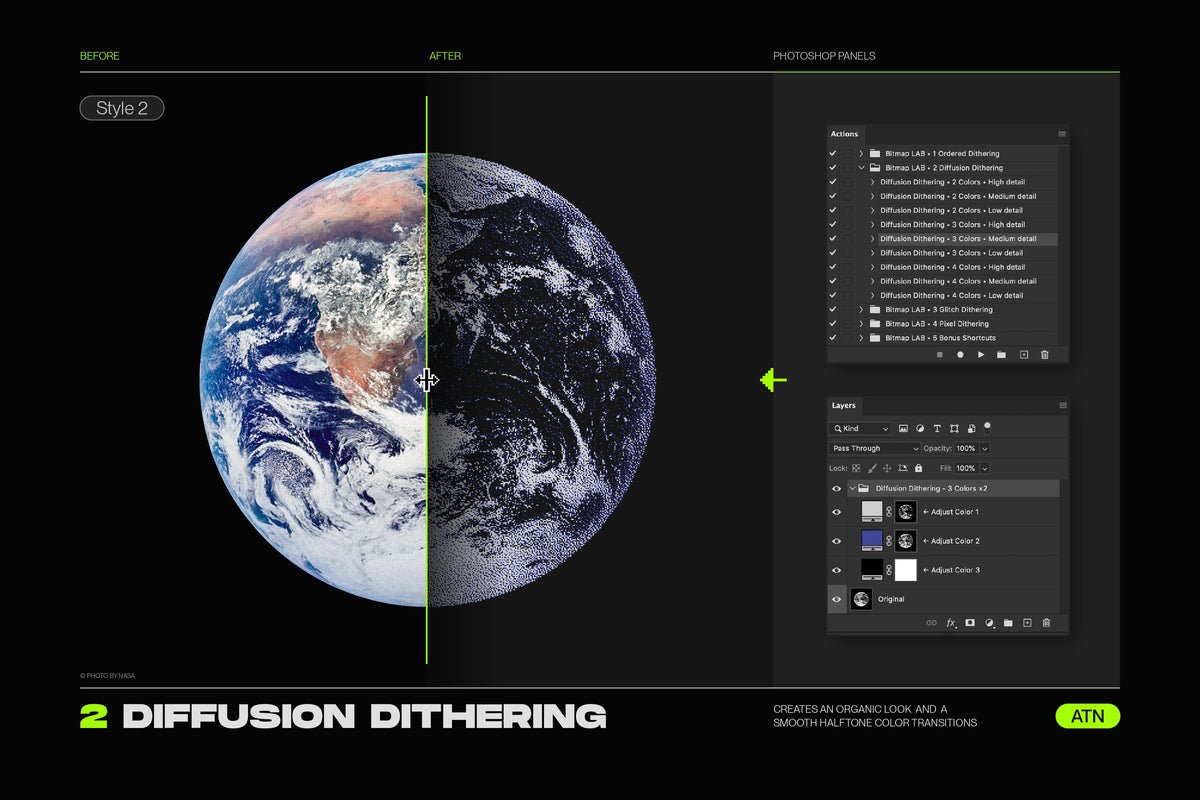
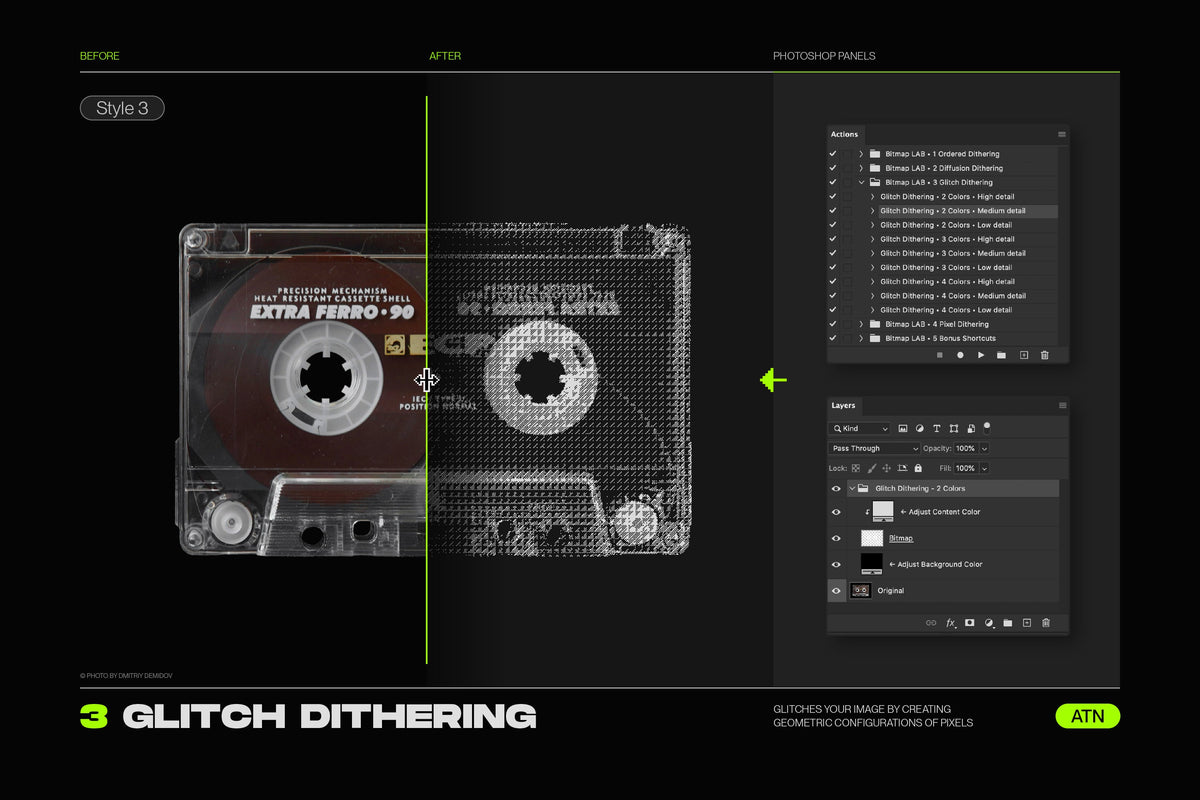
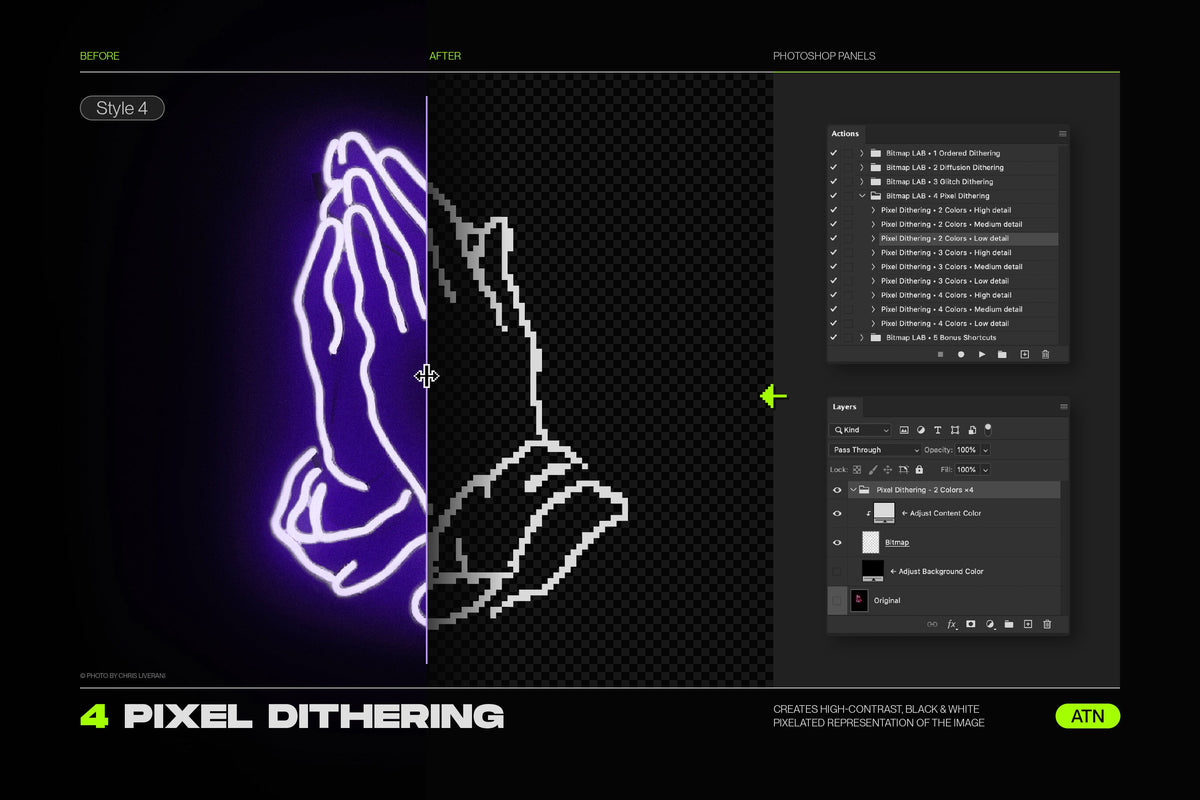
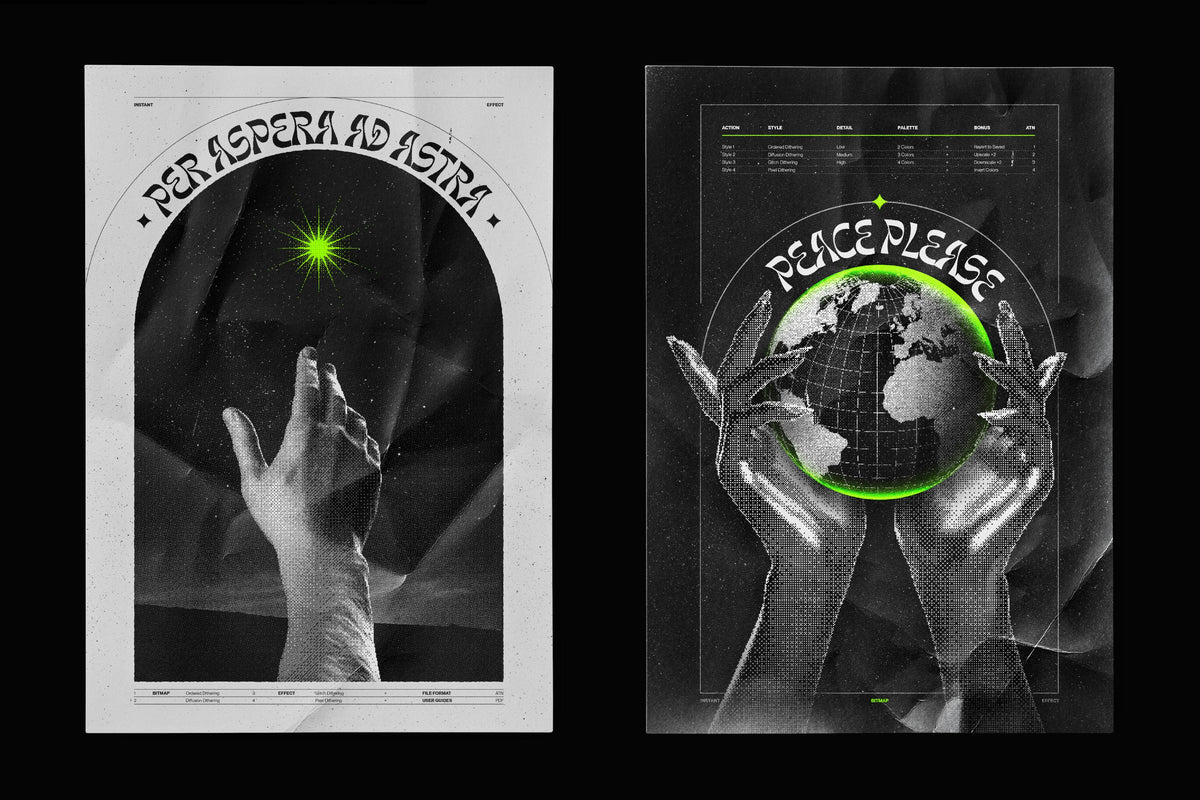
Using advanced Photoshop algorithms, the Bitmap LAB action converts your photos, text, vectors, illustrations, or 3D renders into a stunning array of halftone pixels, also known as dithering.

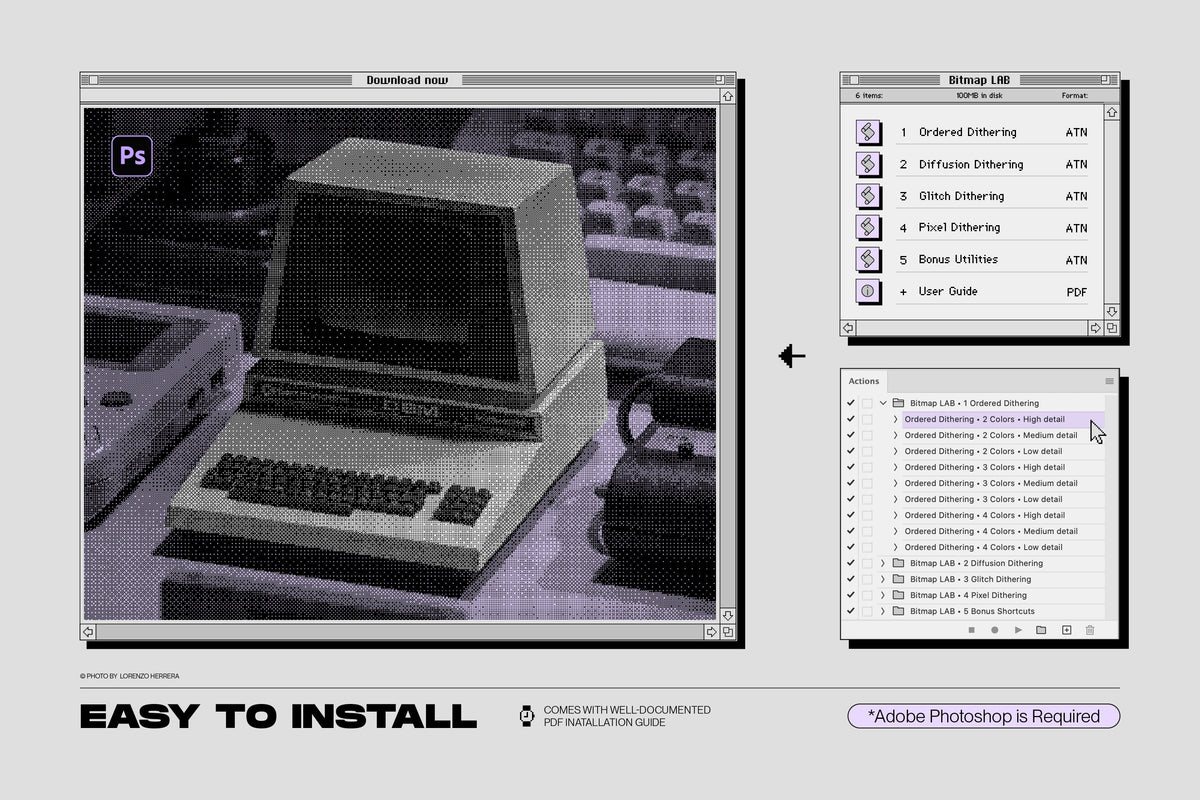
With 4 different dithering styles and 48+ versatile actions included as ATN Photoshop files, this tool offers almost limitless creative potential that is really only limited by your imagination. Experiment with a variety of presets and achieve the perfect look for your project.
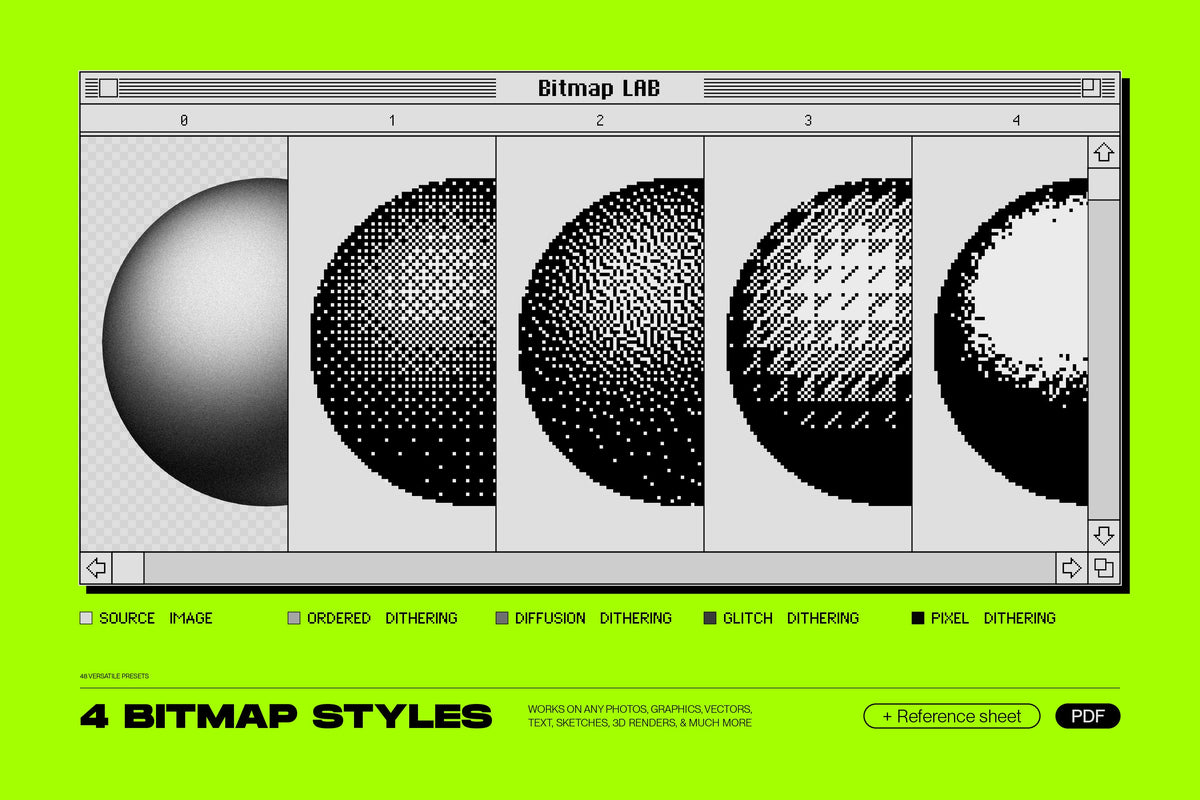
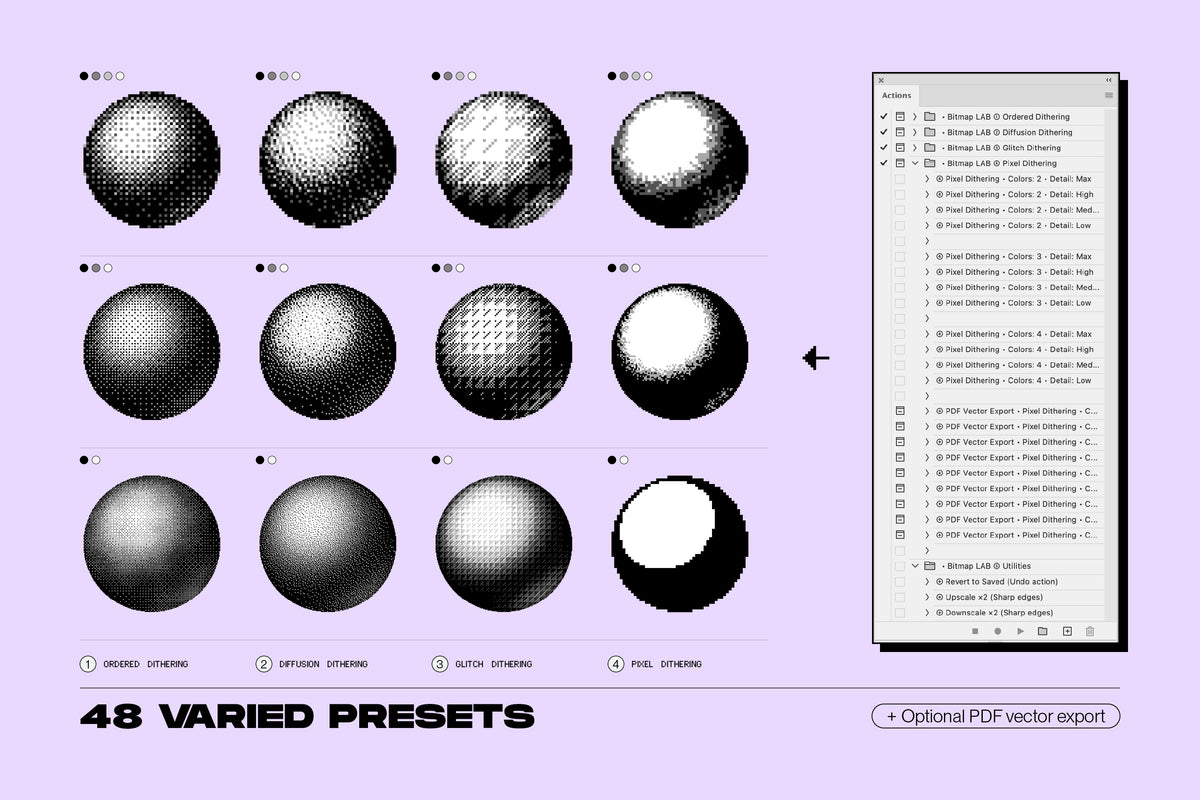
Bitmap LAB features the 4 most popular algorithms from the old computer era of the 1980s-90s including 8-bit halftone patterns, dithering, glitching, and pixelation:
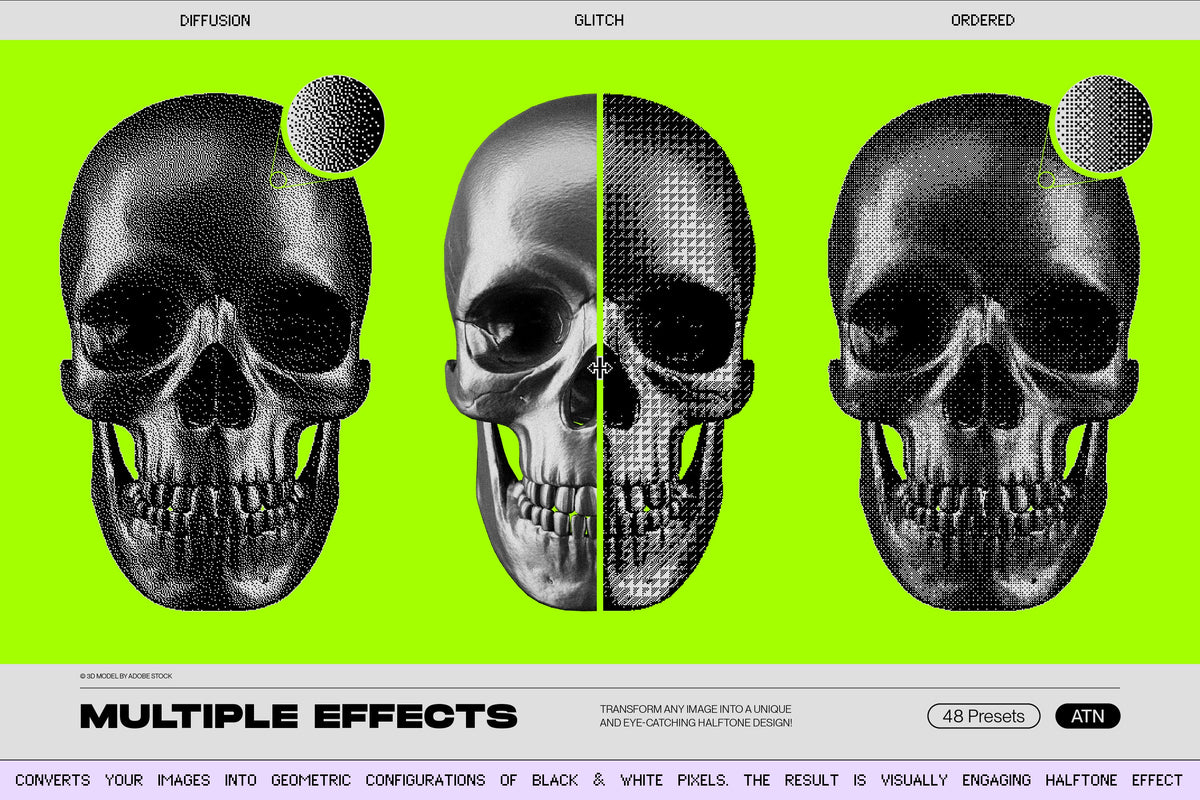
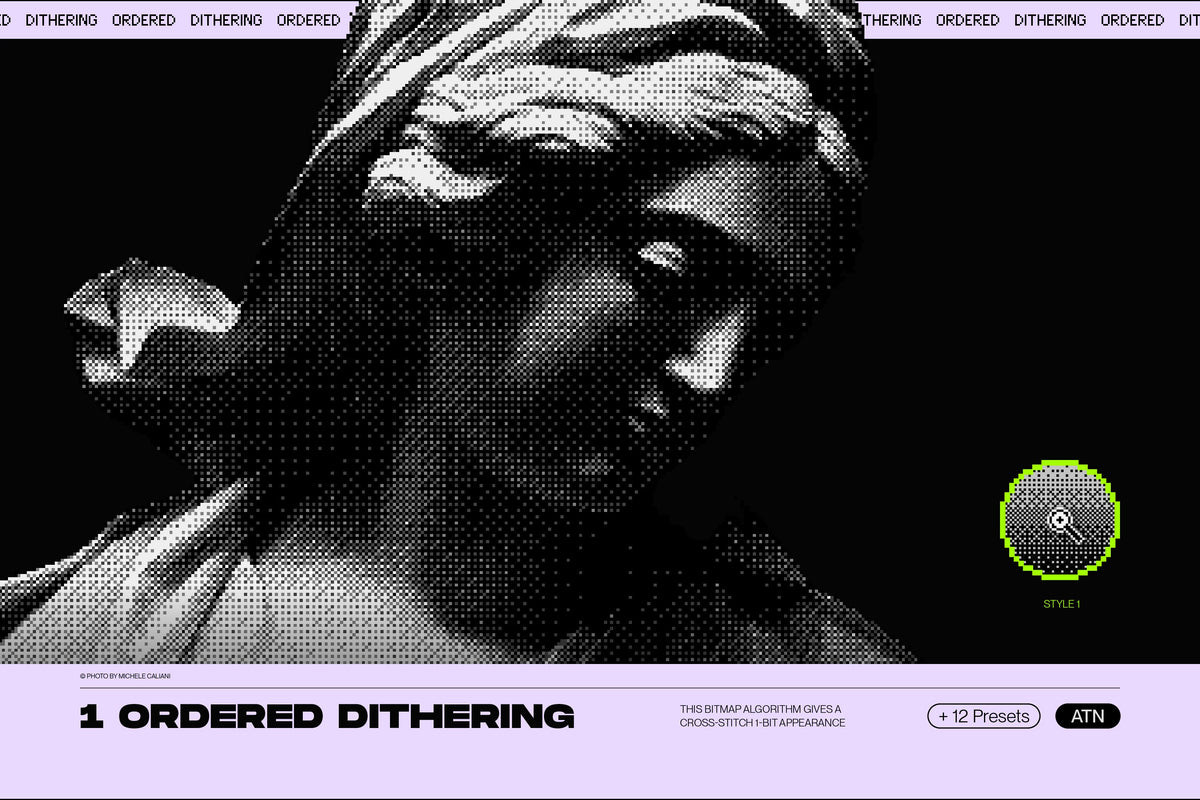
Ordered Dithering - creates a classic 1-bit pattern halftone effect with a cross-stitch appearance.
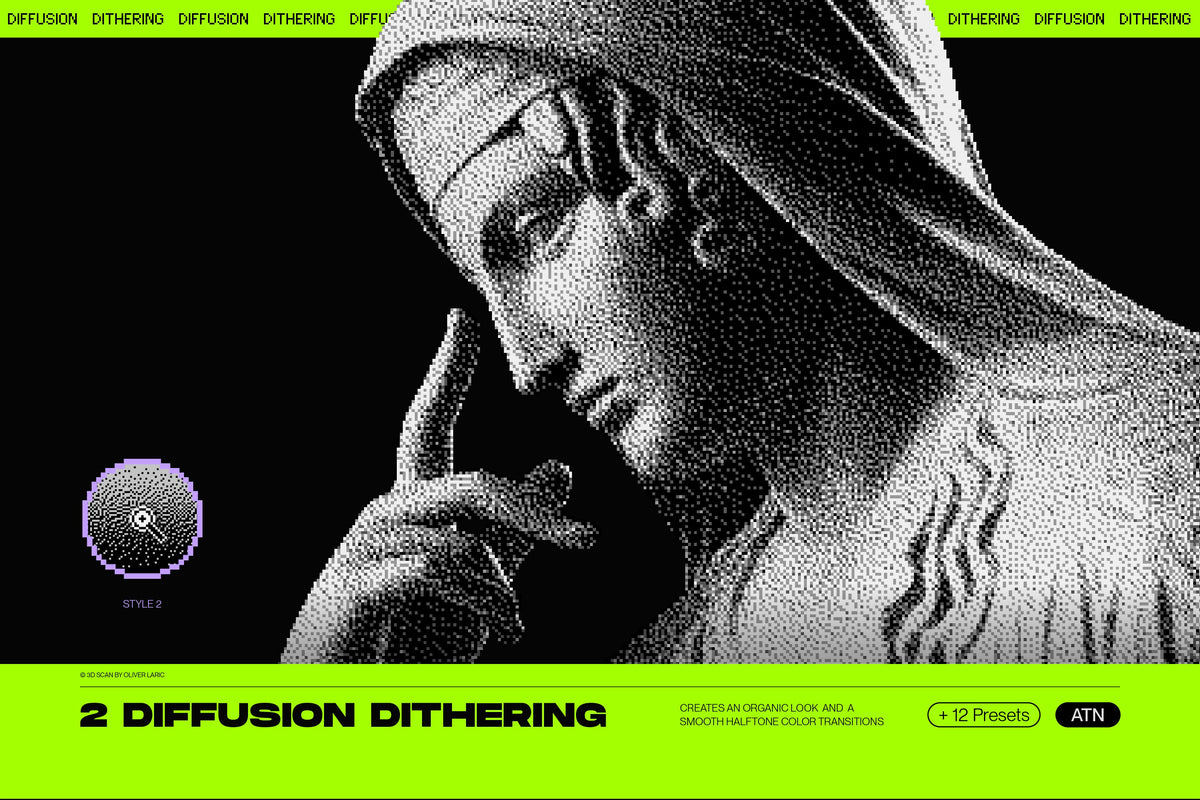
Diffusion Dithering - creates a more organic look with a smooth halftone color transition.
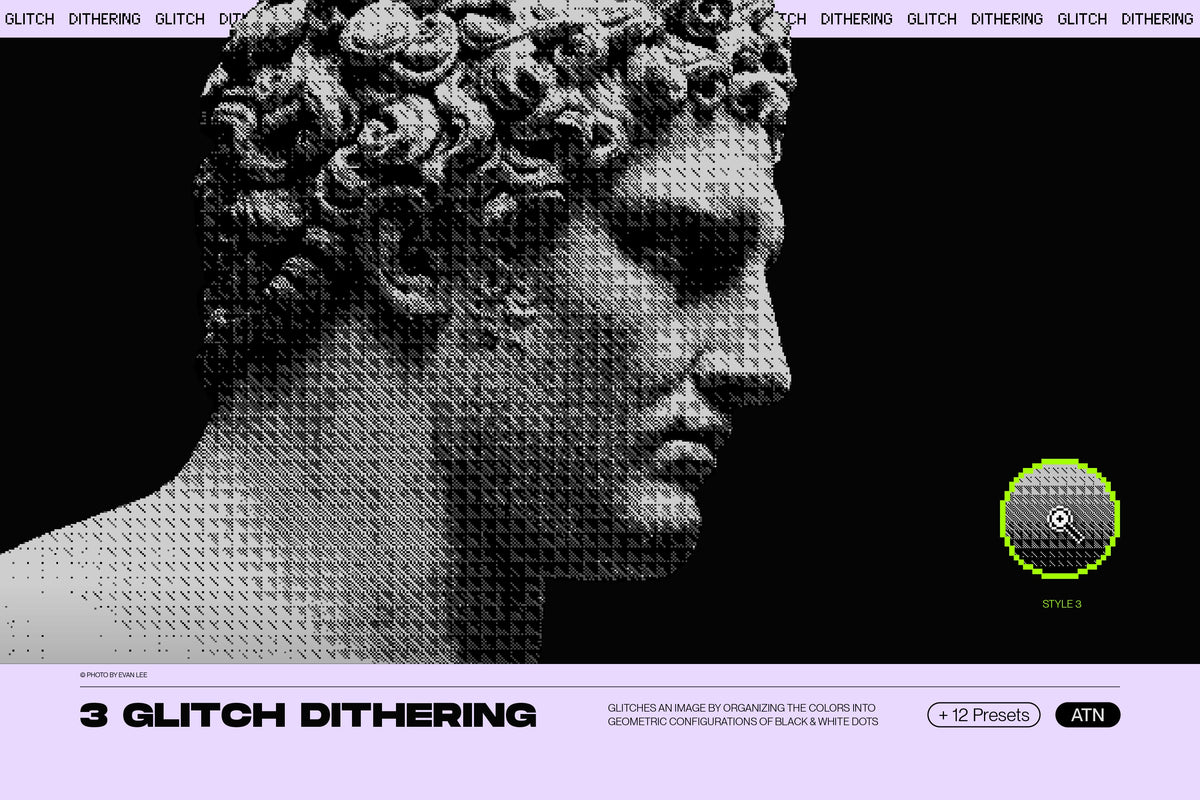
Glitch Dithering - adds a touch of digital distortion, creating a unique and edgy geometric look.
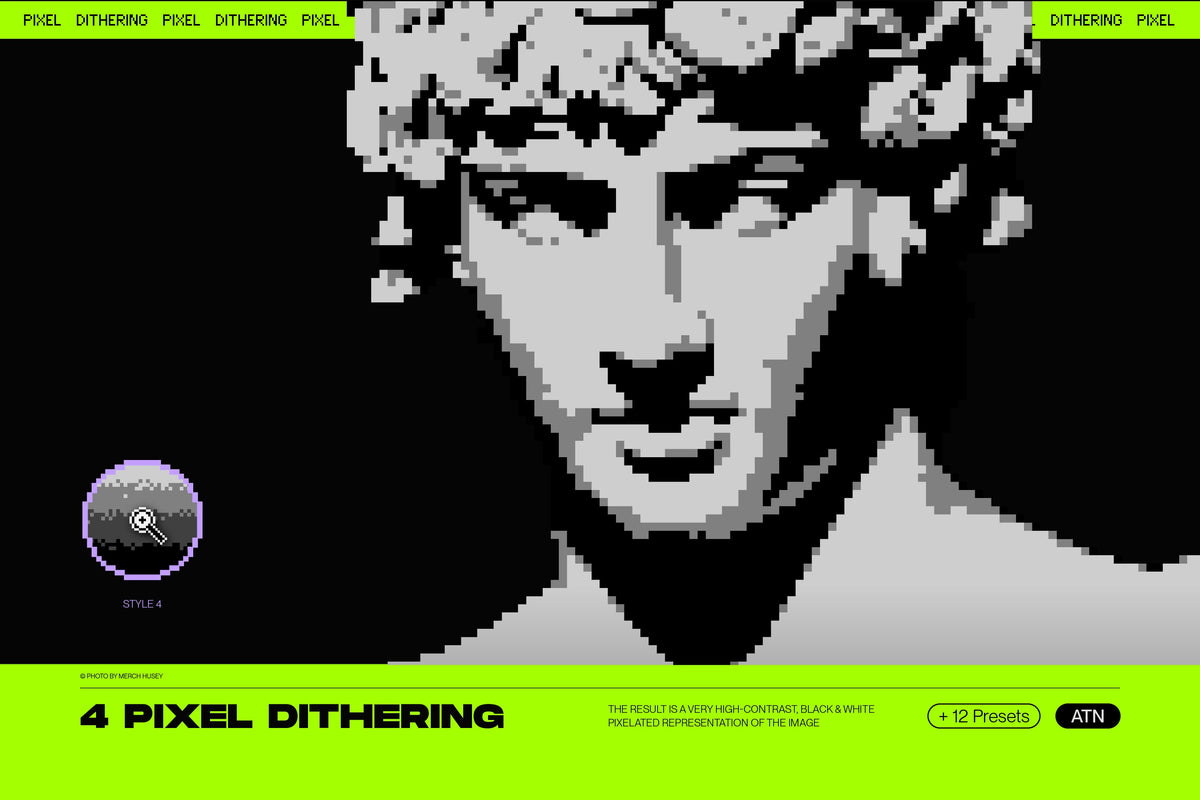
Pixel Dithering - creates a blocky, pixelated look that is perfect for achieving a retro video game aesthetic.
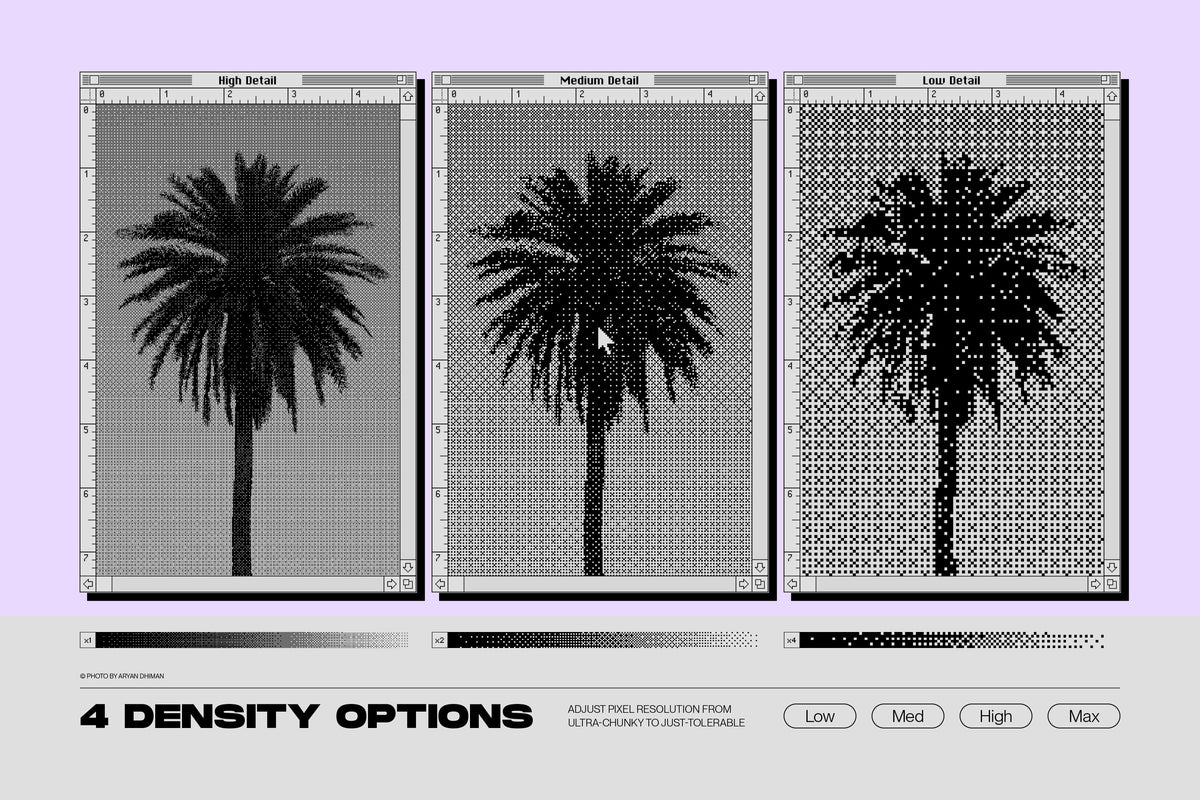
Each dithering algorithm includes 12 presets, allowing you easily select the number of colors and intensity of the halftone effect, giving you complete control over the final outcome.

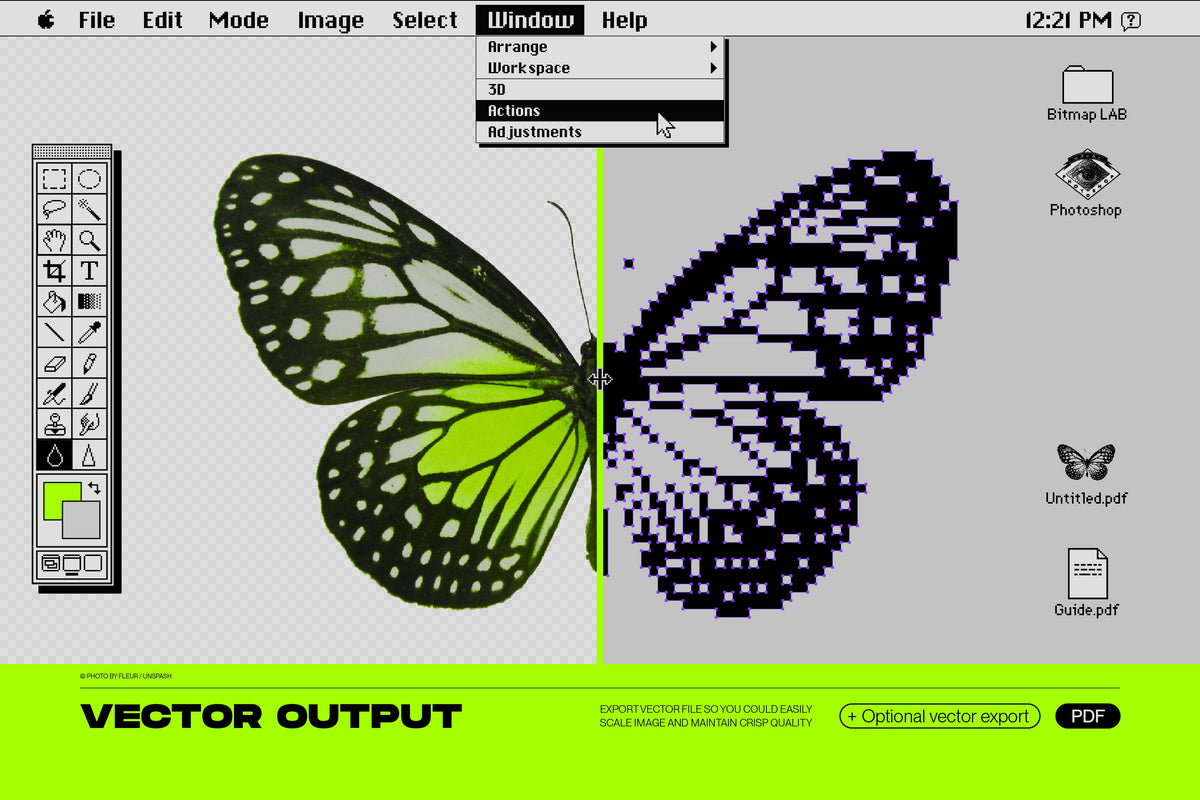
But wait, there's more! Bitmap LAB now features PDF vector export.
Transform your bitmap halftone images into resolution-independent PDF vectors, enabling you to scale them to any size without compromising on quality. Enjoy the freedom to use your halftone designs across a wide range of applications, from screen printing to large-scale billboards.

How does Bitmap LAB work:
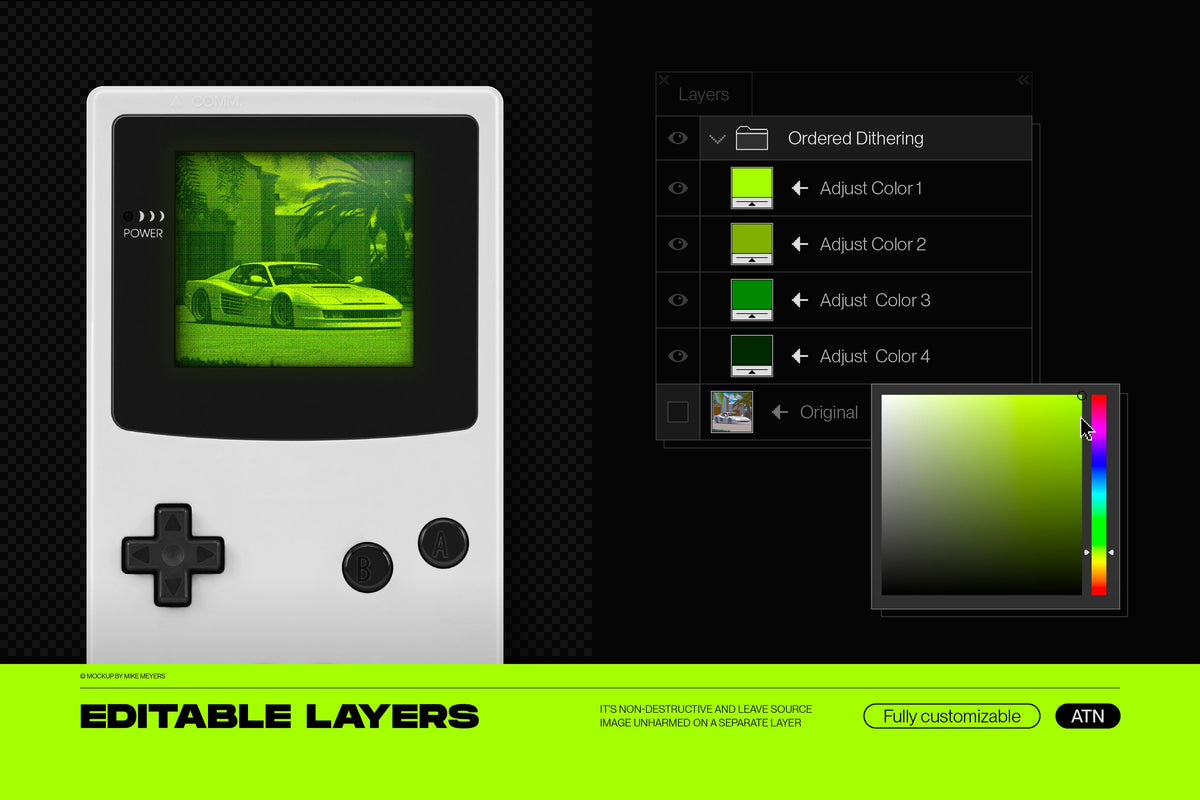
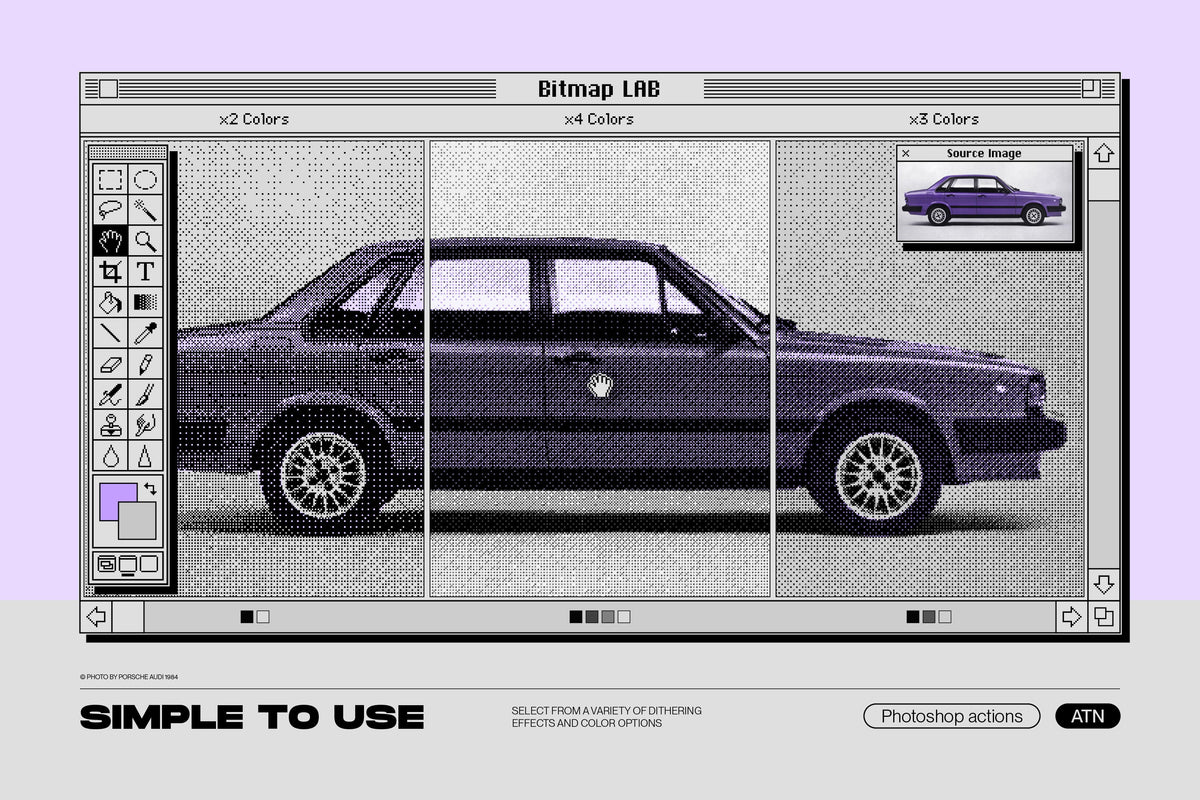
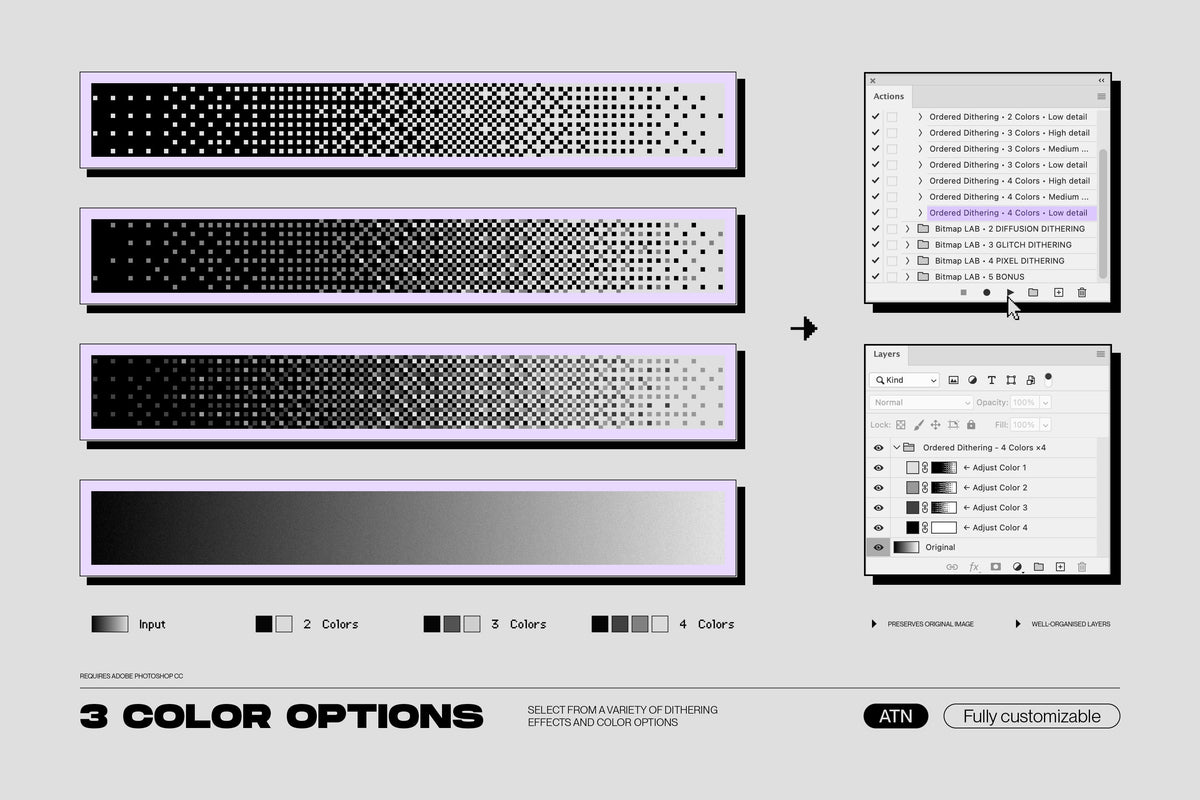
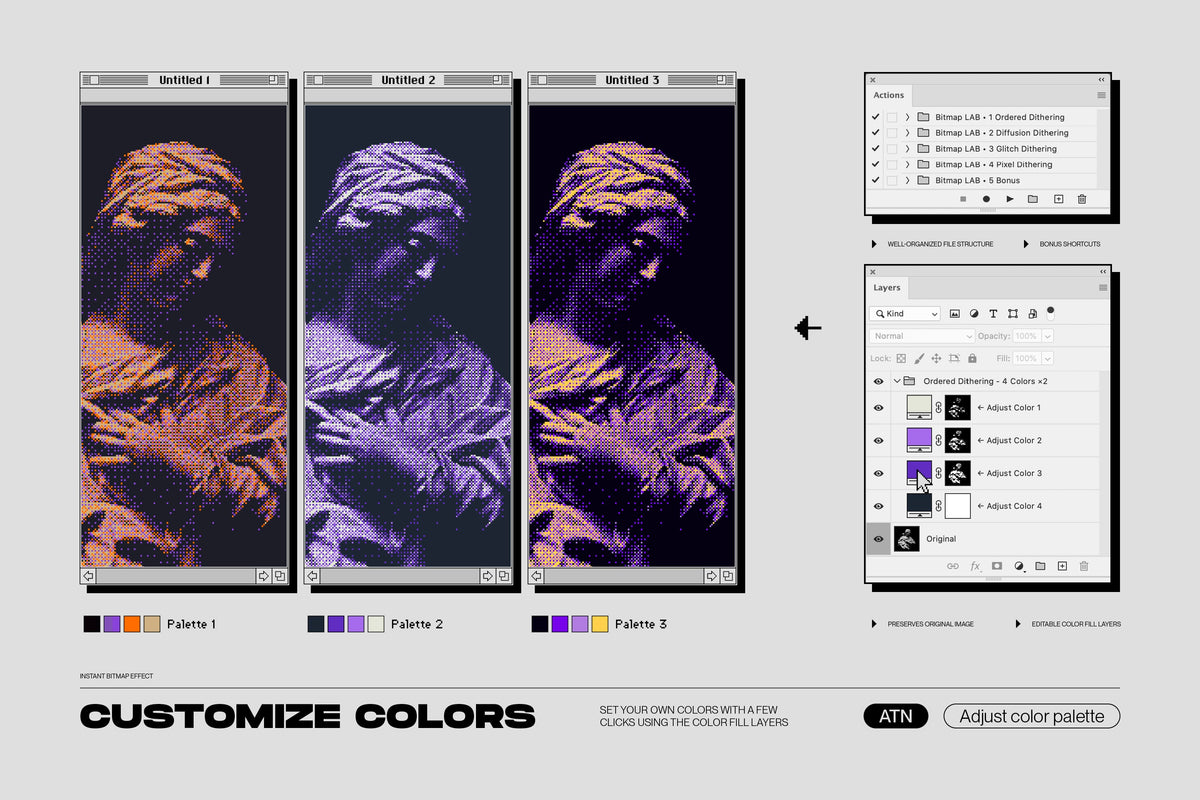
Using this product is incredibly easy. Apply the effect to your image with just one click by choosing one of the 48 presets in Photoshop's Actions Panel. Adjust the colors to your liking in a well-organized Layers Panel and tweak the result to your heart's content.


Key features:

  • Seamless integration: Our Photoshop action seamlessly integrates into your existing workflow, making it effortless to apply the bitmap halftone effect to any graphics with a single click. It’s non-destructive and leaves the original image unharmed.
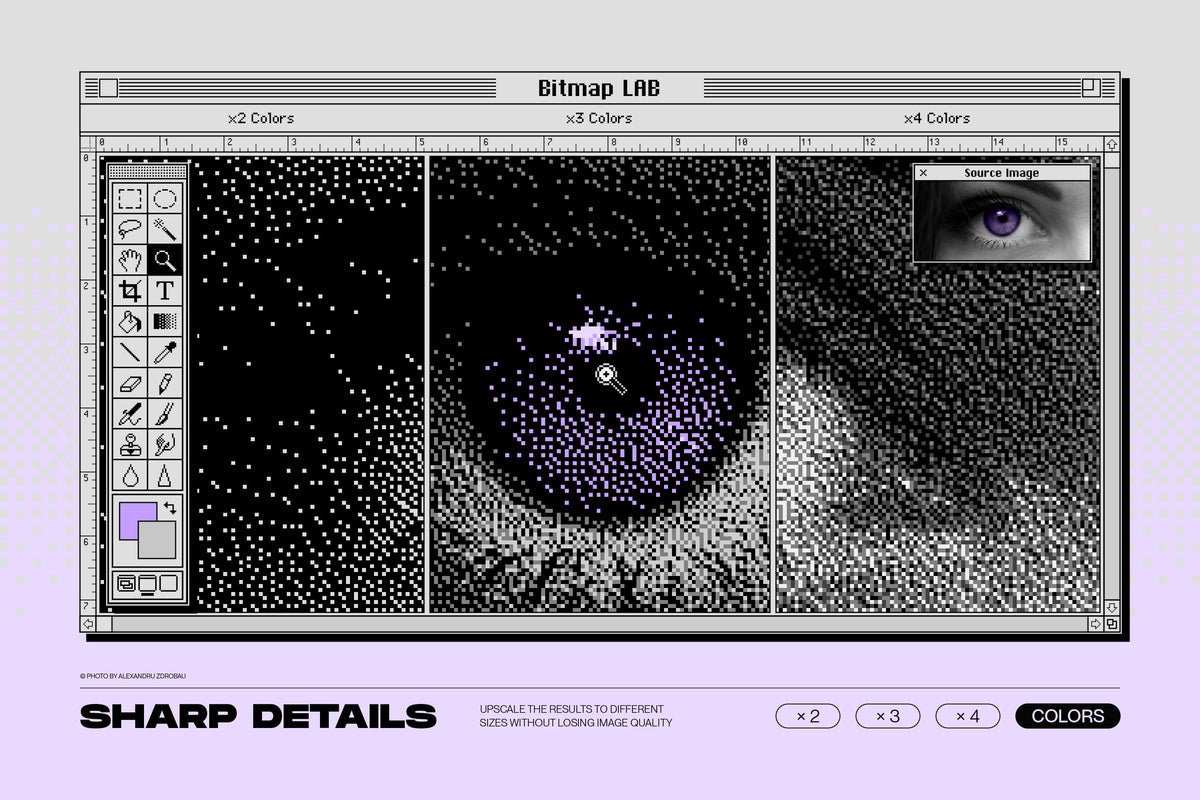
  • Customization options: Tailor the bitmap halftone effect to suit your specific needs. Adjust pixel resolution from ultra-chunky to just-tolerable by selecting one of four bitmap intensity options.
  • Easy to use: Select various color options and easily adjust the palette of the halftone effect using the Layers Panel to create unique and captivating halftone designs that reflect your creative vision.
  • Time-saving efficiency: Our one-click action streamlines your design process, saving you valuable time and effort. Focus on your creative ideas and let our Photoshop action handle the technical aspects, allowing you to deliver outstanding results in a fraction of the time.
  • PDF Vector export: This means that you can generate high-quality halftone effects and seamlessly export them as vector files. When scaled or transformed, edges always remain crisp and sharp.


What do you need to use to use Bitmap LAB:

  • You will receive 4 ATN Photoshop action set files + Bonus shortcuts
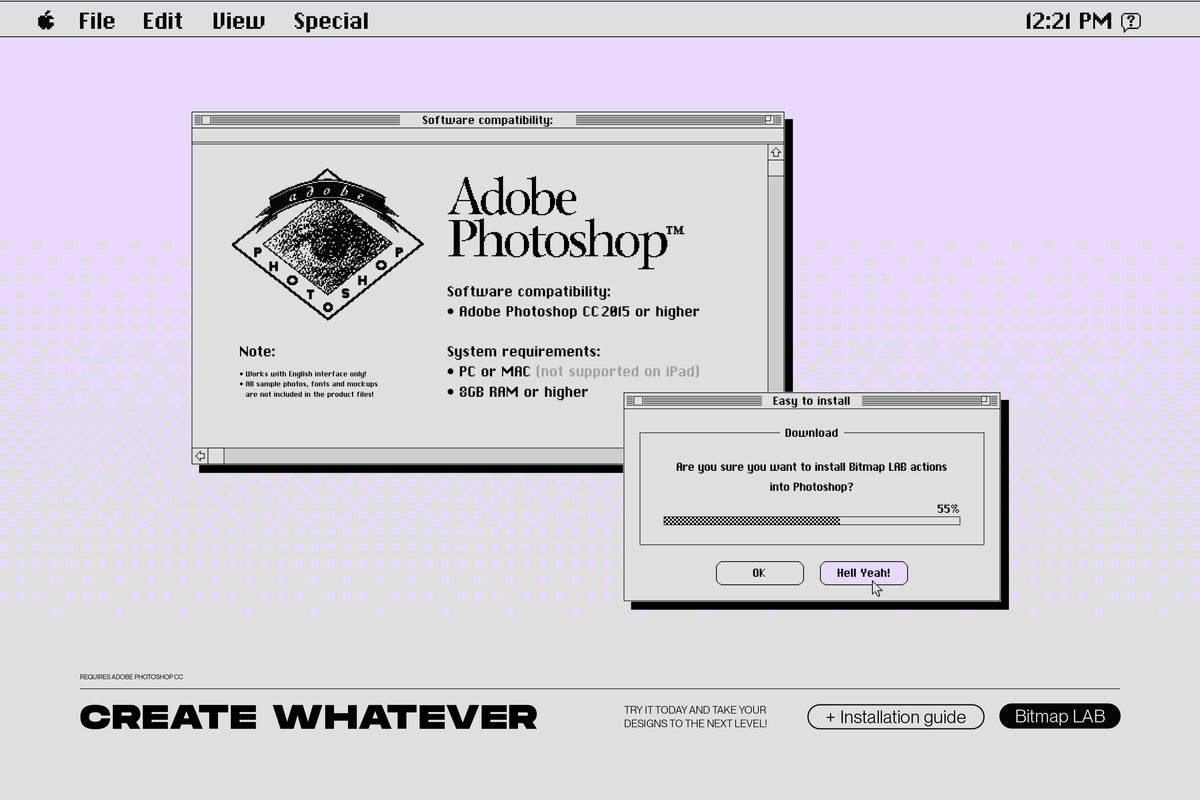
  • Adobe Photoshop is REQUIRED to use this product!
  • Works with version CC2015 or newer (with English interface only)
  • Sample artworks created for presentational purposes are not included

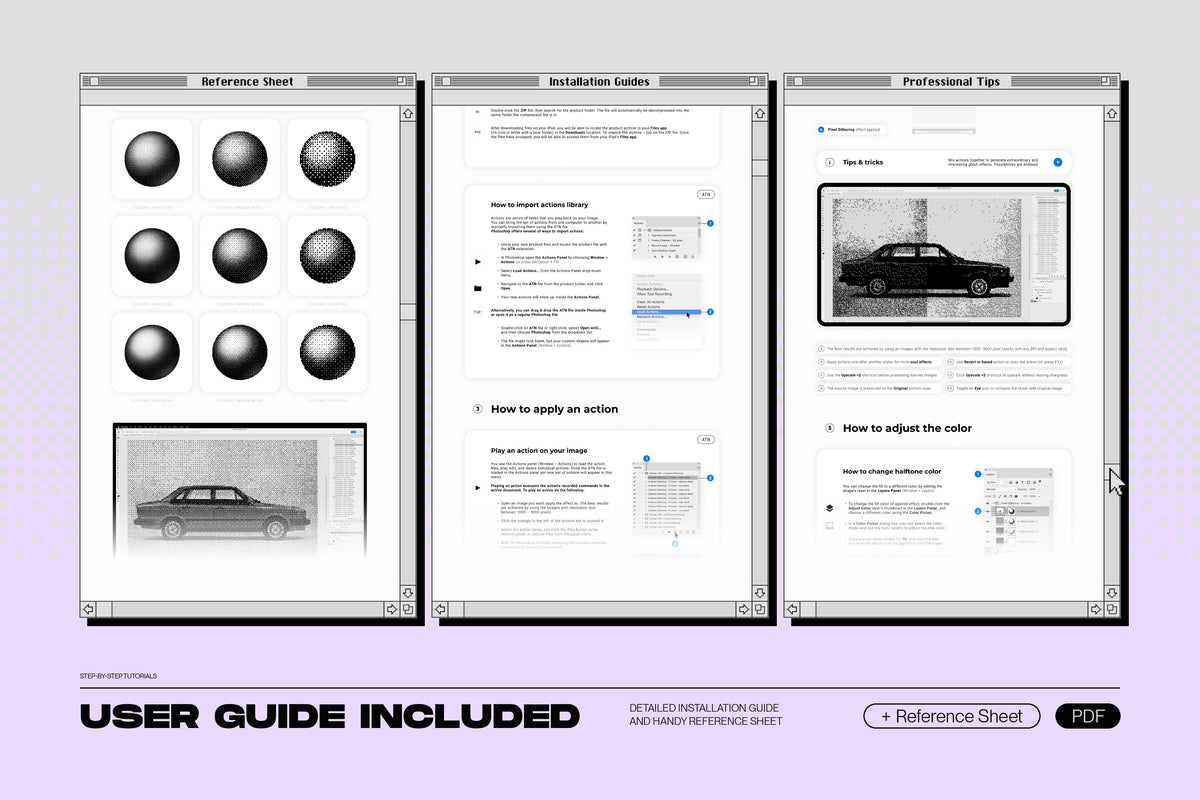
⊕ And for those who want to get the most out of this tool, we have included a detailed PDF user guide, as well as a video overview. It provides comprehensive step-by-step instructions on how to install and use this product, a cheat sheet for each preset, and professional tips.

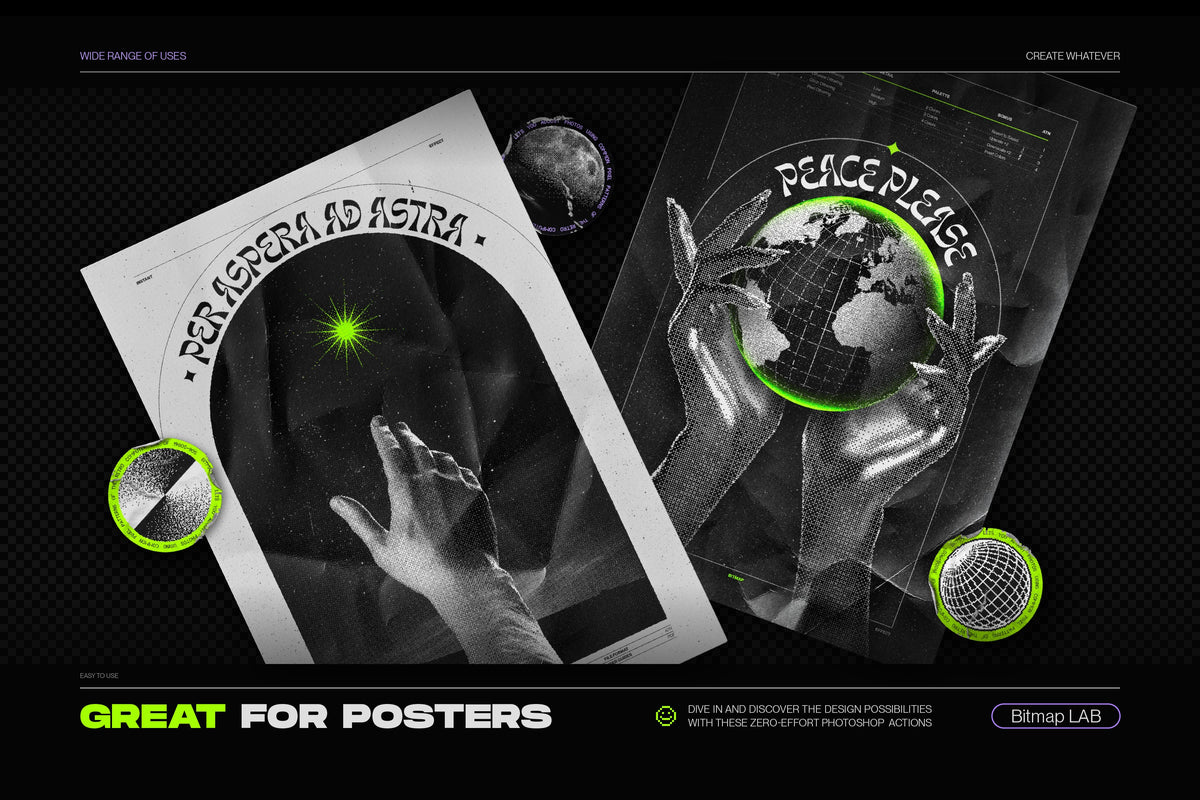
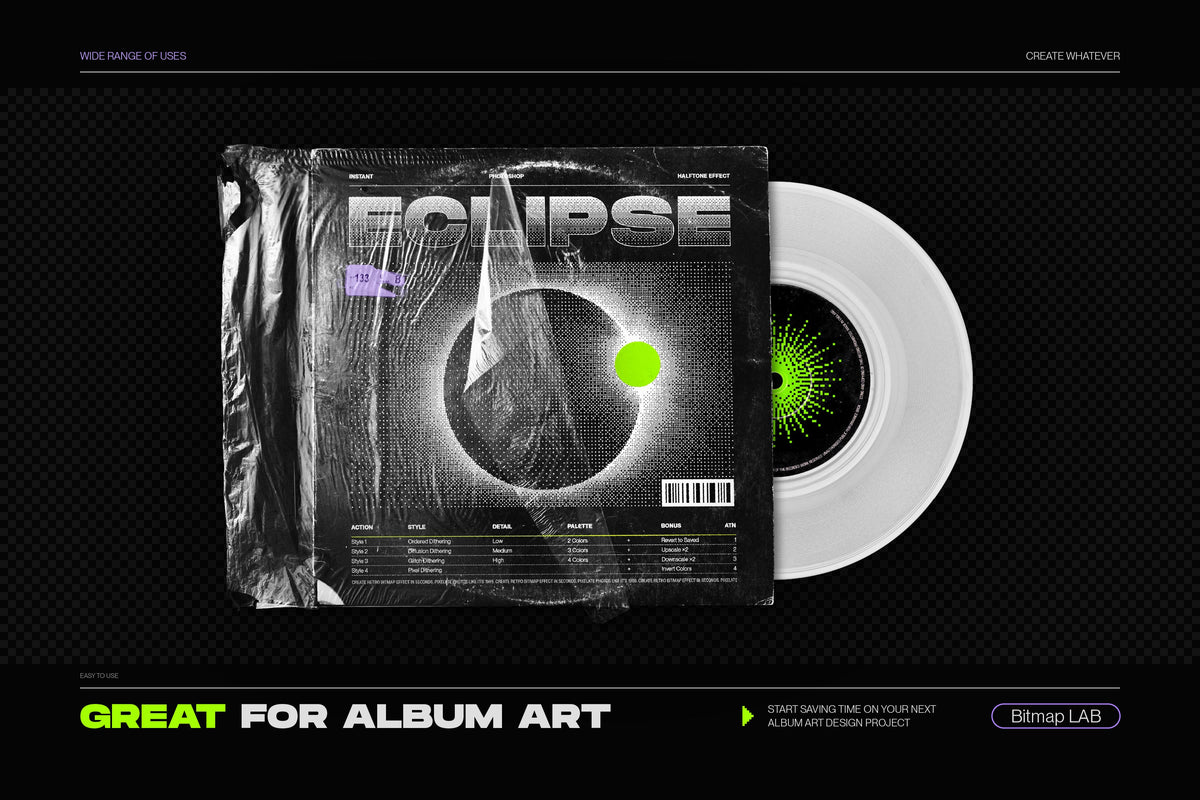
Whether you're creating graphics for a vintage-inspired project or want to add a retro-futuristic touch to your photographs, Bitmap LAB is the perfect tool to achieve your vision with ease. You can use it to create stunning posters, album art, social media graphics, pixelated typography, and so much more.

Try it today and take your designs to the next level - the possibilities are truly endless!


For further inquiries or additional information, please feel free to contact us. We are dedicated to supporting your creative journey and are here to assist with any questions you may have.

Compatibilità e specifiche

Categoria
Graphisme · Vectors
Formati
PDF, ABR, ATN
Software compatibile
Photoshop

Diritti semplici e trasparenti

Licence personnelle, commerciale ou étendue selon la variante choisie

La licenza selezionata definisce dove e come utilizzare la risorsa. Controlla i termini prima dell’acquisto.

Licence standard

Pour un créatif ou une équipe utilisant la ressource dans des projets personnels et commerciaux finis.

Vedi i diritti

Utilisation personnelle et commerciale dans des créations finales. Travail pour un client autorisé. Adaptation et modification de la ressource autorisées.

Interdit de partager, revendre, sous-licencier ou redistribuer les fichiers source. Interdit de proposer la ressource seule ou quasi inchangée comme produit. Les éléments tiers restent soumis à leurs propres conditions.

Licence commerciale

Pour des projets commerciaux répétés, des campagnes et des travaux réalisés pour plusieurs clients.

Vedi i diritti

Utilisation dans plusieurs projets commerciaux, travaux client, campagnes organiques ou payantes et créations finales numériques ou physiques. Adaptation et modification autorisées.

Interdit de partager, revendre, sous-licencier ou redistribuer les fichiers source. La ressource doit être intégrée dans une création finale et ne peut pas constituer la valeur principale du produit revendu.

Licence étendue

Pour une diffusion étendue, des produits finis vendus et des productions à grande échelle.

Vedi i diritti

Utilisation commerciale étendue dans des créations finales, campagnes, produits finis vendus et productions à grande diffusion. Travail pour plusieurs clients autorisé.

Interdit de distribuer les fichiers source, de permettre leur extraction ou de créer un produit concurrent. Toute utilisation dépassant les conditions de la fiche nécessite un accord écrit.

Le licenze disponibili possono variare per prodotto. Prevale la licenza scelta all’acquisto. Leggi le condizioni complete →

Serve aiuto prima dell’acquisto?

Possiamo confermare compatibilità, formati e licenza per il tuo progetto.

FAQ prodotto

Domande specifiche su questa risorsa

Quali formati sono inclusi?

I formati indicati per questa risorsa sono: PDF, ABR, ATN.

Con quali software è compatibile questa risorsa?

La compatibilità indicata per questa risorsa è: Photoshop.

Fiducia e trasparenza

Acquista con tutte le informazioni

Qualità, diritti, licenze e recensioni si basano su dati verificabili.

Verifica qualità in attesa

File, presentazione e metadati controllati con la checklist HYTRAPE.

Verifica dei diritti in attesa

Il creatore dichiara di possedere i diritti necessari alla distribuzione.

Licenza chiara prima dell’acquisto

Usi consentiti e restrizioni sono visibili prima del checkout.

Recensioni legate agli acquisti

Nessuna recensione pubblicata

Non mostriamo valutazioni stimate o contatori artificiali.

Leggi le recensioni →

Esempio pubblicato con il permesso dell’autore.

Recensioni verificabili

Valutazioni e conteggio provengono dal sistema recensioni collegato.

Customer Reviews

Be the first to write a review
0%
(0)
0%
(0)
0%
(0)
0%
(0)
0%
(0)

FAQ

Comment accéder à mes fichiers après achat ?

Directement après paiement via une page de confirmation + lien dans l'email. Connecté à votre compte, vous les retrouvez dans "Mes fichiers".

Je n’arrive pas à télécharger mon produit. Que faire ?

Vérifiez votre dossier spam. Si le problème persiste, écrivez-nous à contact@hytrape.com. Notre équipe vous répond au plus vite.

Ai-je besoin de Photoshop ?

Certains produits oui (mockups, effets texte, templates), d'autres sont compatibles avec tous les éditeurs d’images. Voir les spécifications produit.

Comment utiliser vos mockups ?

Ouvrez le fichier PSD > double-cliquez sur l'objet dynamique > ajoutez votre design > enregistrez > c’est prêt.

Posez votre question ici :