20% FIRST ORDER: HYTR20

Product details

Everything you need before you create

Check the included files, compatibility, license and support before purchasing.

What's included

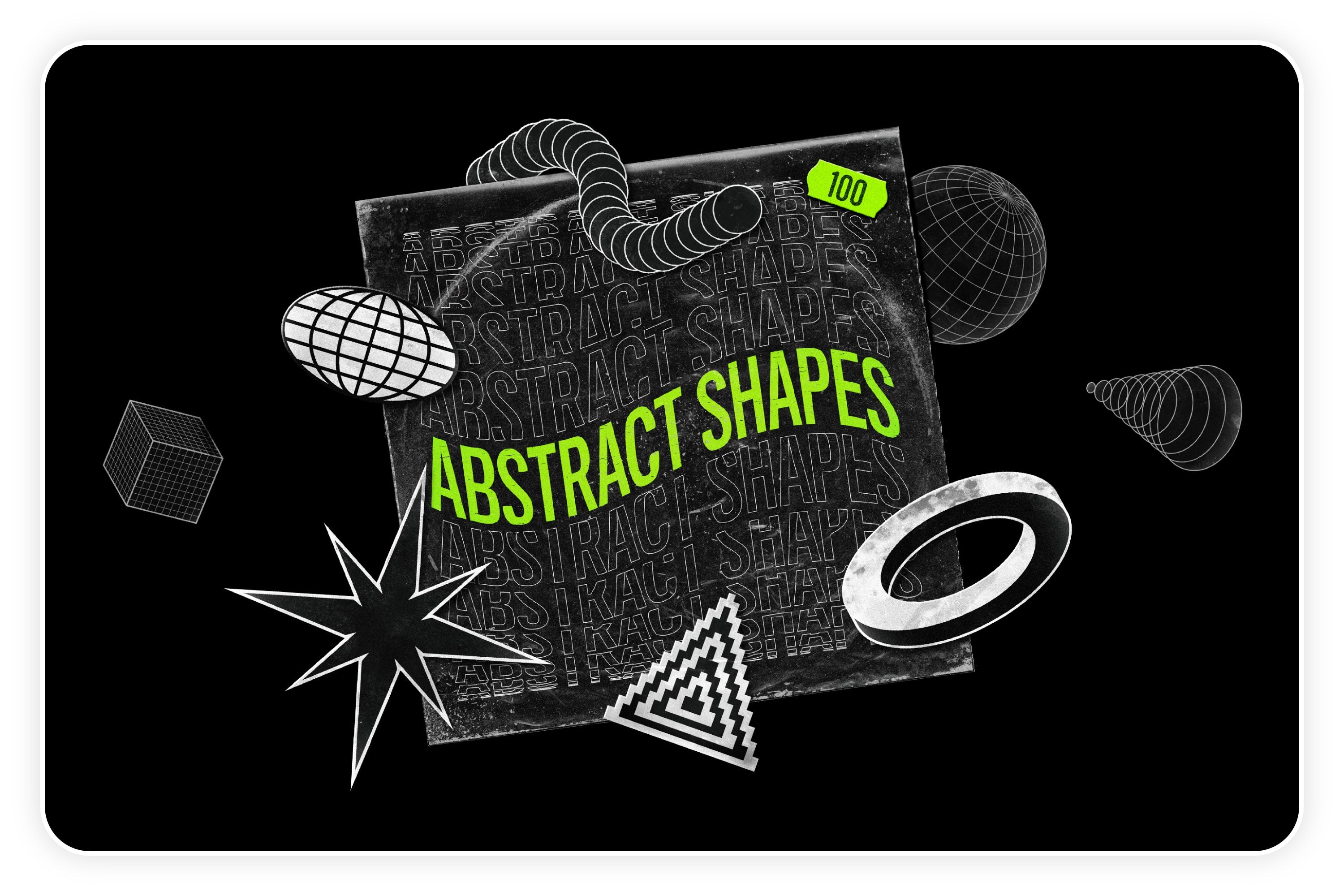
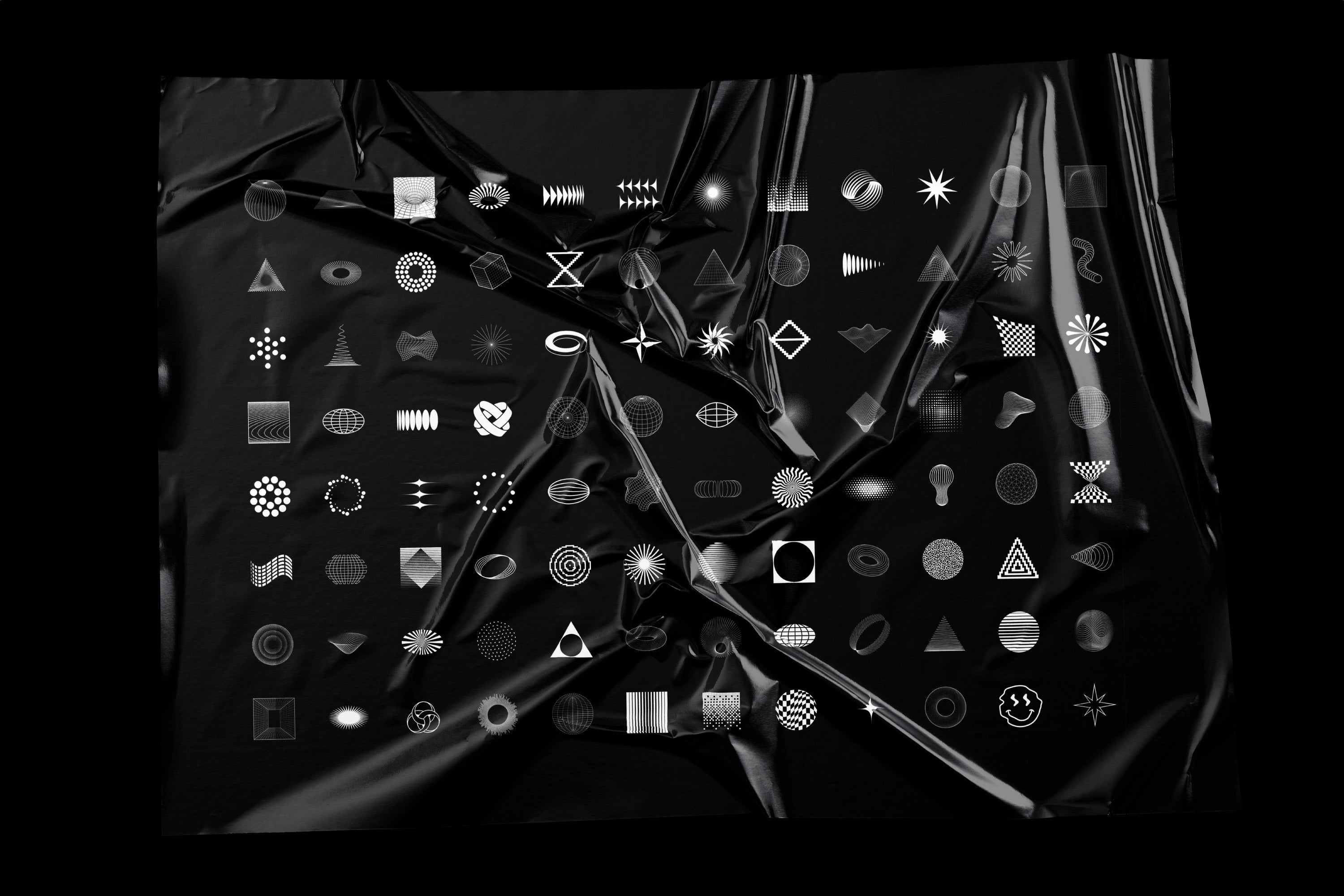
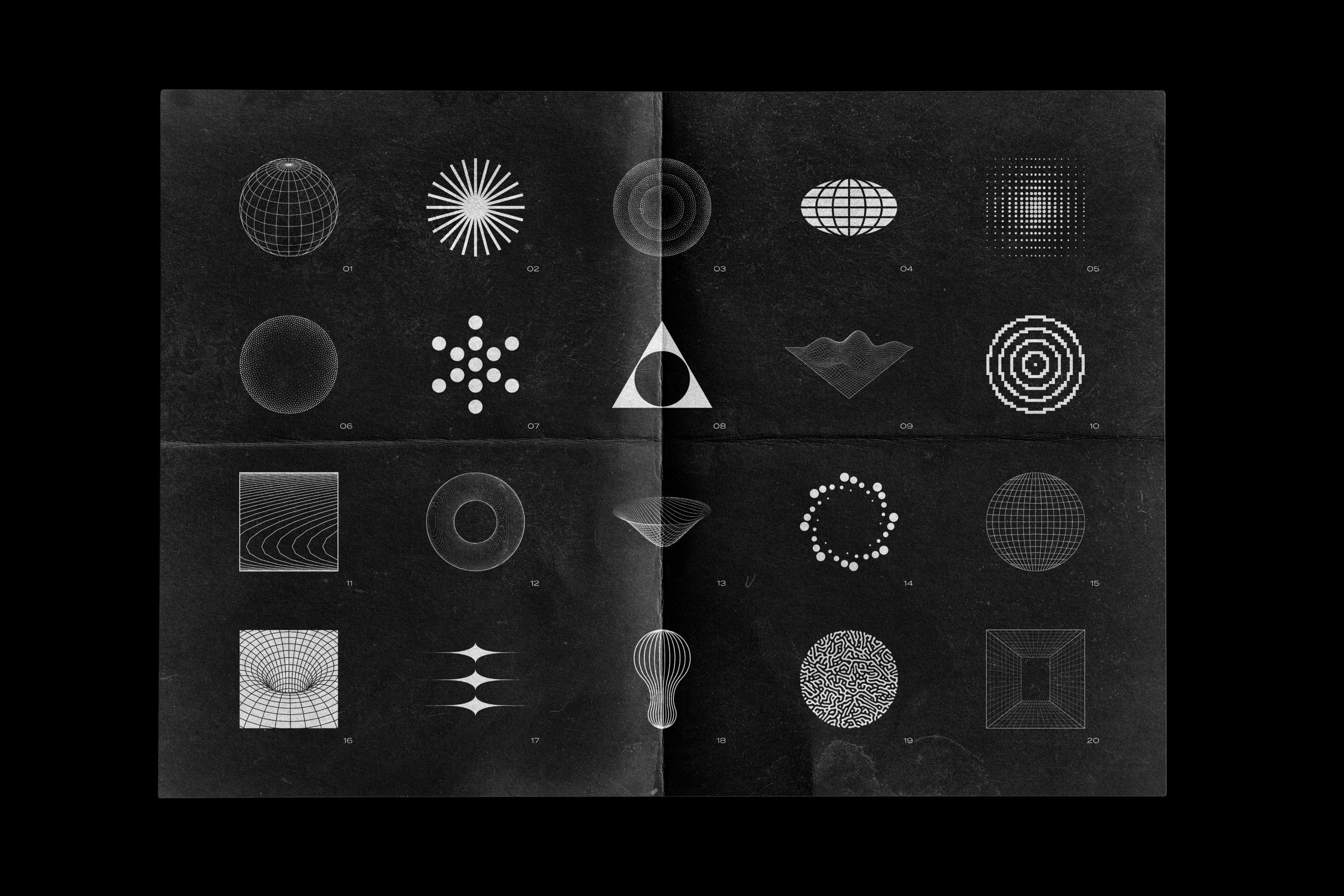
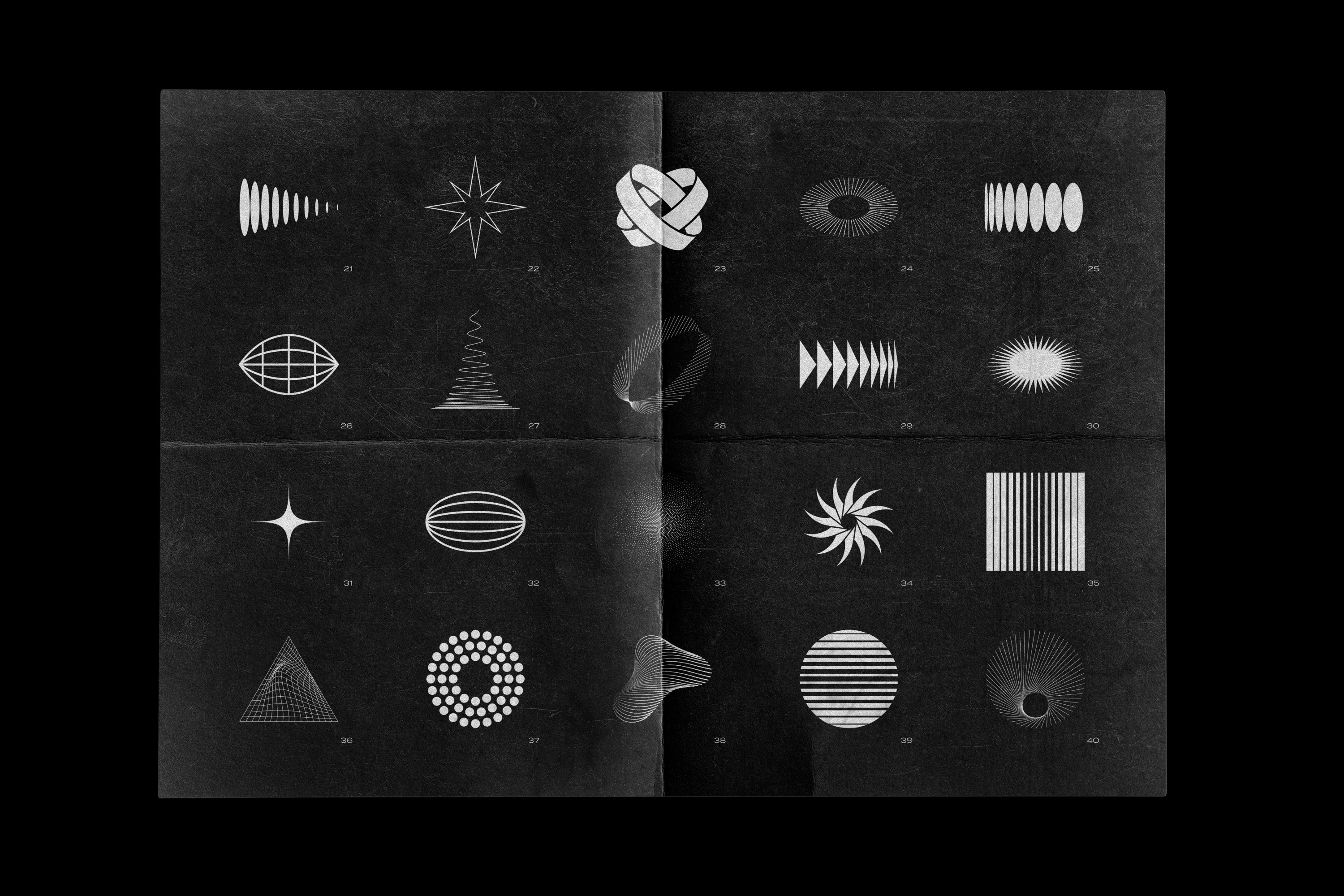
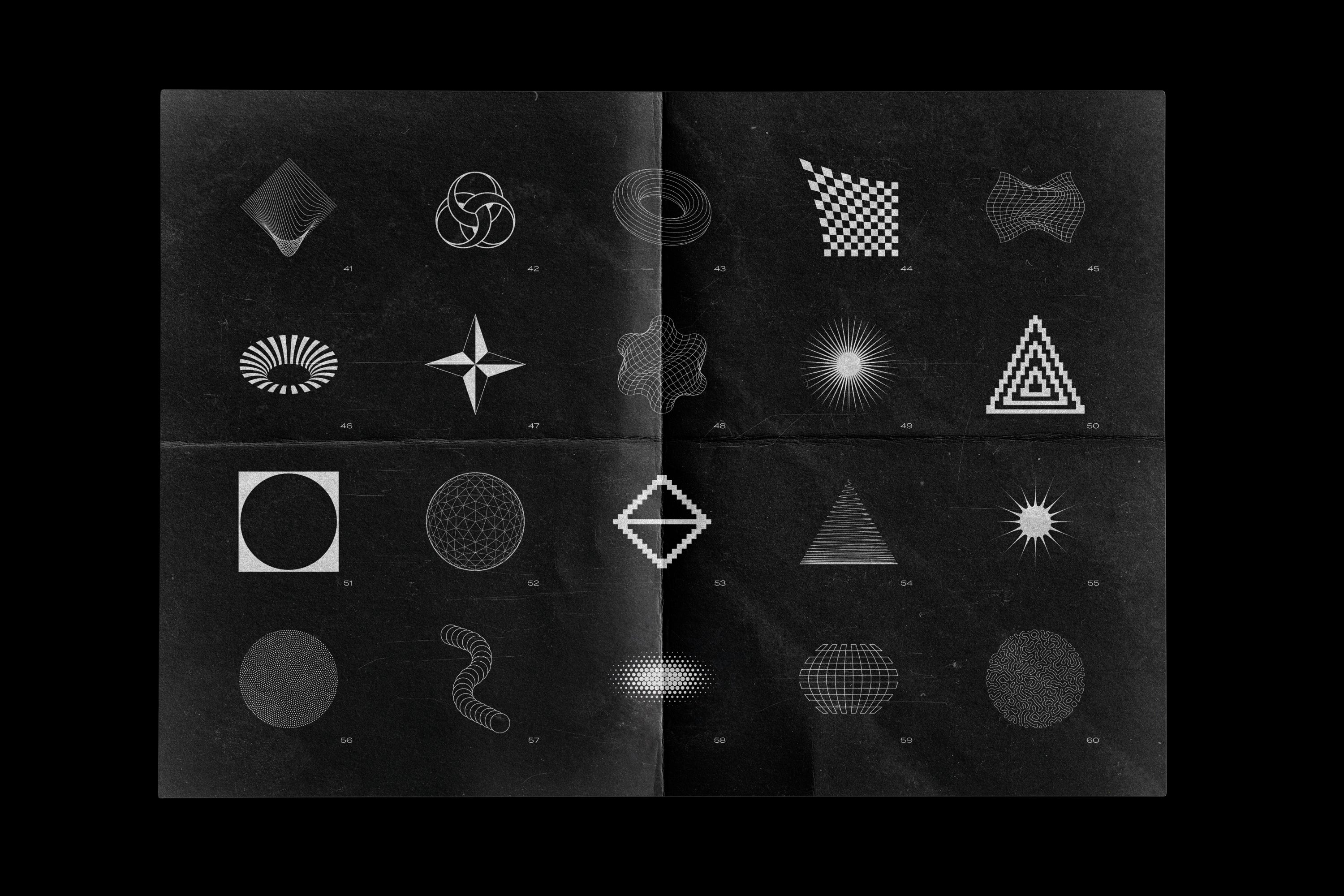
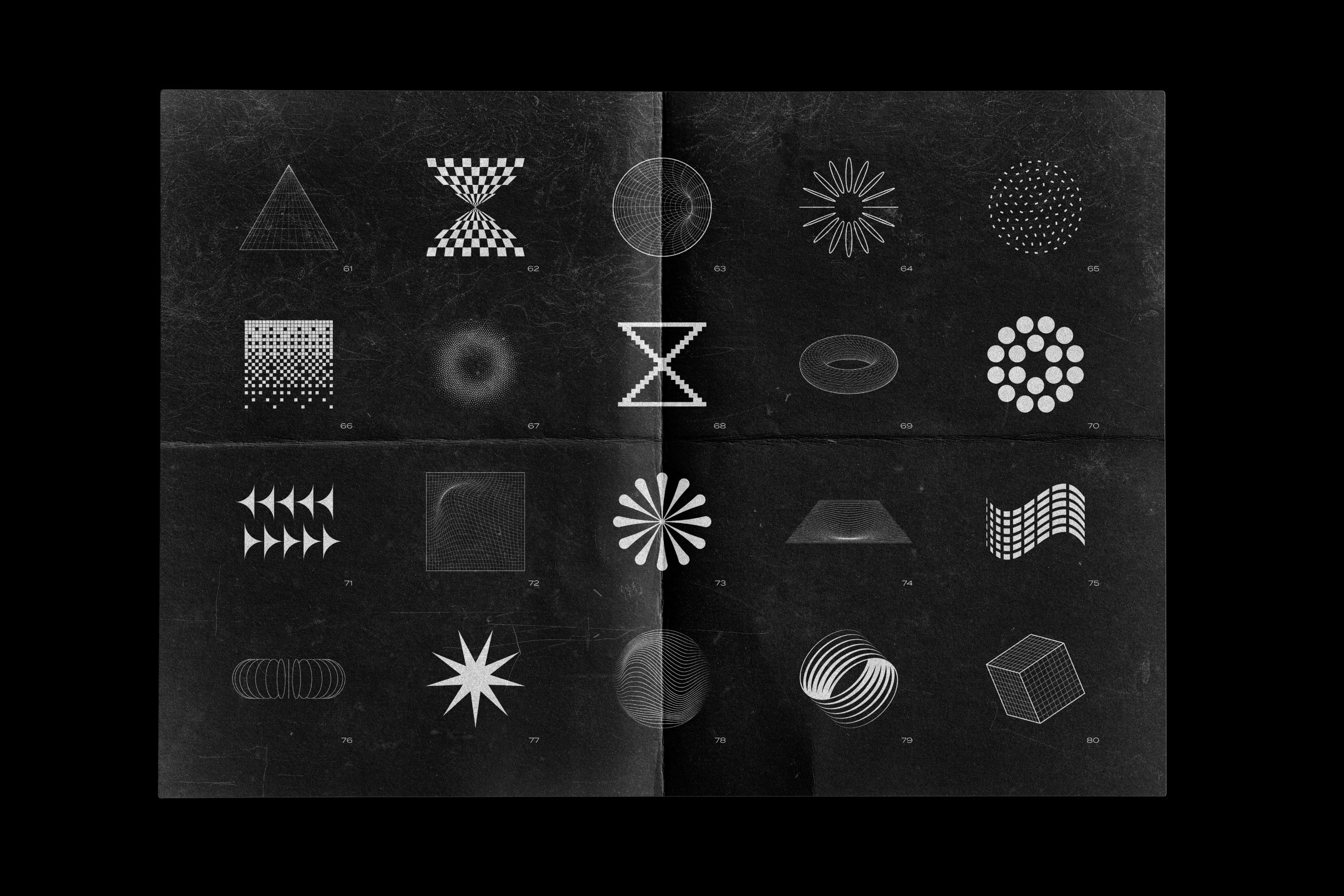
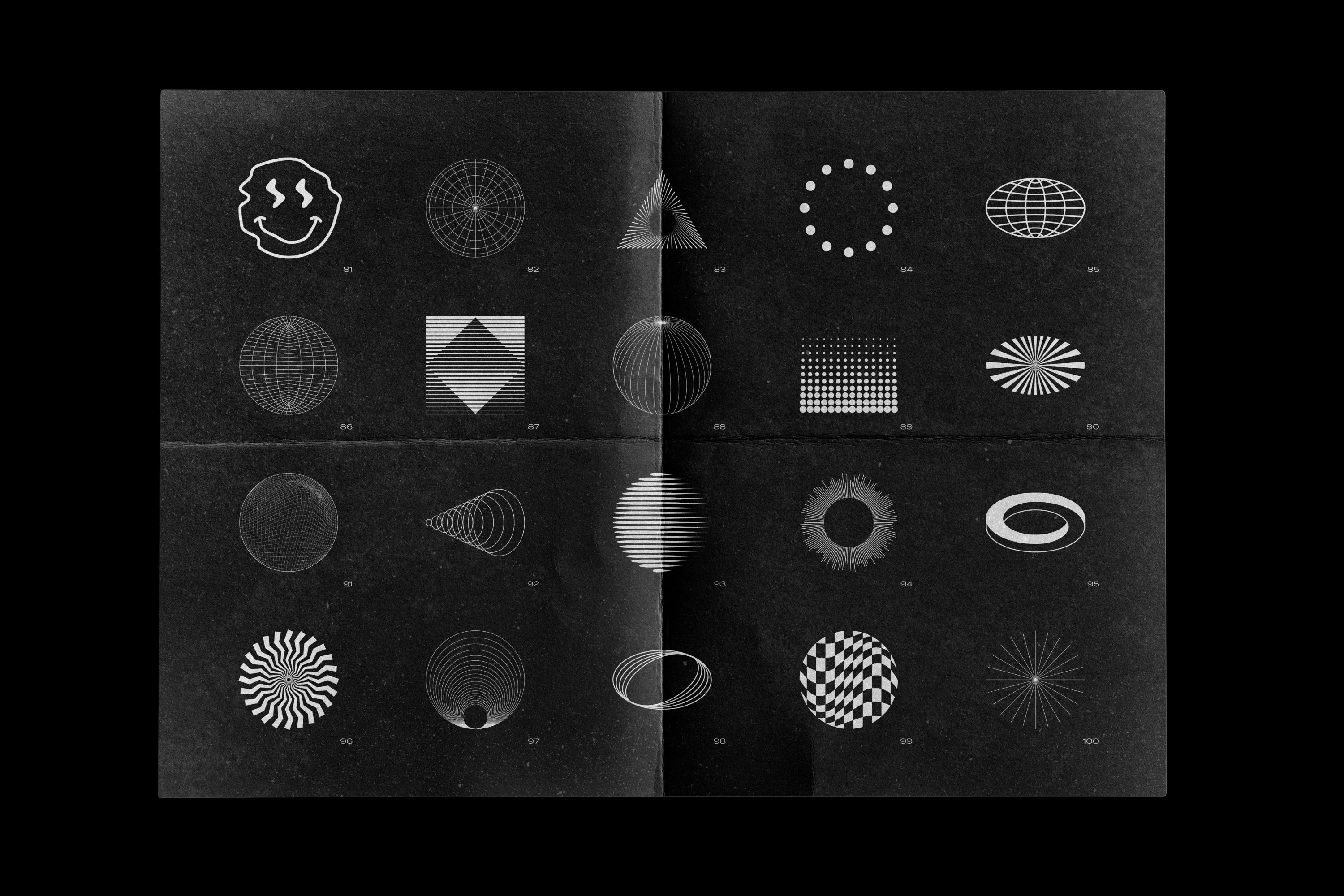
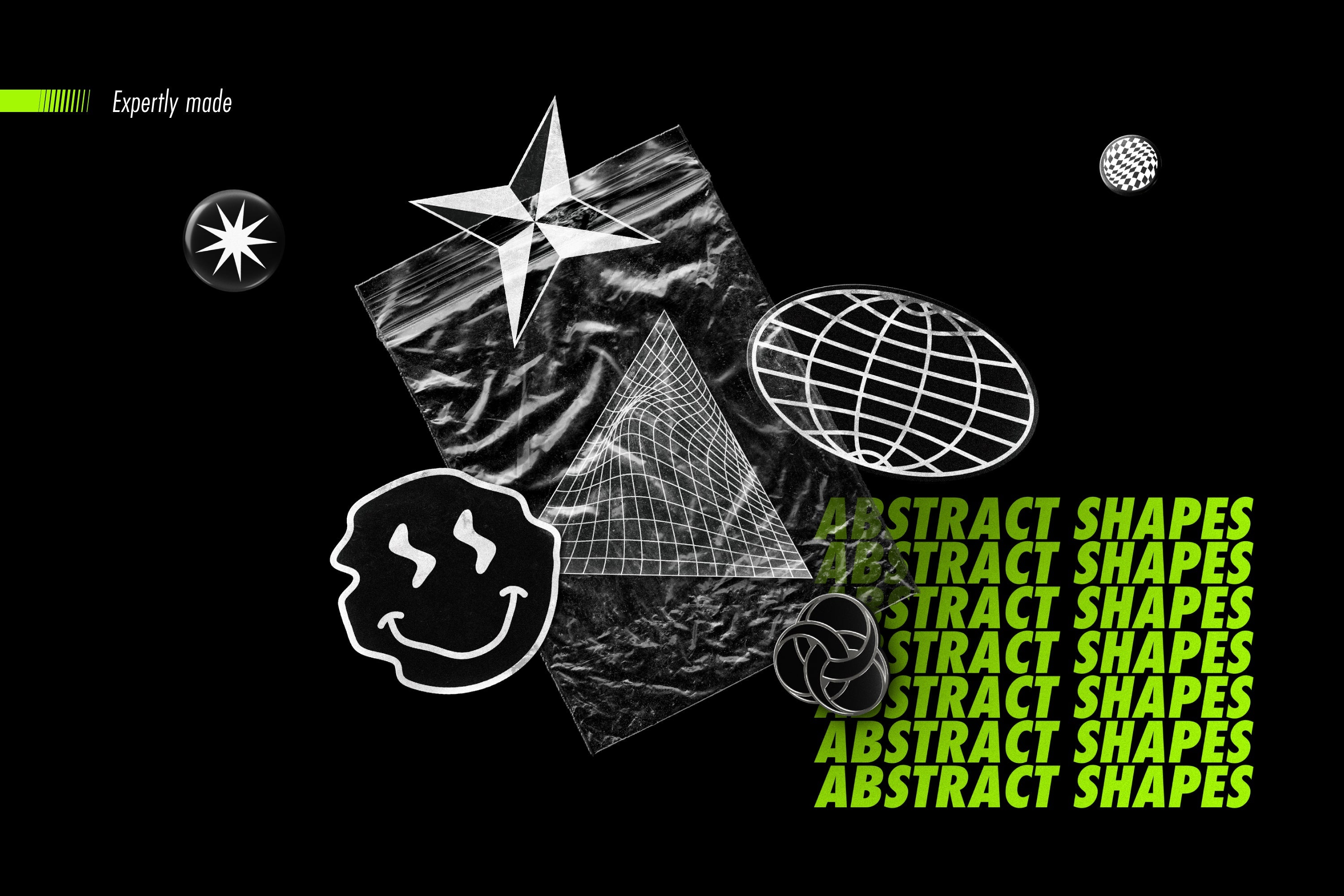
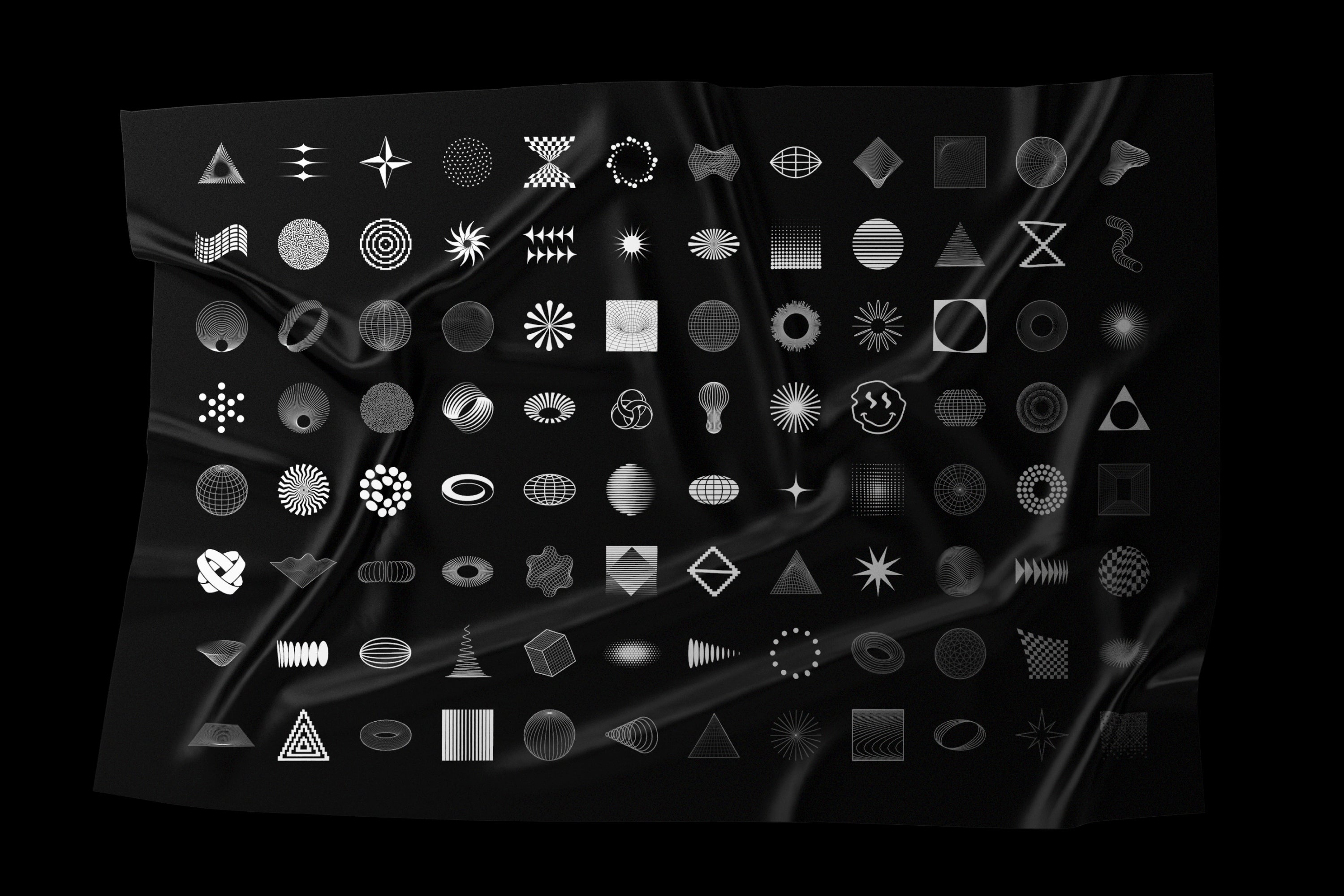
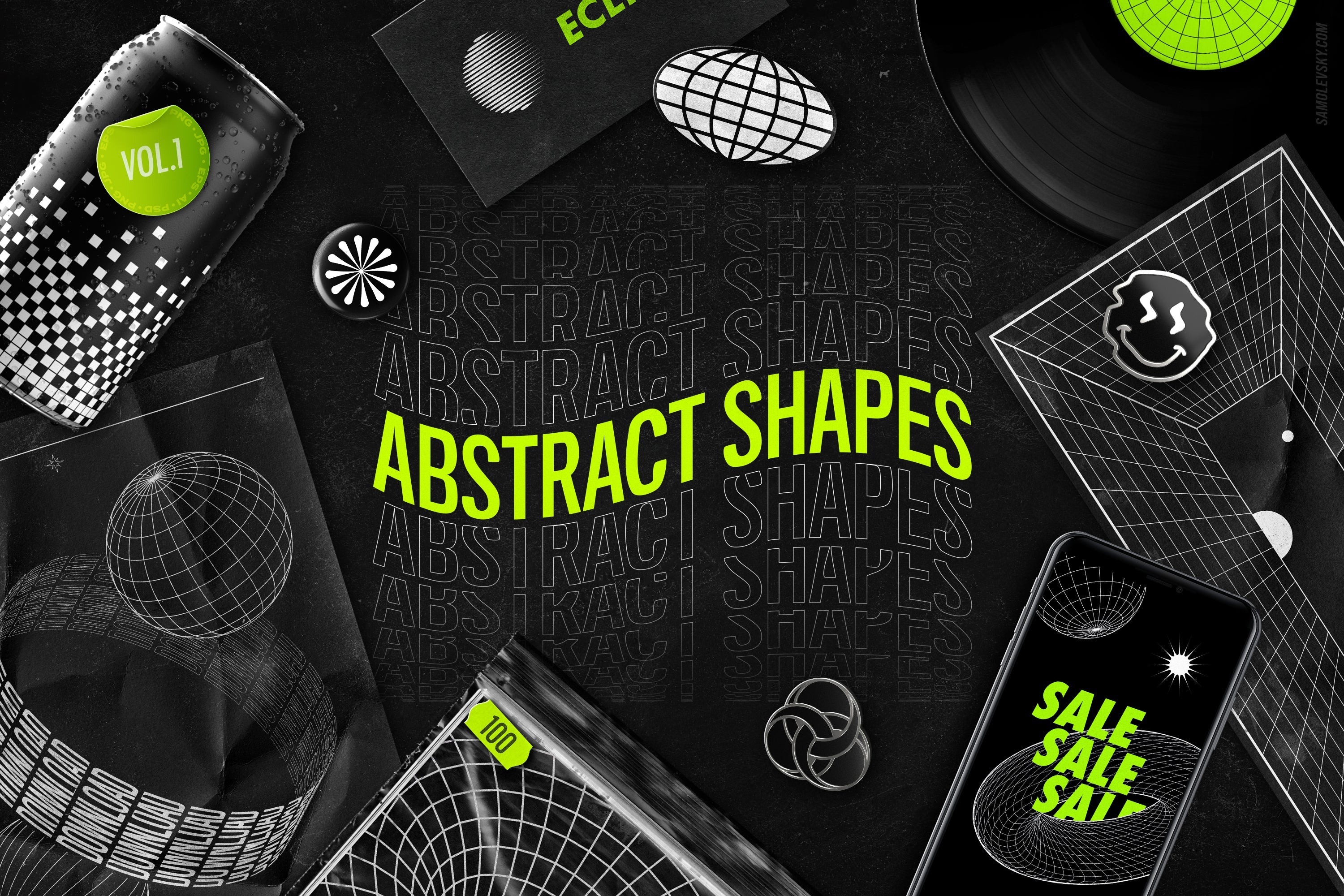
Inspired by the essence of pure geometry, the Abstract Shapes Collection is a diverse selection of dynamic shapes and surreal forms.
Simple yet striking, bold yet elegant, these shapes stand as a trending blend of innovation and creativity in the realm of abstract design. Offered in a versatile array of file formats, this collection unlocks a world of aesthetic opportunities, infusing your projects with dynamism and unlimited visual richness.
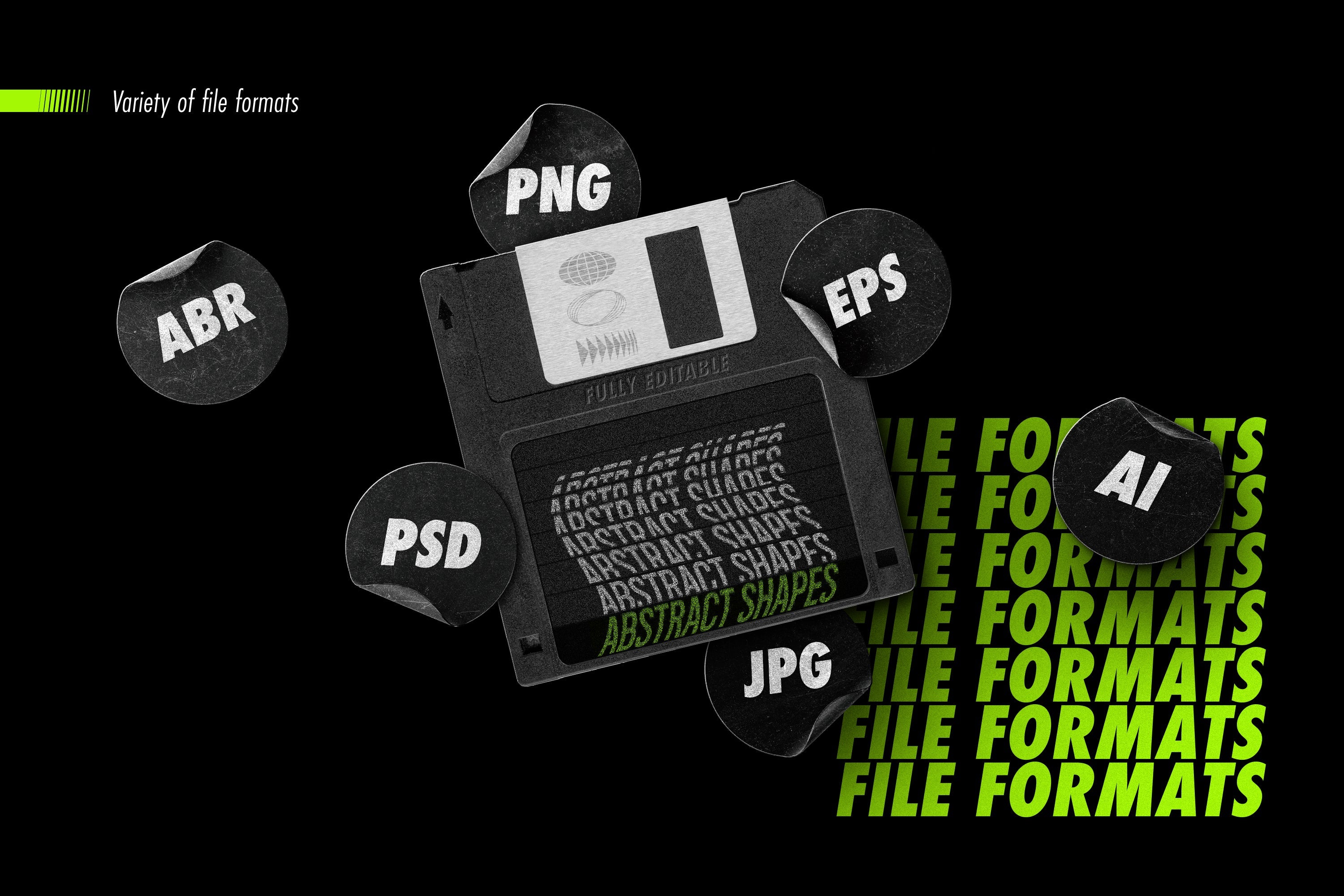
File formats included:
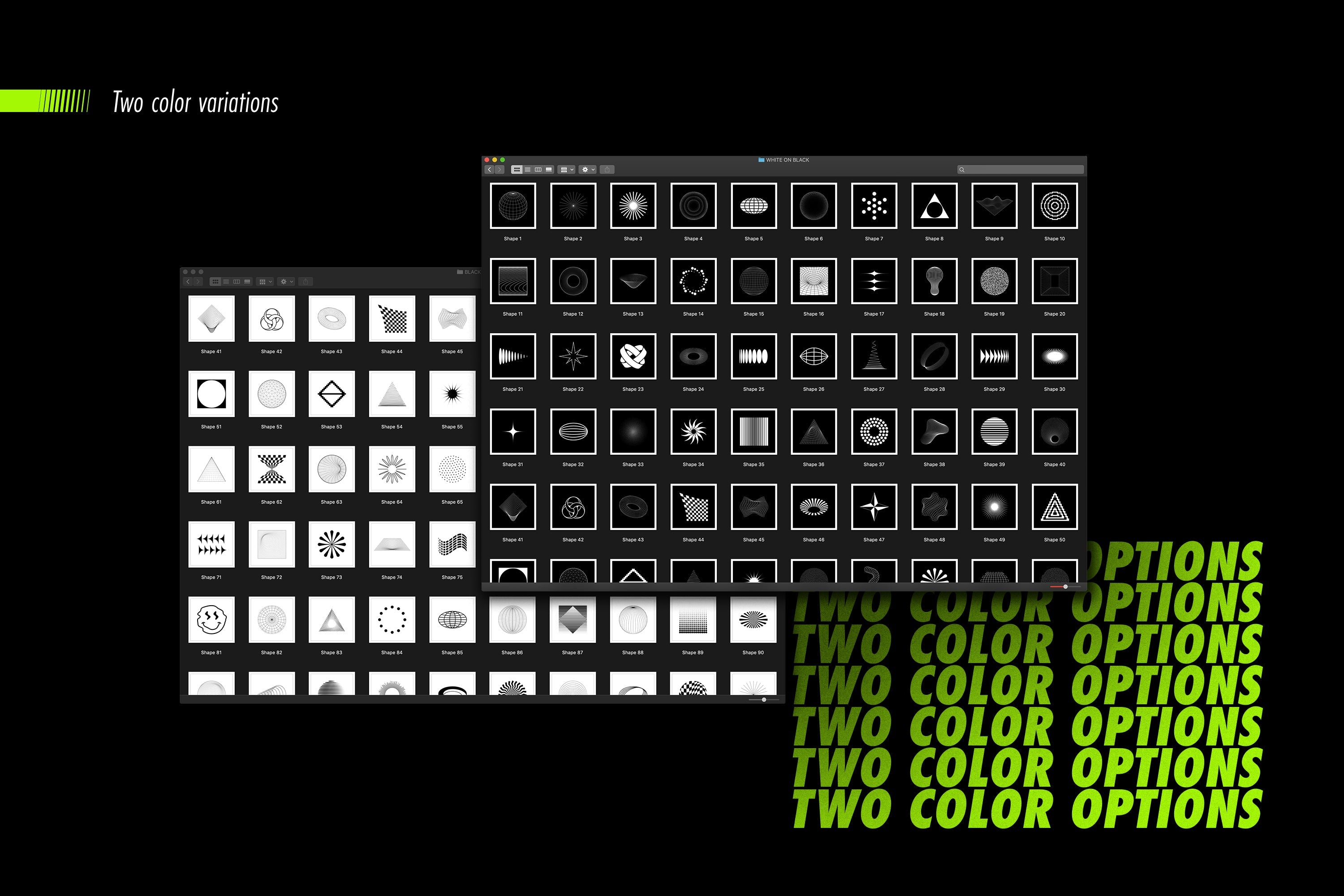
  • JPG Files: 100 elements in two color schemes. Hi-res 5000×5000px raster images, compatible with any software.
  • PNG Files: 100 elements in two color schemes, set on a transparent background – just drag and drop into your designs.
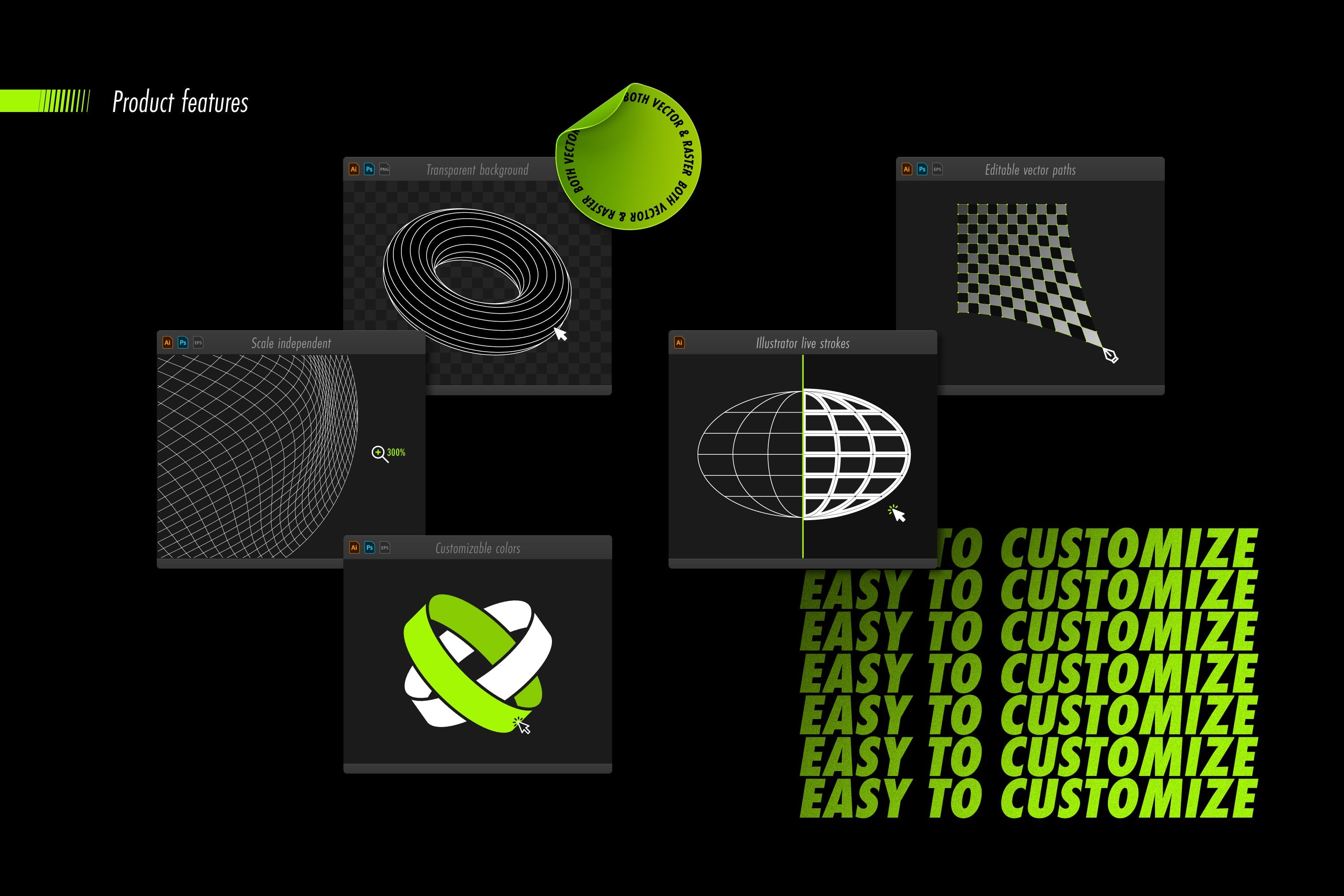
  • AI Files: With 202 native Adobe Illustrator files, you have the flexibility to modify colors, adjust line thickness, edit individual paths, and perform a range of other customizations to tailor each element to your specific design needs.
  • SVG, PDF, & EPS Files: Scale-independent, editable vector files, compatible with your favorite vector editing software: Adobe Illustrator, Affinity Designer, Canva, Figma, Corel Draw, Linearity Curve, VectorStyler, Inkscape, Sketch, Adobe XD, Graphic , Amadine, Boxy SVG and more.
  • PSD Files: 200 Adobe Photoshop files saved with resolution-independent vector shape layers. These files are also compatible with a wide of leading graphics editing software including Affinity Photo, Pixelmator Pro, Photopea, Procreate, Artstudio Pro, Gimp, and more.
  • CSH File: A library of 100 vector shapes, accessible through Adobe Photoshop's Shapes Panel.
  • ABR File: A library of 100 hi-res stamp brushes, accessible through Adobe Photoshop's Brushes Panel.

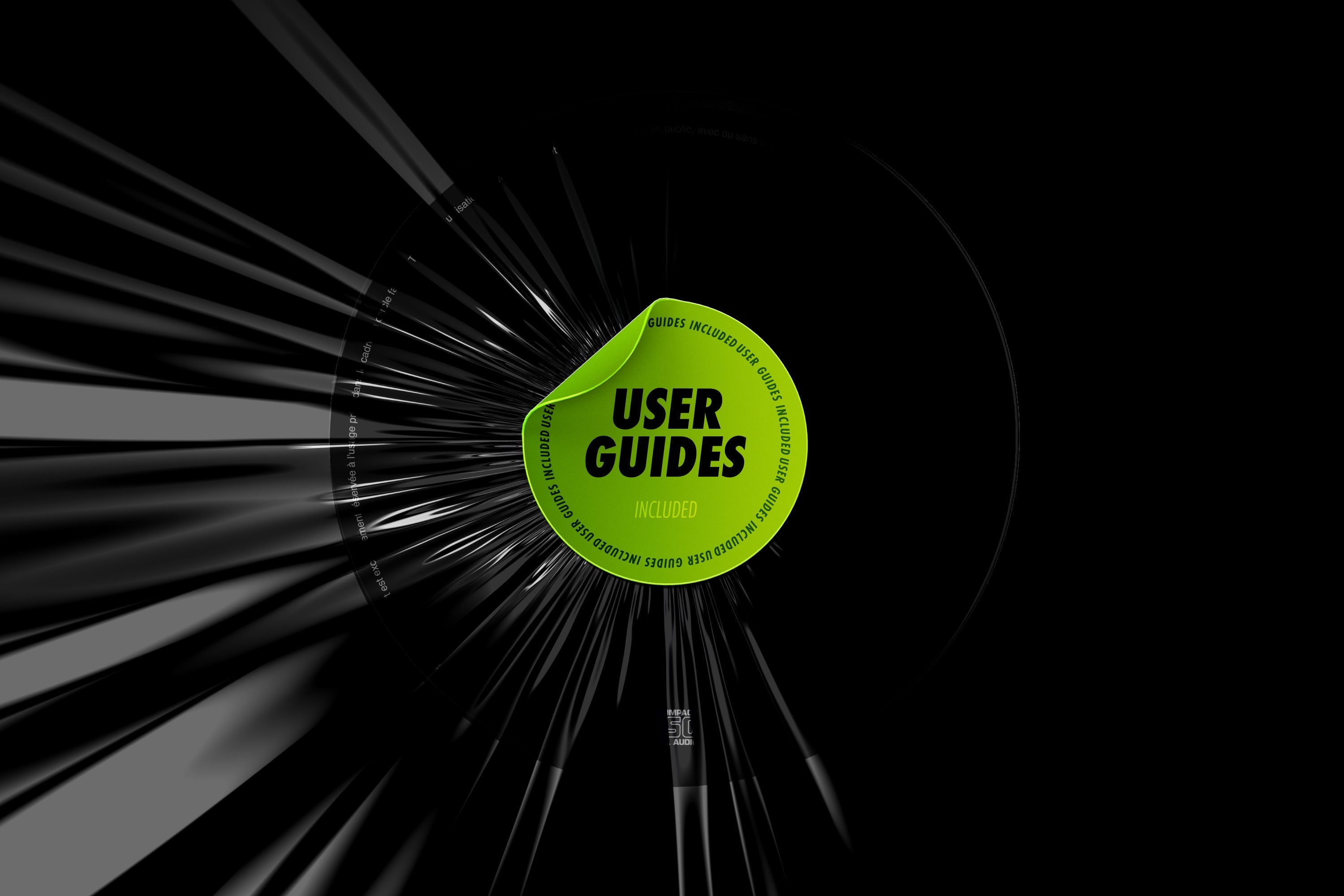
Comprehensive user guides:

  • The collection is accompanied by a thorough set of PDF user guides, designed to enhance your experience and ease of use. These resources include convenient reference sheets, step-by-step installation guides, and detailed manuals tailored for Photoshop and Illustrator users. These guides are crafted to provide you with clear instructions and helpful tips, ensuring a smooth and efficient workflow in your creative projects.

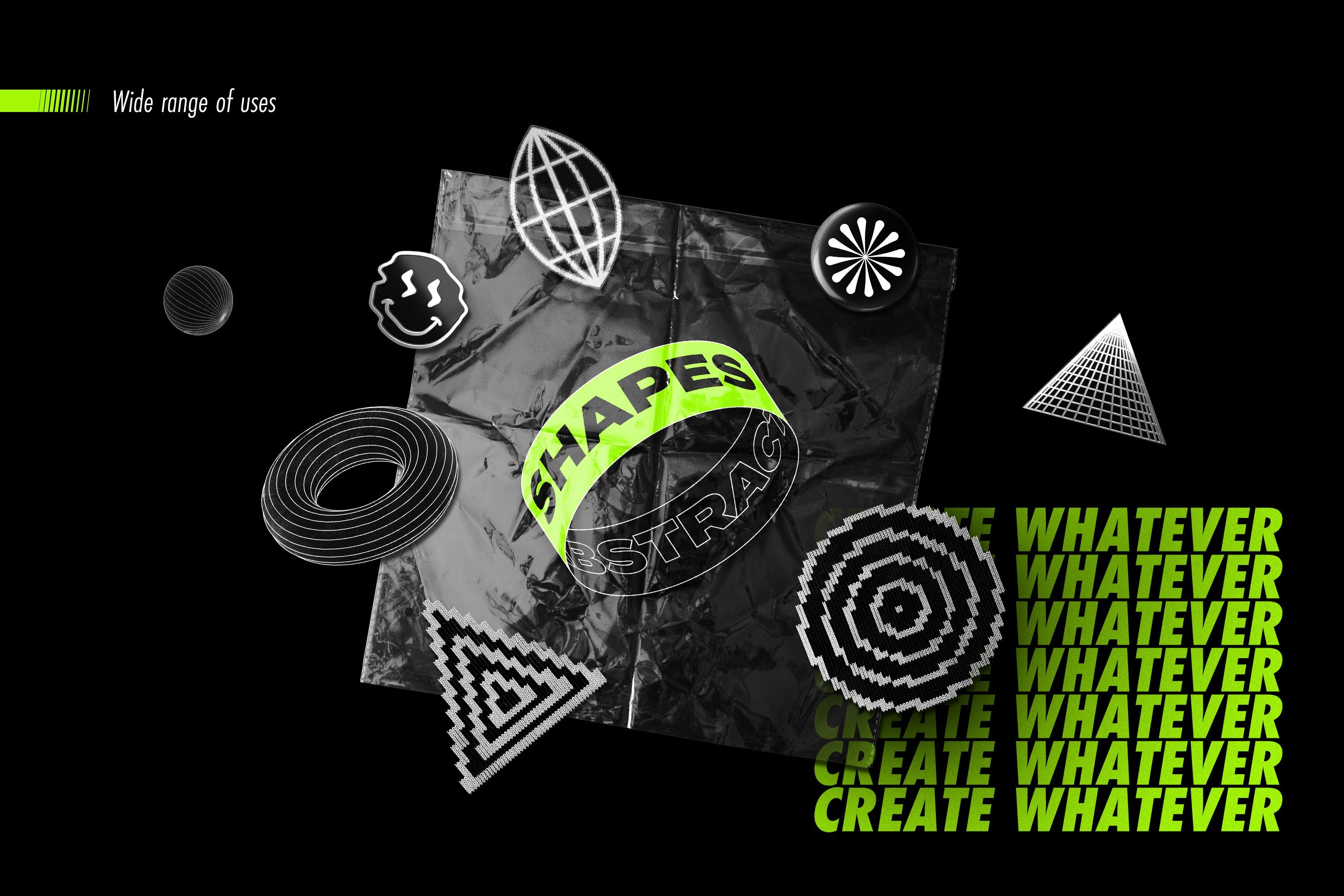
The Abstract Shapes Collection is more than just a set of elements; it's a tool for creative expression. It empowers designers, artists, and creatives to push boundaries and explore new horizons in design.

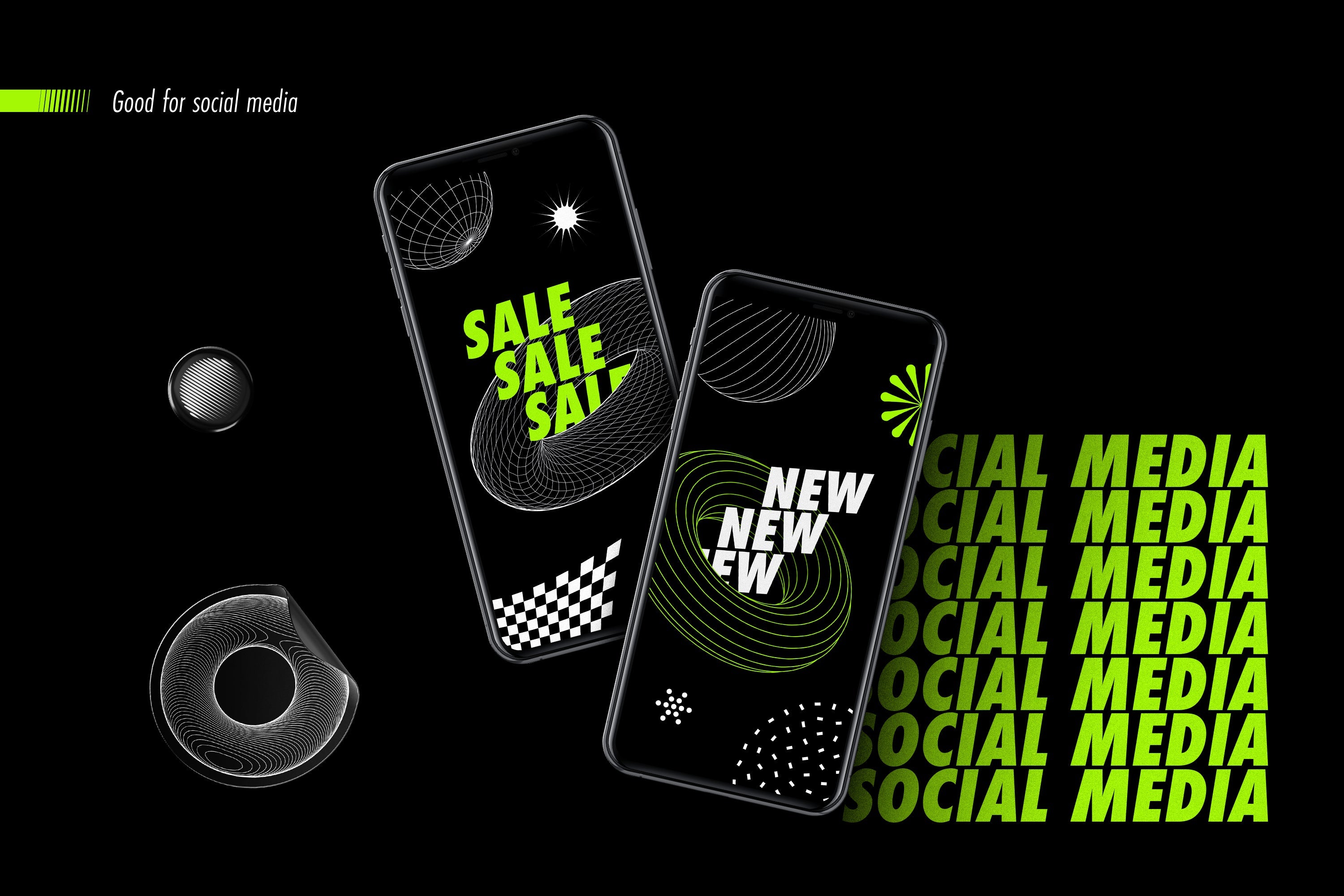
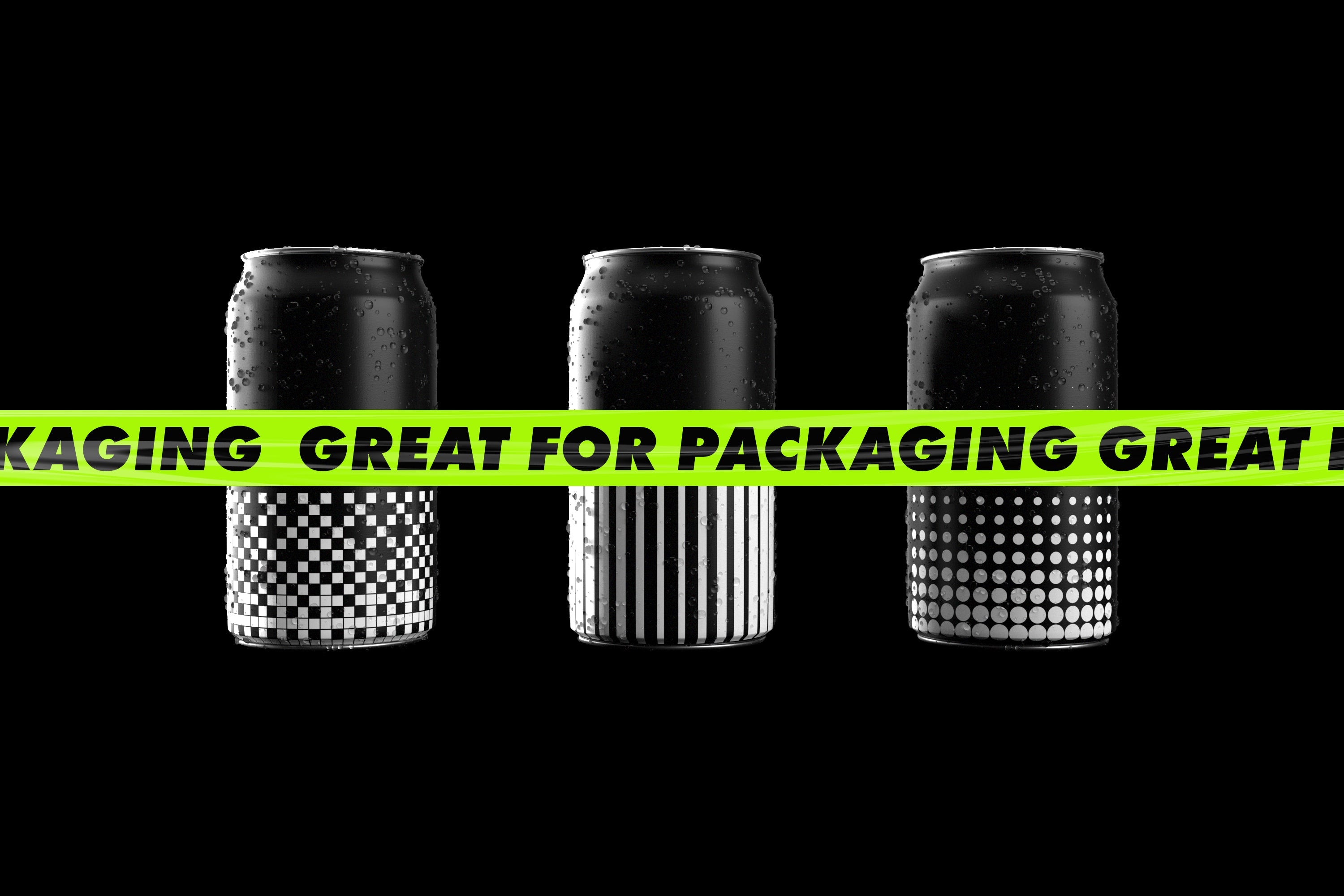
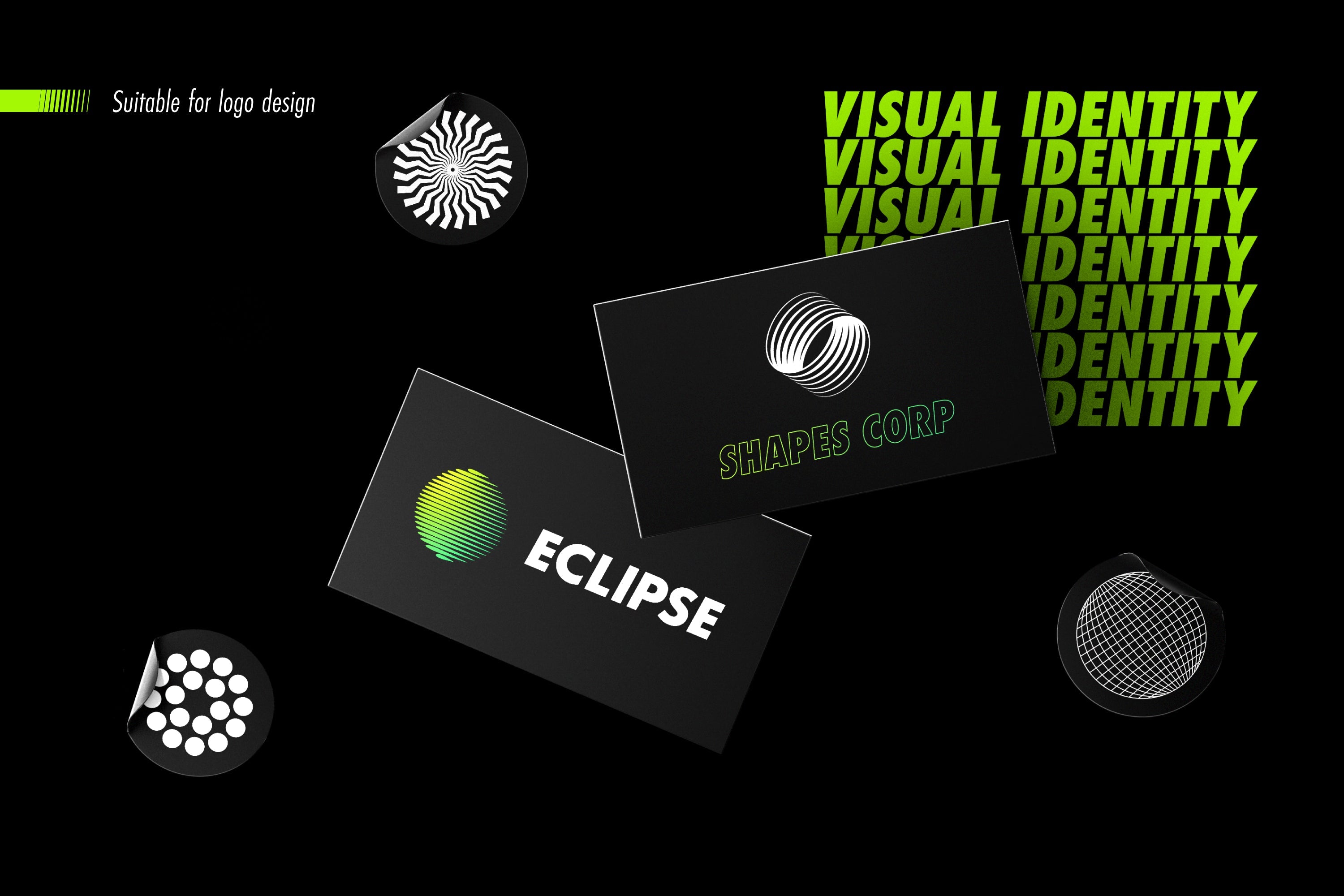
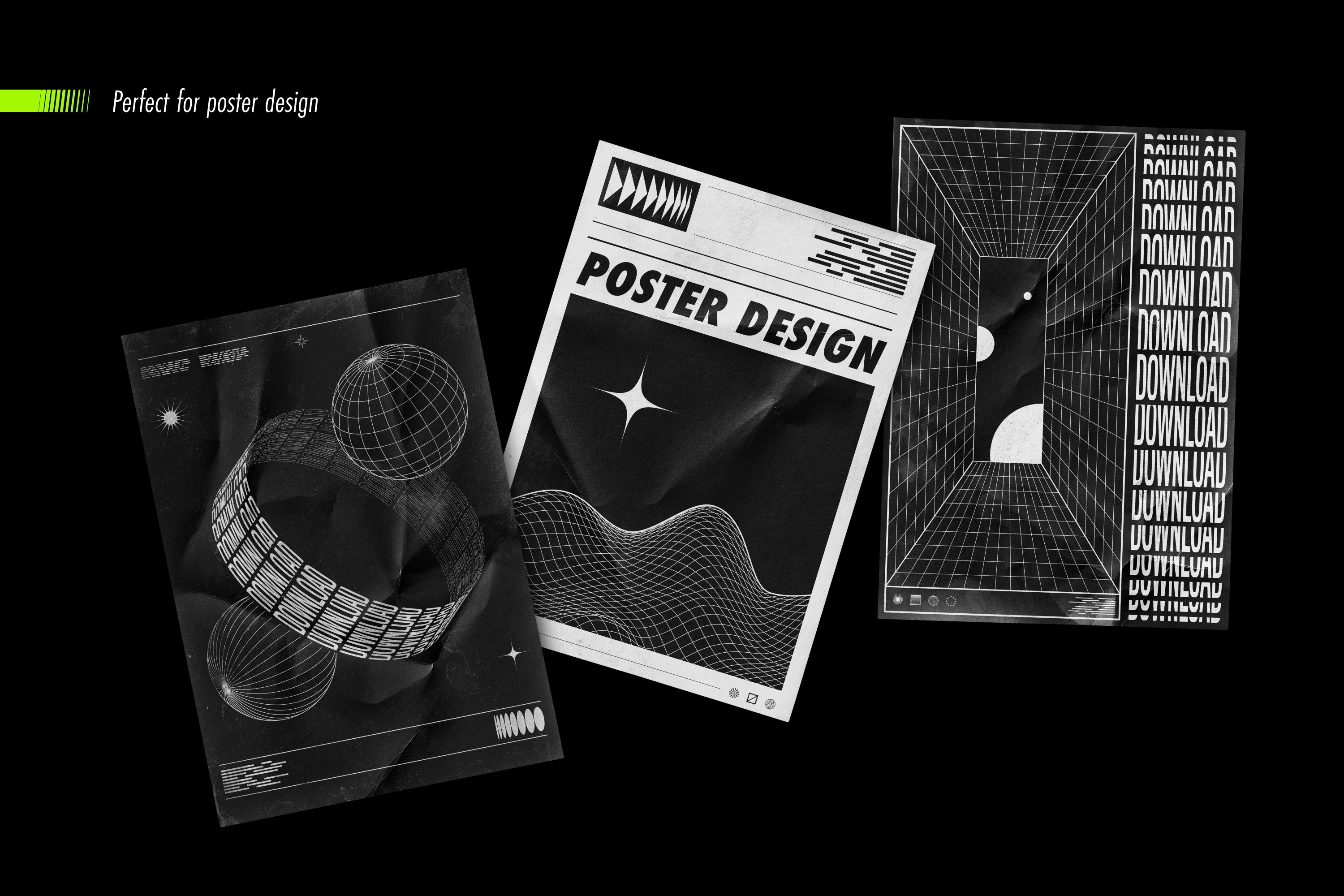
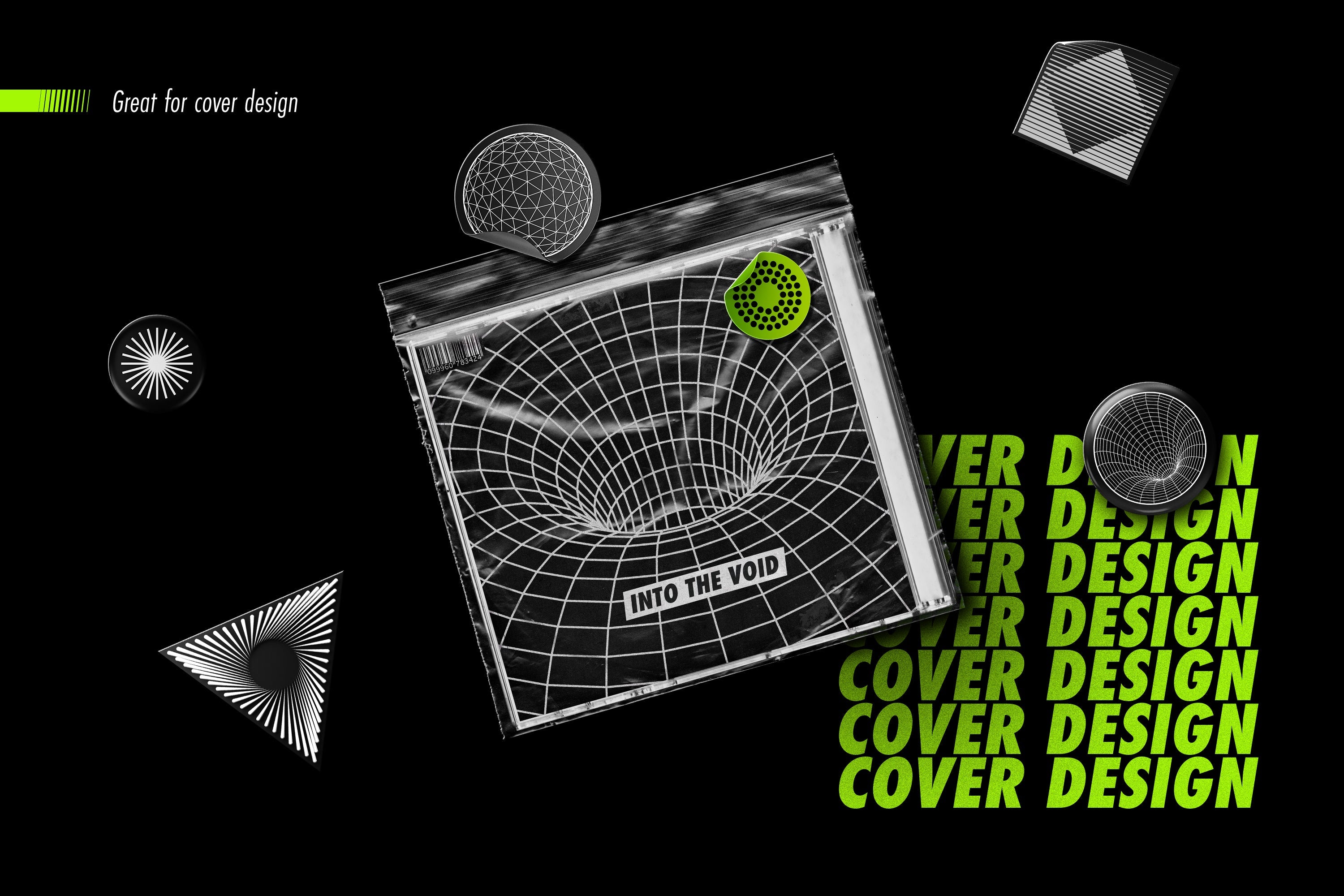
Whether you're working on a distinctive visual identity system, an eye-catching poster design, a memorable logo mark, a trendy fashion print, or an iconic cover design, this collection has everything you need to bring your creative vision to life.

Have questions or need assistance? Reach out for support and answers from our dedicated team.

Compatibility and specifications

Category
Graphic · Vectors
File formats
PSD, PNG, JPG, SVG, EPS, PDF, ABR, CUBE, BLEND
Compatible software
Photoshop, Illustrator, Figma, Procreate
Dimensions
5000 x 5000 px

Simple, transparent rights

Personal, commercial or extended license depending on the chosen variant

The selected license defines where and how the asset can be used. Check the exact terms before purchase.

Licence standard

Pour un créatif ou une équipe utilisant la ressource dans des projets personnels et commerciaux finis.

View rights

Utilisation personnelle et commerciale dans des créations finales. Travail pour un client autorisé. Adaptation et modification de la ressource autorisées.

Interdit de partager, revendre, sous-licencier ou redistribuer les fichiers source. Interdit de proposer la ressource seule ou quasi inchangée comme produit. Les éléments tiers restent soumis à leurs propres conditions.

Licence commerciale

Pour des projets commerciaux répétés, des campagnes et des travaux réalisés pour plusieurs clients.

View rights

Utilisation dans plusieurs projets commerciaux, travaux client, campagnes organiques ou payantes et créations finales numériques ou physiques. Adaptation et modification autorisées.

Interdit de partager, revendre, sous-licencier ou redistribuer les fichiers source. La ressource doit être intégrée dans une création finale et ne peut pas constituer la valeur principale du produit revendu.

Licence étendue

Pour une diffusion étendue, des produits finis vendus et des productions à grande échelle.

View rights

Utilisation commerciale étendue dans des créations finales, campagnes, produits finis vendus et productions à grande diffusion. Travail pour plusieurs clients autorisé.

Interdit de distribuer les fichiers source, de permettre leur extraction ou de créer un produit concurrent. Toute utilisation dépassant les conditions de la fiche nécessite un accord écrit.

Available licenses may vary by product. The license selected at purchase prevails. Read the full terms →

Need help before purchasing?

We can confirm compatibility, formats and license terms for your project.

Product FAQ

Questions specific to this resource

Which formats are included?

The formats listed for this resource are: PSD, PNG, JPG, SVG, EPS, PDF, ABR, CUBE, BLEND.

Which software is this resource compatible with?

The compatibility listed for this resource is: Photoshop, Illustrator, Figma, Procreate.

Example published with its creator’s permission.

Verifiable customer reviews

The ratings and review count below come from the store’s connected review system.

10,000+
orders placed on HYTRAPE
4.7/5
45 reviews
Judge.me
Purchase-linked reviews

Purchase-linked reviews

No published reviews yet

We do not display estimated ratings or artificial counters. Be the first to share feedback after purchasing.

Read reviews →

Customer Reviews

Be the first to write a review
0%
(0)
0%
(0)
0%
(0)
0%
(0)
0%
(0)

FAQs

How do I access my files after purchase?

Directly after payment, you'll see a confirmation page and a link in the email. Once you're logged into your account, you'll find them in "My Files."

I can't download my product. What should I do?

Check your spam box. If the problem persists, contact us at contact@hytrape.com . We will respond within 24 hours.

Do I need Photoshop?

Some products (mockups, text effects, templates) do, while others are compatible with all image editors. See product specifications.

How to use your mockups?

Open the PSD file > double-click the smart object > add your design > save > it's done.

Ask your question here: