

Graphics / Brushes 7 products20,000+ downloads
Procreate & Photoshop Brushes
This collection is designed for illustrators, lettering artists, and graphic designers. It brings together engraving brushes, halftones, stipples, scratches, and light effects, to achieve an organic and textured feel in digital creations. Before choosing, compare the compatible software, brush format, stroke style, and application examples. Each resource should be evaluated based on the information visible on its product page: exact content, creator, terms of use or delivery, and any technical requirements. HYTRAPE organizes this selection to make discovery faster, facilitate comparisons, and help you choose an option truly suited to your project rather than just an appealing preview.
- ↓Instant access
- ◇Secure payment
- ✓Files in your account

![Main preview of Procreate brushes : Vintage Engraving [BY MiksKS], Actions and brushes resource by MiksKS](http://hytrape.com/cdn/shop/files/00_square.jpg?v=1726752166&width=1080)
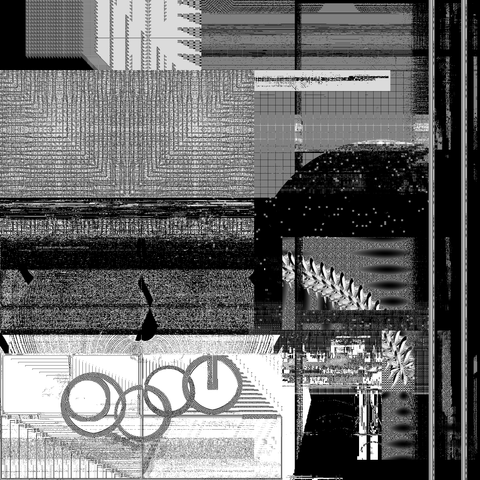
![Preview 2 of 7 of Procreate brushes : Vintage Engraving [BY MiksKS], Actions and brushes resource by MiksKS](http://hytrape.com/cdn/shop/files/1_8adc140d-1f5e-485c-ab87-d5af538b9052.jpg?v=1726752179&width=1160)
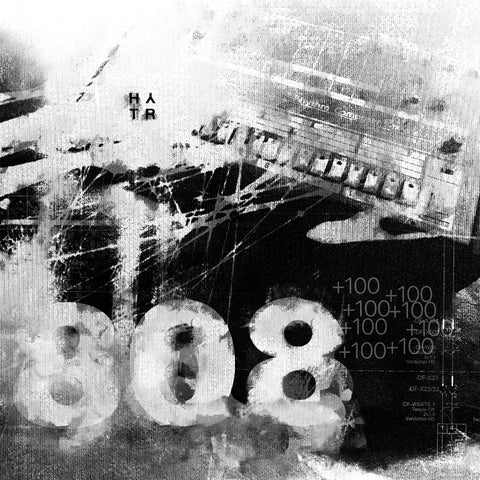
![Preview 3 of 7 of Procreate brushes : Vintage Engraving [BY MiksKS], Actions and brushes resource by MiksKS](http://hytrape.com/cdn/shop/files/2_53624937-c1c9-43cc-910e-5d5509d6f909.jpg?v=1726752179&width=1160)
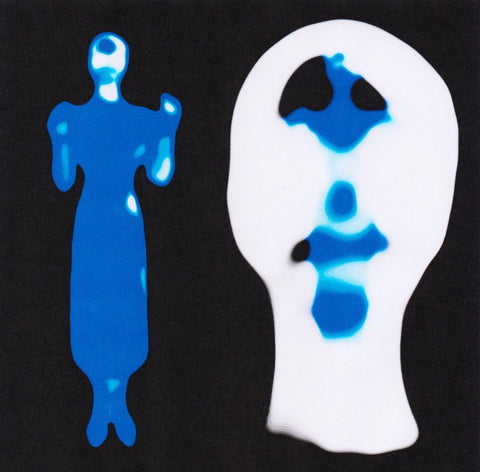
![Preview 4 of 7 of Procreate brushes : Vintage Engraving [BY MiksKS], Actions and brushes resource by MiksKS](http://hytrape.com/cdn/shop/files/3_f52c7fd0-c12b-4aee-92e4-9f70eaf3b222.jpg?v=1726752178&width=1160)
Procreate brushes: Vintage Engraving [BY MiksKS]
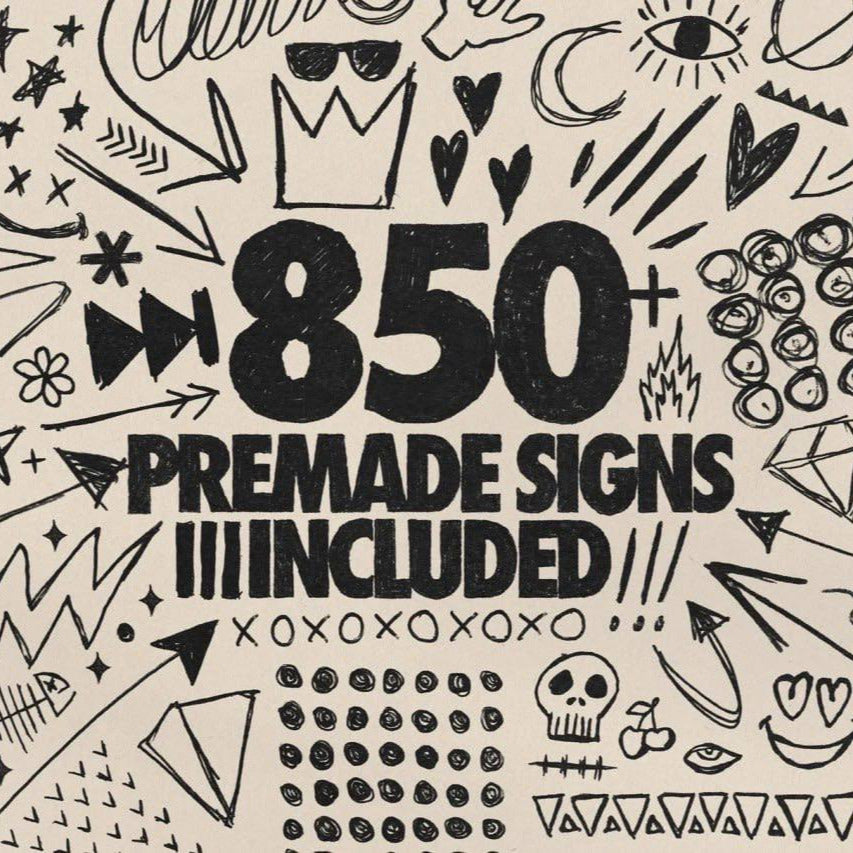
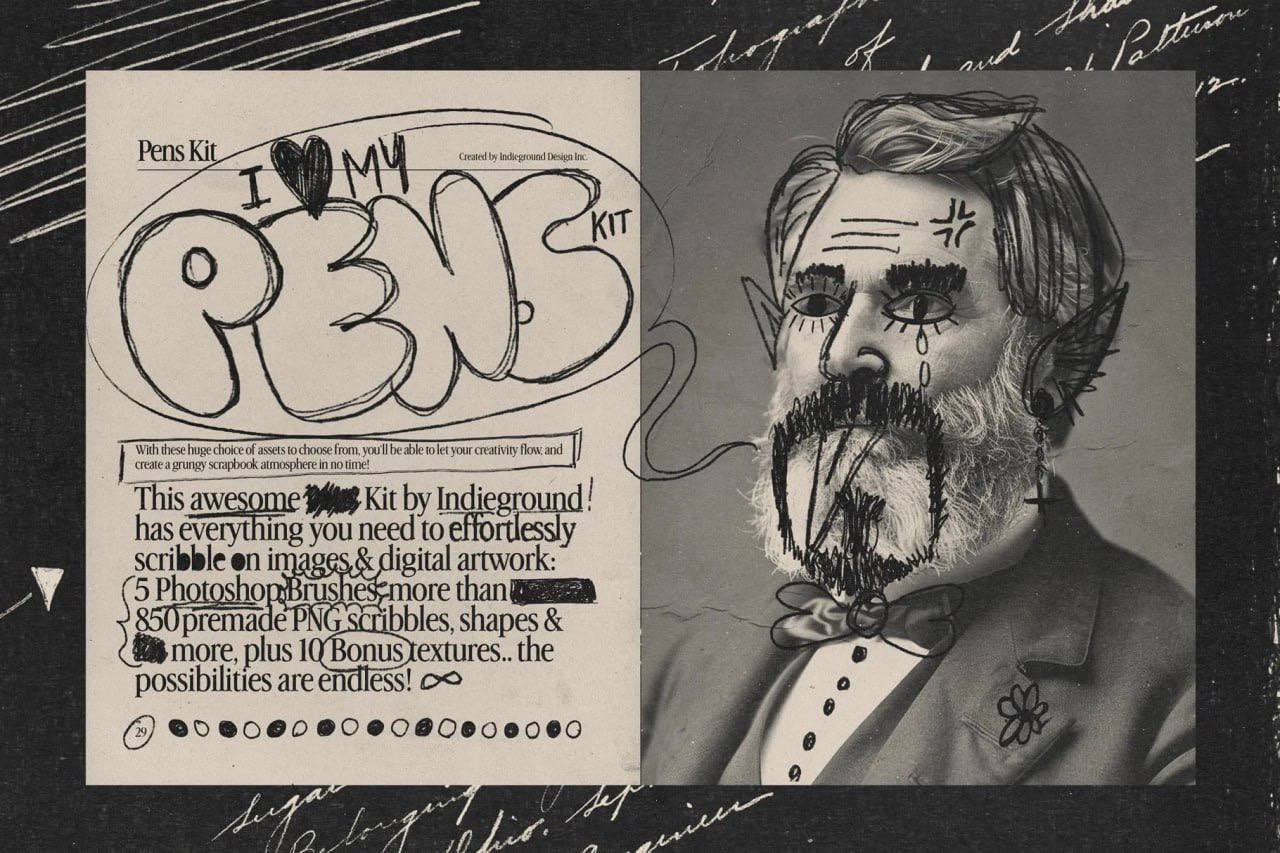
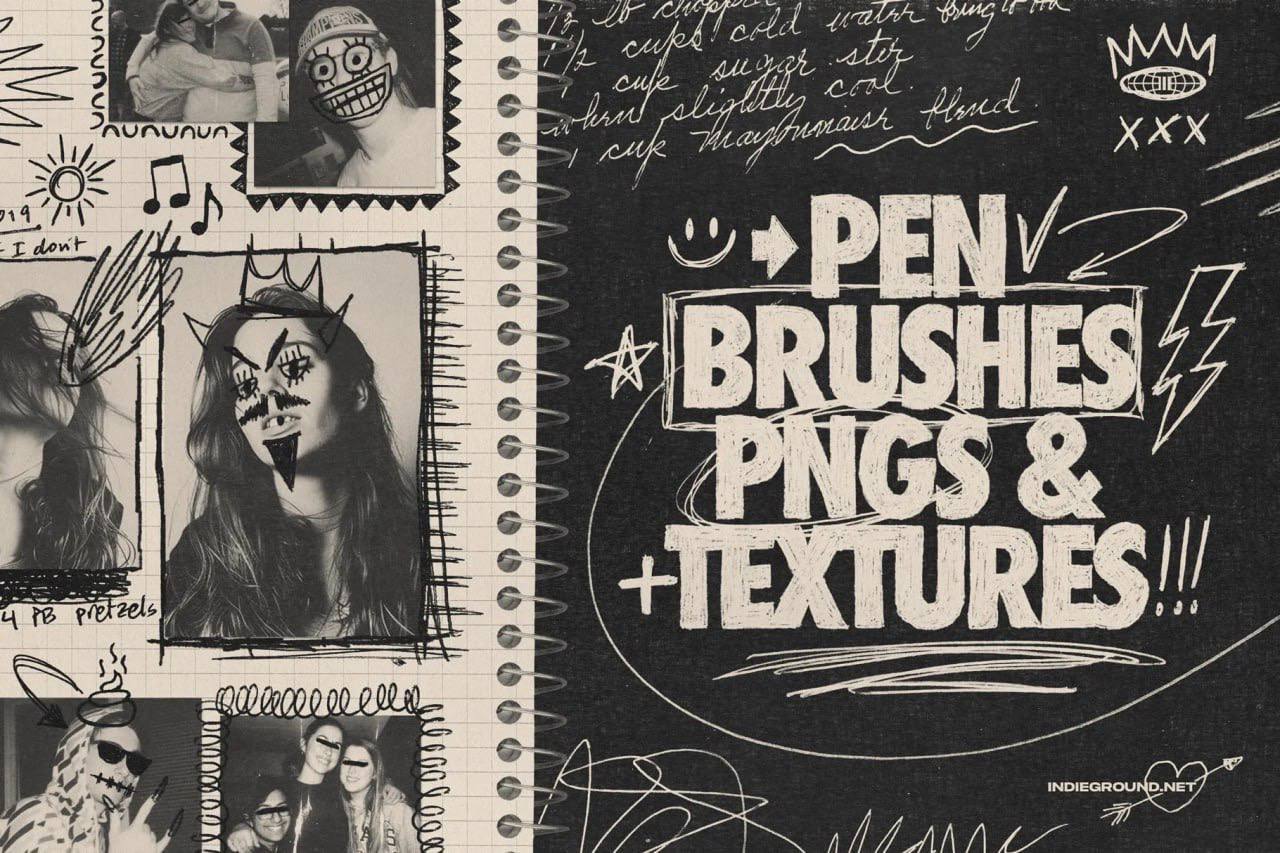
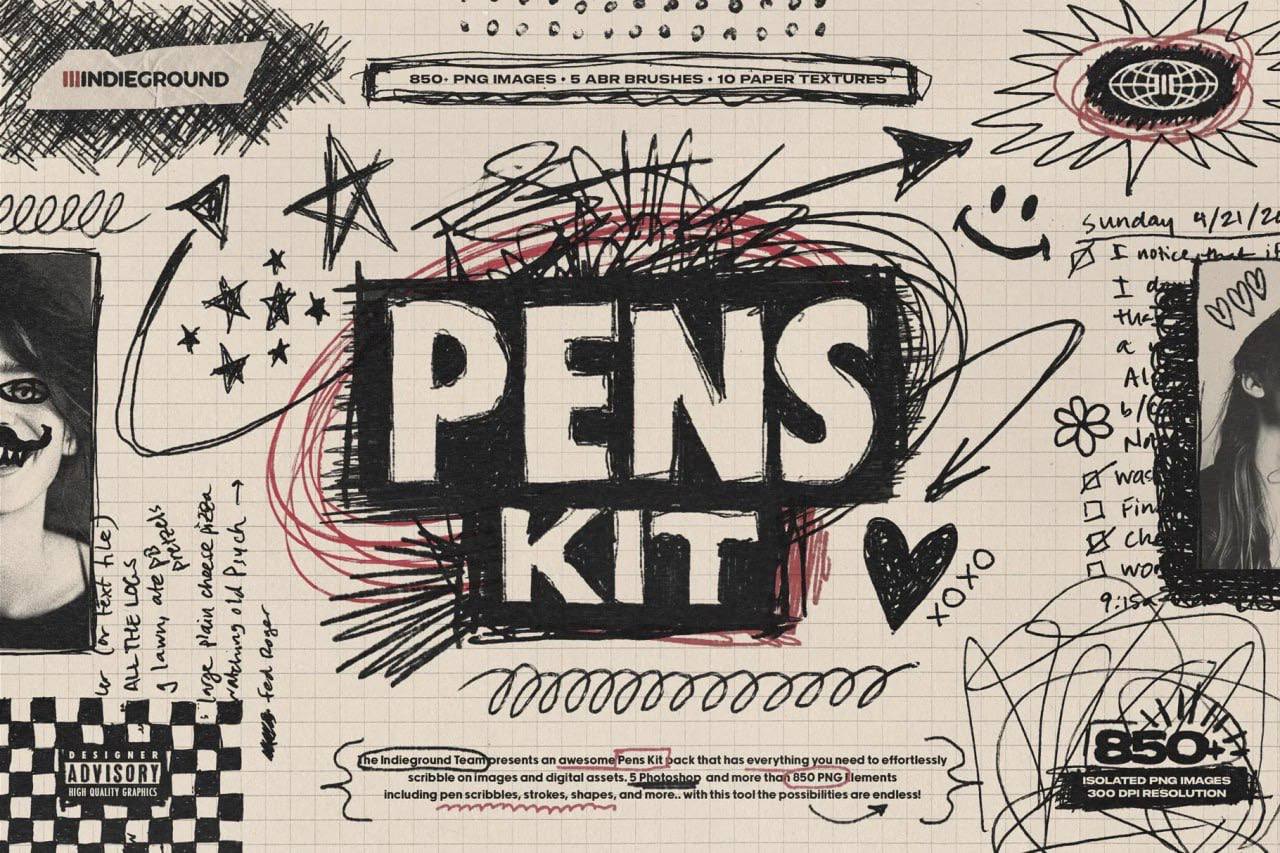
+850 PENS KIT
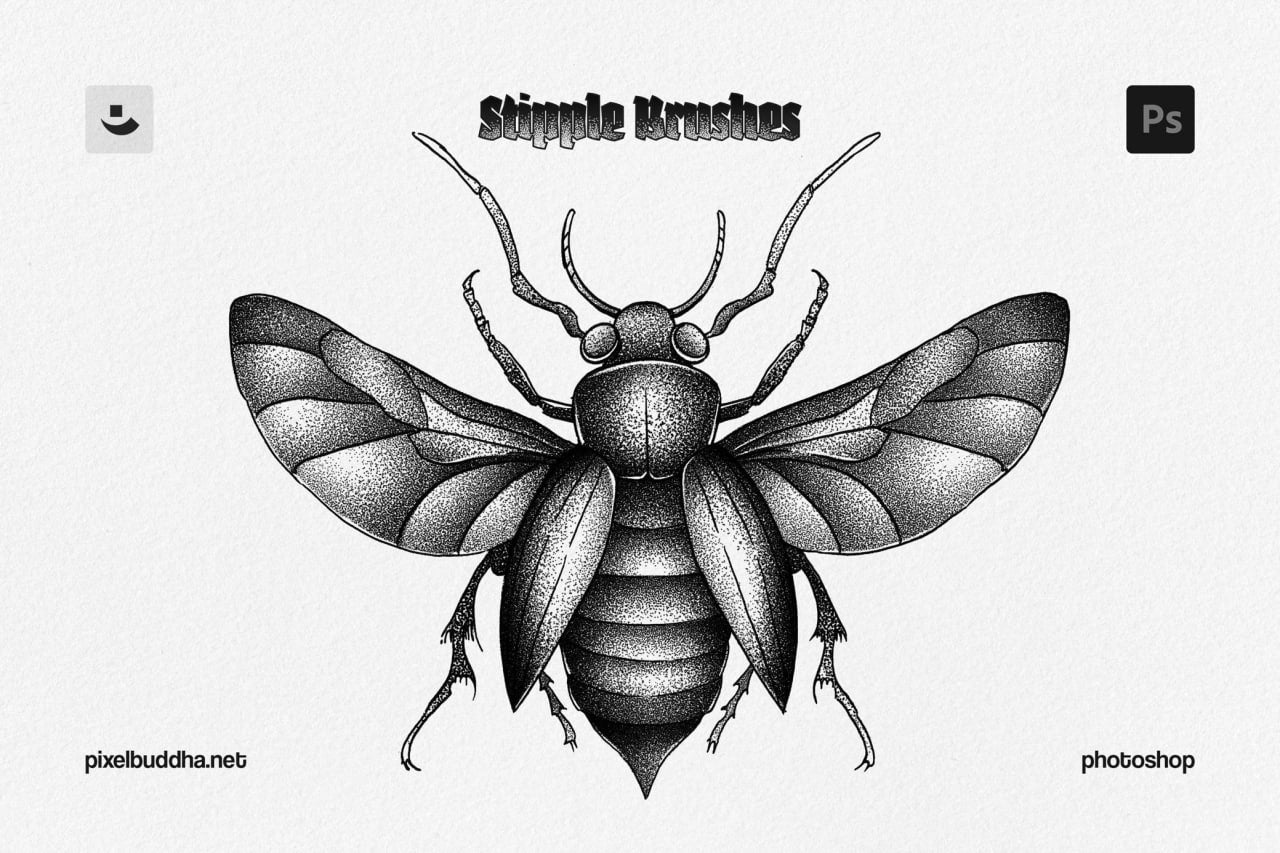
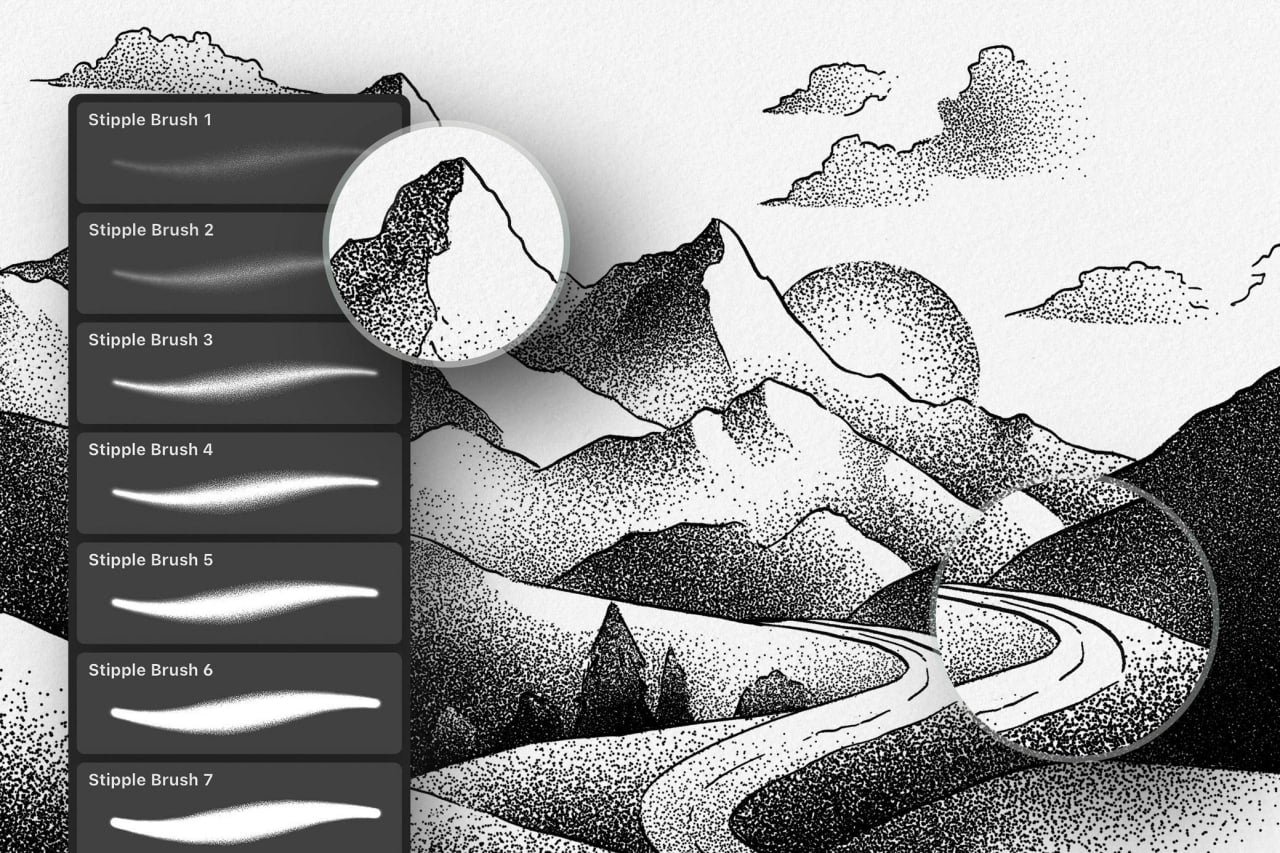
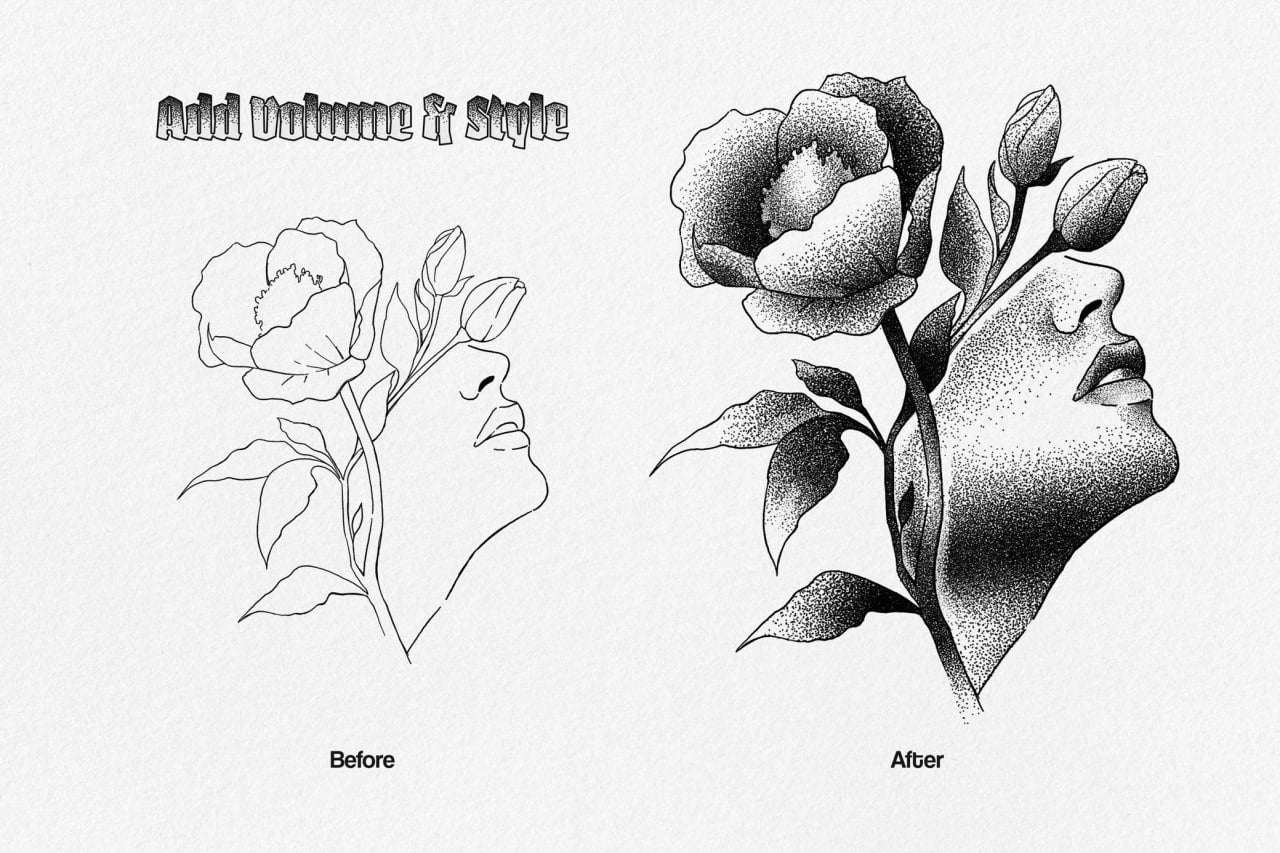
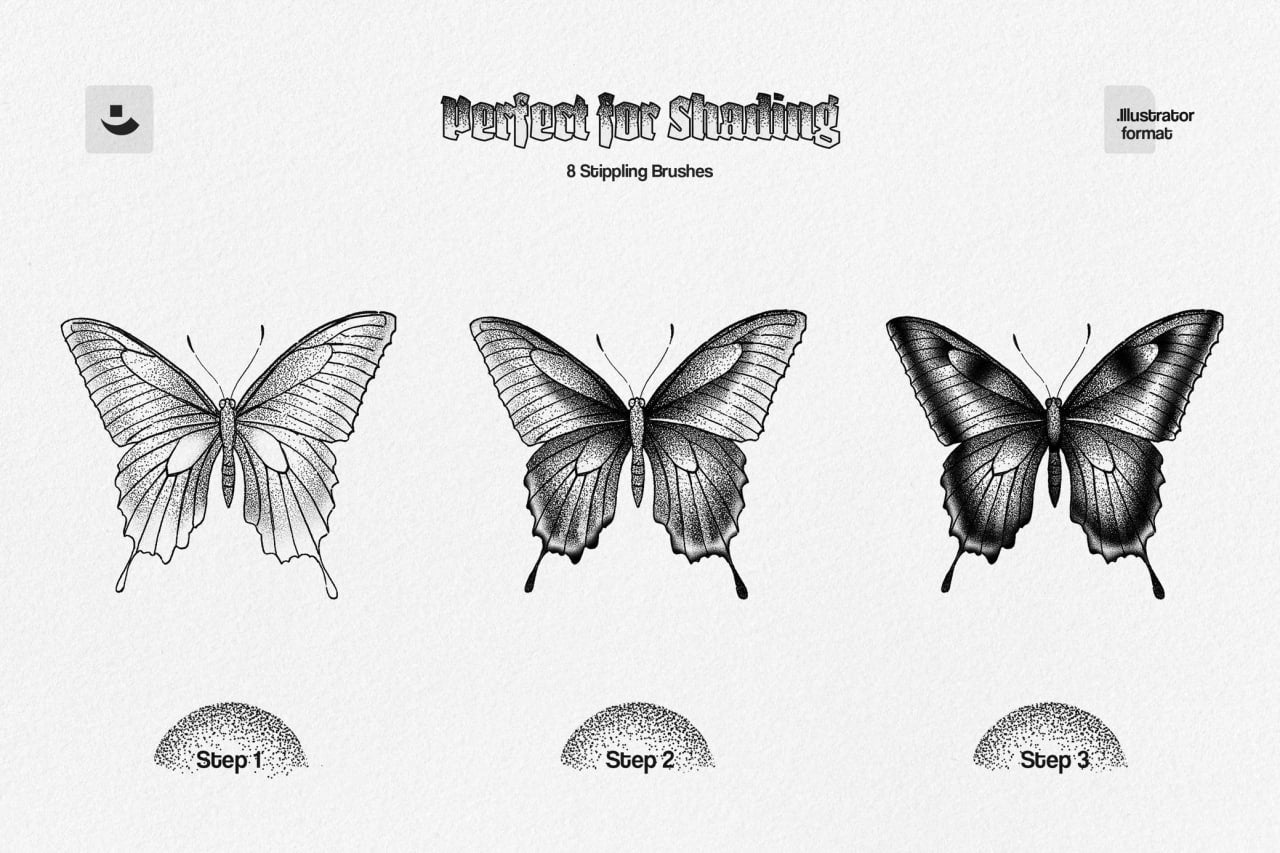
Stipple Brushes
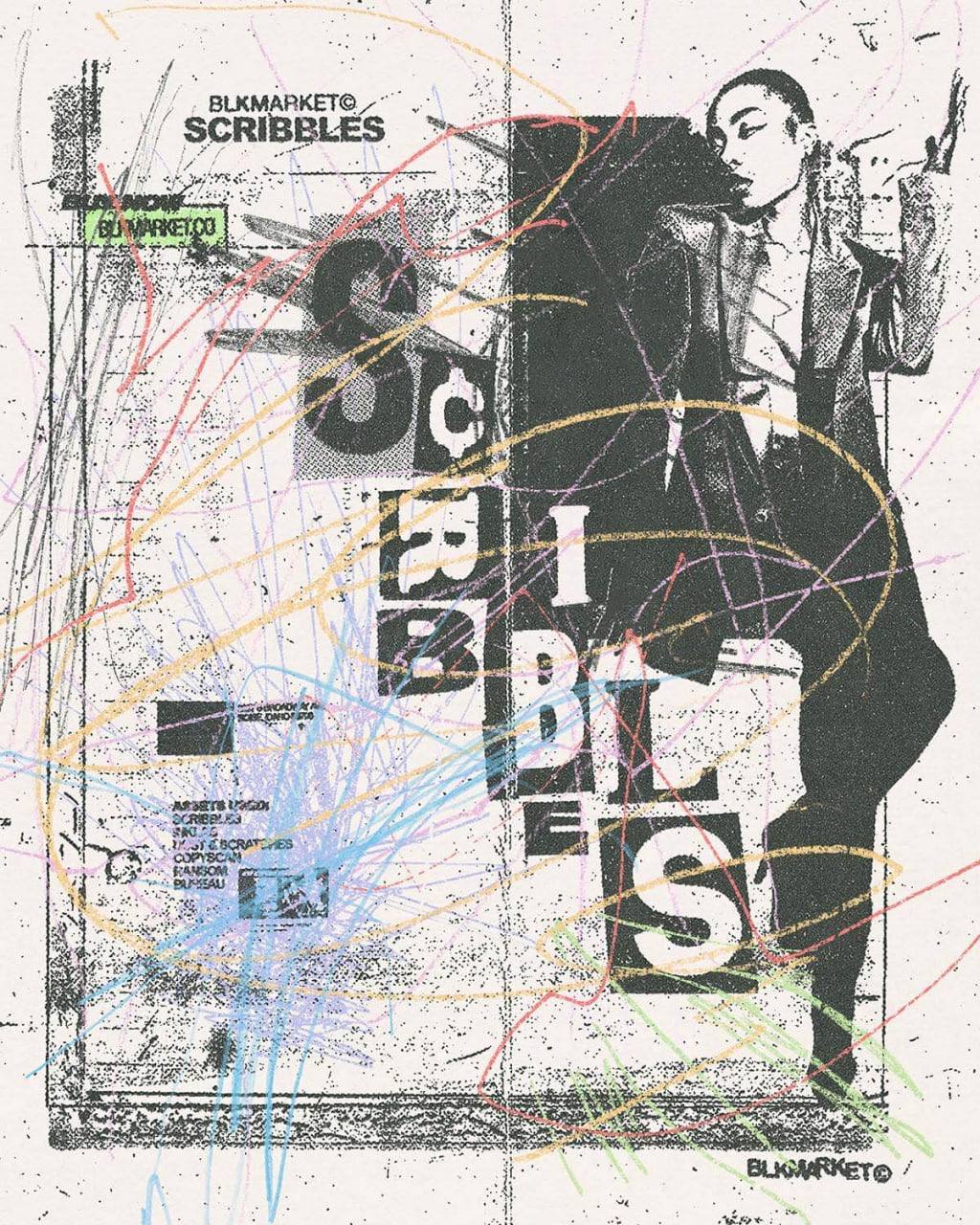
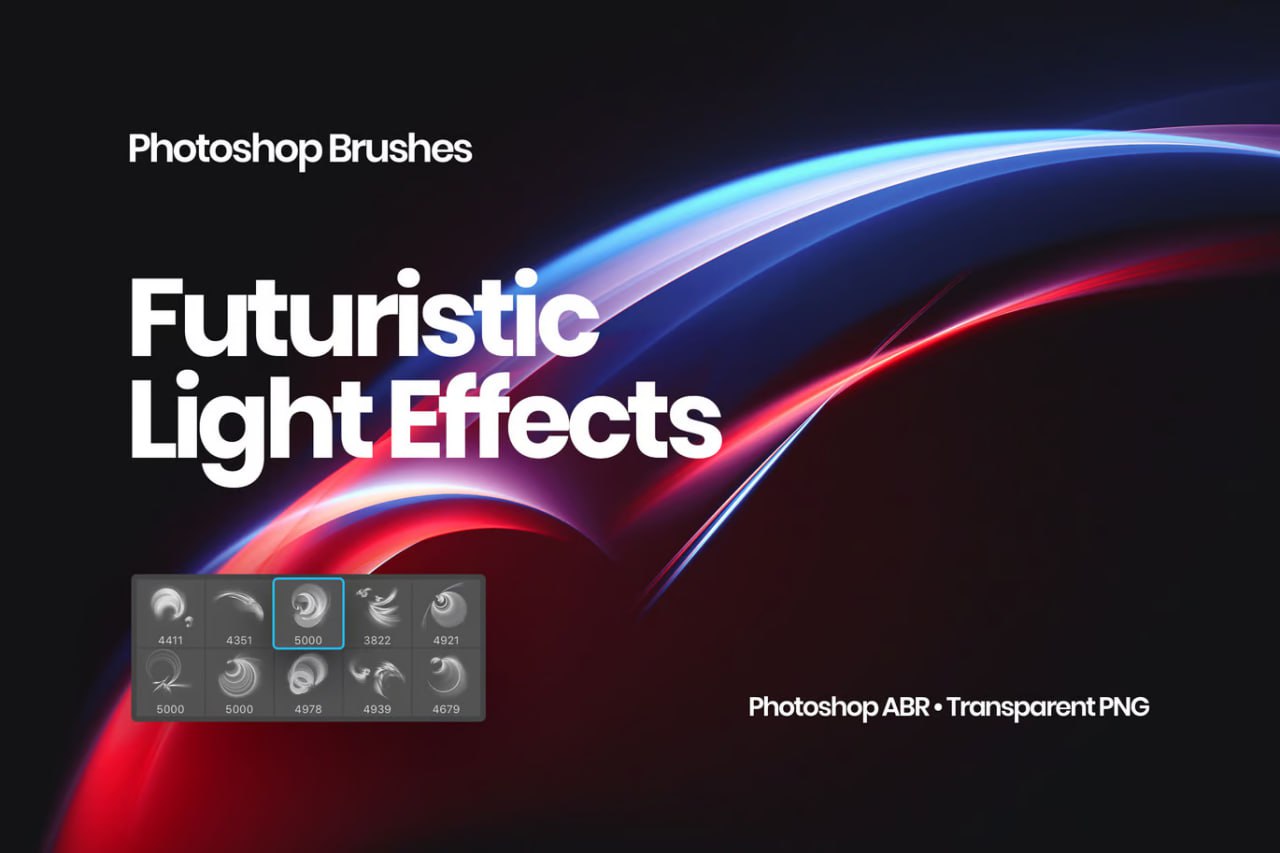
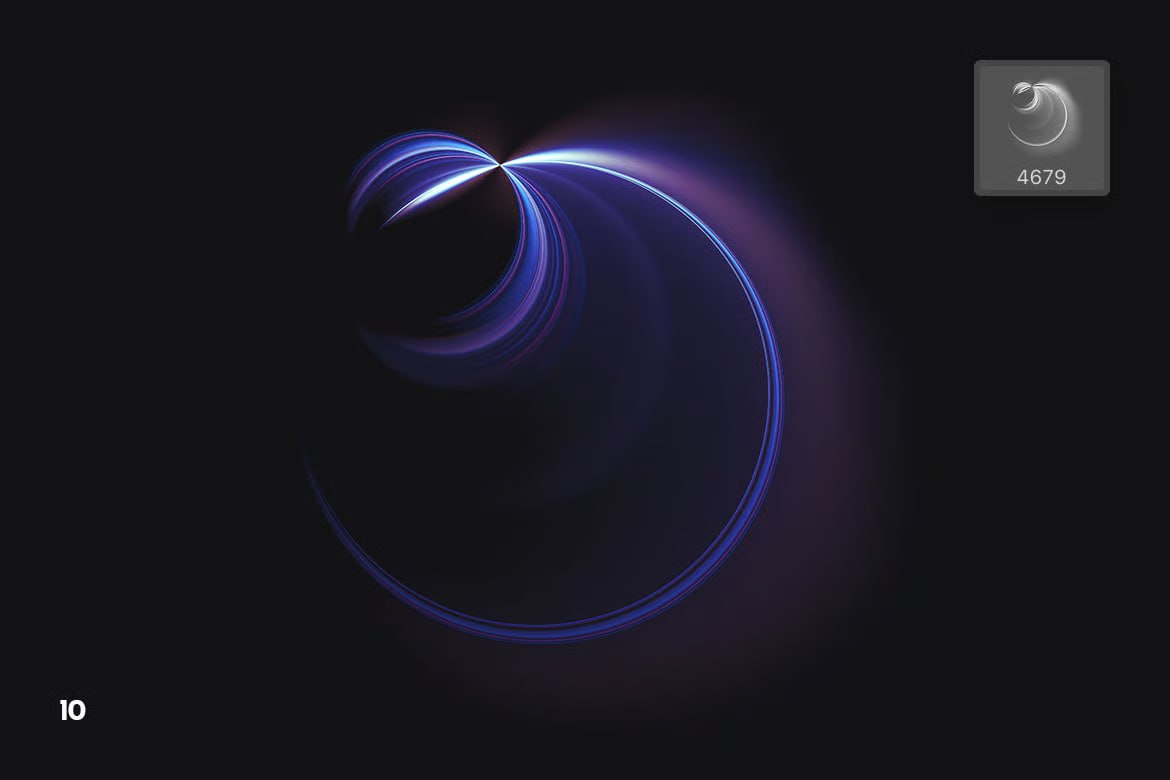
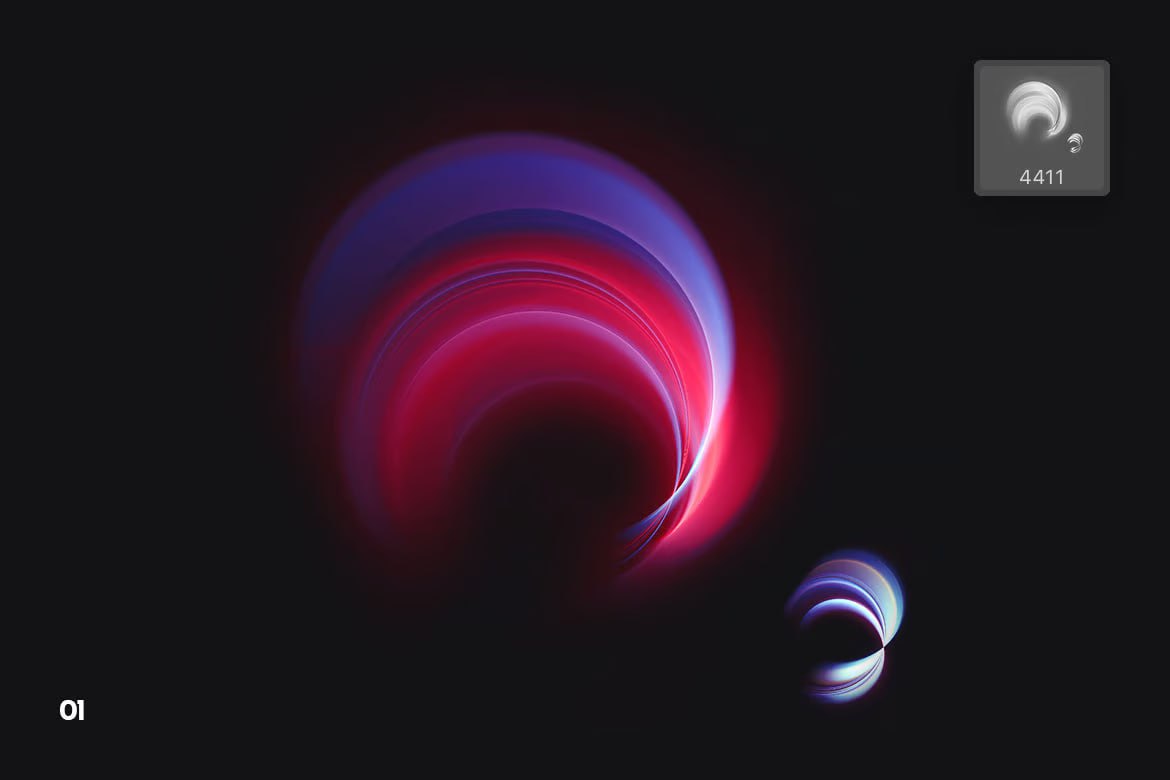
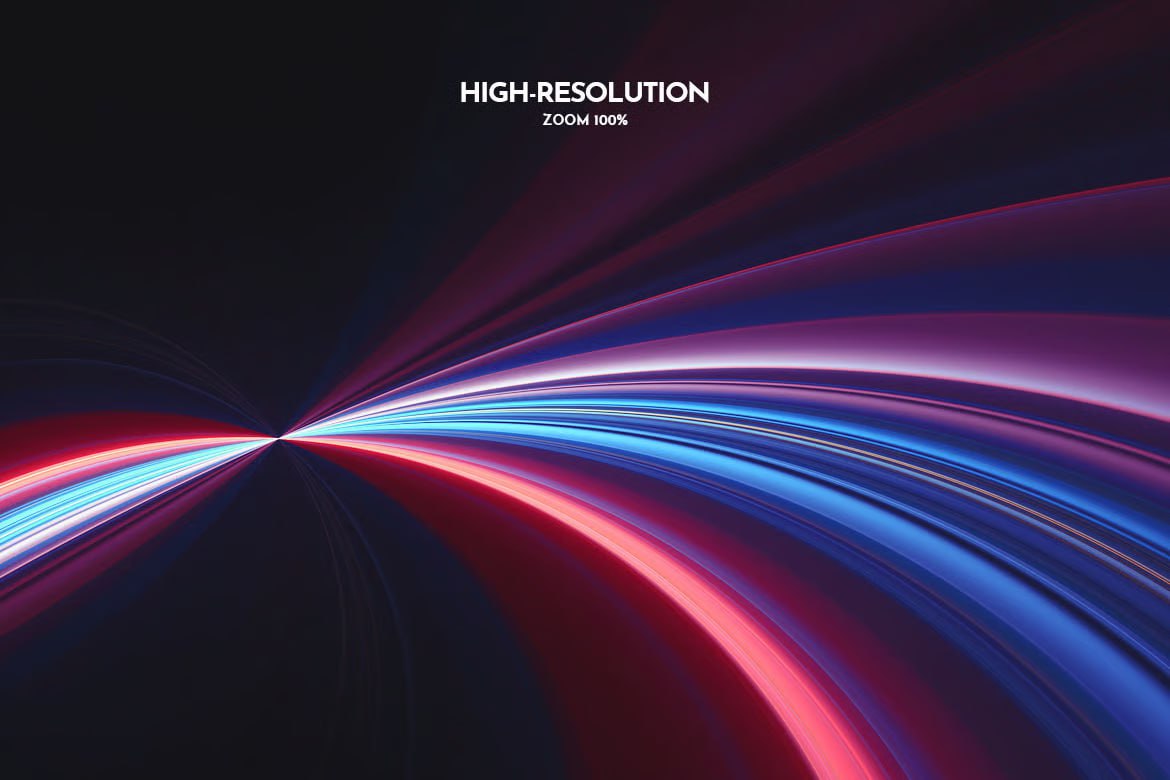
Futuristic Light Effects
Graphics / Brushes
How to choose from the Procreate and Photoshop brushes collection
Start by defining your use case: bringing an organic, textured hand-made feel to digital work. Products that look alike don’t always meet the same need, so check the compatible software, brush format, stroke style, and usage examples, then take a close look at the previews before you decide.
This page links to related categories so you can broaden or narrow your search without going back to the full catalog. The technical and sales details shown on each product page are the reference: they must exactly match the files or items actually delivered.
For a digital resource, always check the software and version, formats, file size, license, restrictions, and updates. A good resource should be ready to use as soon as you download it, with clear and complete documentation.
Creators in this selection
Useful guides
FAQ
Questions about Procreate & Photoshop Brushes
Who is the Procreate & Photoshop Brushes collection for?
It's designed for illustrators, lettering artists and graphic designers, with a selection curated to bring an organic, textured stroke back into digital work.
How do I choose from the Procreate & Photoshop Brushes collection?
Start by comparing the compatible software, brush format, stroke style and usage examples. Then open the product page to check the exact details and available visuals.
What should I check before downloading a resource?
Check the formats, the software and its version, the included content, the download size, the license and any restrictions listed on the product page.