




Description
About this resource
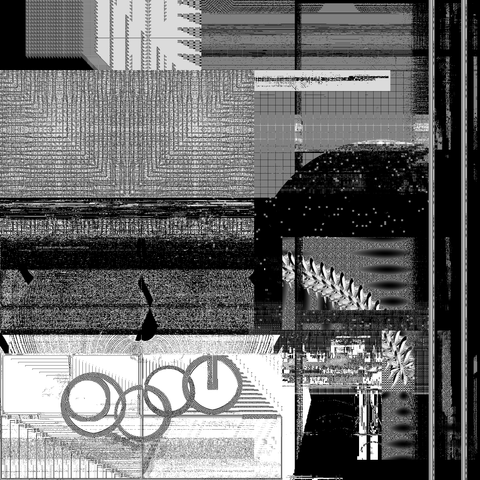
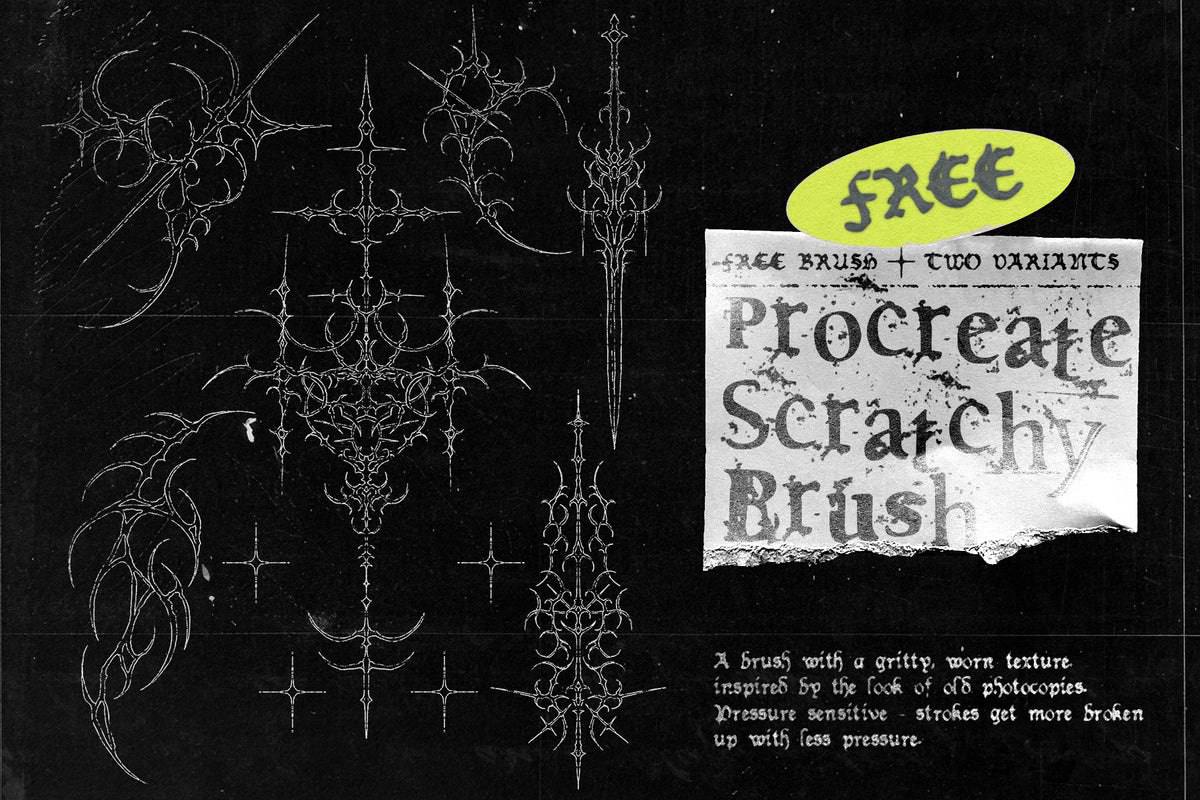
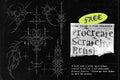
Recreate the raw, grainy aesthetic of old photocopies directly in Procreate. This unique brush reproduces a worn, textured look, ideal for adding character and depth to your illustrations.
The brush is pressure-sensitive: the lighter you press, the more uneven and fragmented your stroke will be, perfectly imitating the effect of ink running low or toner disintegrating.
Available in two versions for varied effects:
-
Scratchy: For a subtle and elegant grain.
-
Super Scratchy: For a more abrasive and pronounced texture.
Give your creations a vintage style with this textured and authentic brush.
Customer reviews
What creatives are saying
4.7/5
45 verified reviewsJudge.me · whole shop
20,000+
downloadson HYTRAPE since 2023
-
Glad I found this!
« Was once on sudio AA’s website, with a few more features for free. Lost the file and this was the only one I found. Good, but not the same as I miss the other settings. Grateful to have it either way” »
on Text Trasher -
« Hh »
on TRANSLUCENT PLASTIC BAG MOCKUP -
« Loved this texture Worked well for my scene Thank you »
on +10 BROKEN GLASS TEXTURE (FREE) -
Service client catastrophique
« Aucun article reçu sur 3 après 3 semaines d'attente, un remboursement pour l'un des article n'incluant pas les frais de port alors que l'article n'était meme pas en stock. Aucune réponse du service client par mail ou message Instagram, je déconseille fortement. »
-
nrv
« wAllah nrv »
-
génial
« merci »
-
« Certifié nasty »
-
Goatesque
« C monstrueux j'ai utilisé le pack 2 semaines et j'ai placé 84 artistes depuis »
-
banger
« eh juste foncez prenez utilisez c’est une pépite »
-
« 👍 »
-
merci
« encore merci »
-
« Magnifique kit »
The shop
HYTRAPE
- Graphisme
- Audio
- Photo et vidéo
- 3D
Discover
You may also like


Frequently asked questions
Before you download
File access, downloads, software: answers to the most common questions.
How do I access my files after purchase?
Right after payment, via a confirmation page + a link in the email. When logged in to your account, you'll find them in "My files".
I can't download my product. What should I do?
Check your spam folder. If the problem persists, email us at contact@hytrape.com. Our team will get back to you as soon as possible.
Do I need Photoshop?
For some products, yes (mockups, text effects, templates); others work with any image editor. See the product specs.
How do I use your mockups?
Open the PSD file > double-click the smart object > add your design > save > done.