

Cover and poster design: glass, chrome and textures
Build a cover or poster with glass, chrome and scanned textures. Check pack formats, follow a Photoshop workflow and prepare your exports.

Start a cover or poster with one main idea, one material and a clear text hierarchy. Glass, chrome and grain can support the composition while leaving the subject readable. These are art direction suggestions and a workflow, not a ranking of the year’s trends.
Choose the material and file format
| Resource | Listed contents | Possible use |
|---|---|---|
| Glass Pack | 79 transparent PNG files | Place a shard over a specific area. |
| Aura | 30 PNG backgrounds at 4000 × 4000 pixels | Build a chrome background. These are not OBJ models to relight. |
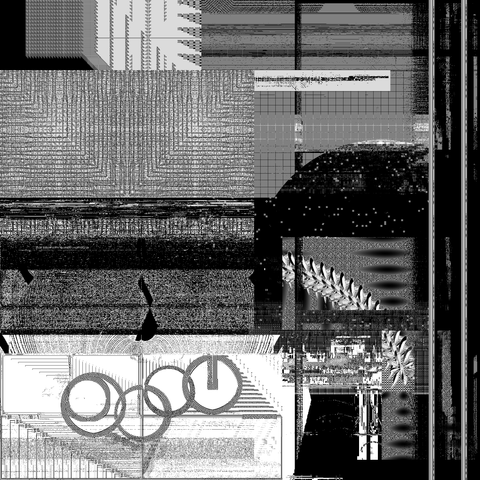
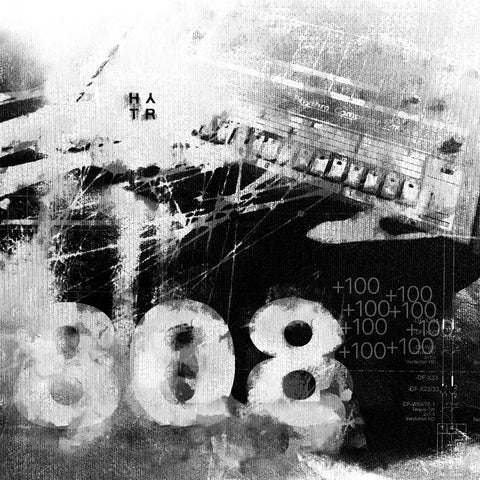
| Digital Grunge Scanned Textures Pack | JPG textures and a Photoshop file in the described free version | Try scanned texture on an image; check the selected variant. |
| A3 Poster Mockup | Photoshop-compatible PSD | Present a poster in a mockup, separate from the print production file. |
These details reflect product listings checked on 28 October 2026. Confirm prices, variants and usage terms on each product page.
Build the composition in Photoshop
- Place the title and subject on a simple background. Zoom out to check hierarchy.
- Import the material on a separate layer. Use a Smart Object when you need an editable source.
- Adjust opacity or blend mode. Mask the effect over details that must remain readable.
- Compare with and without the material. Reduce its area or contrast if it dominates.
- Save a layered working file before the final export.
Adapt to the output
A square cover, poster and story need different layouts. Reposition elements instead of stretching the image. For print, ask the printer about final dimensions, bleed and colour settings; a DPI figure alone does not define file quality. For screens, check pixel dimensions and readability at small sizes.
Common questions
Does Aura include 3D objects?
The checked listing describes 4000 × 4000 pixel PNG backgrounds. It does not provide evidence of OBJ files.
Are the resources attached to this article?
No. Links lead to product listings. Check formats, variants and terms before downloading or buying.
Read next: adding texture in Photoshop.
Sources
HYTRAPE shop · Free Resources
Put your reading into practice.
A Free Resources selection from HYTRAPE’s independent creators.
-
 HYTRAPE x ATTRACT VISUAL
+10 BROKEN GLASS TEXTURE (FREE)
Free
-
 HYTRAPE x ATTRACT VISUAL
+100 HD TEXTURE PACKS (FREE)
Free
-
 HYTRAPE
BERRIE FONT (FREE)
Free
-
 Fox Rockett Studio
Surface Supply Texture Pack
Free
-
 HYRO(IC)
+35 HYROIC / HYRO(IC) FREE sample pack
Free


20,000+ downloads 4.7/5 45 verified reviews
Keep reading
DESIGN
McDonald’s x Lenovo : une souris en forme de frites, fabriquée avec du plastique recyclé
La souris Fry Mark de McDonald’s et Lenovo recycle des jouets Happy Meal. Design, vente en Chine et limites des informations disponibles.

Design and decor trends: 10 reference points for 2026, with their sources
As of October 23, 2026, ten design and decor trends are documented by named, dated sources: two colors of the year, six signals from Milan Design Week...
Frankenstein, an audiovisual manifesto of neo-retro and gothic
Exclusive Frankenstein cinematic release on Netflix. Mastering Neo-Retro: The Aesthetics of Film Grain, Gothicism, and Foreshadowing.