

Photoshop packs: organize your texture and effects workflow
Organize your Photoshop workflow with texture packs, effects and mockups. A practical method and HYTRAPE resources for your creative projects.
A Photoshop pack can save you from rebuilding a texture, effect or presentation scene for every project. Check its format, workflow and intended use before adding it to your library. Time savings depend on the file and your process; no measured productivity gain is claimed here.
Match the file to the task
- For texture, look at JPG or PNG files you can place on a separate layer.
- For an effect, distinguish PSD files, actions and presets: their requirements differ.
- For presentation, choose a mockup with editable areas that match the design you need to show.
A reusable workflow
- Define the need first: grain, contrast, material or presentation.
- Check required software, pixel dimensions and the selected variant’s contents.
- Work on a copy, name layers and retain source files.
- Use Smart Objects when you need to replace content inside an editable structure.
- Compare with and without the effect and check readability at the final display size.
- Archive source, export and usage terms with the project.
Concrete examples
Digital Grunge Scanned Textures Pack describes a free version with JPG textures and a Photoshop file. Aura provides chrome PNG backgrounds; A3 Poster Mockup is listed as a Photoshop-compatible PSD. These formats serve different purposes.
Make the next revision easier
Keep an unaffected version and a layered working version. Record where to change the artwork, which settings you adjusted and which export was approved. A ready-made asset still needs to fit the brief, text and output. Always inspect the final image.
Common questions
Does every pack work in every application?
No. A PNG and a PSD with Smart Objects require different features. Check the listing and your software version.
Where can I start without buying a full pack?
Look for explicitly offered free variants and our free text effects guide. Check their usage terms.
Continue with the texture guide and free Photoshop text effects.
Sources
HYTRAPE shop · Text Effects & Photoshop Actions
Put your reading into practice.
A Text Effects & Photoshop Actions selection from HYTRAPE’s independent creators.
-
 HYTRAPE
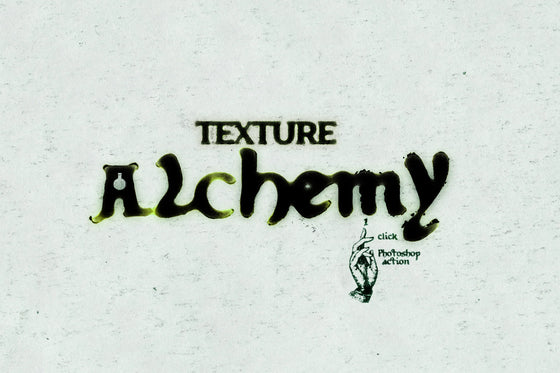
FREE! Texture Alchemy: Pro-Level Texturing
Free
HYTRAPE
FREE! Texture Alchemy: Pro-Level Texturing
Free
-
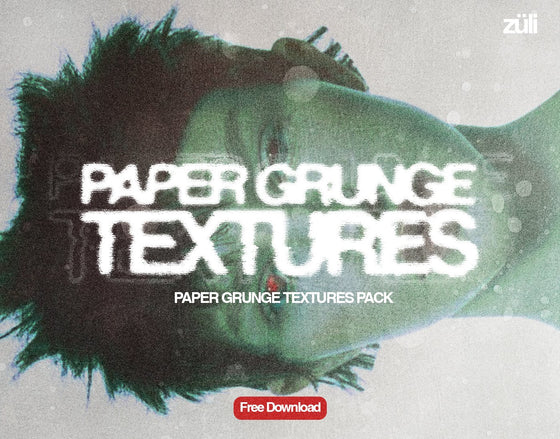 HYTRAPE
Paper Grunge Textures Pack
Free
HYTRAPE
Paper Grunge Textures Pack
Free
-
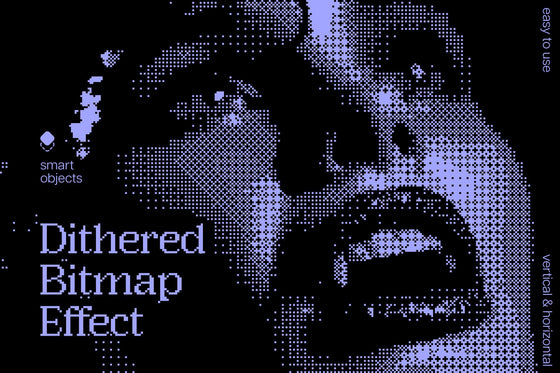 Pixelbuddha
Dithered Bitmap Photo Effect
Free
Pixelbuddha
Dithered Bitmap Photo Effect
Free
-
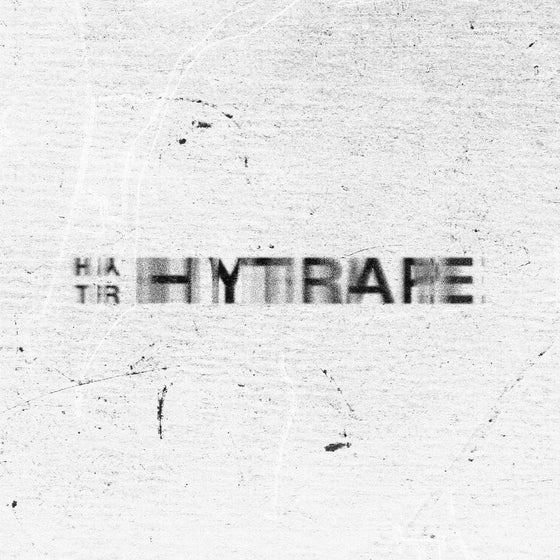 HYTRAPE
SCATTER TEXT EFFECT
Free
HYTRAPE
SCATTER TEXT EFFECT
Free
-
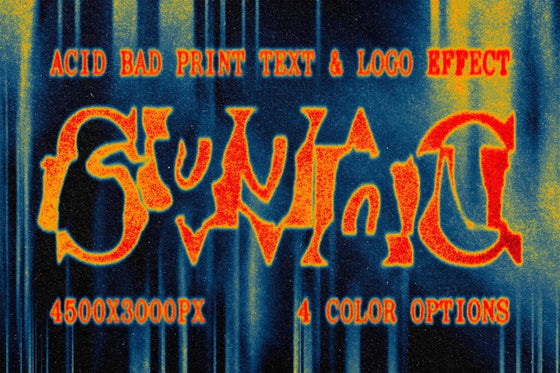 HYTRAPE
Acid Bad Print Text & Logo Effect
Free
HYTRAPE
Acid Bad Print Text & Logo Effect
Free
20,000+ downloads 4.7/5 45 verified reviews
Keep reading
DESIGN
McDonald’s x Lenovo : une souris en forme de frites, fabriquée avec du plastique recyclé
La souris Fry Mark de McDonald’s et Lenovo recycle des jouets Happy Meal. Design, vente en Chine et limites des informations disponibles.

Design and decor trends: 10 reference points for 2026, with their sources
As of October 23, 2026, ten design and decor trends are documented by named, dated sources: two colors of the year, six signals from Milan Design Week...

Frankenstein, an audiovisual manifesto of neo-retro and gothic
Exclusive Frankenstein cinematic release on Netflix. Mastering Neo-Retro: The Aesthetics of Film Grain, Gothicism, and Foreshadowing.