



Description
About this resource
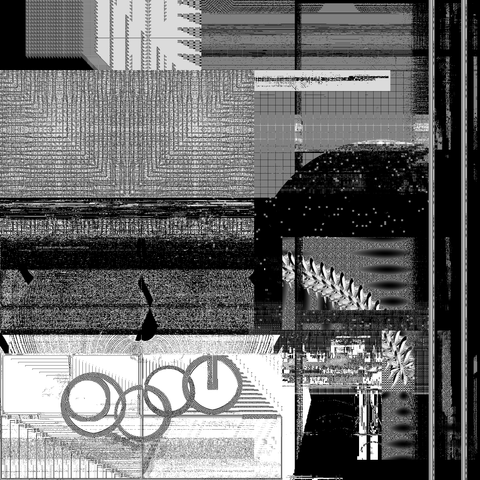
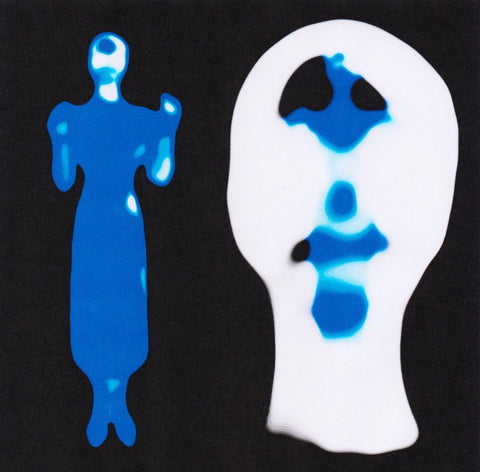
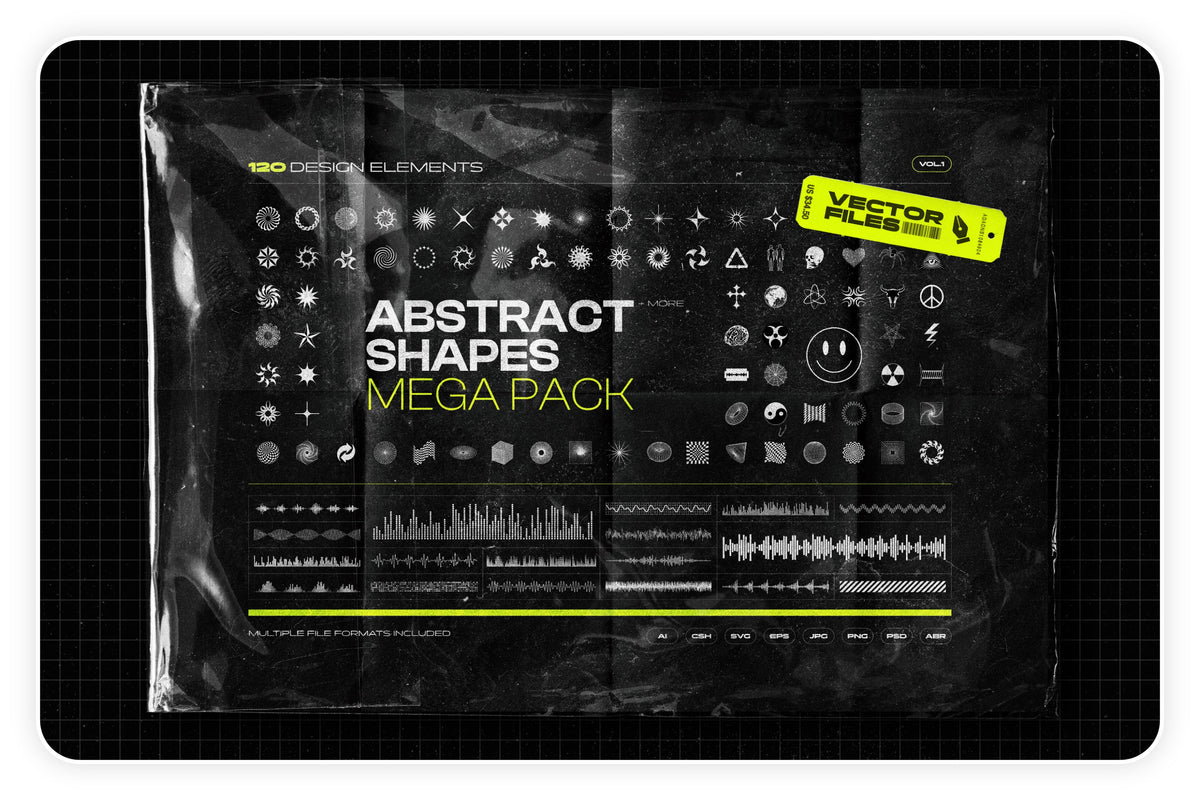
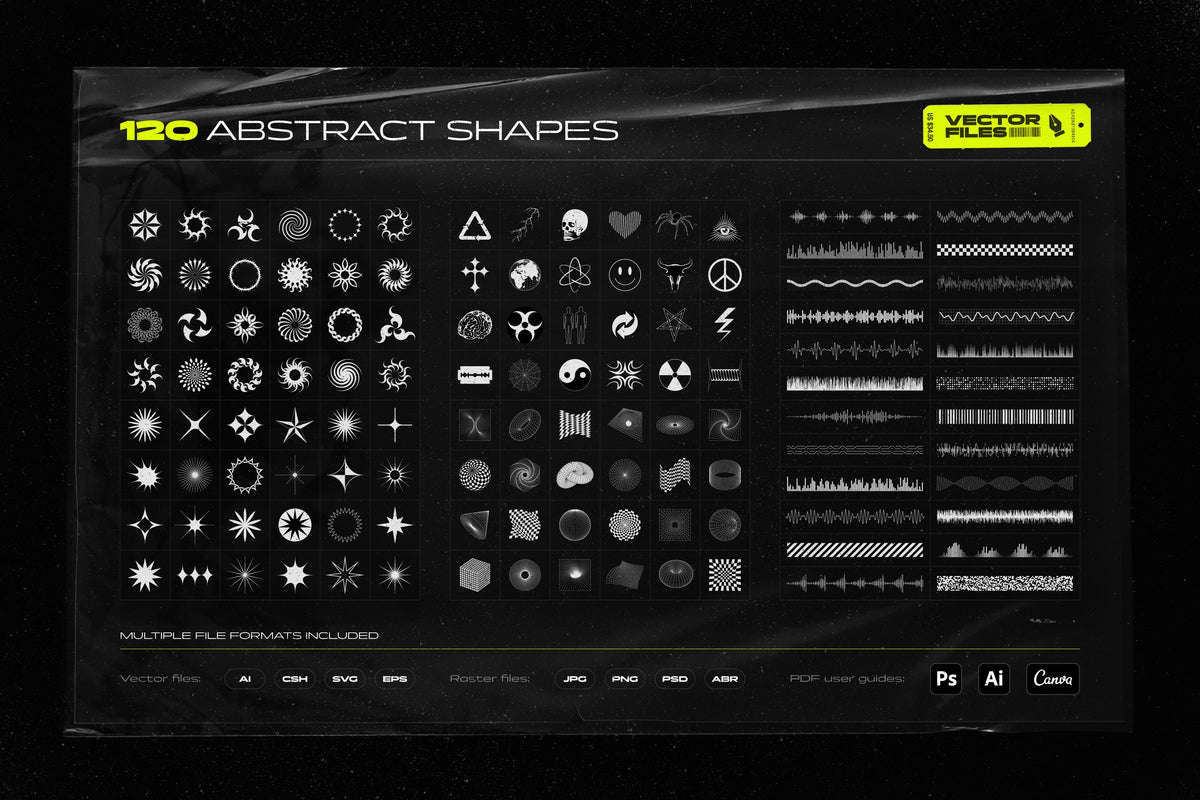
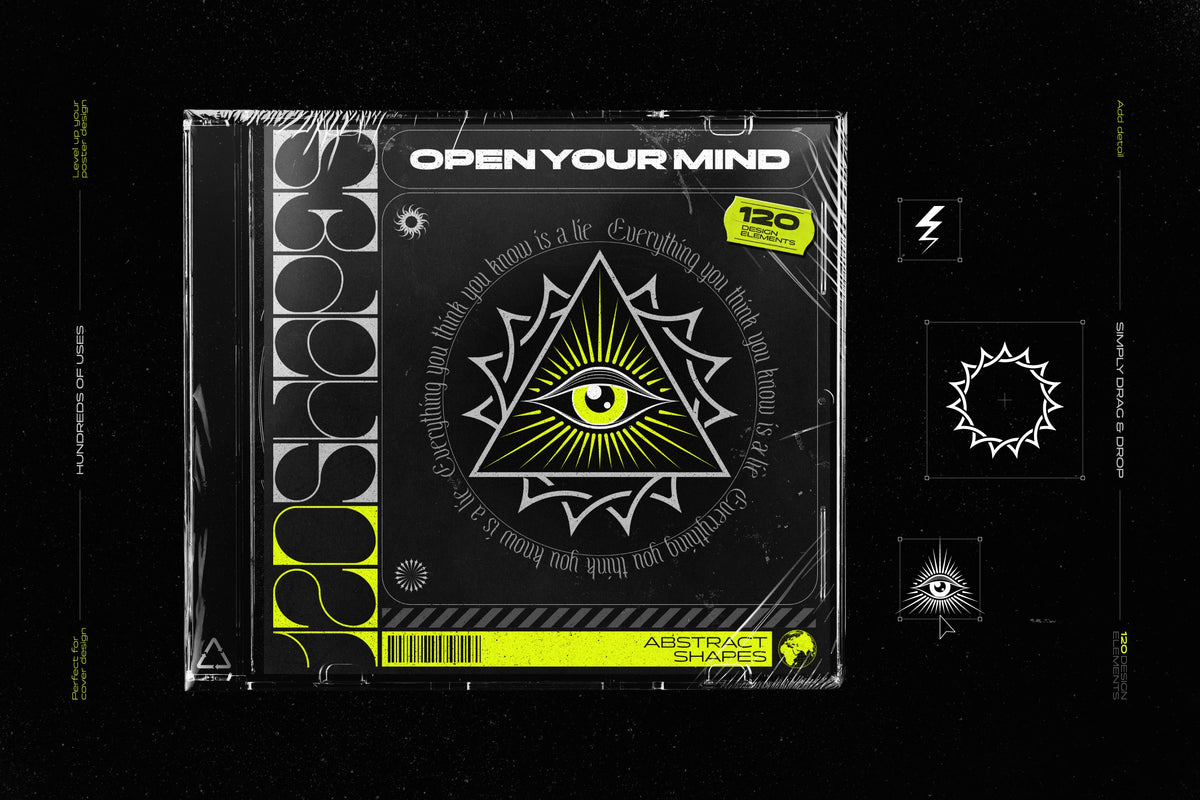
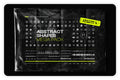
Elevate your design endeavors with the Abstract Shapes Mega Pack, a meticulously curated collection of 120 avant-garde design elements.
-
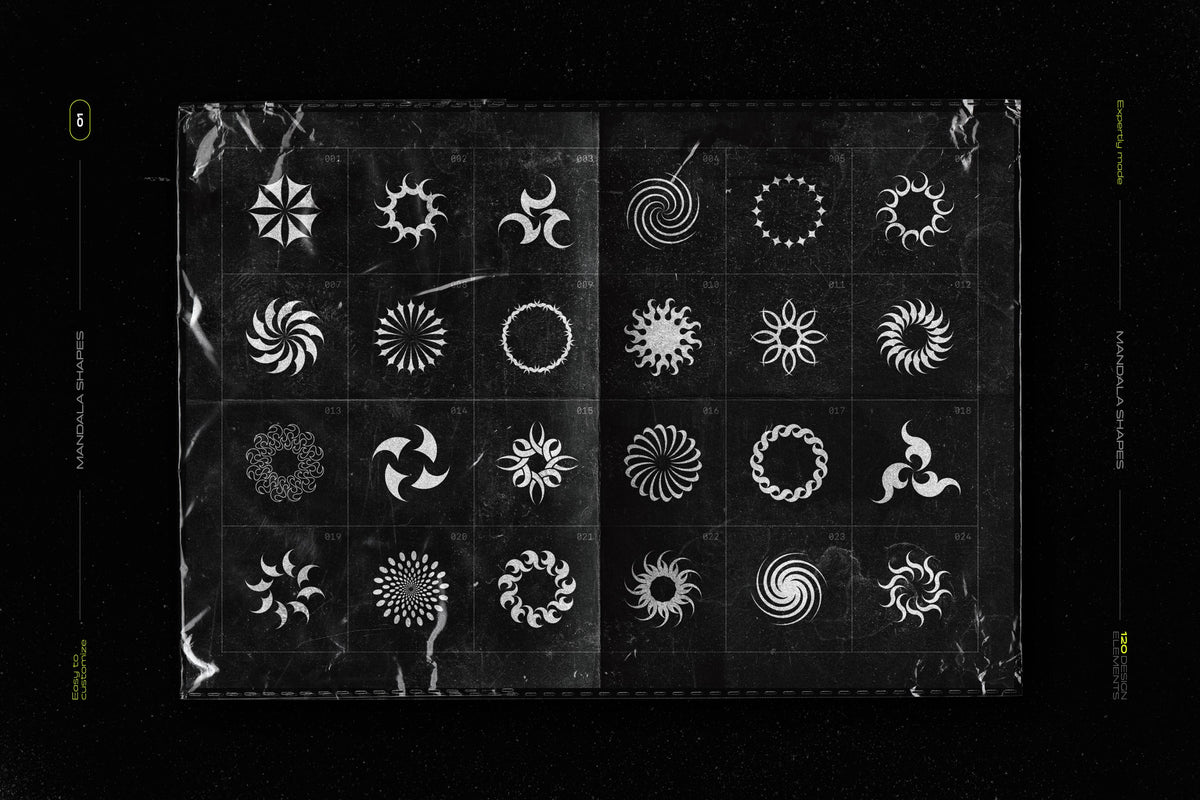
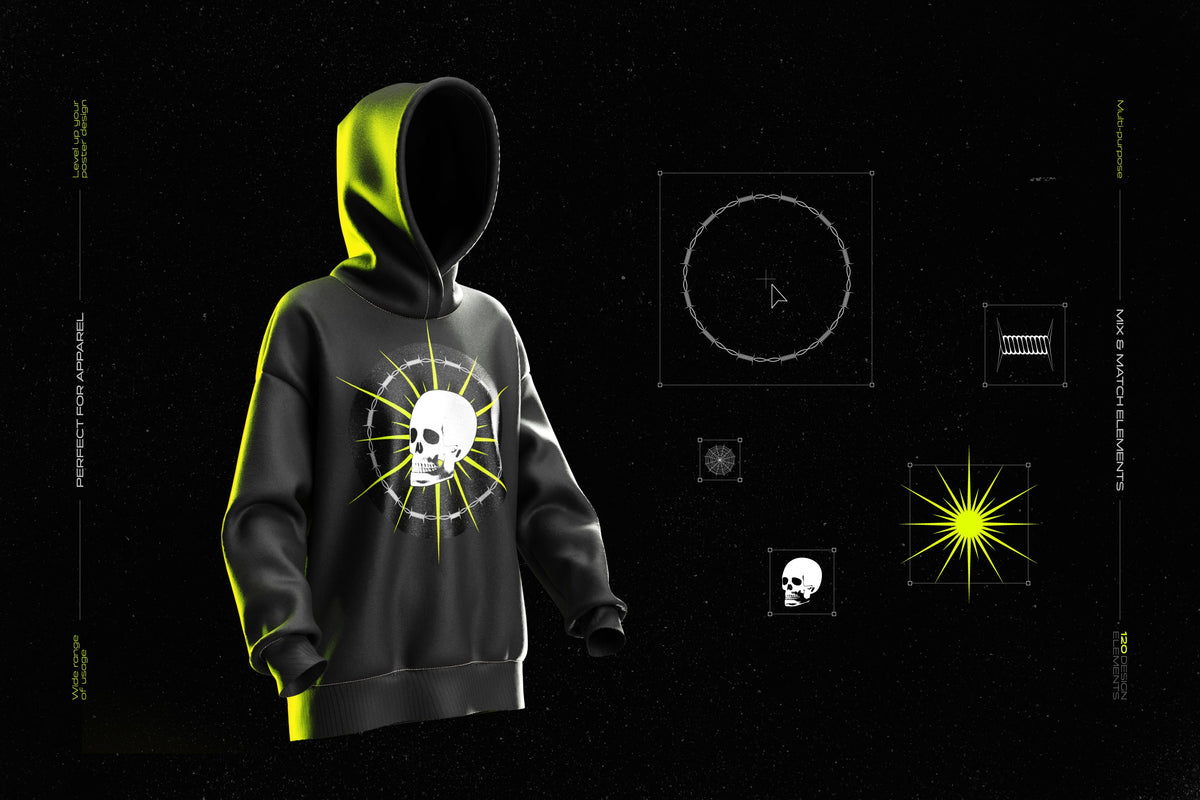
Tribal Mandalas: Inspired by intricate tattoos, these mandala shapes bring a mystical and tribal essence to your designs.
-
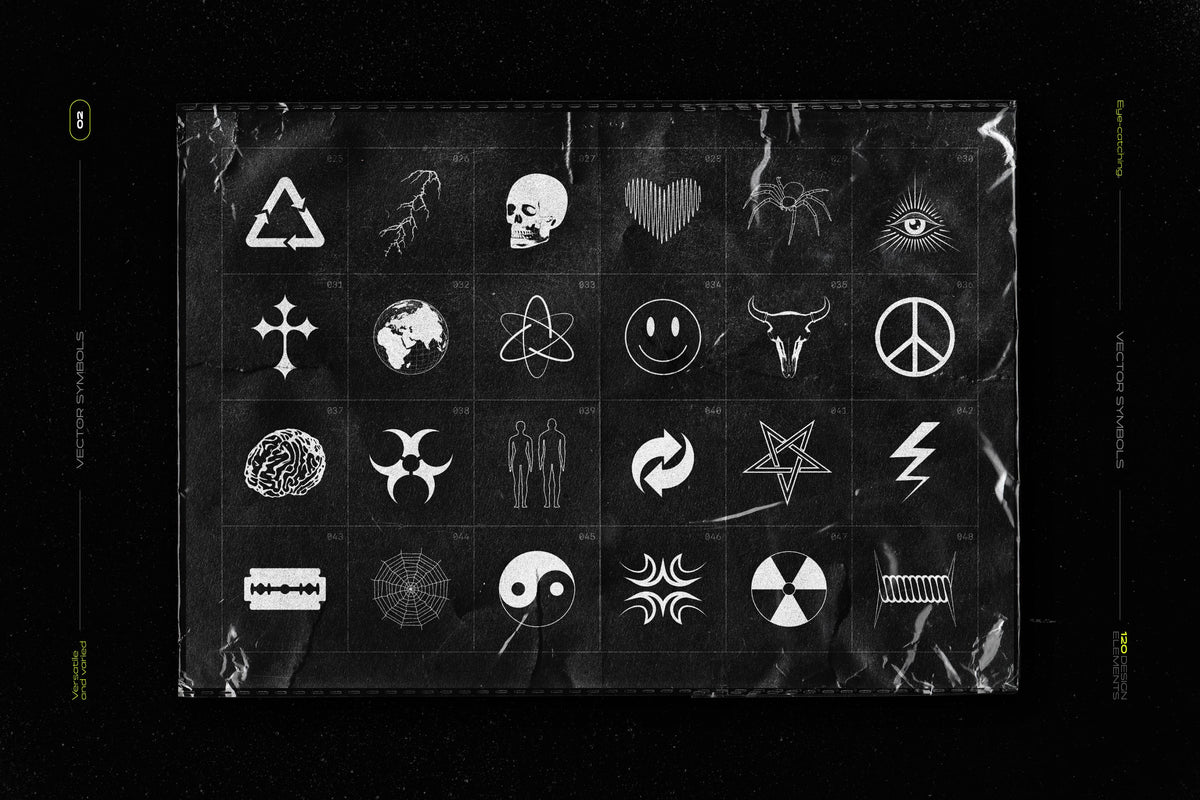
Trippy Symbols: Inspired by the rave culture, these symbols and illustrations are perfect for projects that demand a touch of the extraordinary and brutalism.
-
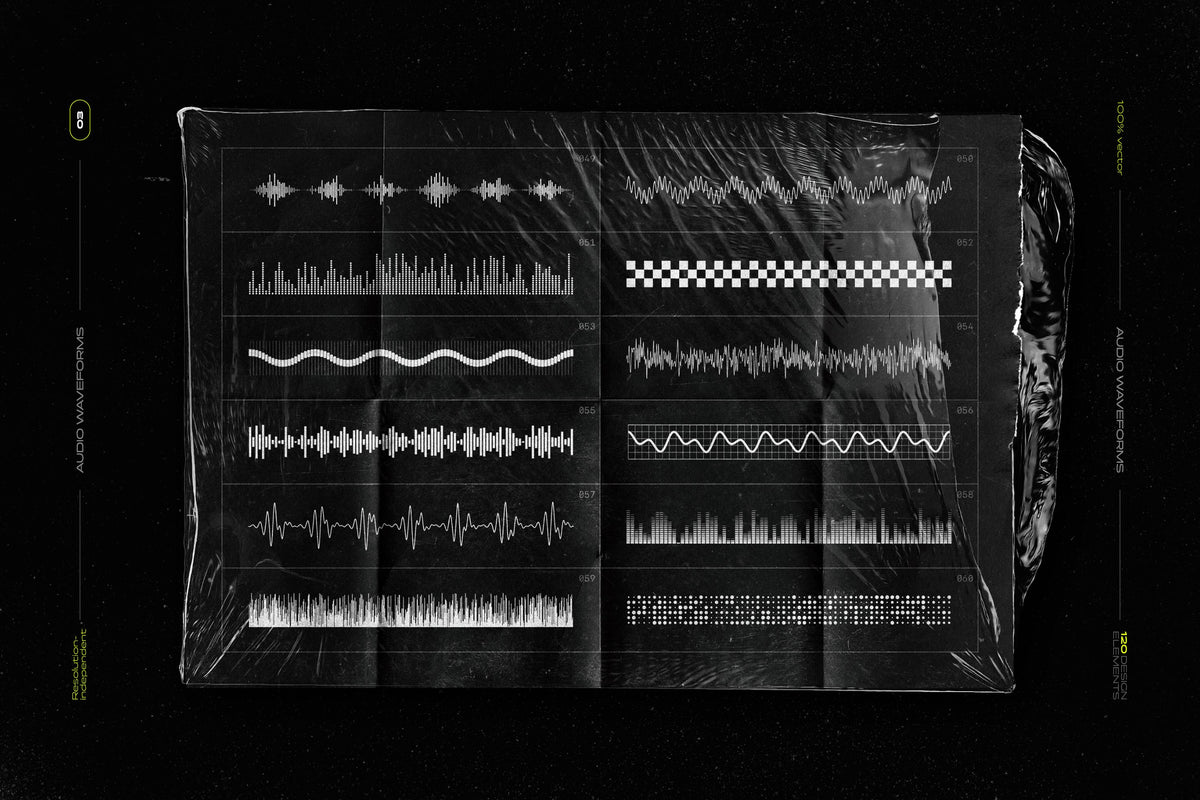
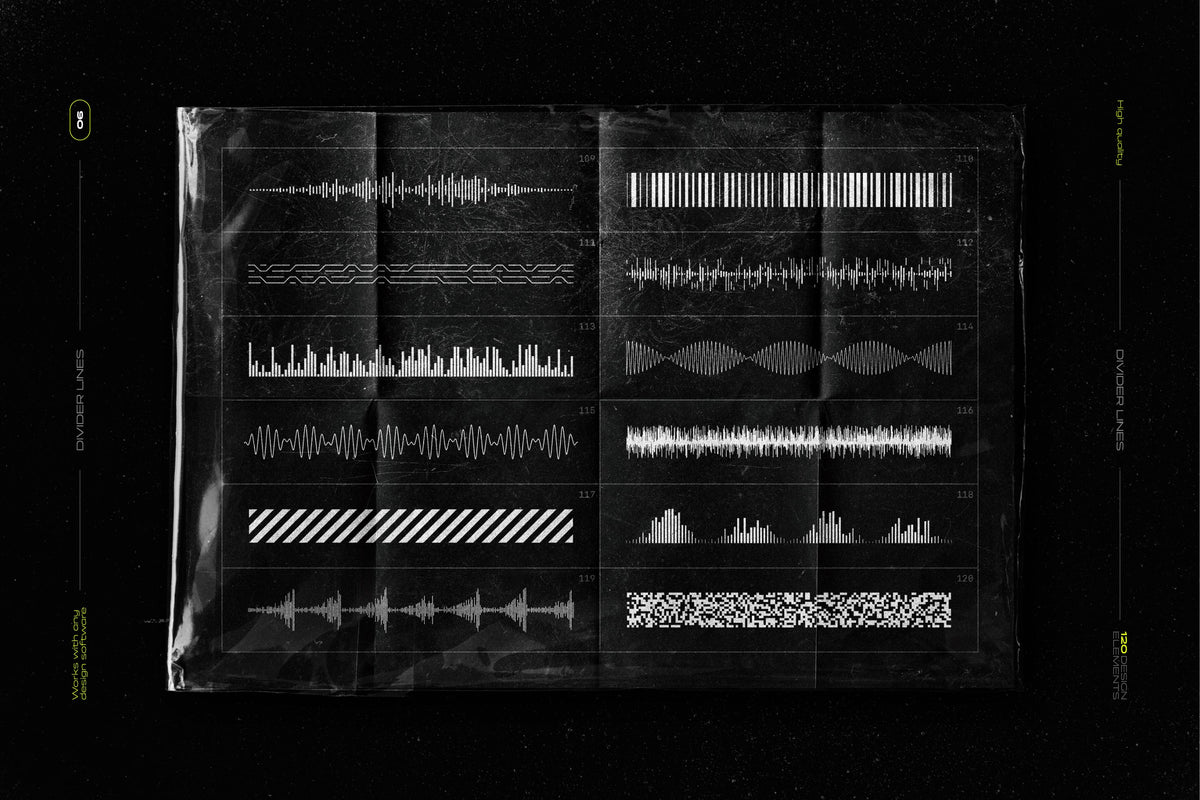
Cyberpunk Equalizers: Ideal for nostalgic Sci-FI designs that aim to evoke a sense of retro-futuristic dynamism.
-
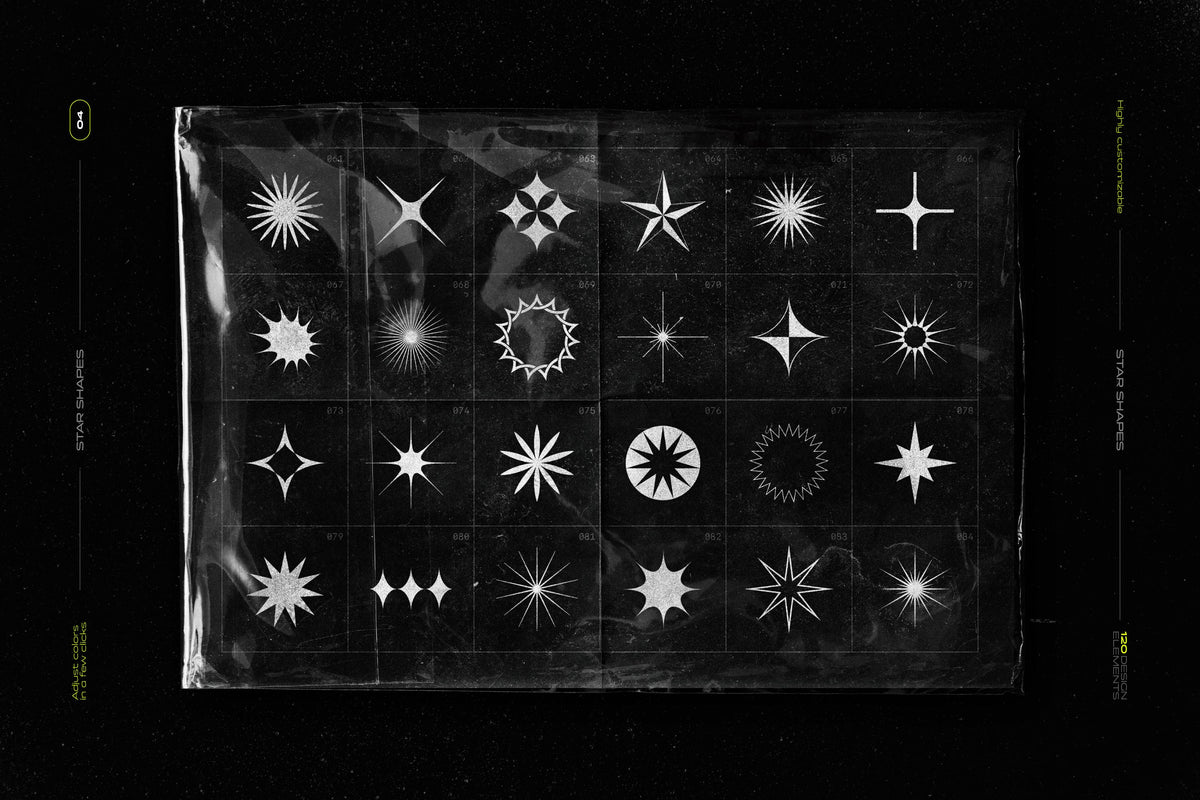
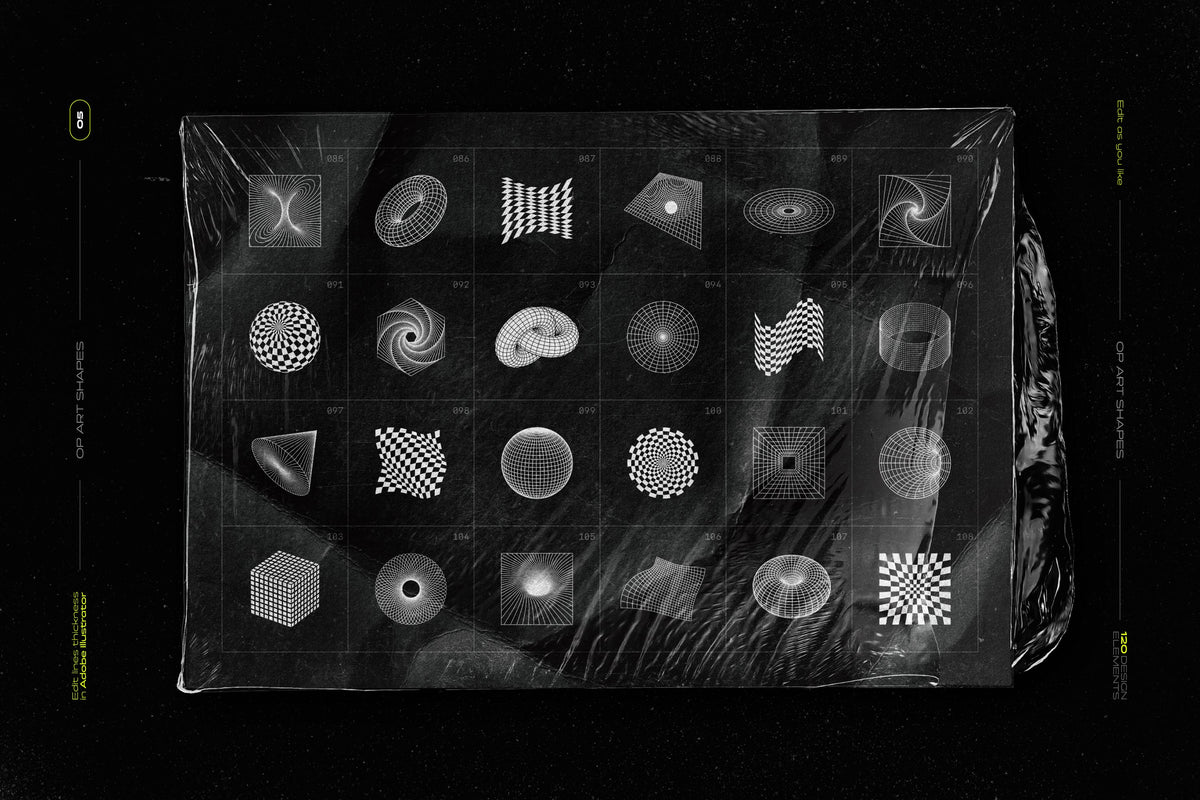
Stars and Op-Art Elements: Mesmerizing patterns and shapes, inspired by optical art. Perfect for adding movement, and visual interest to your designs.
-
3D Wireframe Shapes: Perfect for adding a sense of depth and scientific feel, these shapes bring a three-dimensional quality to your designs.
The design elements are available in a variety of file formats, ensuring compatibility with a broad range of design software and applications. Whether you're working in digital media or print, these elements can be seamlessly integrated into your workflow.
File formats included:
- JPG Files: 120 high-resolution 5K shapes for immediate use.
- PNG Files: 120 high-resolution 5K shapes in two color options set transparent backgrounds for versatile layering.
- AI Files: 120+1 Adobe Illustrator files, offering the flexibility to modify colors, adjust line thickness, edit individual paths, and perform a range of other customizations to tailor each shape to your specific design needs.
- SVG + EPS Files: 120 shapes saved as scale-independent, editable vector files, compatible with your favorite vector editing software: Affinity Designer, Canva, Figma, Corel Draw, Linearity Curve, VectorStyler, Inkscape, Sketch, Adobe XD, Boxy SVG, Graphic, Amadine, and more. SVG files can also be used in 3D software such as Blender.
- PSD Files: 120 shapes saved as editable vector shape layers - you can scale them to any size and transform them without any compromise in image quality. Compatible with Adobe Photoshop, Affinity Photo, Pixelmator Pro, Photopea, and more.
- CSH File: A library of 120 vector shapes, accessible through Adobe Photoshop's Shapes Panel.
- ABR File: A library of 120 hi-res stamp brushes, accessible through the Brushes Panel in Adobe Photoshop or Procreate.
Additional resources included:
-
The collection is accompanied by a thorough set of PDF user guides, designed to enhance your experience and ease of use. These resources include convenient reference sheets, step-by-step installation guides, and detailed manuals tailored for both Photoshop and Illustrator users.
With its blend of abstract elements, geometric shapes, bold illustrations, scientific charts, and vector 3D objects, this pack provides you with the tools to create stunning, impactful designs that capture the imagination.
Customer reviews
What creatives are saying
-
Glad I found this!
« Was once on sudio AA’s website, with a few more features for free. Lost the file and this was the only one I found. Good, but not the same as I miss the other settings. Grateful to have it either way” »
on Text Trasher -
« Hh »
on TRANSLUCENT PLASTIC BAG MOCKUP -
« Loved this texture Worked well for my scene Thank you »
on +10 BROKEN GLASS TEXTURE (FREE) -
Service client catastrophique
« Aucun article reçu sur 3 après 3 semaines d'attente, un remboursement pour l'un des article n'incluant pas les frais de port alors que l'article n'était meme pas en stock. Aucune réponse du service client par mail ou message Instagram, je déconseille fortement. »
-
nrv
« wAllah nrv »
-
génial
« merci »
-
« Certifié nasty »
-
Goatesque
« C monstrueux j'ai utilisé le pack 2 semaines et j'ai placé 84 artistes depuis »
-
banger
« eh juste foncez prenez utilisez c’est une pépite »
-
« 👍 »
-
merci
« encore merci »
-
« Magnifique kit »
The shop
Samolevsky
- Graphic design
- Audio
- Photo & video
Discover
You may also like
Frequently asked questions
Before you download
File access, downloads, software: answers to the most common questions.
How do I access my files after purchase?
Right after payment, via a confirmation page + a link in the email. When logged in to your account, you'll find them in "My files".
I can't download my product. What should I do?
Check your spam folder. If the problem persists, email us at contact@hytrape.com. Our team will get back to you as soon as possible.
Do I need Photoshop?
For some products, yes (mockups, text effects, templates); others work with any image editor. See the product specs.
How do I use your mockups?
Open the PSD file > double-click the smart object > add your design > save > done.