

Description
About this resource
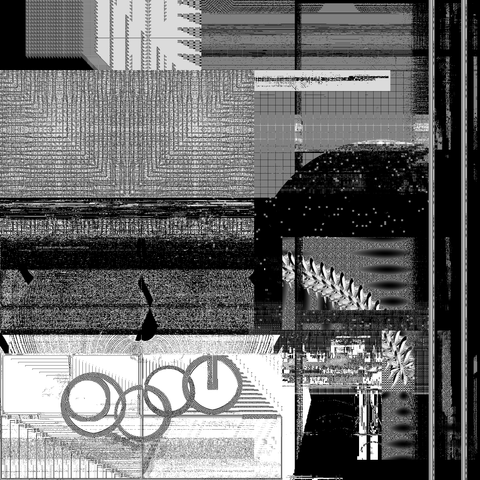
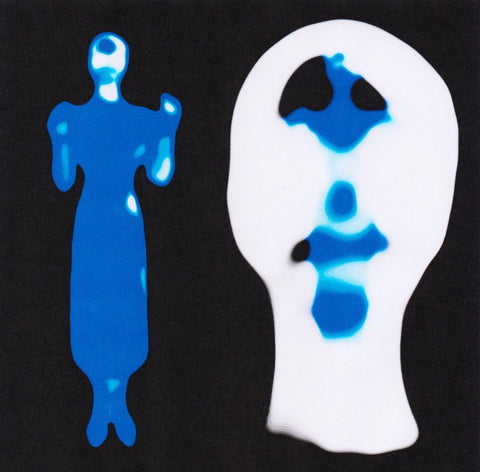
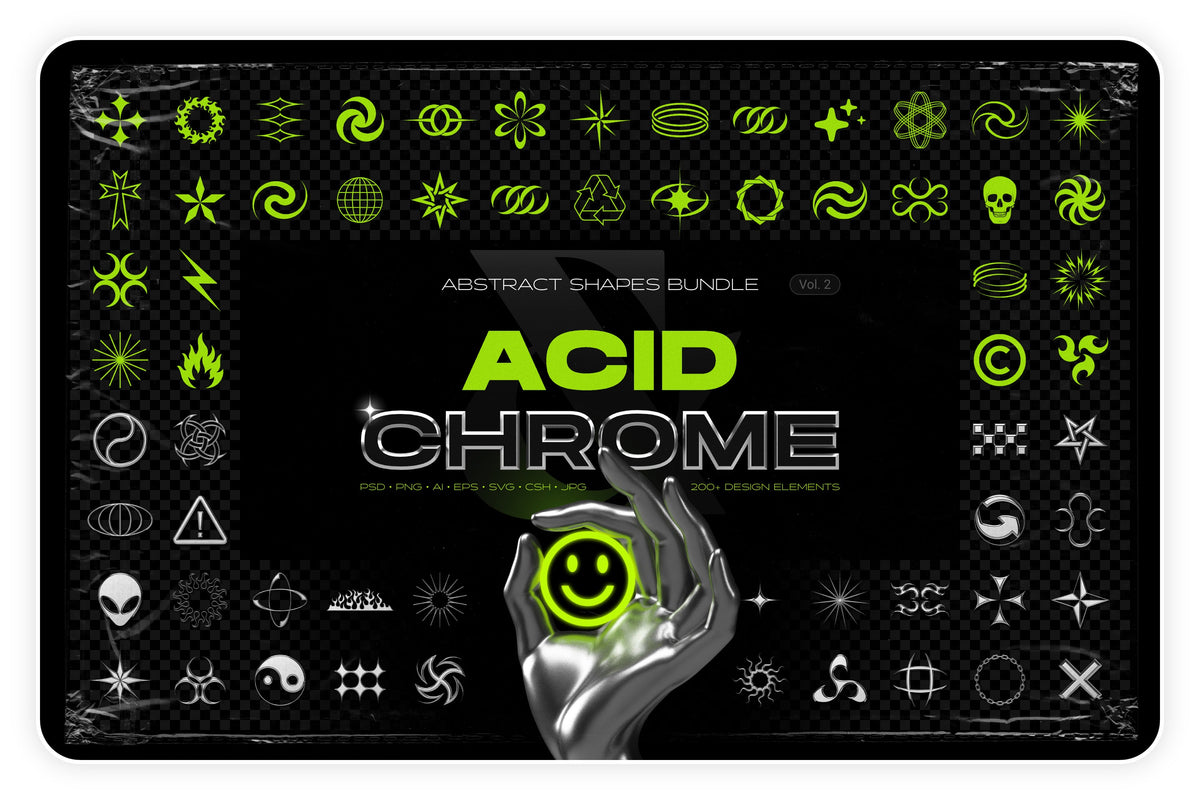
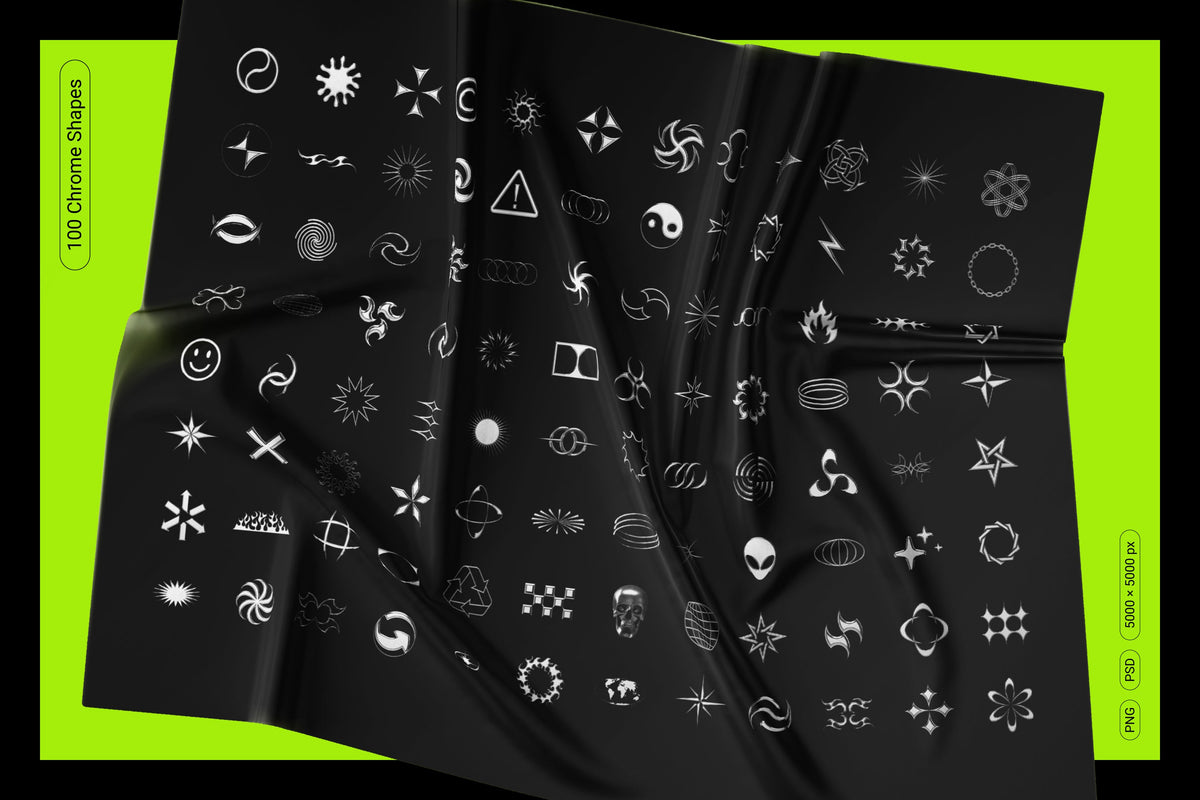
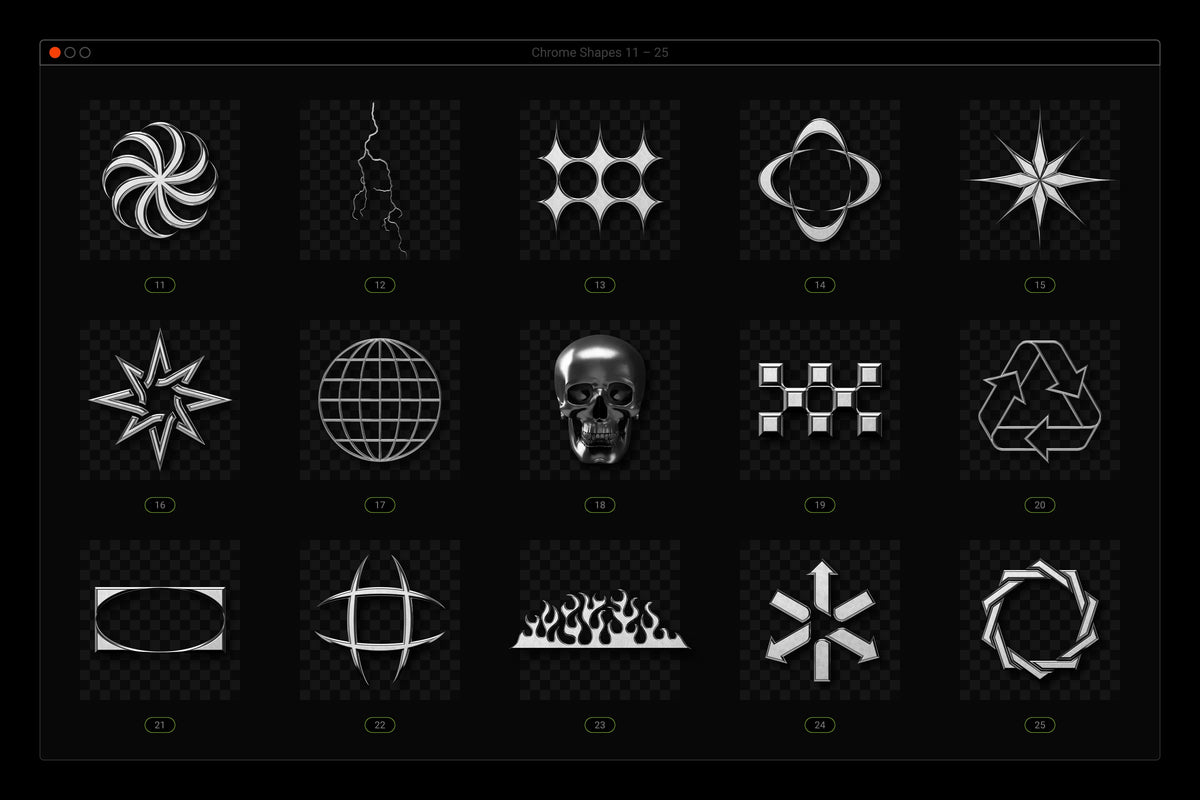
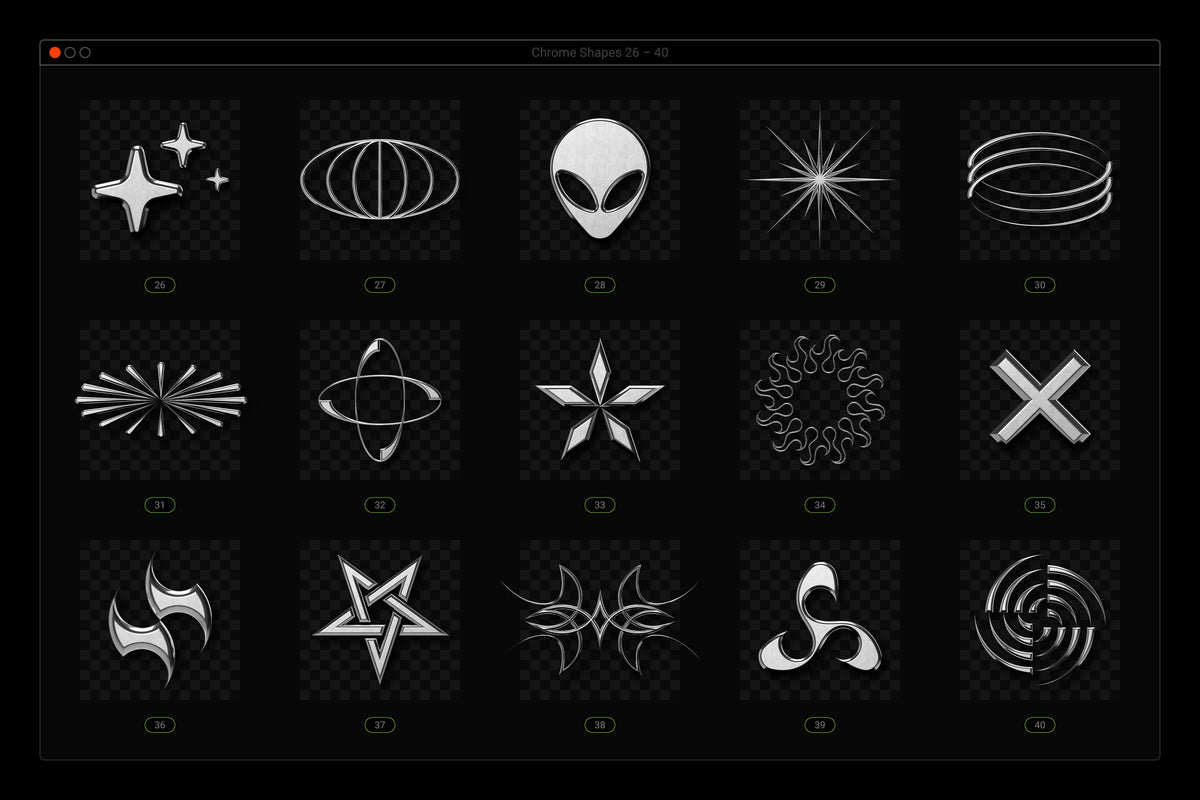
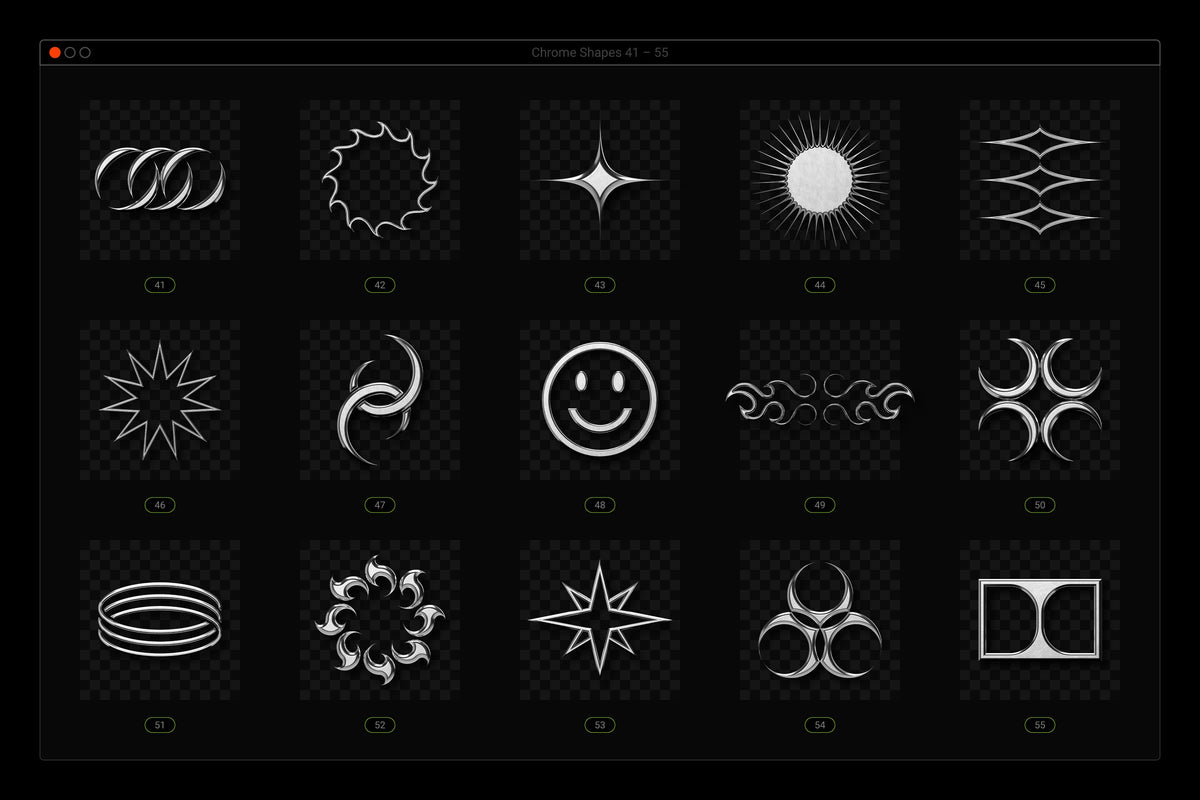
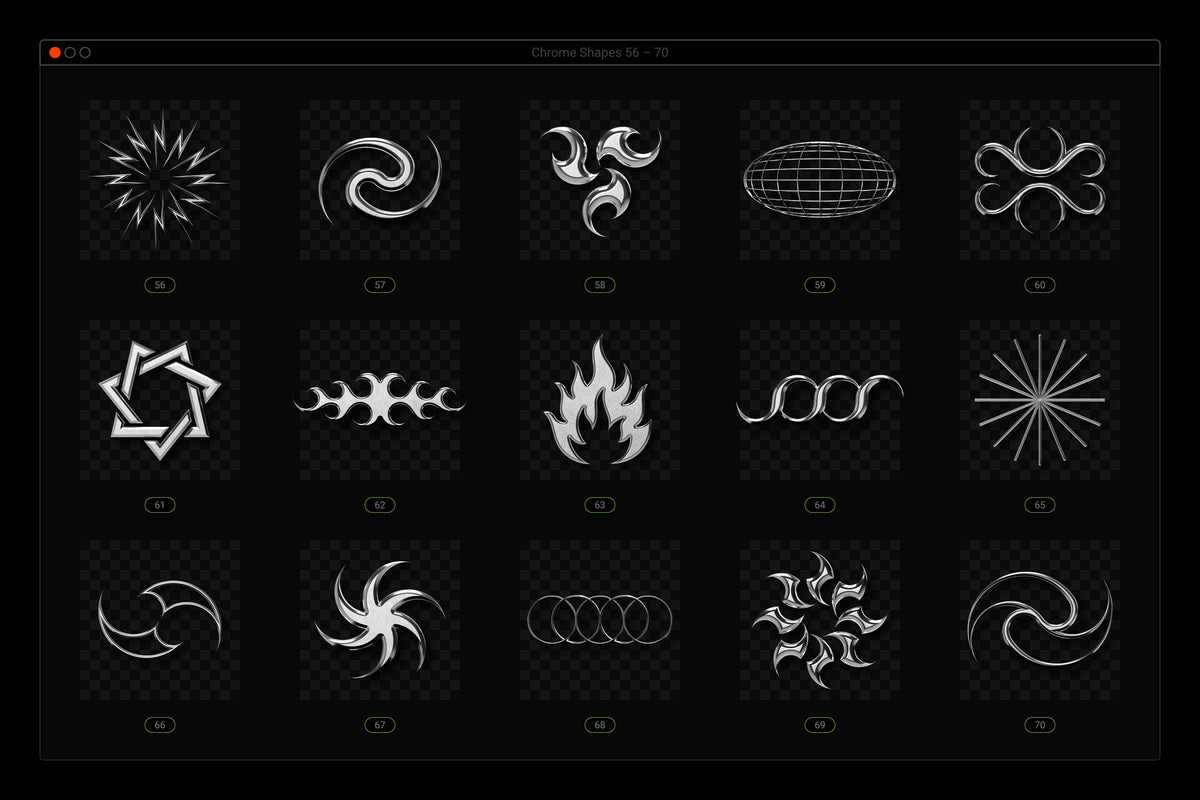
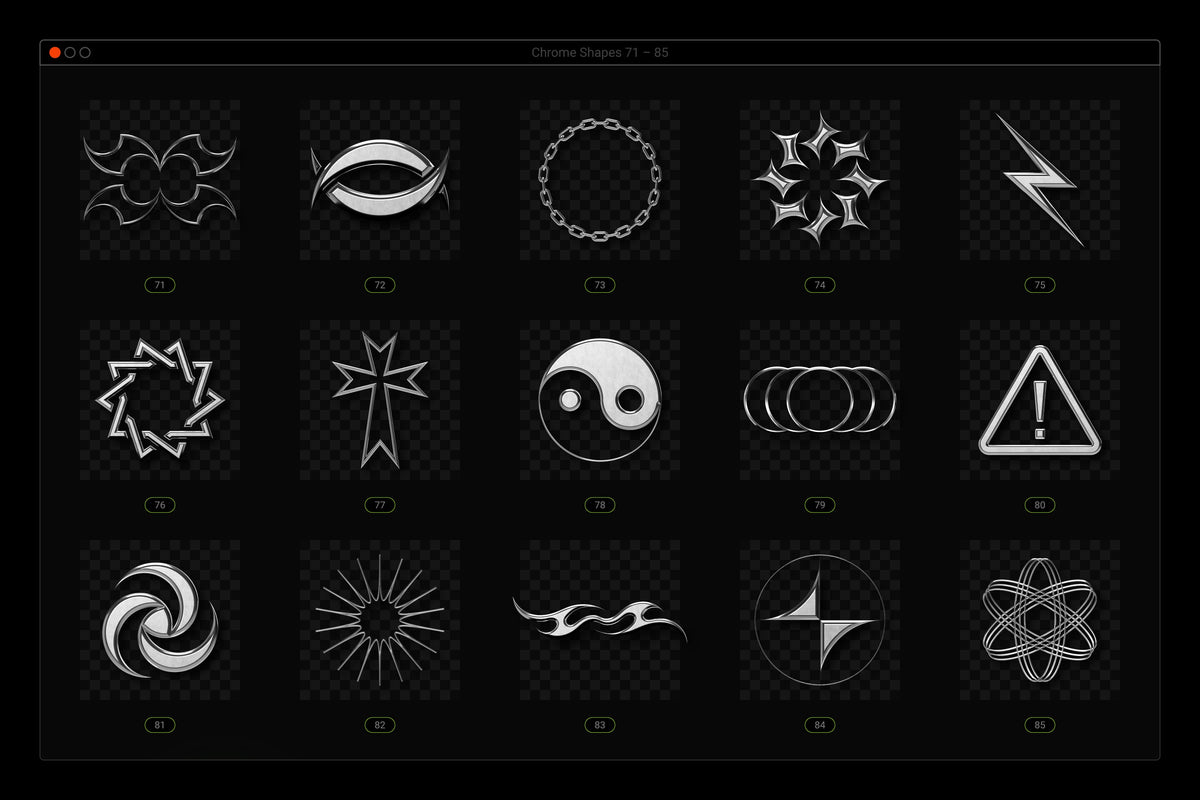
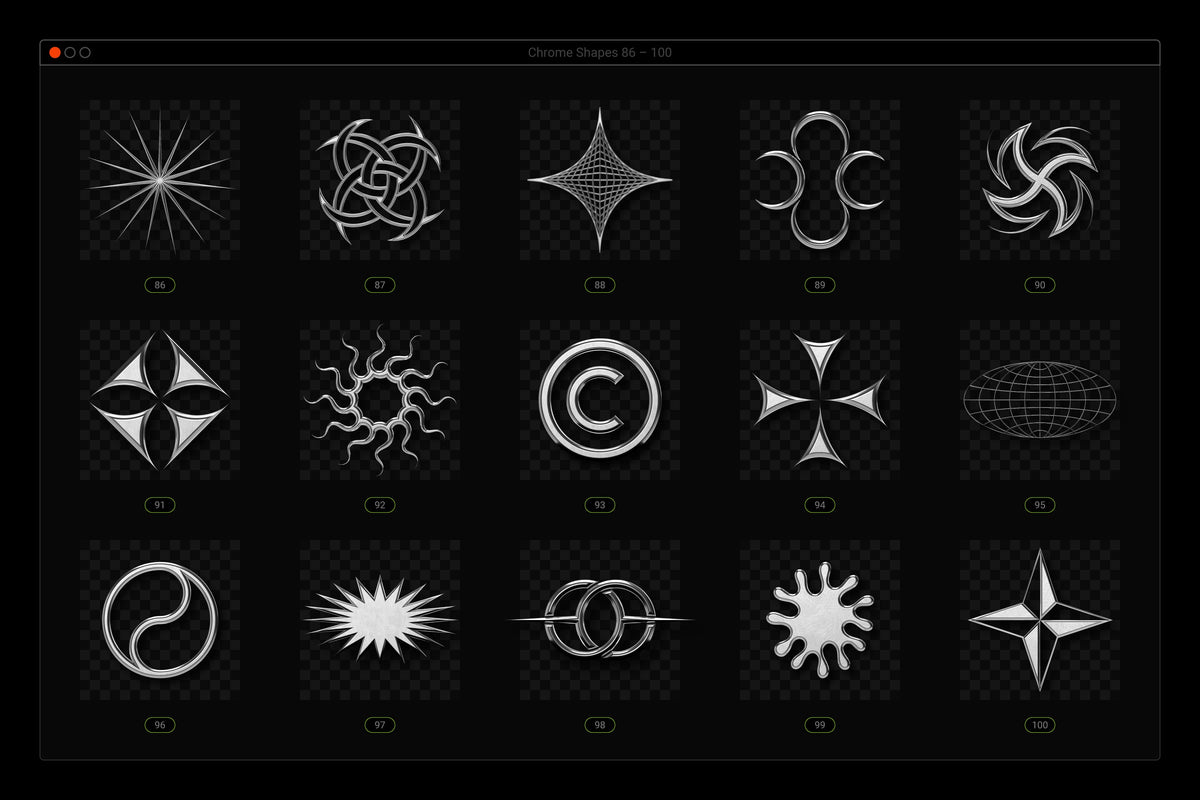
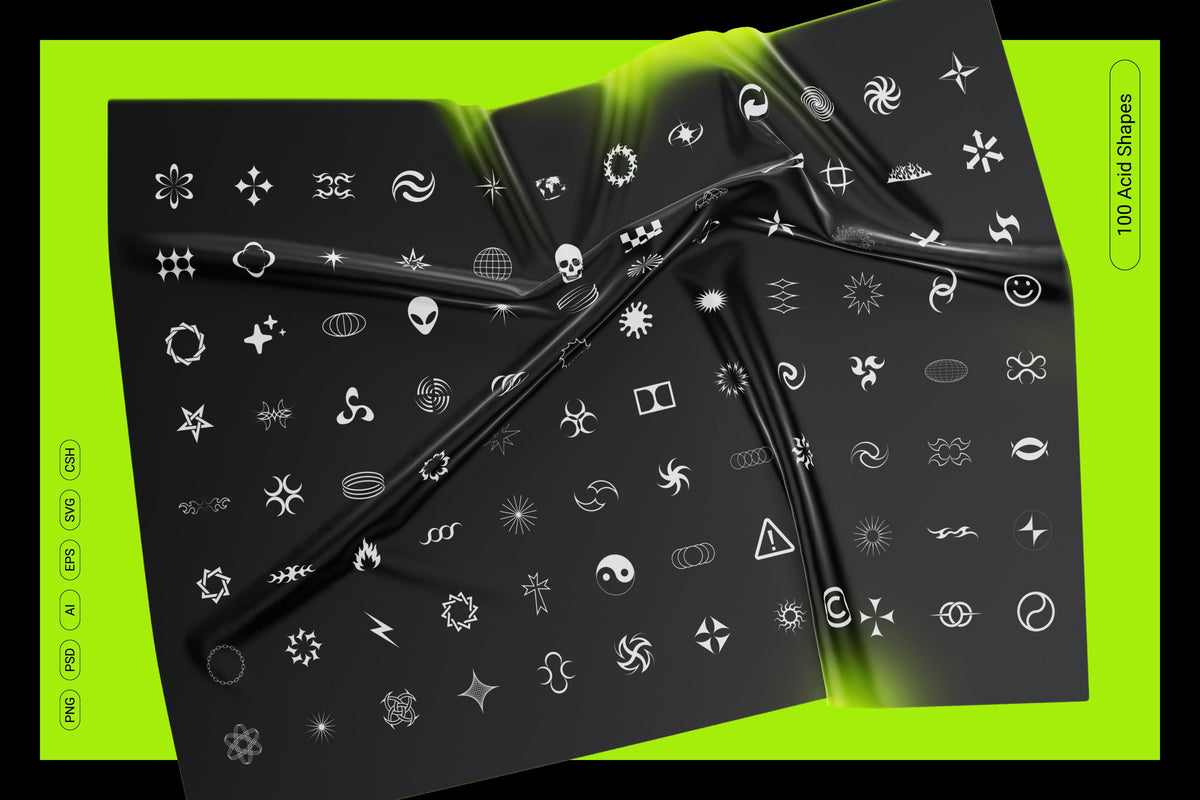
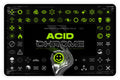
Discover the Acid and Chrome - Abstract Shapes Bundle, a striking assembly of cutting-edge design elements that embody the essence of modernity and experimental art.
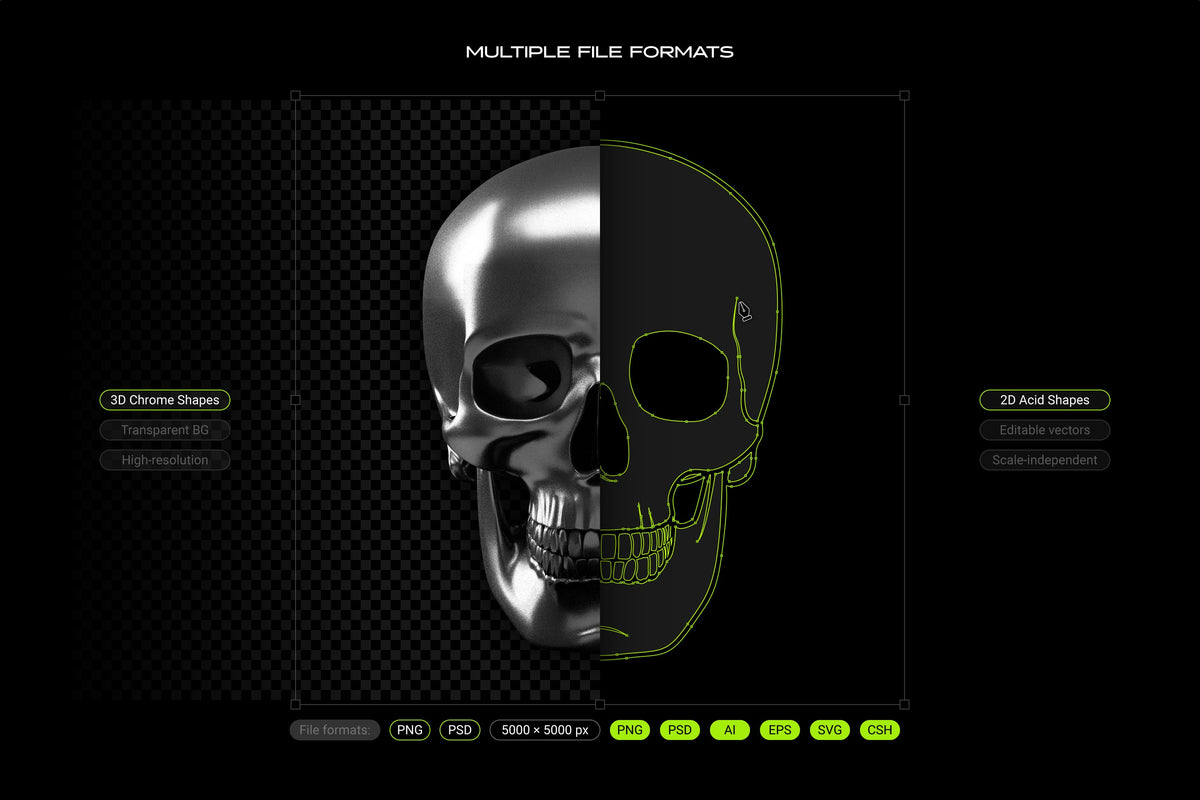
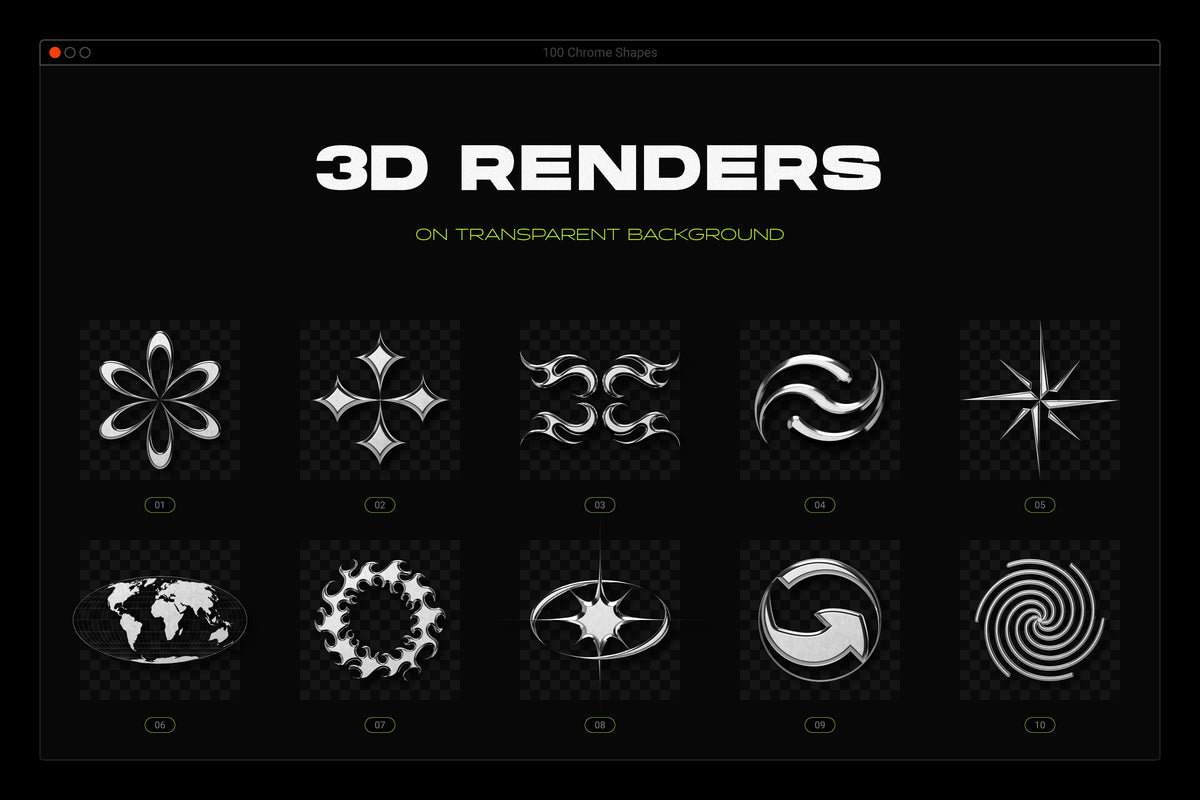
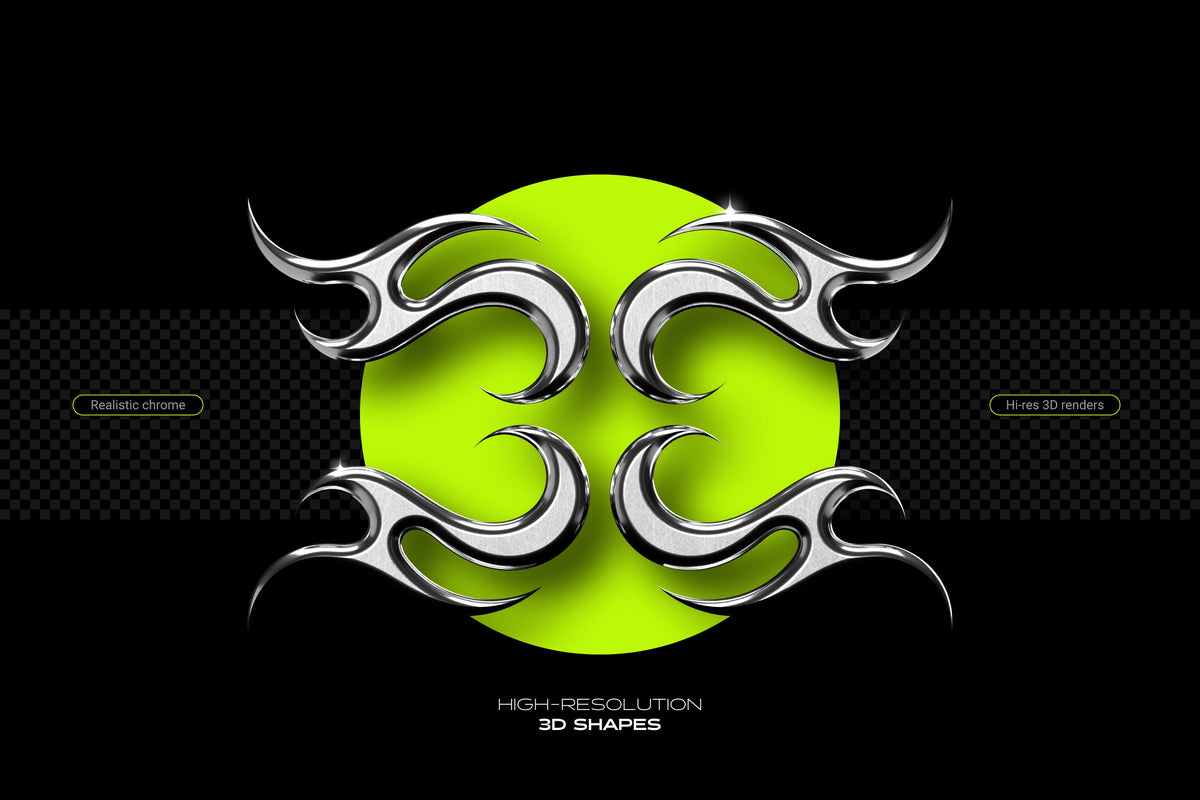
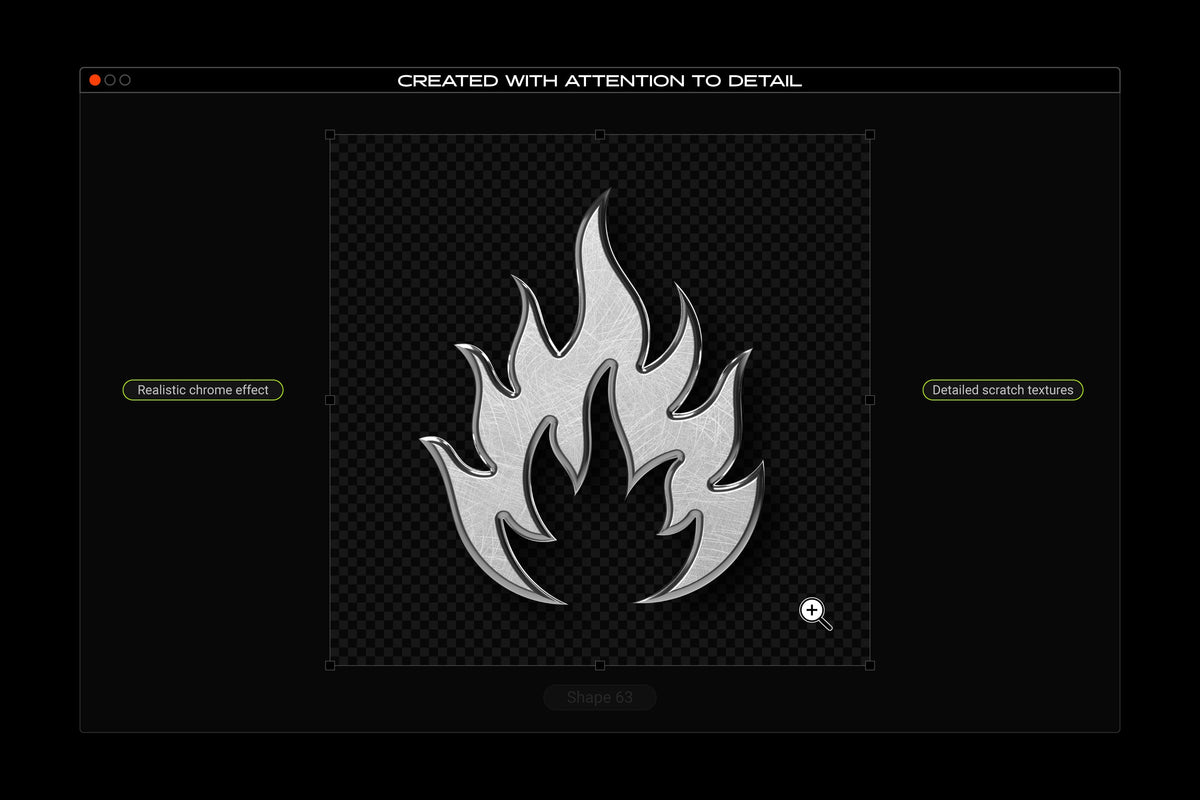
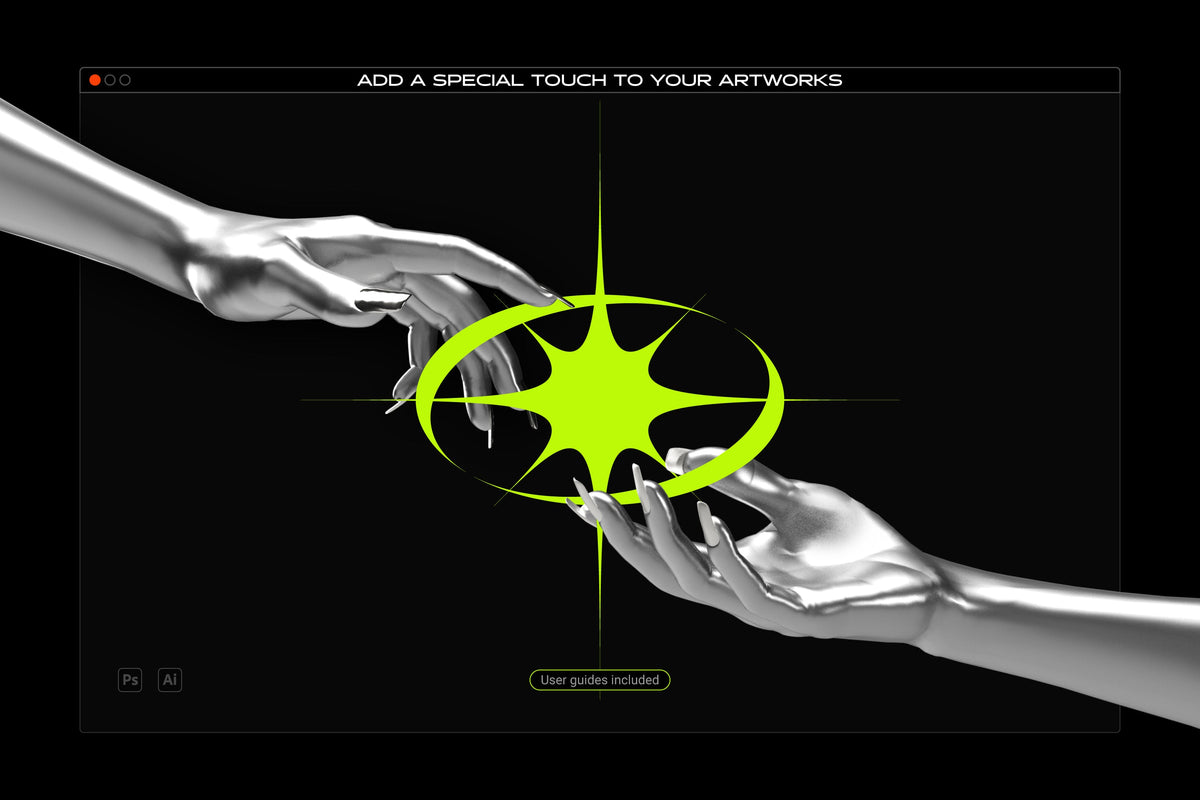
- PNG Files: 100 hi-res (5000×5000px) abstract 3D renders, showing a realistic scratched chrome finish on a transparent background. Just drag and drop elements into your designs using any software to add a touch of metallic sophistication to your projects.
- PSD Files: 100 hi-res (5000×5000px) abstract 3D renders with well-organized layers and advanced color controls, allowing further customization in Adobe Photoshop.
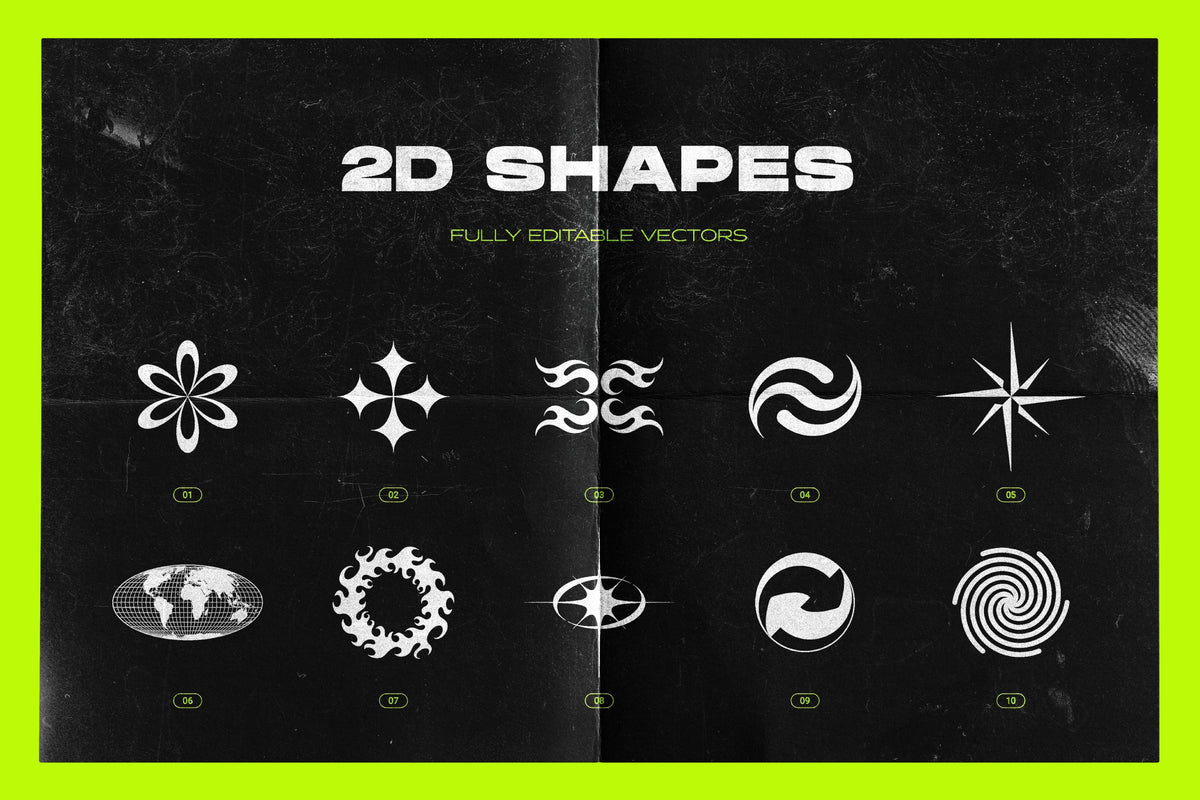
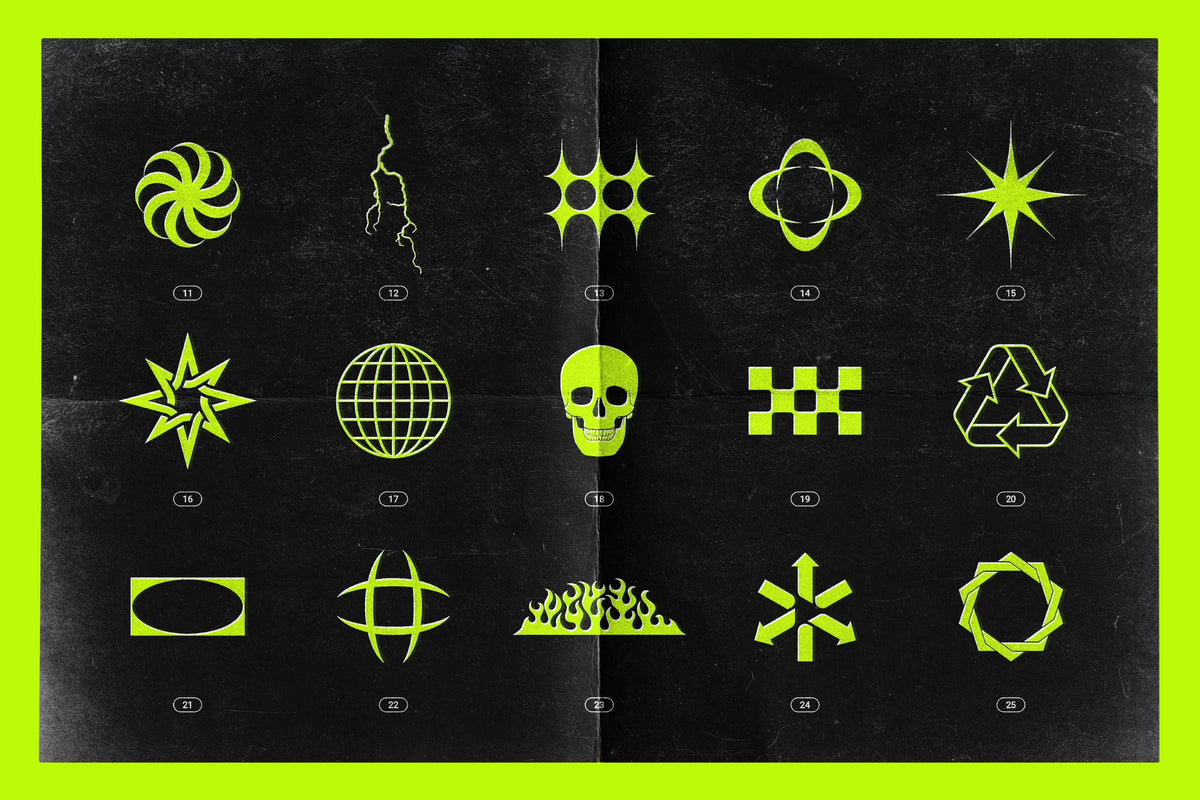
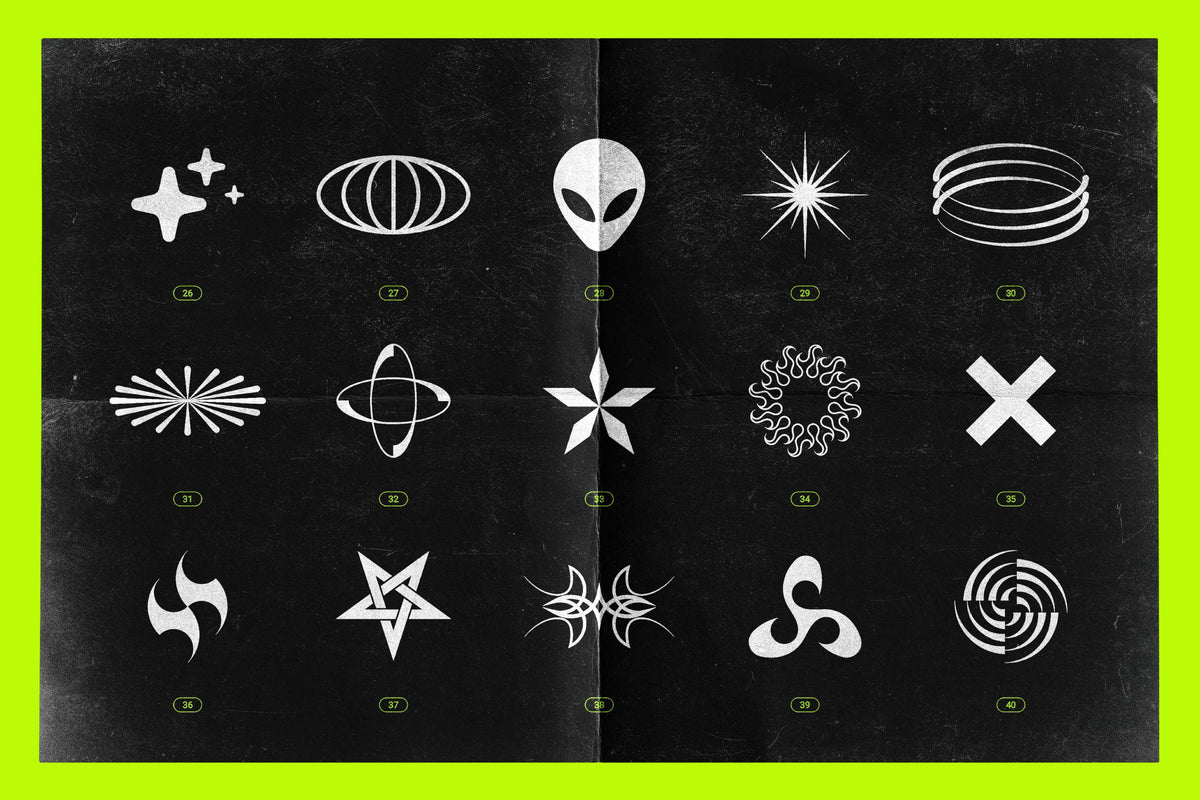
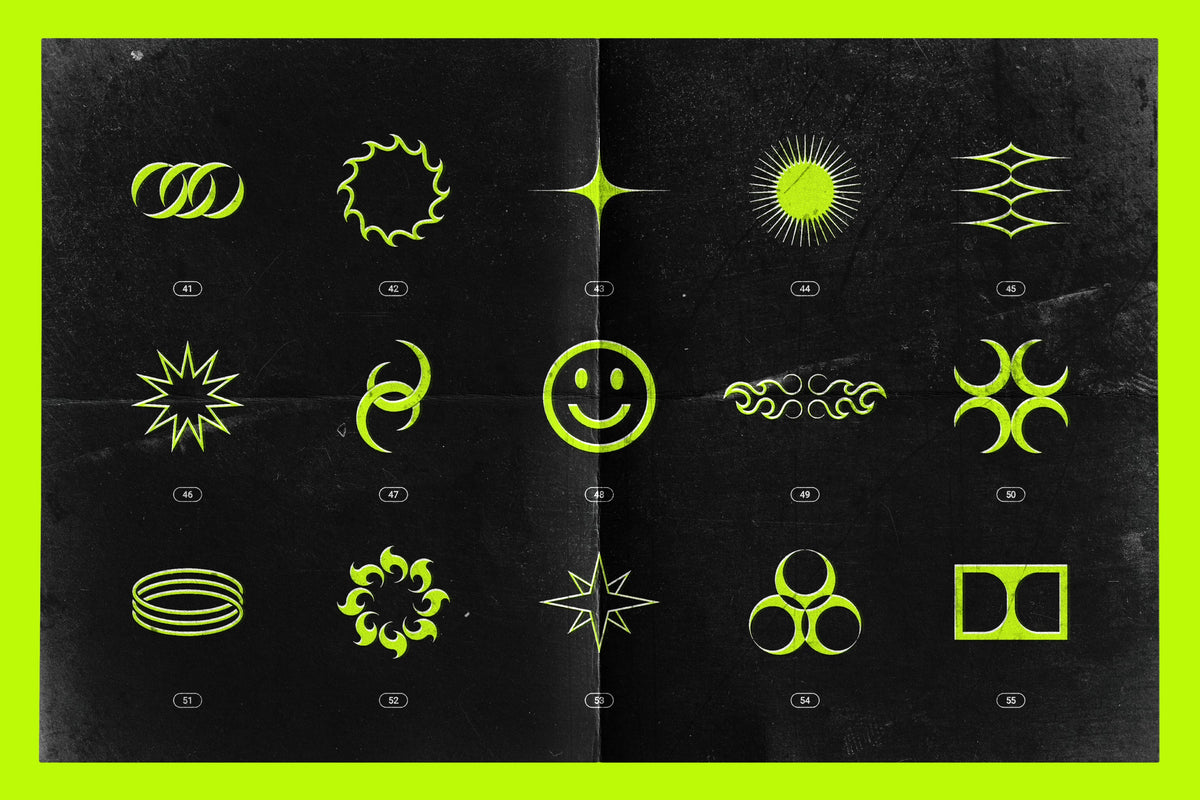
2D Vector shapes:
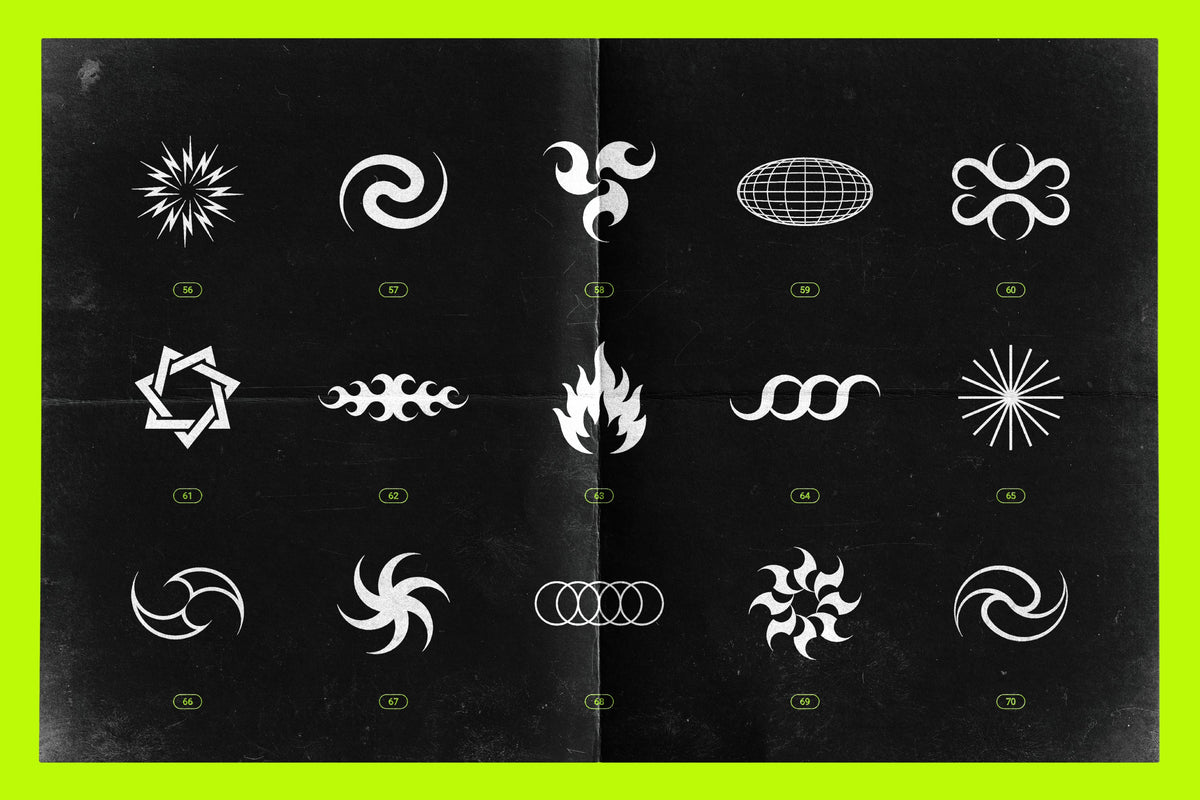
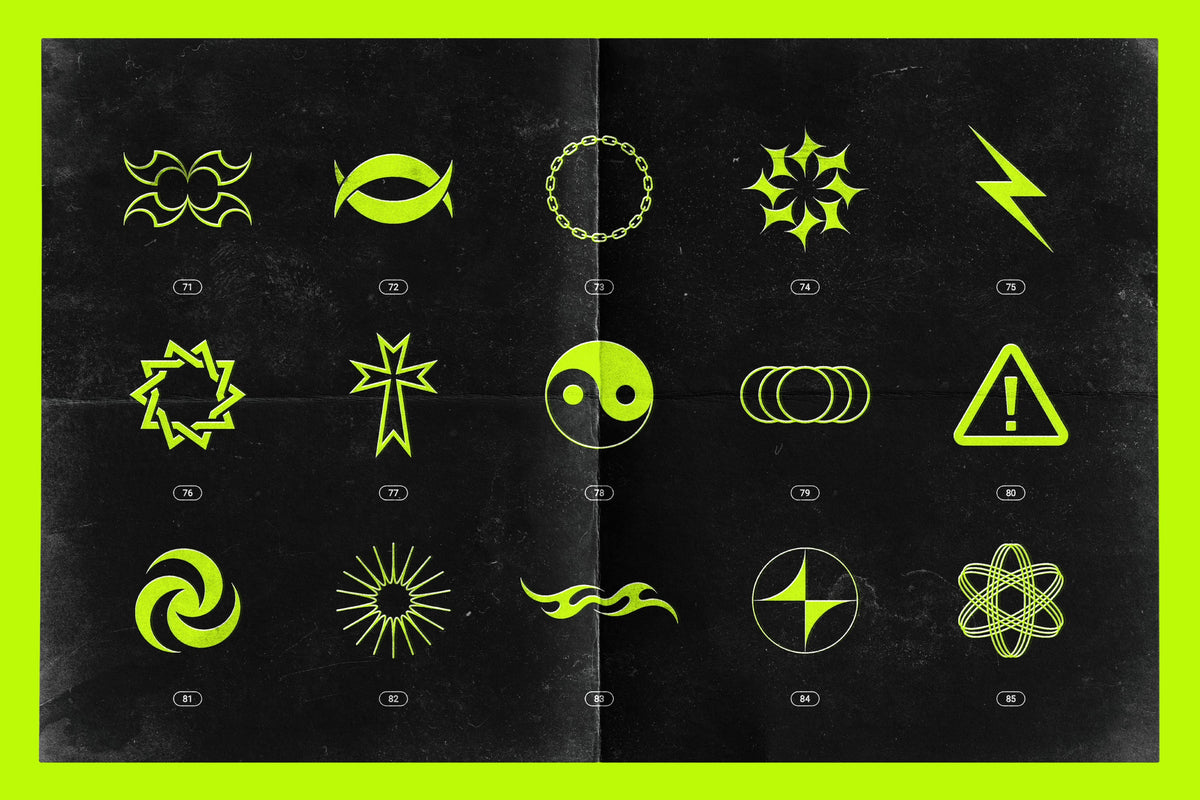
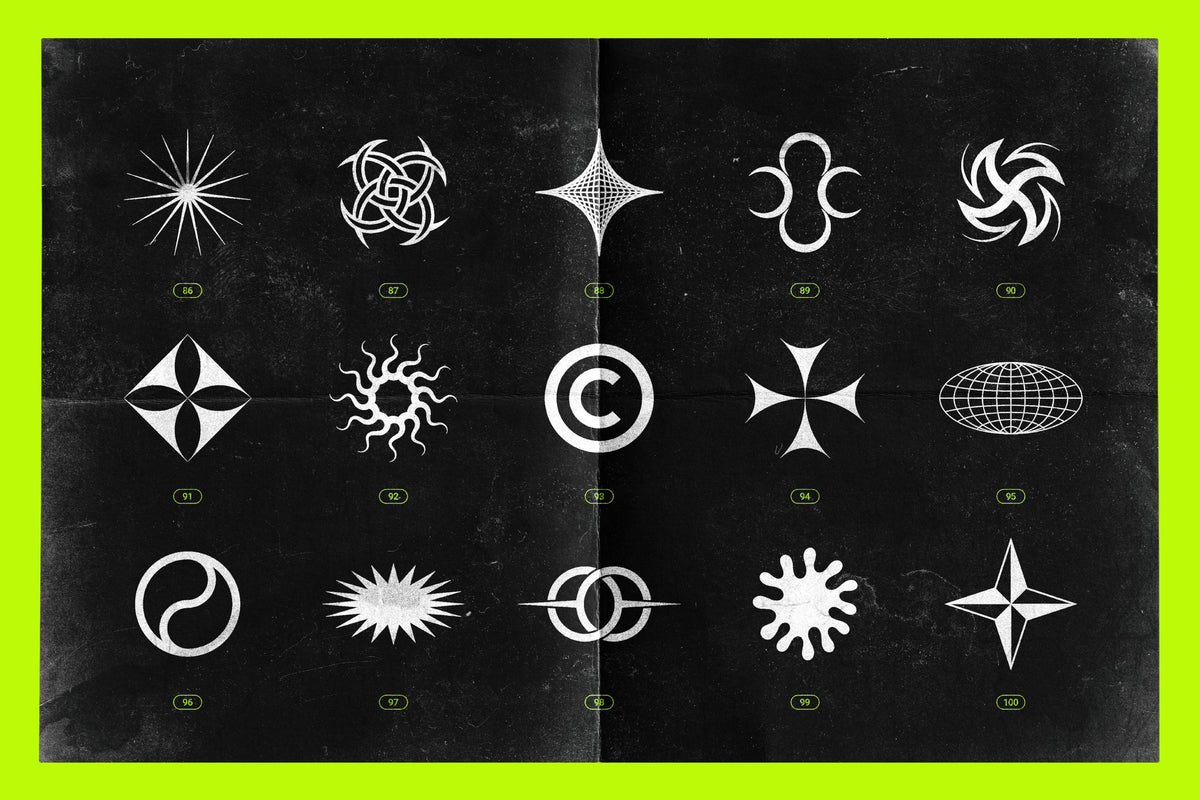
- JPG + PNG Files: 100 hi-res (5000×5000px) abstract 2D elements. The PNG files feature a transparent background, offering flexibility and ease of use in any design software you have at hand.
- AI Files: 100 abstract 2D elements saved as native Adobe Illustrator files, offering the flexibility to modify colors, adjust line thickness, edit individual paths, and perform a range of other customizations to tailor each shape to your specific design needs.
- SVG + EPS Files: 100 abstract 2D elements saved as scale-independent, editable vector files, compatible with your favorite vector editing software: Adobe Illustrator, Affinity Designer, Canva, Figma, Corel Draw, Linearity Curve, VectorStyler, Inkscape, Sketch, Adobe XD, Boxy SVG, Graphic, Amadine, and more. SVG files can also be used in 3D software such as Blender.
- PSD Files: 100 abstract 2D elements saved as editable vector shape layers - you can scale them to any size and transform them without any compromise in image quality. Compatible with Adobe Photoshop, Affinity Photo, Pixelmator Pro, Photopea, and more.
- CSH File: A library of 100 vector shapes, accessible through Adobe Photoshop's Shapes Panel.
- ABR File: A library of 100 hi-res stamp brushes, accessible through the Brushes Panel in Adobe Photoshop or Procreate.
Comprehensive user guides:
- The collection is accompanied by a thorough set of PDF user guides, designed to enhance your experience and ease of use. These resources include convenient reference sheets, step-by-step installation guides, and detailed manuals tailored for both Photoshop and Illustrator users.
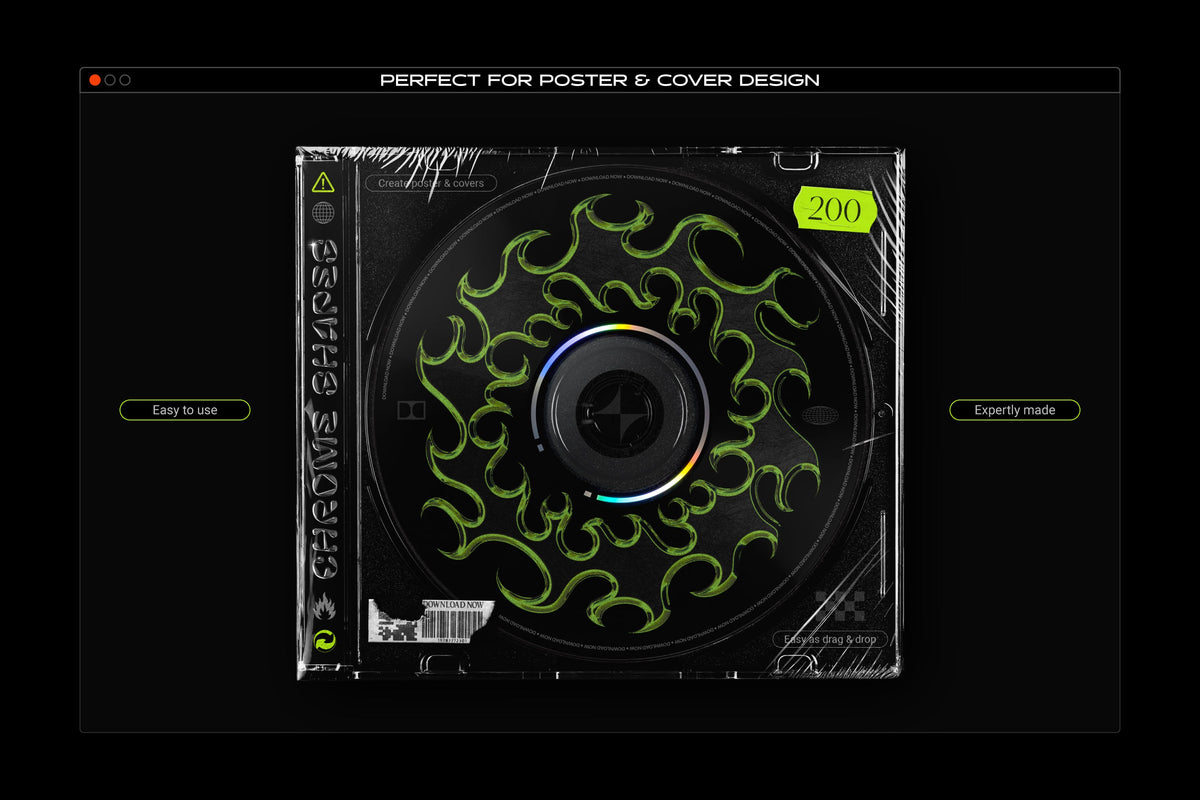
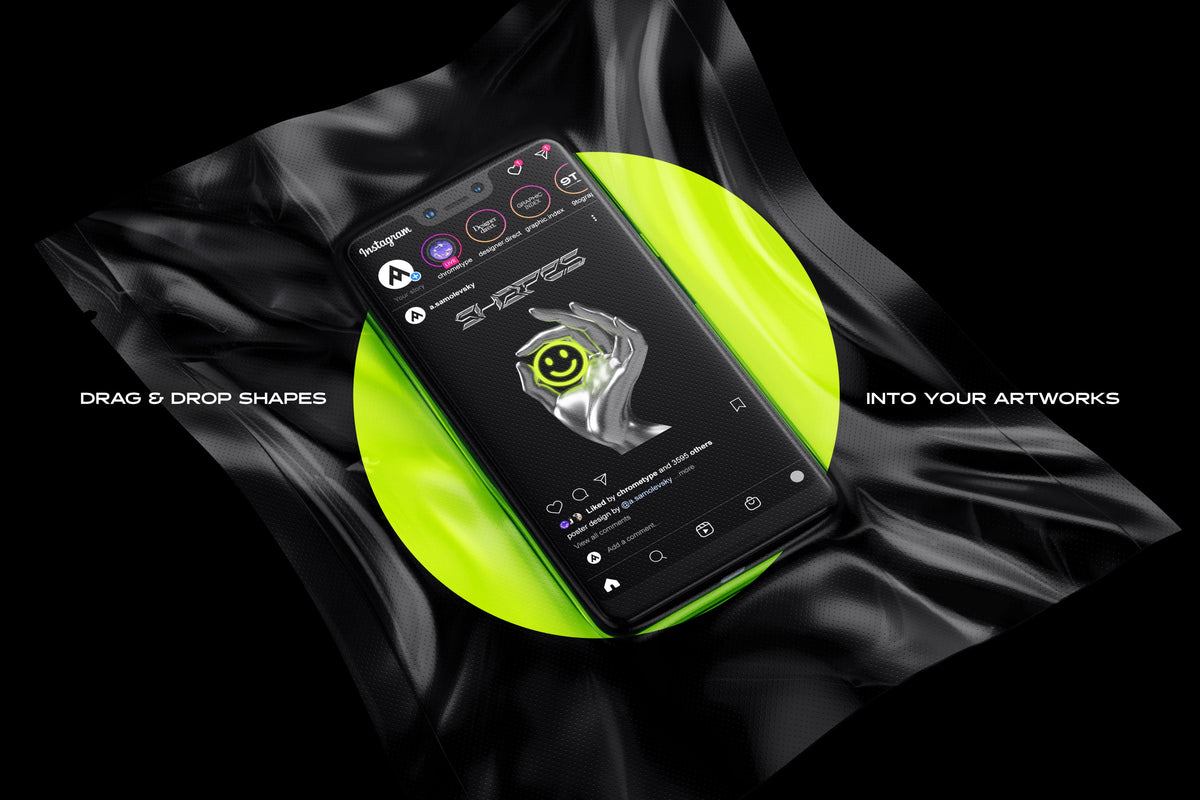
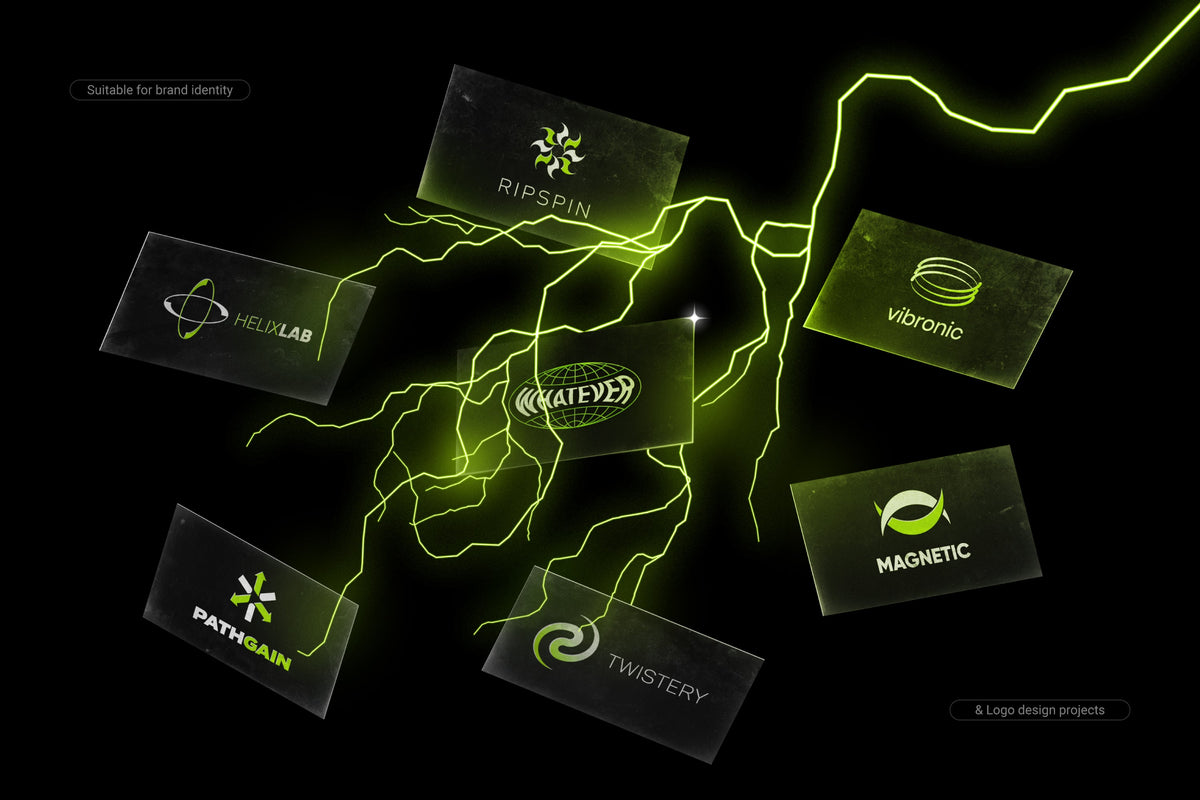
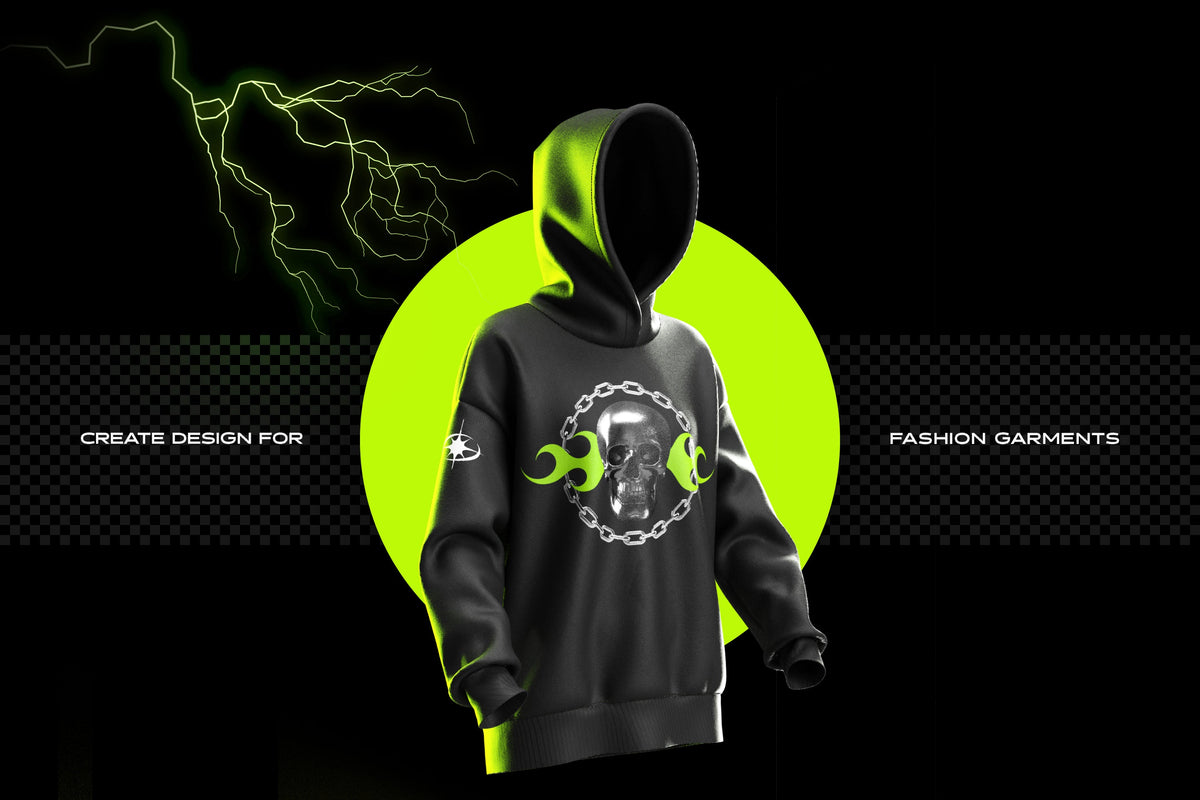
Perfect for a wide array of creative endeavors, this collection is ideal for designing cutting-edge posters, avant-garde branding, contemporary packaging, or conceptualizing bold album art. Its unique blend of 3D and 2D elements offers a playground for designers to explore and create distinctive, eye-catching compositions.
If you have any queries or require more details about the product, we are here to provide you with the assistance you need. Please feel free to reach out to us for any questions or additional information.
Customer reviews
What creatives are saying
-
Glad I found this!
« Was once on sudio AA’s website, with a few more features for free. Lost the file and this was the only one I found. Good, but not the same as I miss the other settings. Grateful to have it either way” »
on Text Trasher -
« Hh »
on TRANSLUCENT PLASTIC BAG MOCKUP -
« Loved this texture Worked well for my scene Thank you »
on +10 BROKEN GLASS TEXTURE (FREE) -
Service client catastrophique
« Aucun article reçu sur 3 après 3 semaines d'attente, un remboursement pour l'un des article n'incluant pas les frais de port alors que l'article n'était meme pas en stock. Aucune réponse du service client par mail ou message Instagram, je déconseille fortement. »
-
nrv
« wAllah nrv »
-
génial
« merci »
-
« Certifié nasty »
-
Goatesque
« C monstrueux j'ai utilisé le pack 2 semaines et j'ai placé 84 artistes depuis »
-
banger
« eh juste foncez prenez utilisez c’est une pépite »
-
« 👍 »
-
merci
« encore merci »
-
« Magnifique kit »
The shop
Samolevsky
- Graphisme
- Audio
- Photo et vidéo
Discover
You may also like
Frequently asked questions
Before you download
File access, downloads, software: answers to the most common questions.
How do I access my files after purchase?
Right after payment, via a confirmation page + a link in the email. When logged in to your account, you'll find them in "My files".
I can't download my product. What should I do?
Check your spam folder. If the problem persists, email us at contact@hytrape.com. Our team will get back to you as soon as possible.
Do I need Photoshop?
For some products, yes (mockups, text effects, templates); others work with any image editor. See the product specs.
How do I use your mockups?
Open the PSD file > double-click the smart object > add your design > save > done.