
![+500 ALLSTARS MULTIKIT SOUNDS [BY @prodbytidz & @hytrape] HYTRAPE](http://hytrape.com/cdn/shop/files/MULTIKIT_ALLSTARS_COVER.jpg?v=1722520643&width=240)
What's included
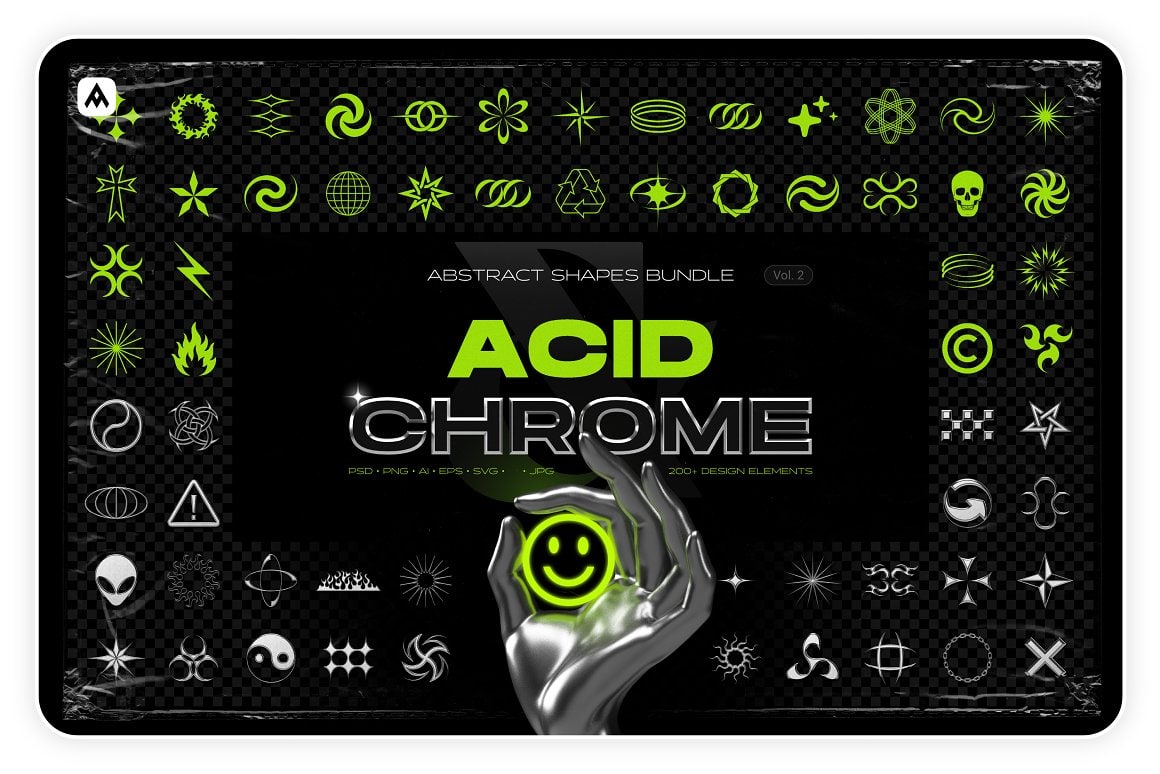
Discover the Acid and Chrome - Abstract Shapes Bundle, a captivating collection of modern design elements that combines artistic experimentation with a bold aesthetic.
Designed for creators who push boundaries, this collection is an indispensable tool for bringing your most audacious projects to life.
Here's what you'll get in this pack:
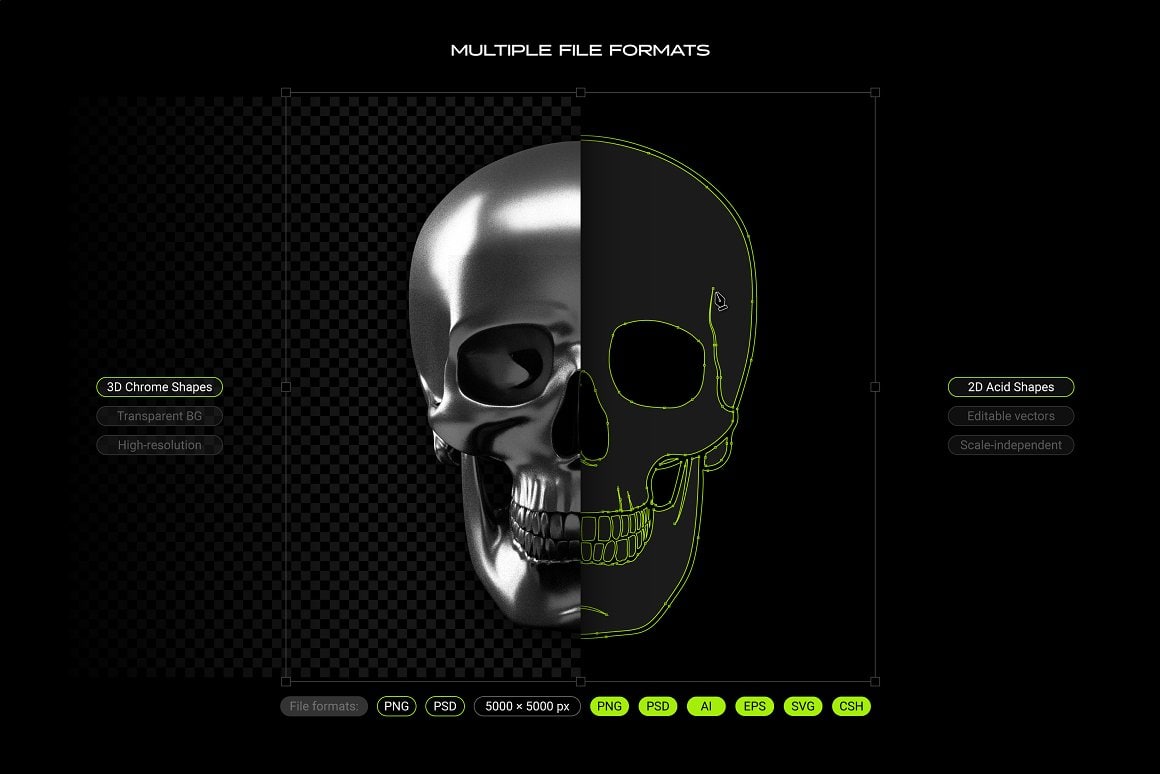
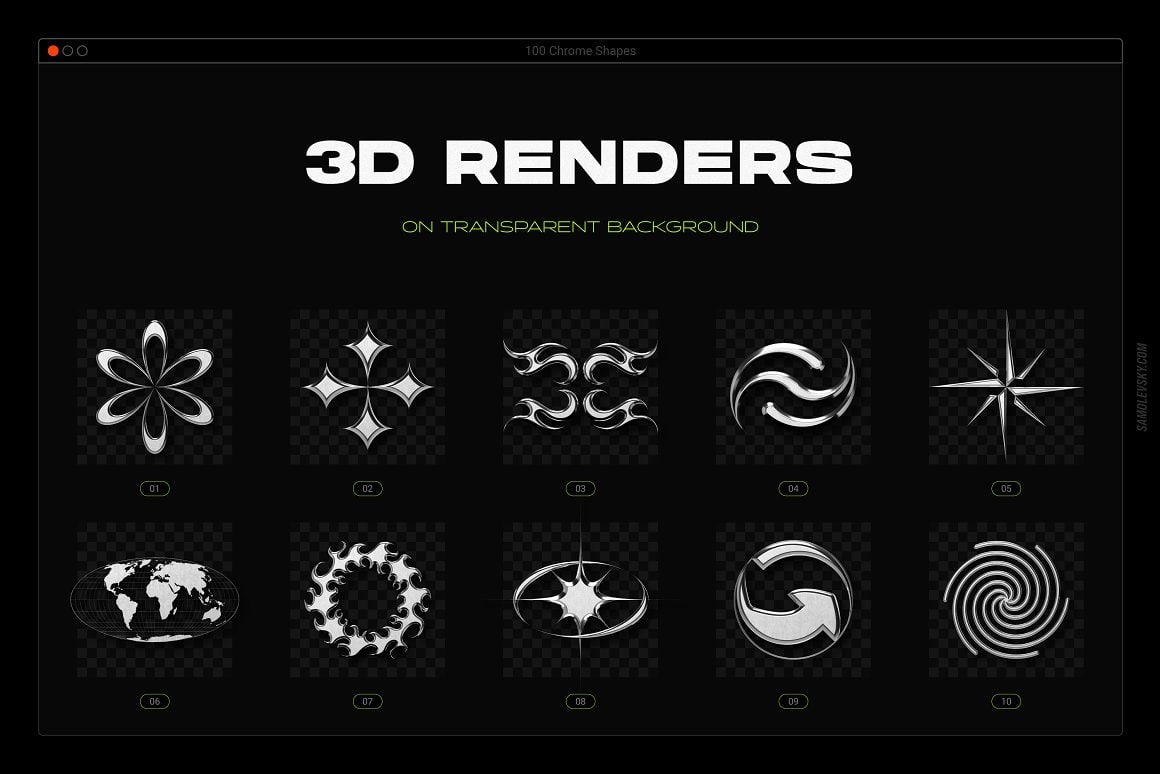
3D Chrome Shapes
Add a touch of metallic sophistication to your creations with these 100 abstract 3D shapes.
-
PNG files: 100 high-resolution 3D renders (5000 × 5000 px) with a realistic chrome finish and scratches. Simply drag and drop them onto a transparent background.
-
PSD files: 100 high-resolution 3D renders (5000 × 5000 px) with well-organized layers and advanced color controls for easy customization in Adobe Photoshop.
2D Vector Shapes
Edit, adapt, and customize these 100 abstract 2D shapes to suit your creative needs.
-
JPG and PNG files: 100 high-resolution 2D elements (5000 × 5000 px). PNG files have a transparent background for simple use in any design software.
-
AI files: 100 native 2D elements for Adobe Illustrator. You can modify colors, line thickness, and paths.
-
SVG and EPS files: 100 vector files for all your favorite software like Affinity Designer, Canva, Figma, Corel Draw, and many more. SVG files can even be used in 3D software like Blender.
-
PSD files: 100 editable vector layers for Adobe Photoshop, Affinity Photo, and Pixelmator Pro, which you can infinitely resize without loss of quality.
-
CSH file: A library of 100 vector shapes for the Adobe Photoshop Shapes panel.
-
ABR file: A library of 100 high-resolution brushes for Photoshop and Procreate.
Usage Guides
To assist you, the collection includes a comprehensive set of PDF usage guides, practical reference sheets, step-by-step installation guides, and detailed manuals for Photoshop and Illustrator.
Ideal for creating posters, avant-garde branding, contemporary packaging, or daring album covers, this pack is a playground for designers.
Let the Acid and Chrome - Abstract Shapes Bundle propel your creative projects to new horizons of style and innovation.