



HYTRAPE
Explore a focused selection of creative assets, available immediately after payment.
20,000+ downloads 4.7/5 45 verified reviews
Explore by category
Best sellers
Buy 1 = 2nd at −50% on a wide selection of resources.
20,000+ downloads 4.7/5 45 verified reviews
No physical delivery: your download links are available after payment and sent by email.
Description
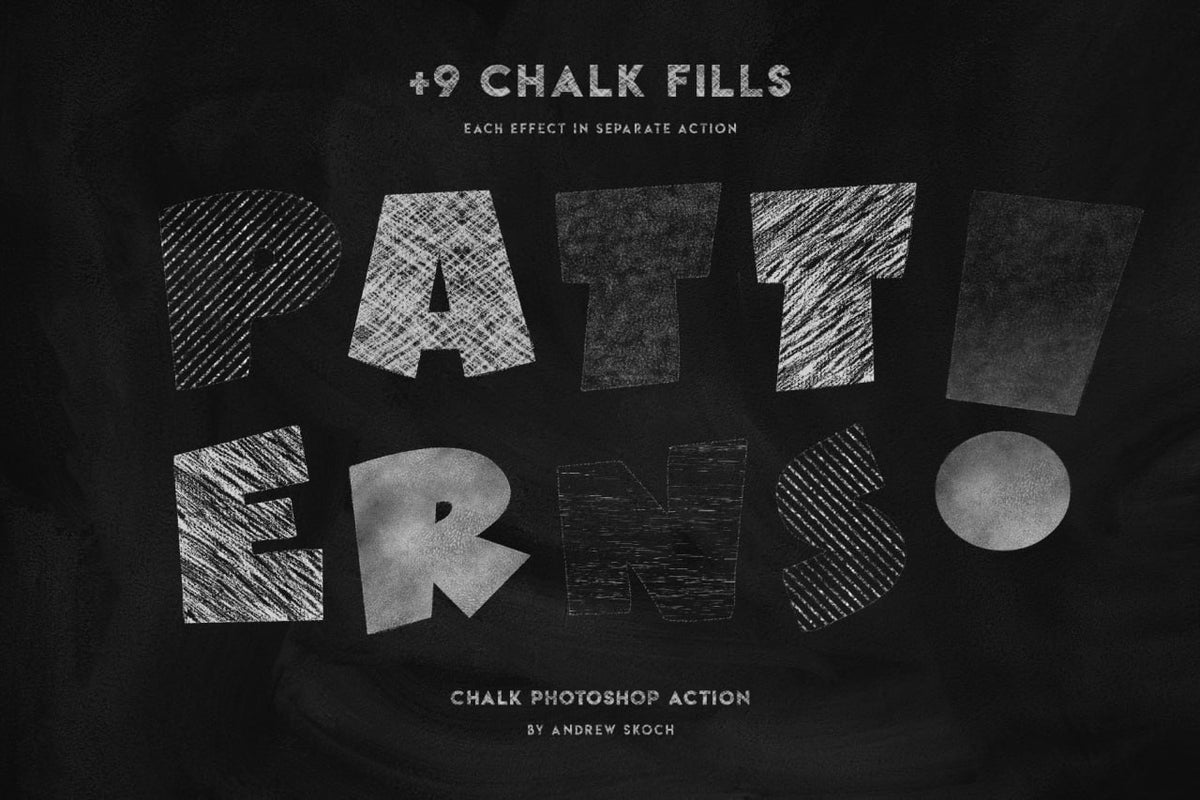
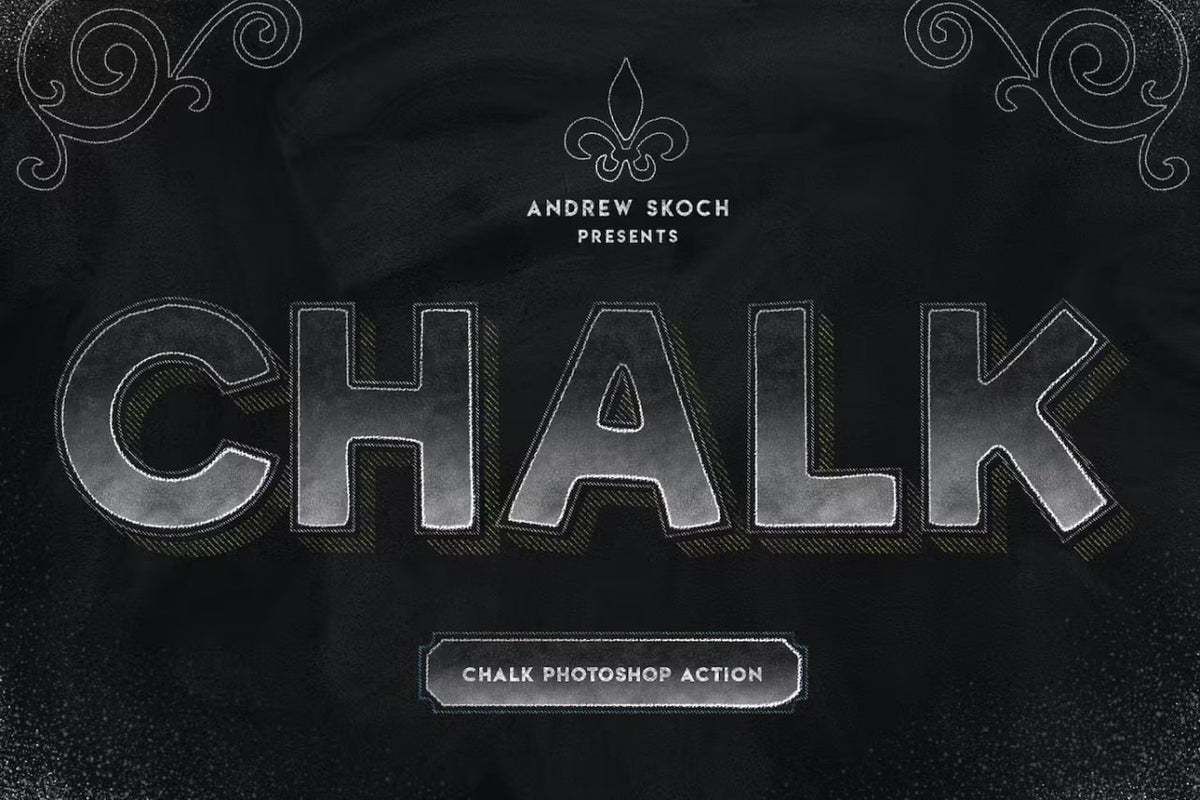
Transform your text and shapes into artistic creations with the "Chalk" Photoshop action by Andrew Skoch. This powerful set of actions lets you simulate the look of chalk on a blackboard, adding a vintage, school, or crafty touch to your designs. Perfect for typographers, illustrators, menu designers, or any project requiring an authentic chalk look.
Included in the pack:
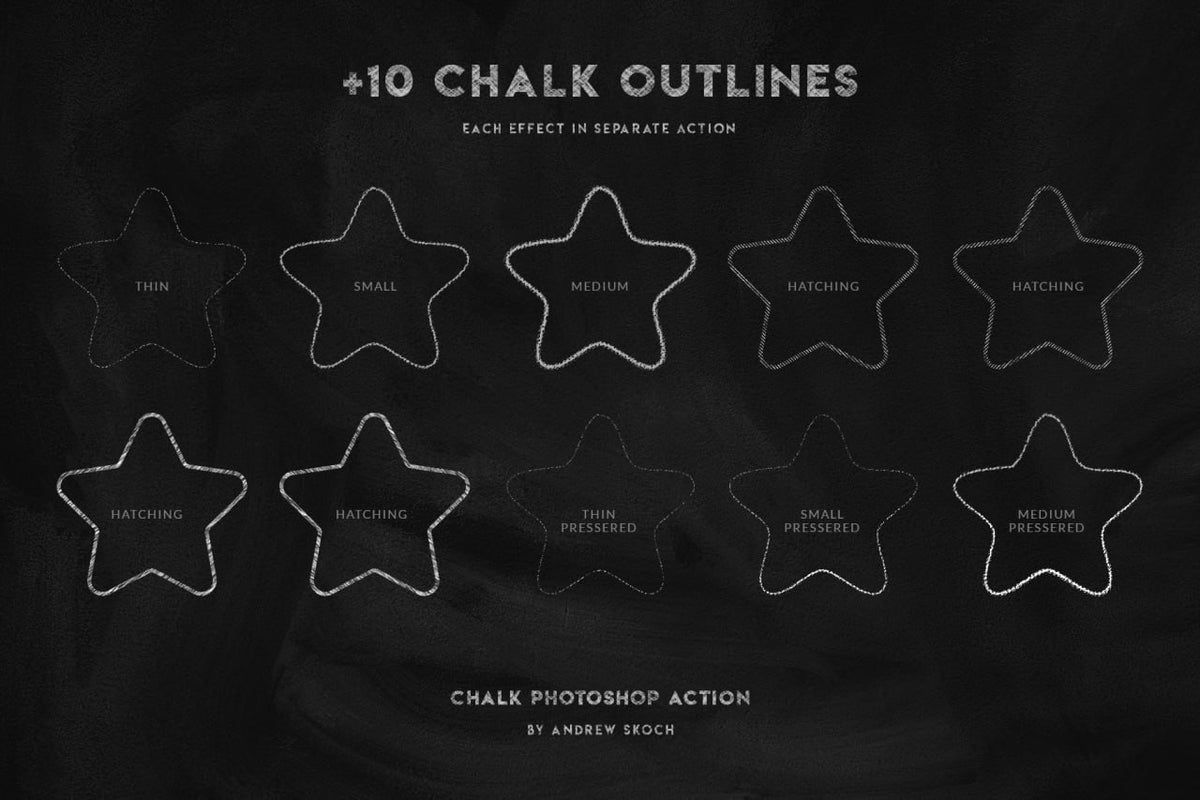
+10 Chalk Outlines: Create outlines of varying thicknesses (thin, small, medium) and various hatching effects. Each effect is a separate action for precise application.
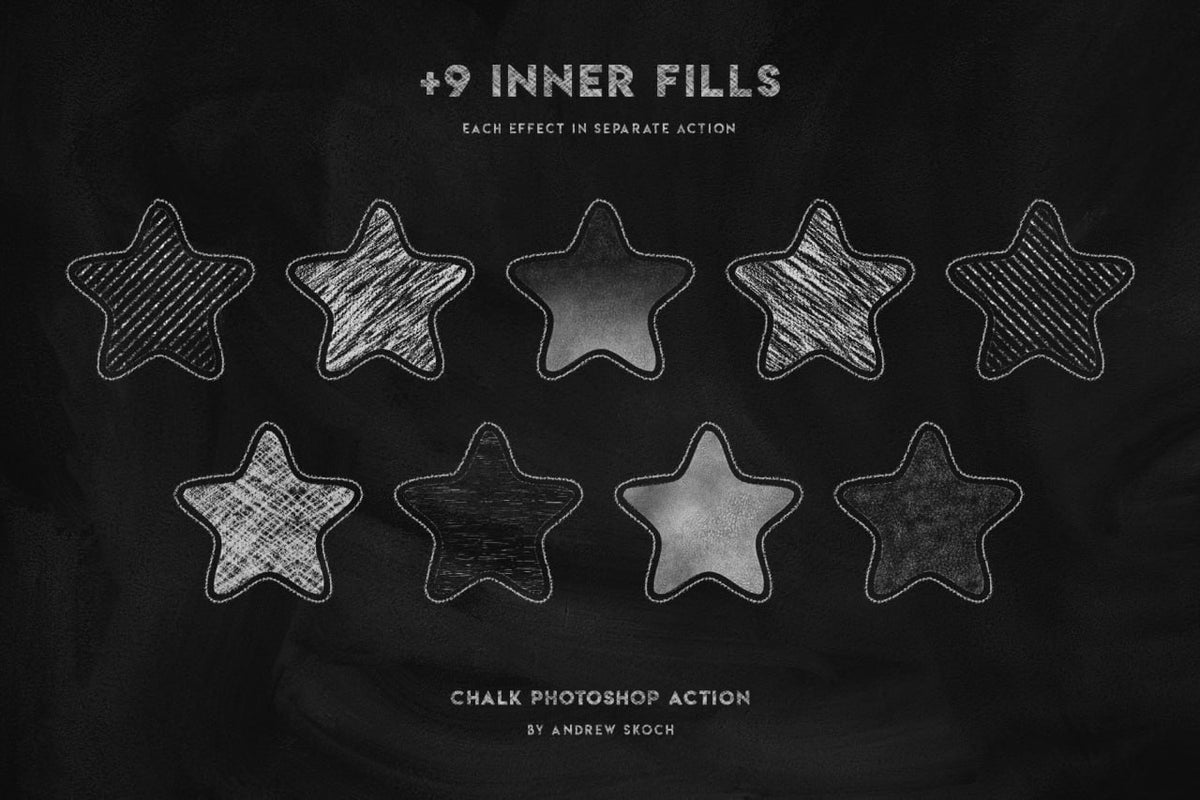
+9 Inner Fills: Apply various fill patterns inside your shapes, simulating hatching, shading, and chalk textures. Each fill is a separate action.
+9 Chalk Fills: Discover specific fill patterns for varied chalk effects.
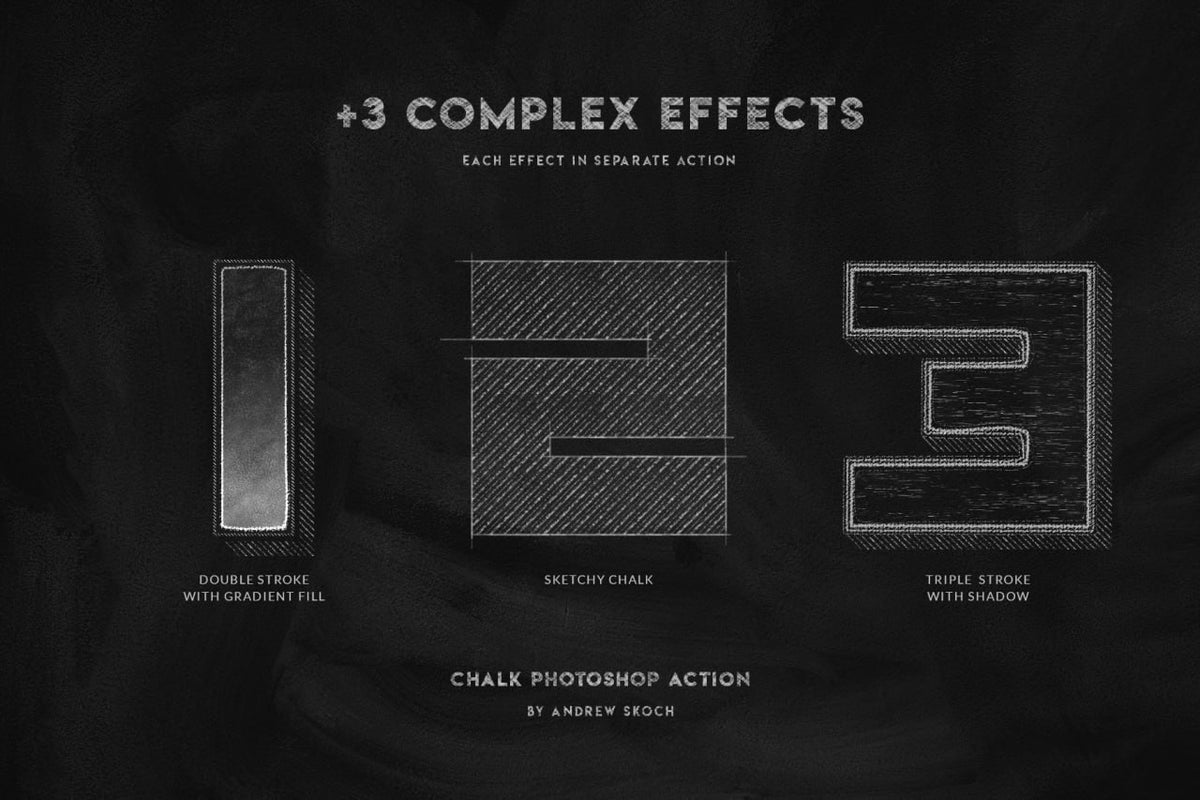
+3 Complex Effects:
Double Stroke with Gradient Fill: Double stroke with a gradient fill.
Sketchy Chalk: A more sketchy and textured chalk effect.
Triple Stroke with Shadow: Three strokes with a shadow for a depth effect.
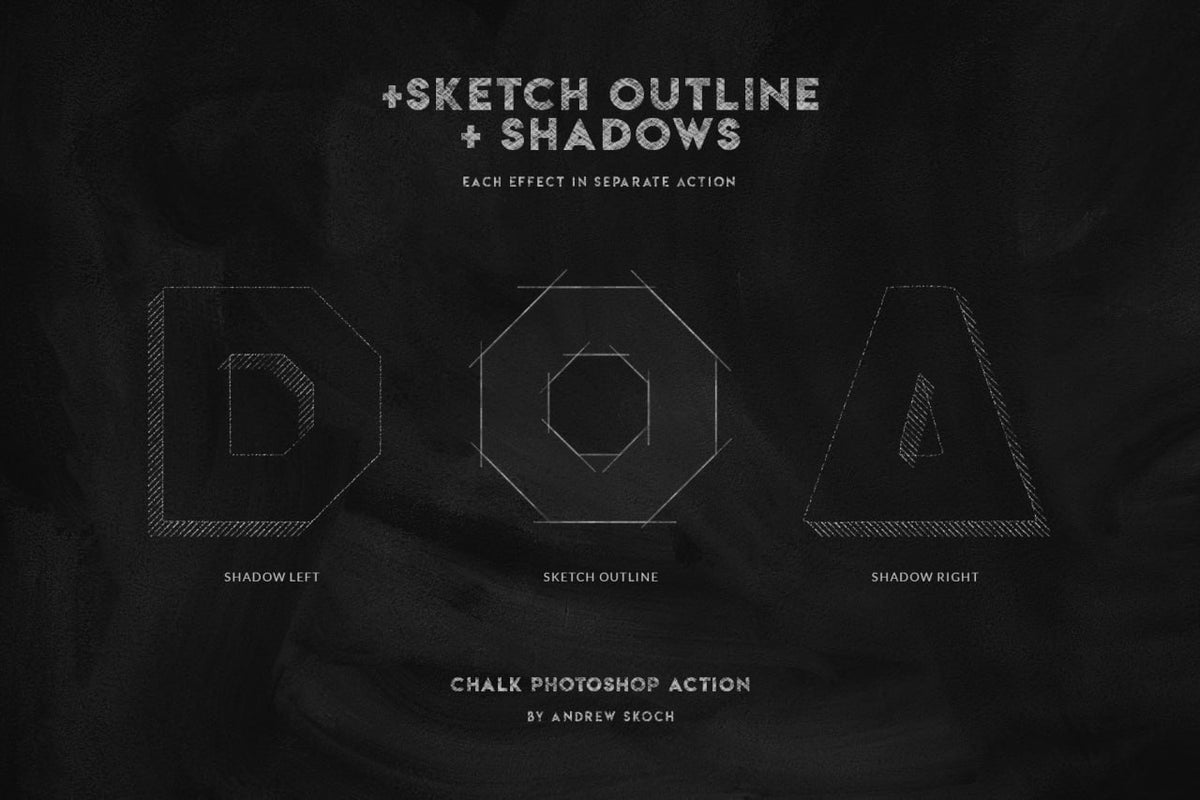
Shadows & Sketched Outline: Add shadows (right, left) and sketched outlines to give depth to your elements.
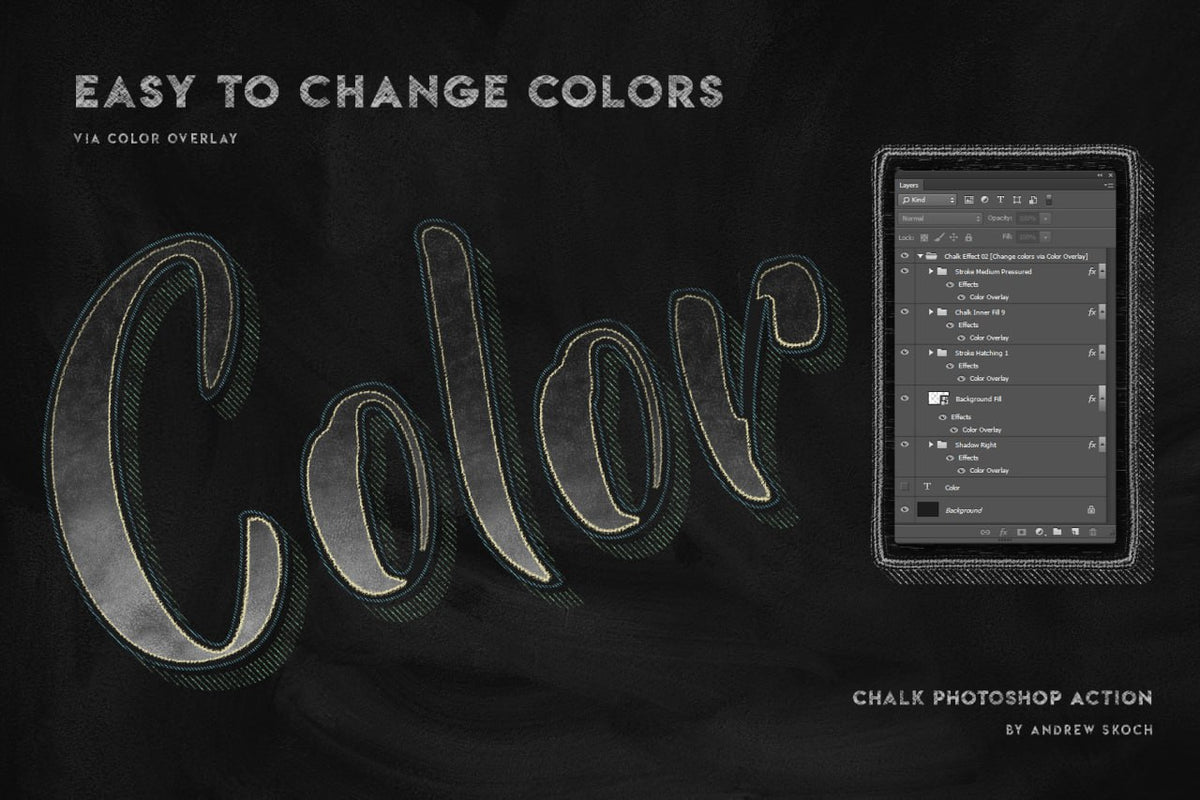
Easy Color Changes: Change the colors of your effects via a color overlay layer, allowing for quick customization.
Compatibility: Designed for Adobe Photoshop .
Customer reviews
Glad I found this!
« Was once on sudio AA’s website, with a few more features for free. Lost the file and this was the only one I found. Good, but not the same as I miss the other settings. Grateful to have it either way” »on Text Trasher
« Hh »on TRANSLUCENT PLASTIC BAG MOCKUP
« Loved this texture Worked well for my scene Thank you »on +10 BROKEN GLASS TEXTURE (FREE)
Service client catastrophique
« Aucun article reçu sur 3 après 3 semaines d'attente, un remboursement pour l'un des article n'incluant pas les frais de port alors que l'article n'était meme pas en stock. Aucune réponse du service client par mail ou message Instagram, je déconseille fortement. »
nrv
« wAllah nrv »
génial
« merci »
« Certifié nasty »
Goatesque
« C monstrueux j'ai utilisé le pack 2 semaines et j'ai placé 84 artistes depuis »
banger
« eh juste foncez prenez utilisez c’est une pépite »
« 👍 »
merci
« encore merci »
« Magnifique kit »
The shop
Discover
HYTRAPE
 Free
FreeHYTRAPE x ATTRACT VISUAL
 Free
FreeHYTRAPE x ATTRACT VISUAL
 Free
FreeHYTRAPE
Frequently asked questions
File access, downloads, software: answers to the most common questions.
Right after payment, via a confirmation page + a link in the email. When logged in to your account, you'll find them in "My files".
Check your spam folder. If the problem persists, email us at contact@hytrape.com. Our team will get back to you as soon as possible.
For some products, yes (mockups, text effects, templates); others work with any image editor. See the product specs.
Open the PSD file > double-click the smart object > add your design > save > done.