






HYTRAPE
Verified creator
Cutout Risoprint Photo Effect
Free
20,000+ downloads 4.7/5 45 verified reviews
- Instant access
- Secure payment
- Files in your account
No physical delivery: your download links are available after payment and sent by email.
Quick answers
How do I get the files?
No physical delivery: your download links are available after payment and sent by email.
Which formats and software?
For this product: Photoshop, PSD.
What can I do with it (license)?
The selected license defines where and how the asset can be used. Check the exact terms before purchase. Read the full terms →
Description
About this resource
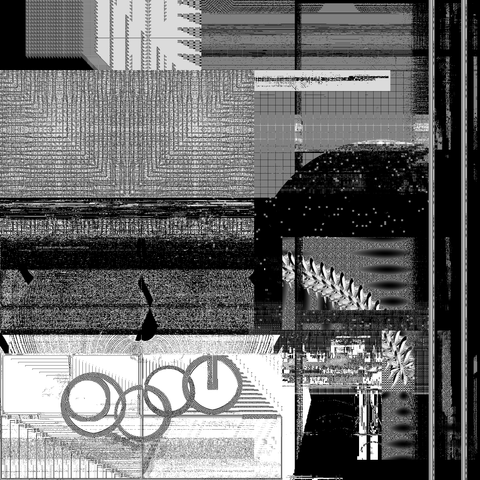
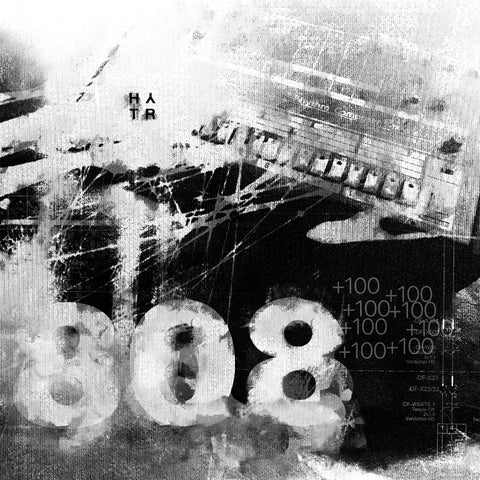
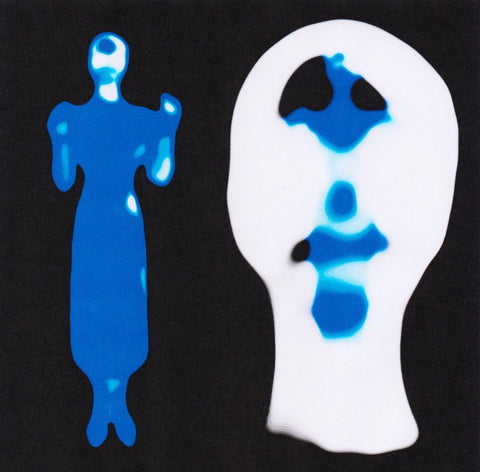
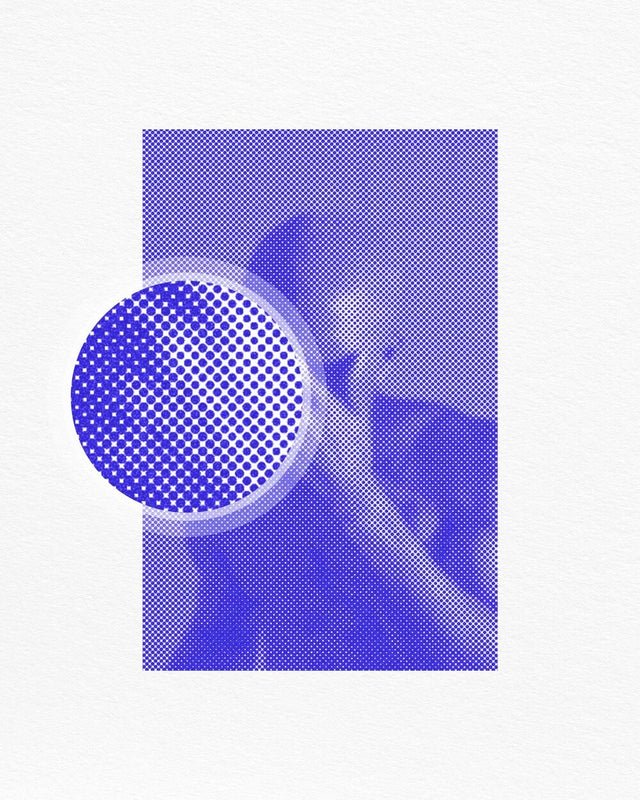
Create a risograph-inspired product that has a raw and high-contrast look. It is ideal for fanzines, posters, album covers, or editorials that require a crisp, retro style. The halftone grain and jagged edges recall the raw aesthetic of handmade screen printing, all in an easy-to-use Photoshop setup. The box includes two high-quality PSD files, one vertical and one horizontal, created with smart objects.
This product is designed and fully compatible with Adobe Photoshop. For an optimal experience, we recommend using the latest Creative Cloud version of the application.
Customer reviews
What creatives are saying
4.7/5
45 verified reviewsJudge.me · whole shop
20,000+
downloadson HYTRAPE since 2023
-
Glad I found this!
« Was once on sudio AA’s website, with a few more features for free. Lost the file and this was the only one I found. Good, but not the same as I miss the other settings. Grateful to have it either way” »
on Text Trasher -
« Hh »
on TRANSLUCENT PLASTIC BAG MOCKUP -
« Loved this texture Worked well for my scene Thank you »
on +10 BROKEN GLASS TEXTURE (FREE) -
Service client catastrophique
« Aucun article reçu sur 3 après 3 semaines d'attente, un remboursement pour l'un des article n'incluant pas les frais de port alors que l'article n'était meme pas en stock. Aucune réponse du service client par mail ou message Instagram, je déconseille fortement. »
-
nrv
« wAllah nrv »
-
génial
« merci »
-
« Certifié nasty »
-
Goatesque
« C monstrueux j'ai utilisé le pack 2 semaines et j'ai placé 84 artistes depuis »
-
banger
« eh juste foncez prenez utilisez c’est une pépite »
-
« 👍 »
-
merci
« encore merci »
-
« Magnifique kit »
The shop
HYTRAPE
- Graphic design
- Audio
- Photo & video
- 3D
Discover
Go further with full packs

HYTRAPE
MELT CHROME TEXT EFFECT

HYTRAPE x ATTRACT VISUAL
SCREENLINE CRT VHS TEXT EFFECT

HYTRAPE x ATTRACT VISUAL
TEXT BLUR EFFECT
Guides
Go further with these guides
-
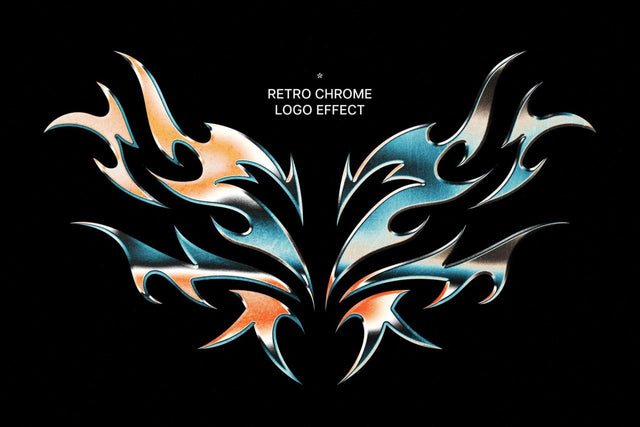 Free Photoshop text effects: 11 PSD files and actionsA text effect turns a plain headline into a visual: shiny chrome, glass, flames, bleeding ink, grunge. Instead of building...Read the guide
-
 Visual glossary: graphic effects explainedA-Z of effects that are everywhere. Useful definitions, one-image recipes, pitfalls to avoid, and HYTRAPE packs to speed t...Read the guide
-
 Save time with Photoshop packsTime is a designer’s most precious resource. Between tight deadlines, creative brainstorming and client feedback, every mi...Read the guide
Frequently asked questions
Before you download
File access, downloads, software: answers to the most common questions.
How do I access my files after purchase?
Right after payment, via a confirmation page + a link in the email. When logged in to your account, you'll find them in "My files".
I can't download my product. What should I do?
Check your spam folder. If the problem persists, email us at contact@hytrape.com. Our team will get back to you as soon as possible.
Do I need Photoshop?
For some products, yes (mockups, text effects, templates); others work with any image editor. See the product specs.
How do I use your mockups?
Open the PSD file > double-click the smart object > add your design > save > done.