



 Free
FreeFox Rockett Studio
Explore a focused selection of creative assets, available immediately after payment.
20,000+ downloads 4.7/5 45 verified reviews
Explore by category
Best sellers
Buy 1 = 2nd at −50% on a wide selection of resources.
20,000+ downloads 4.7/5 45 verified reviews
No physical delivery: your download links are available after payment and sent by email.
Description
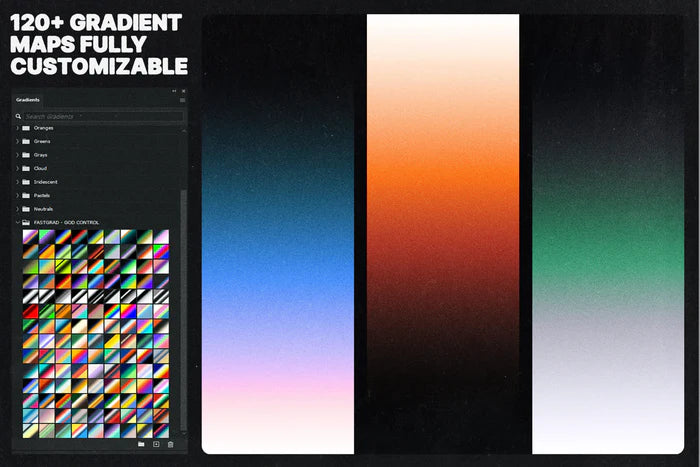
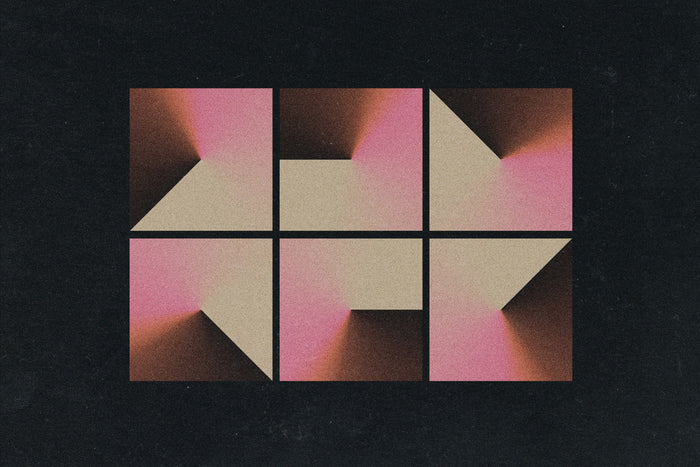
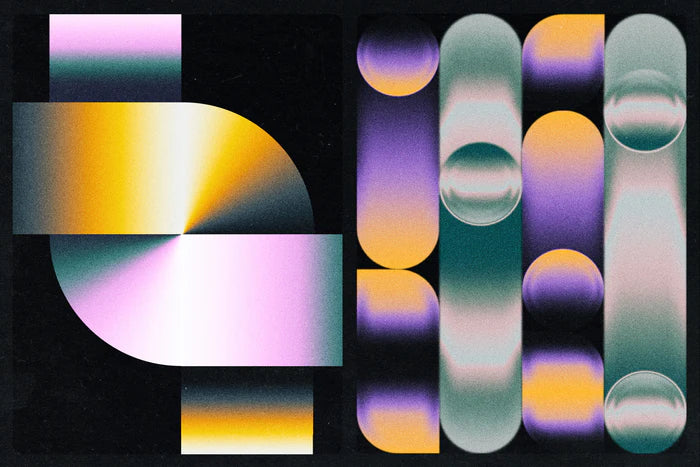
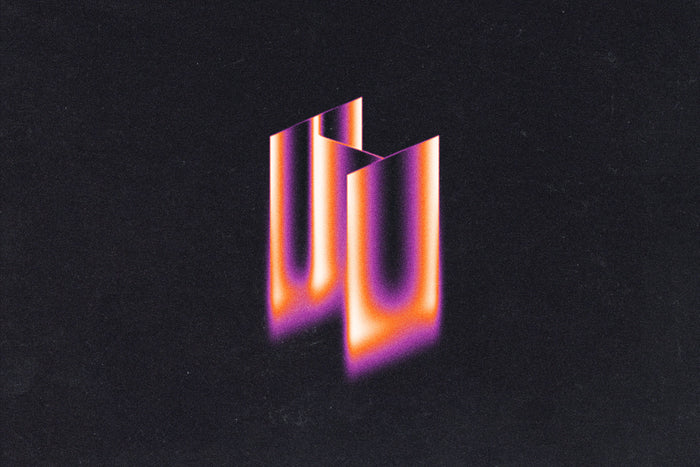
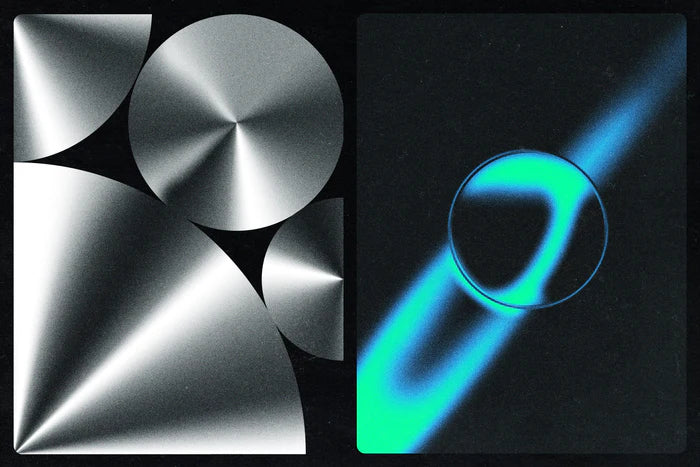
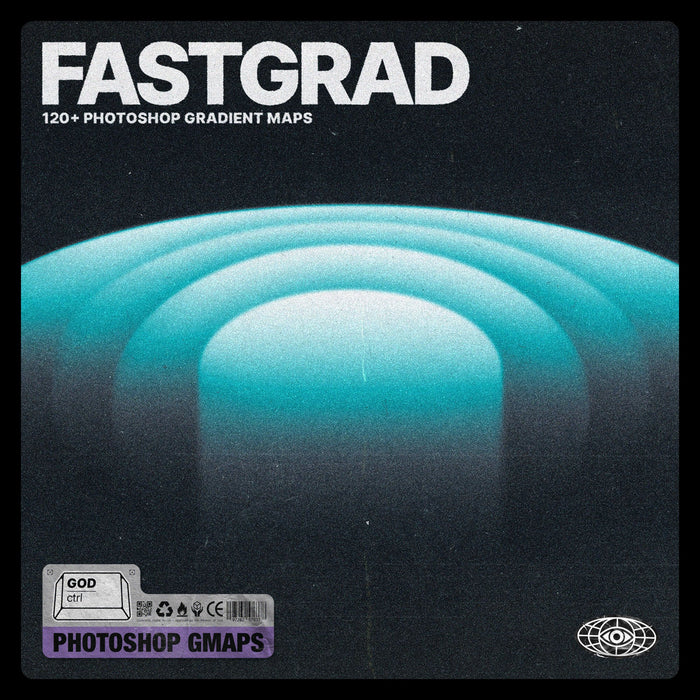
Transform your digital creations with our collection of over 120 gradient maps. Designed to be both elegant, modern, and impactful, this library is the perfect tool to invigorate your designs.
Whether you're looking to create striking contrasts, retro vibes, or subtle tones, our FastGrad pack has everything you need.
Tired of the basics? So are we. Our gradients are designed to be more than just a color effect; it's a real toolkit that gives you total control over your creations. You decide, you customize.
1 .GRD file for Photoshop containing over 120 gradient maps.
1 "Read me" file to help you get started quickly.
Easy and quick to use: Get professional results in just a few clicks.
Over 120 presets: An option for every style and every project.
Unlimited customization: Unleash your creativity and make each design unique.
Customer reviews
Glad I found this!
« Was once on sudio AA’s website, with a few more features for free. Lost the file and this was the only one I found. Good, but not the same as I miss the other settings. Grateful to have it either way” »on Text Trasher
« Hh »on TRANSLUCENT PLASTIC BAG MOCKUP
« Loved this texture Worked well for my scene Thank you »on +10 BROKEN GLASS TEXTURE (FREE)
Service client catastrophique
« Aucun article reçu sur 3 après 3 semaines d'attente, un remboursement pour l'un des article n'incluant pas les frais de port alors que l'article n'était meme pas en stock. Aucune réponse du service client par mail ou message Instagram, je déconseille fortement. »
nrv
« wAllah nrv »
génial
« merci »
« Certifié nasty »
Goatesque
« C monstrueux j'ai utilisé le pack 2 semaines et j'ai placé 84 artistes depuis »
banger
« eh juste foncez prenez utilisez c’est une pépite »
« 👍 »
merci
« encore merci »
« Magnifique kit »
The shop
Discover
Frequently asked questions
File access, downloads, software: answers to the most common questions.
Right after payment, via a confirmation page + a link in the email. When logged in to your account, you'll find them in "My files".
Check your spam folder. If the problem persists, email us at contact@hytrape.com. Our team will get back to you as soon as possible.
For some products, yes (mockups, text effects, templates); others work with any image editor. See the product specs.
Open the PSD file > double-click the smart object > add your design > save > done.


