
![+500 ALLSTARS MULTIKIT SOUNDS [BY @prodbytidz & @hytrape] HYTRAPE](http://hytrape.com/cdn/shop/files/MULTIKIT_ALLSTARS_COVER.jpg?v=1722520643&width=240)
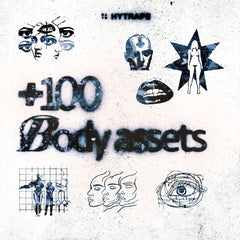
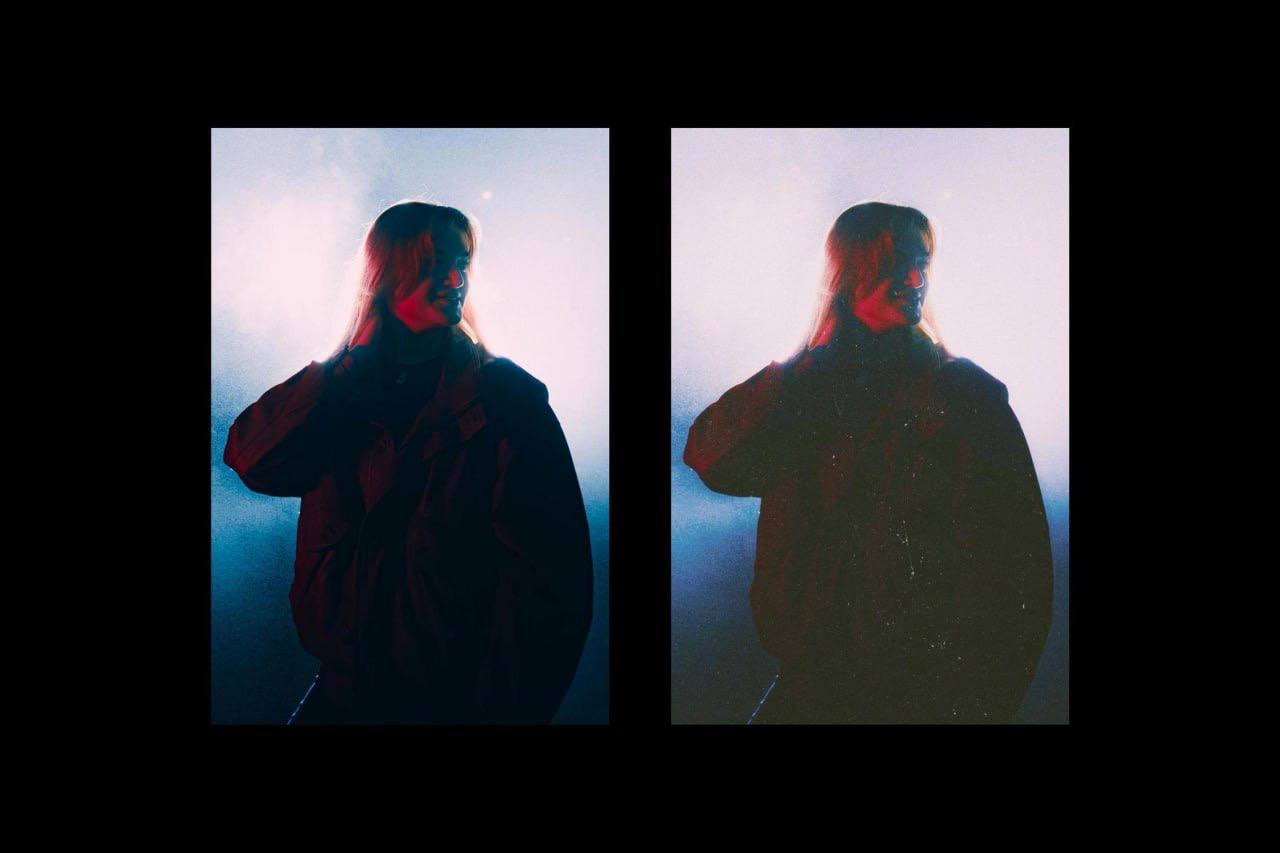
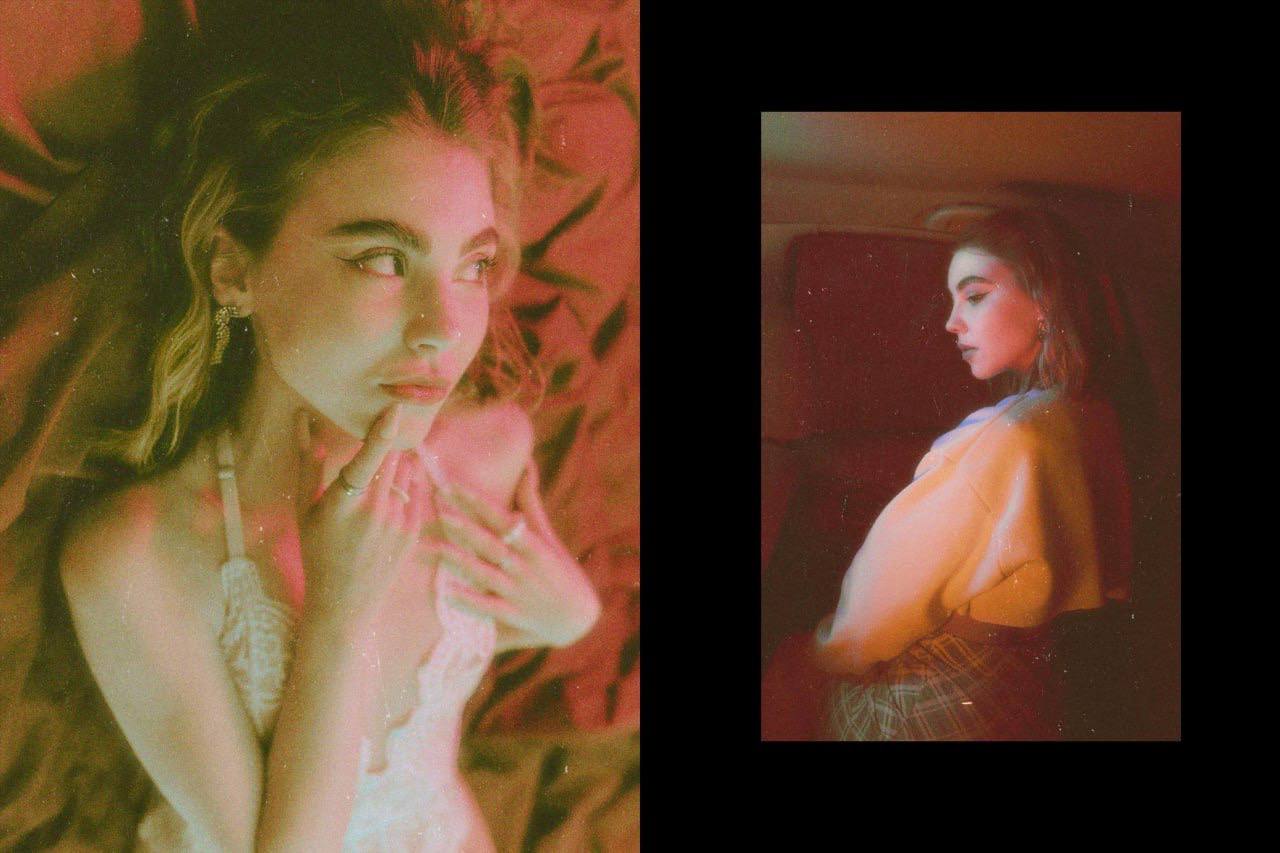
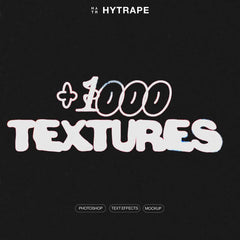
What's included
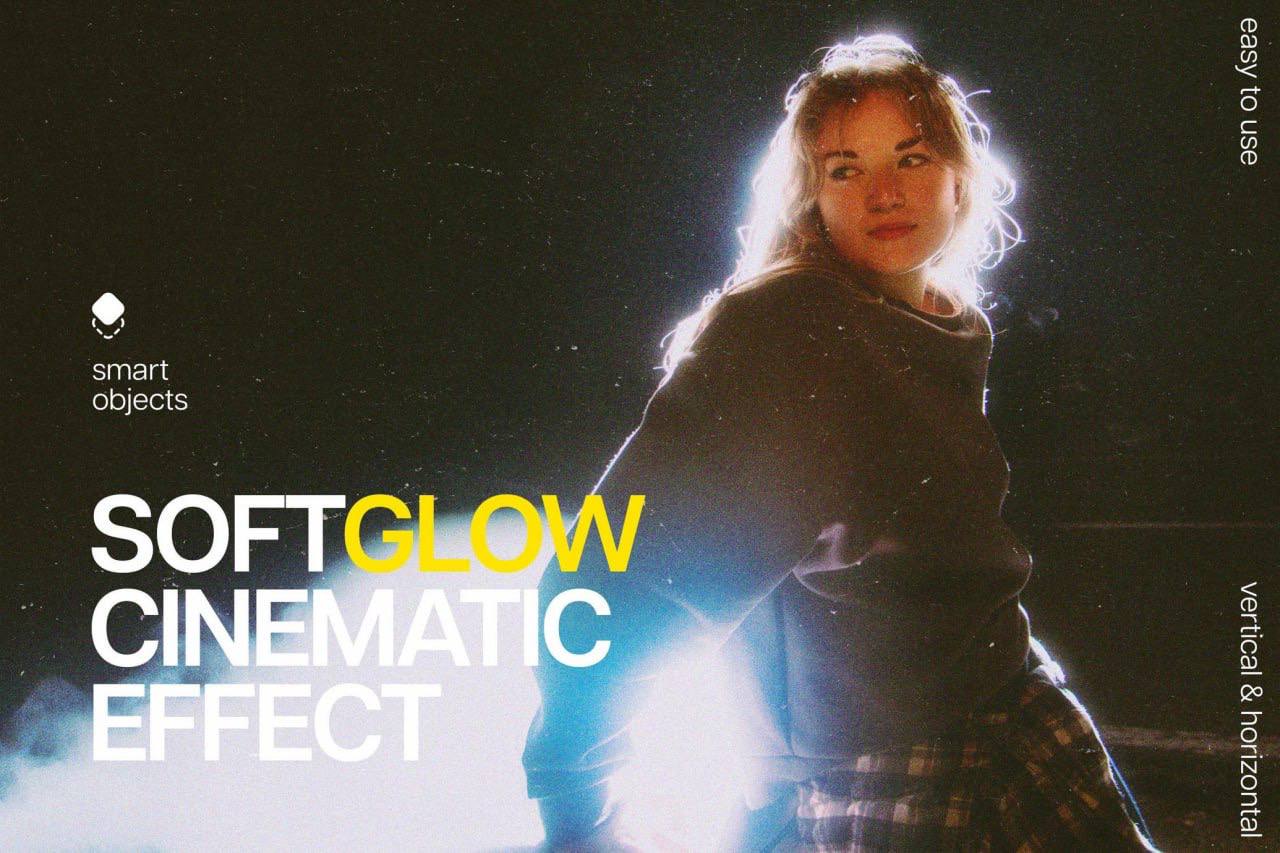
Make your images and photos stunning in the blink of an eye!
This digital product is the perfect tool to give your visuals a spectacular effect, all in just a few clicks. Thanks to its smart object layers, you have complete freedom to customize your creations with optimal simplicity and versatility.
How it works:
-
Open the layer of your choice.
-
Add your image by dragging it onto the layer.
-
Save.
That's it! You'll instantly see the magic happen directly on your Photoshop canvas. Remember to activate the adjustment options to finalize the rendering.
What you get:
-
2 high-quality PSD files
-
Dimensions: 4500x3000 px and 3000x4500 px
-
Resolution: 300 dpi
-
A help file to guide you
Don't wait any longer to transform your photos into true works of art!