




 Free
FreeFox Rockett Studio
Explore a focused selection of creative assets, available immediately after payment.
+20 000 downloads 4,7/5 45 verified reviews
Explore by category
Best sellers
Description
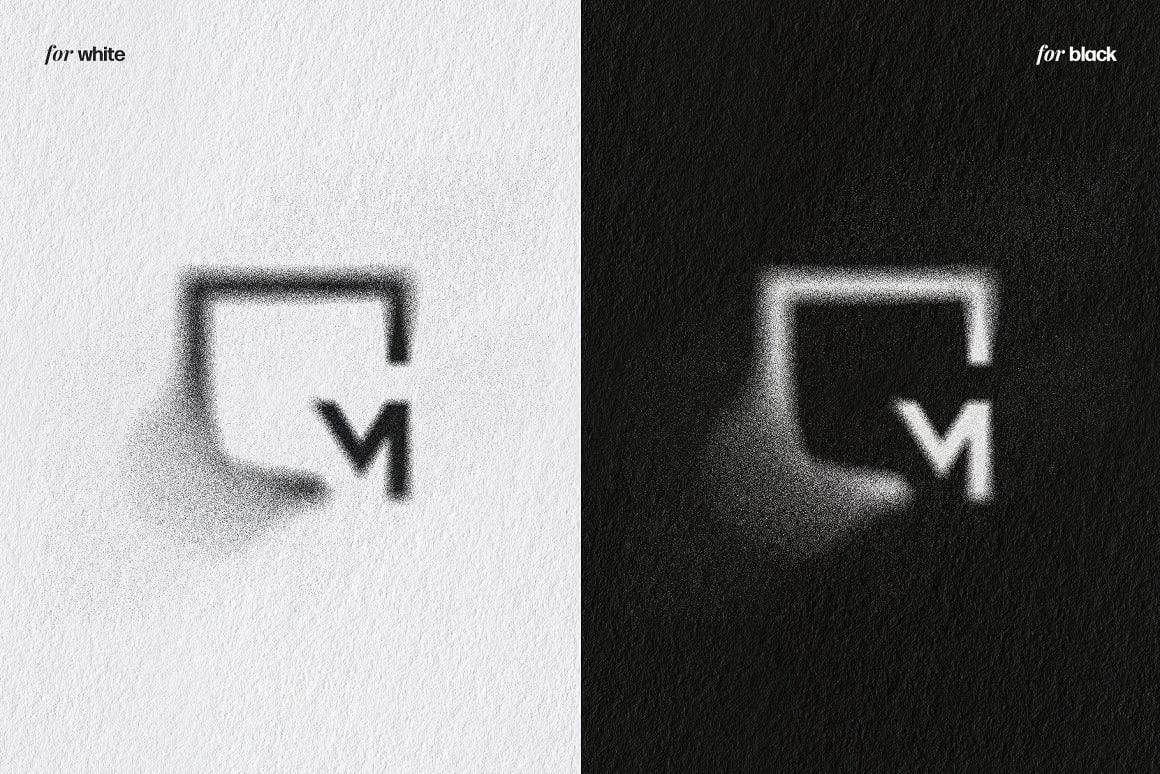
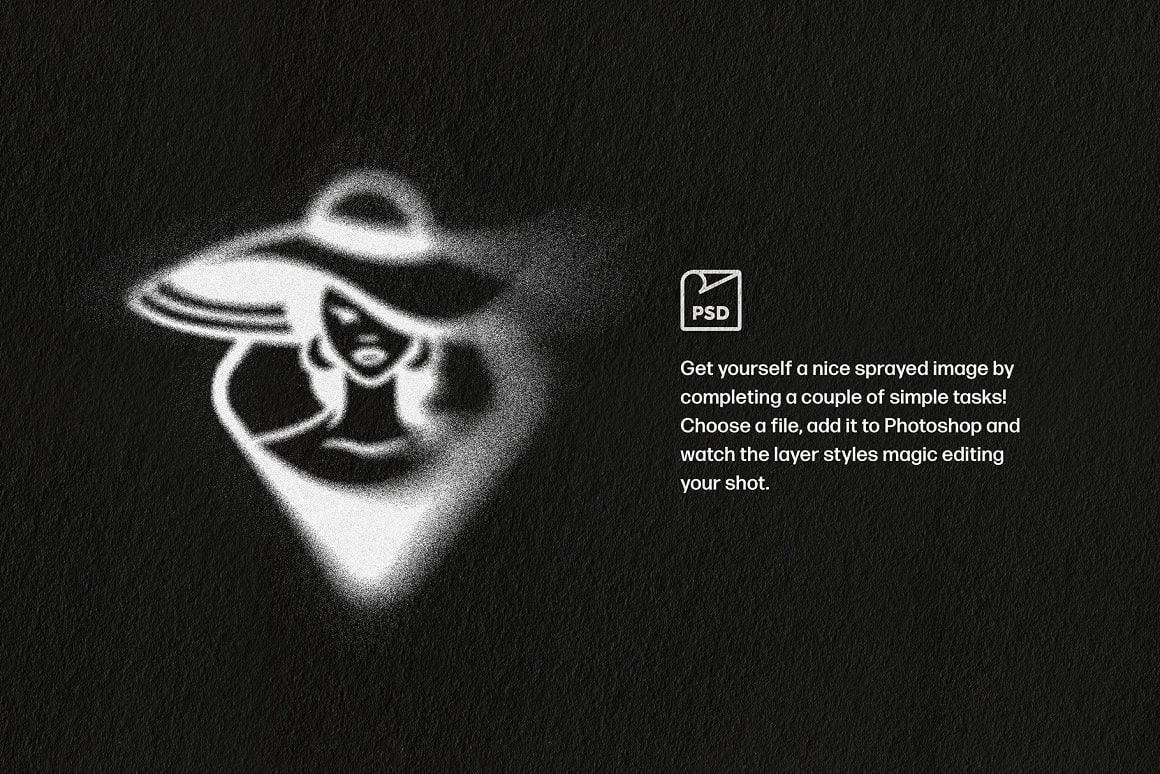
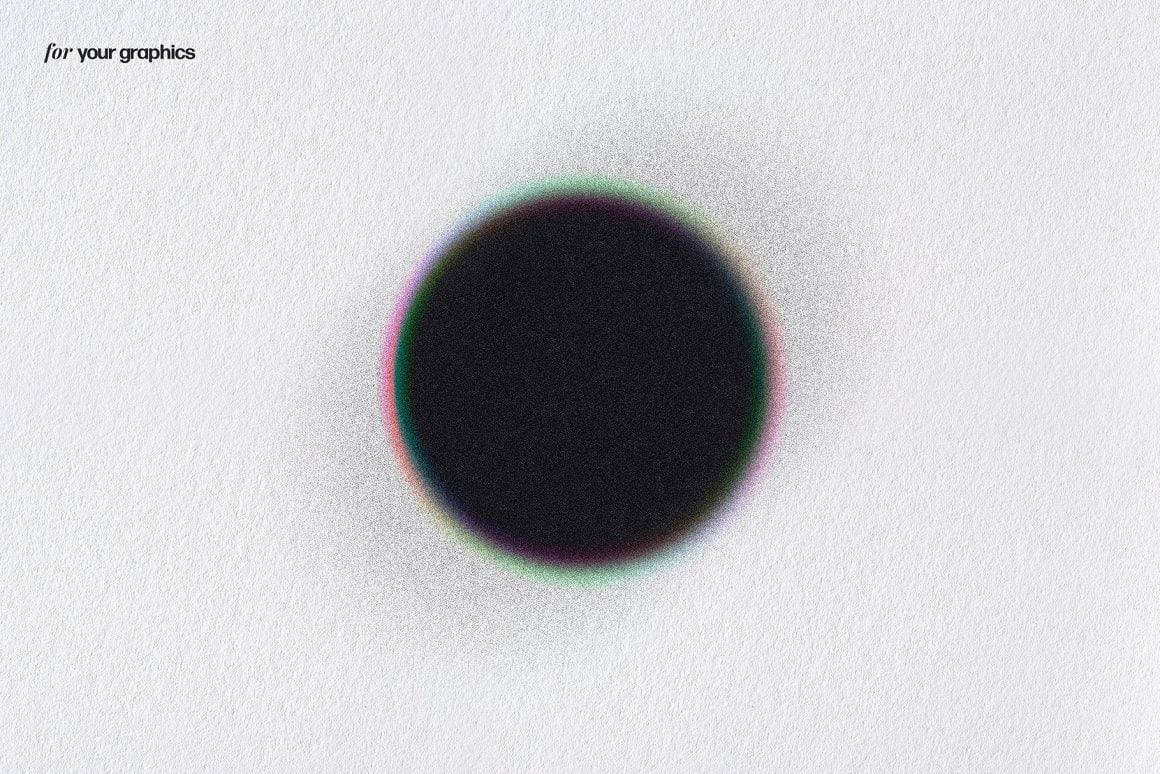
Imagine being able to transform any image into a work of urban art, with an ultra-realistic spray paint effect, without a single paint stain! That's exactly what this set of Photoshop layer styles offers you.
With this tool, you can give your designs a grungy and impactful look. The process is simple and quick: just place your image, and the layer styles do the rest. The edges of your creation are naturally embellished with aerosol touches and splashes, perfectly simulating manual stencil work. No more mistakes and messes, the result is always impeccable!
2 high-quality PSD files
6 paper textures
Dimensions of 4500 x 3000 px
A help file to guide you
Perfect for designers, digital artists, or urban design enthusiasts, this tool is a must-have for bold creations and an authentic spray paint effect, without the drawbacks.
Avis clients
Glad I found this!
« Was once on sudio AA’s website, with a few more features for free. Lost the file and this was the only one I found. Good, but not the same as I miss the other settings. Grateful to have it either way” »on Text Trasher
« Hh »on TRANSLUCENT PLASTIC BAG MOCKUP
« Loved this texture Worked well for my scene Thank you »on +10 BROKEN GLASS TEXTURE (FREE)
Service client catastrophique
« Aucun article reçu sur 3 après 3 semaines d'attente, un remboursement pour l'un des article n'incluant pas les frais de port alors que l'article n'était meme pas en stock. Aucune réponse du service client par mail ou message Instagram, je déconseille fortement. »
nrv
« wAllah nrv »
génial
« merci »
« Certifié nasty »
Goatesque
« C monstrueux j'ai utilisé le pack 2 semaines et j'ai placé 84 artistes depuis »
banger
« eh juste foncez prenez utilisez c’est une pépite »
« 👍 »
merci
« encore merci »
« Magnifique kit »
The shop
Discover
Questions fréquentes
Accès aux fichiers, téléchargement, logiciels : les réponses aux questions les plus posées.
Directement après paiement via une page de confirmation + lien dans l'email. Connecté à votre compte, vous les retrouvez dans "Mes fichiers".
Vérifiez votre dossier spam. Si le problème persiste, écrivez-nous à contact@hytrape.com. Notre équipe vous répond au plus vite.
Certains produits oui (mockups, effets texte, templates), d'autres sont compatibles avec tous les éditeurs d’images. Voir les spécifications produit.
Ouvrez le fichier PSD > double-cliquez sur l'objet dynamique > ajoutez votre design > enregistrez > c’est prêt.


