20% FIRST ORDER: HYTR20

Product details

Everything you need before you create

Check the included files, compatibility, license and support before purchasing.

What's included

Product Description:

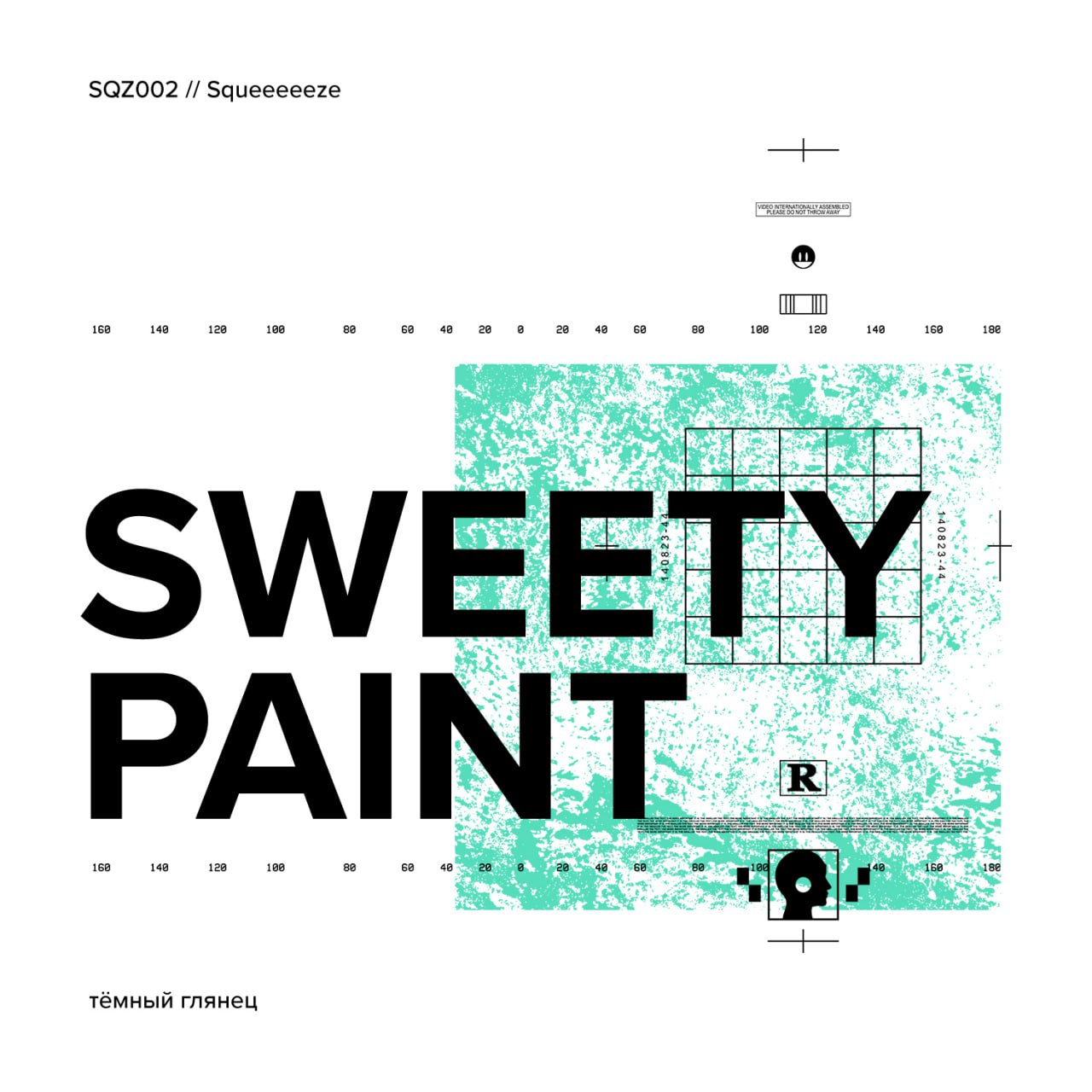
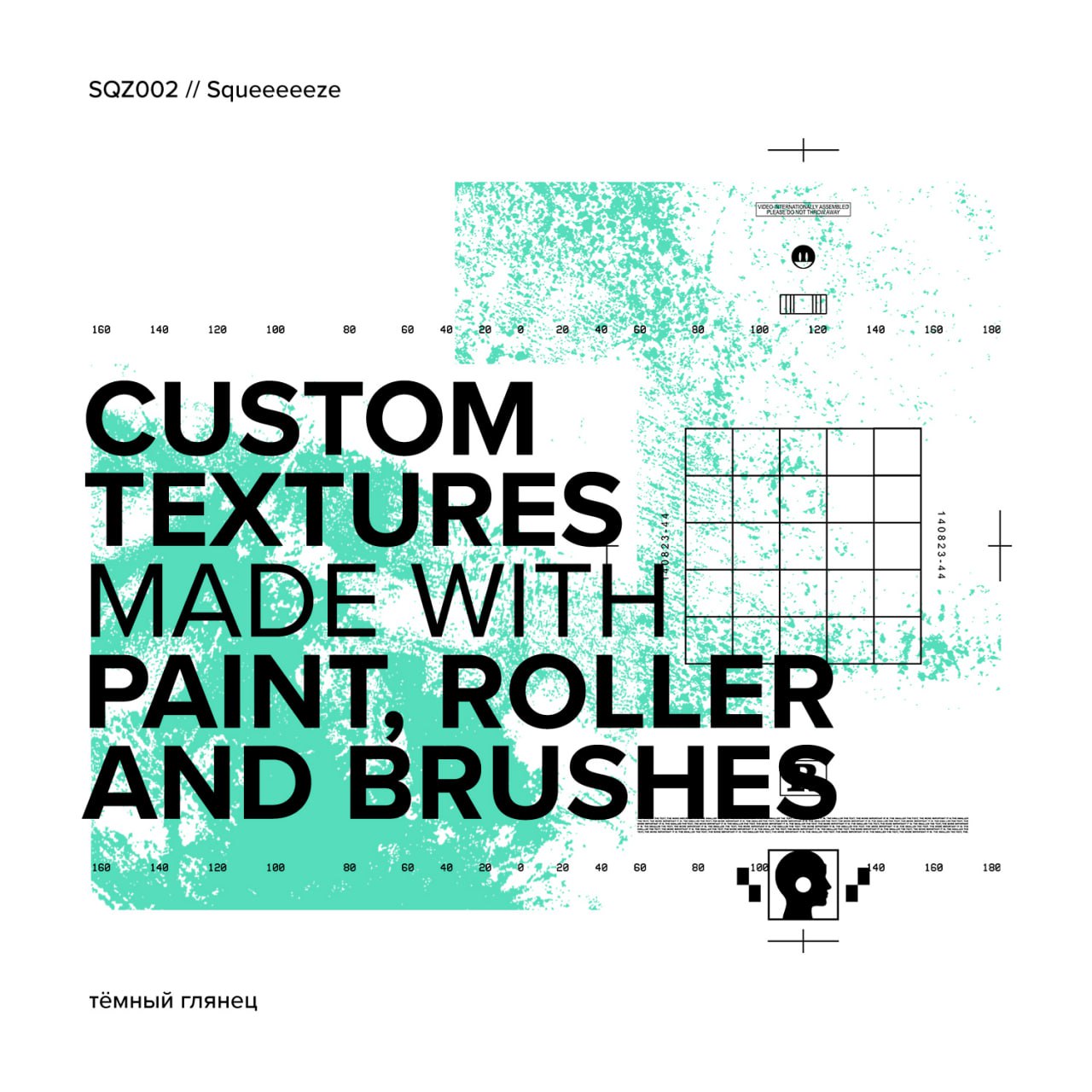
Discover "Sweety Paint," a collection of 38 custom textures created from paint, rollers, and brushes. This pack is designed to enrich your design and creative projects by offering a wide range of surface effects.

Key Features:

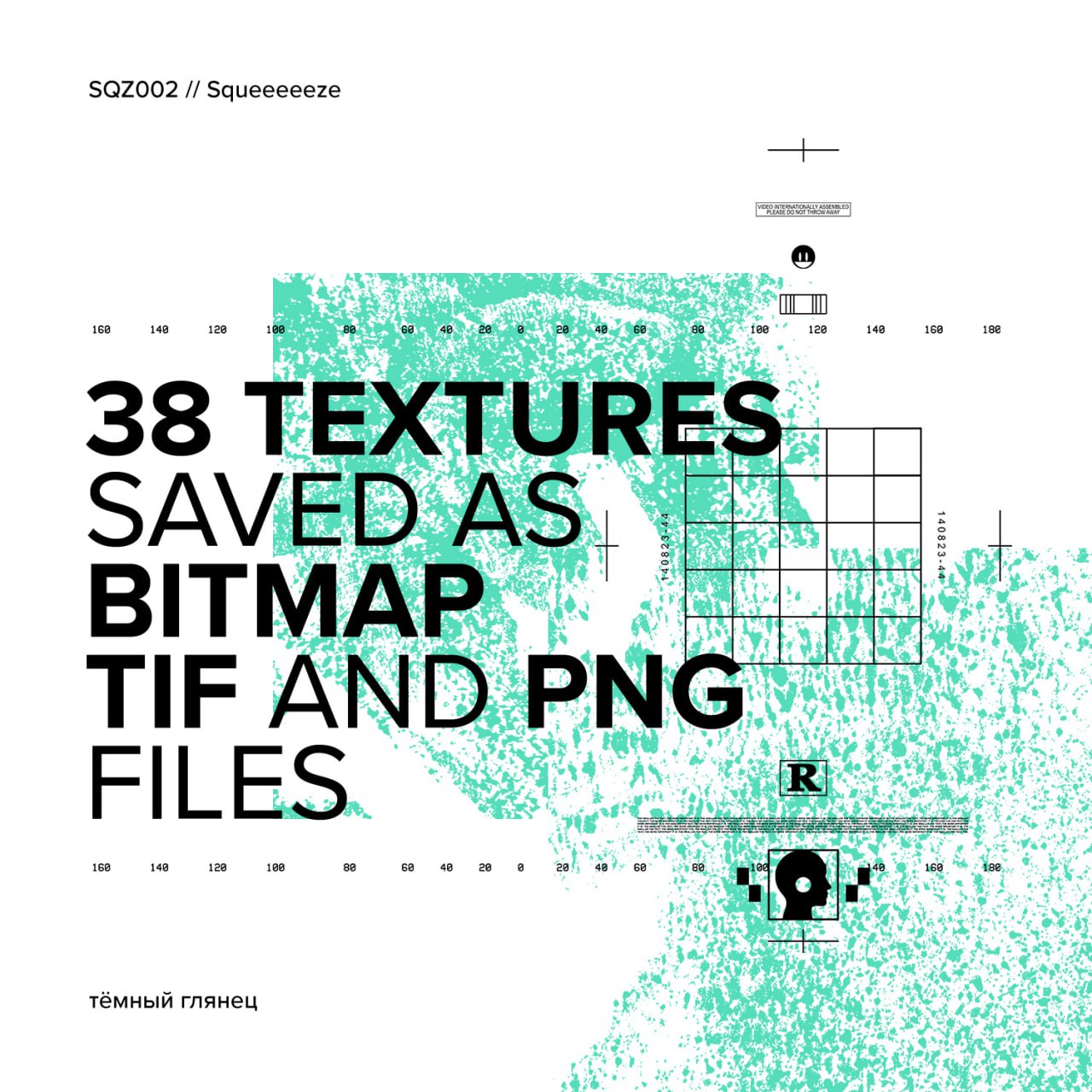
  • Number of textures: 38 unique textures.

  • File formats: Bitmap, TIF, and PNG files, ensuring easy compatibility and use.

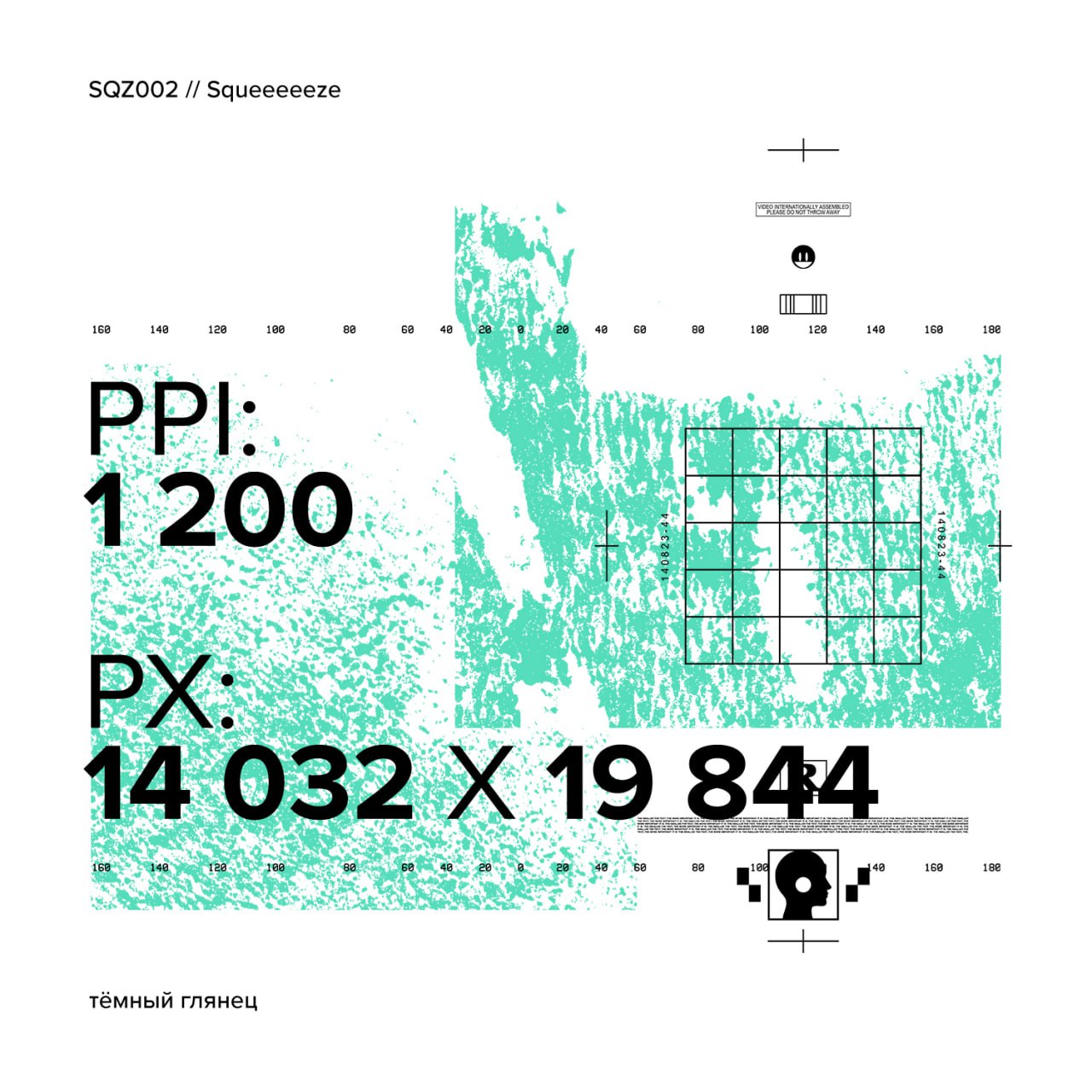
  • High resolution: Very high-quality textures with a resolution of 1200 DPI (Dots Per Inch) and dimensions of 14,032 x 19,844 pixels.

  • Versatility: Perfect for use in design, graphic, illustration projects, and much more.

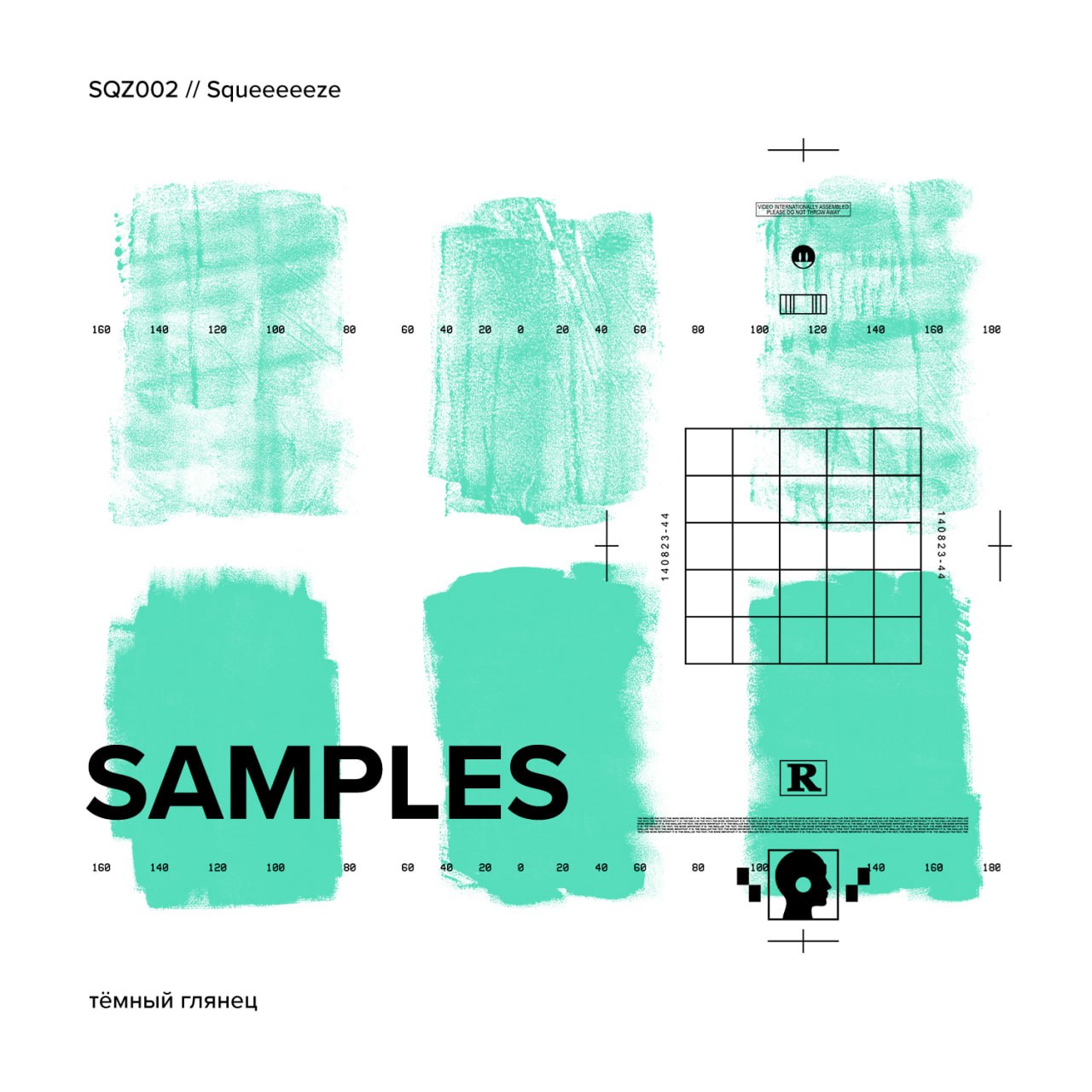
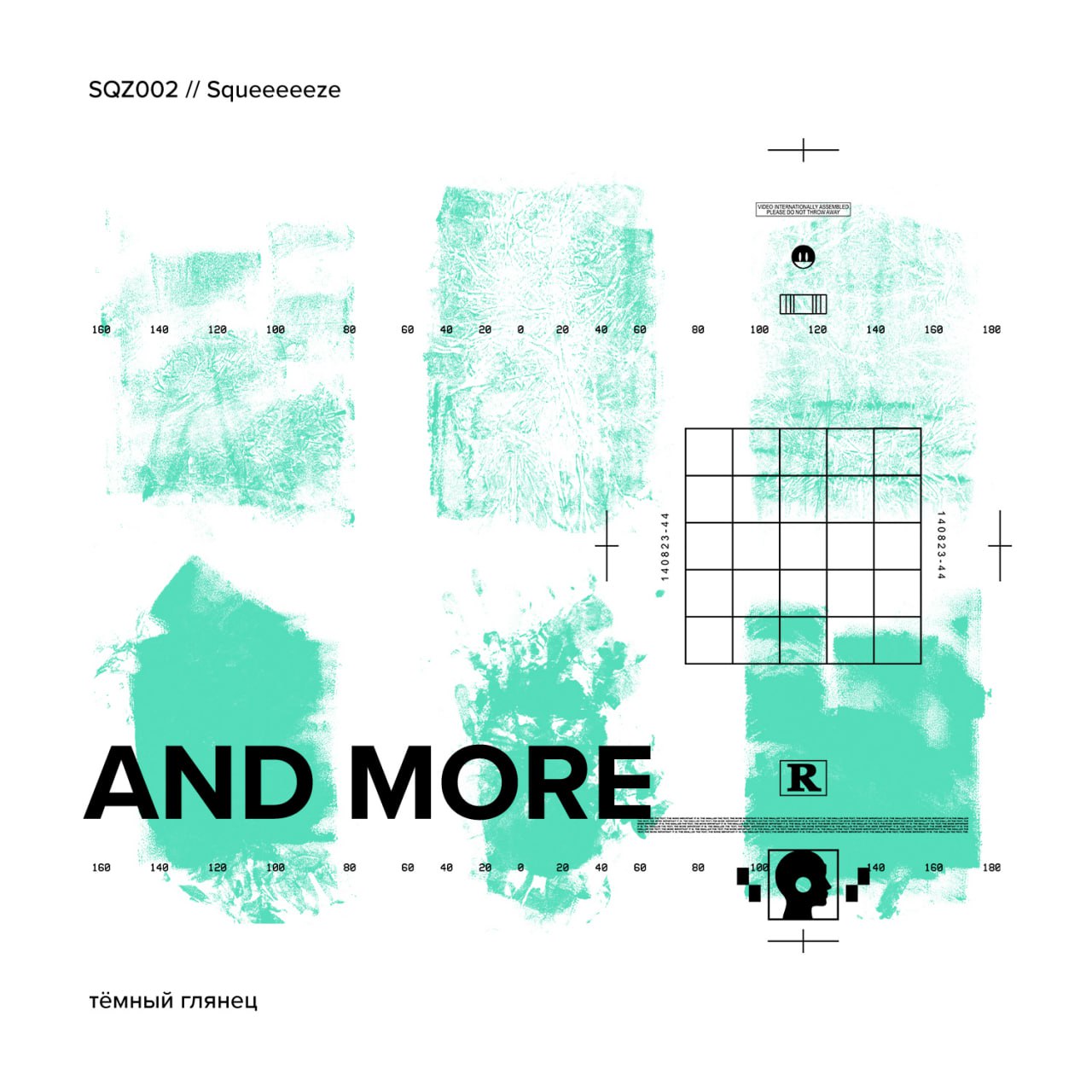
  • Samples and more: The pack includes samples and various textures to stimulate your creativity.

Compatibility and specifications

Category
Graphic · Mockups
File formats
PNG, TIFF

Simple, transparent rights

Choose the right license for your project

The selected license defines where and how the asset can be used. Check the exact terms before purchase.

Review the license terms linked at checkout or contact support before purchasing.

Available licenses may vary by product. The license selected at purchase prevails. Read the full terms →

Need help before purchasing?

We can confirm compatibility, formats and license terms for your project.

Product FAQ

Questions specific to this resource

Which formats are included?

The formats listed for this resource are: PNG, TIFF.

Example published with its creator’s permission.

Verifiable customer reviews

The ratings and review count below come from the store’s connected review system.

10,000+
orders placed on HYTRAPE
4.7/5
45 reviews
Judge.me
Purchase-linked reviews

Purchase-linked reviews

No published reviews yet

We do not display estimated ratings or artificial counters. Be the first to share feedback after purchasing.

Read reviews →

Customer Reviews

Be the first to write a review
0%
(0)
0%
(0)
0%
(0)
0%
(0)
0%
(0)

FAQs

How do I access my files after purchase?

Directly after payment, you'll see a confirmation page and a link in the email. Once you're logged into your account, you'll find them in "My Files."

I can't download my product. What should I do?

Check your spam box. If the problem persists, contact us at contact@hytrape.com . We will respond within 24 hours.

Do I need Photoshop?

Some products (mockups, text effects, templates) do, while others are compatible with all image editors. See product specifications.

How to use your mockups?

Open the PSD file > double-click the smart object > add your design > save > it's done.

Ask your question here: